Coding Arcade Kit
Game-Based Learning

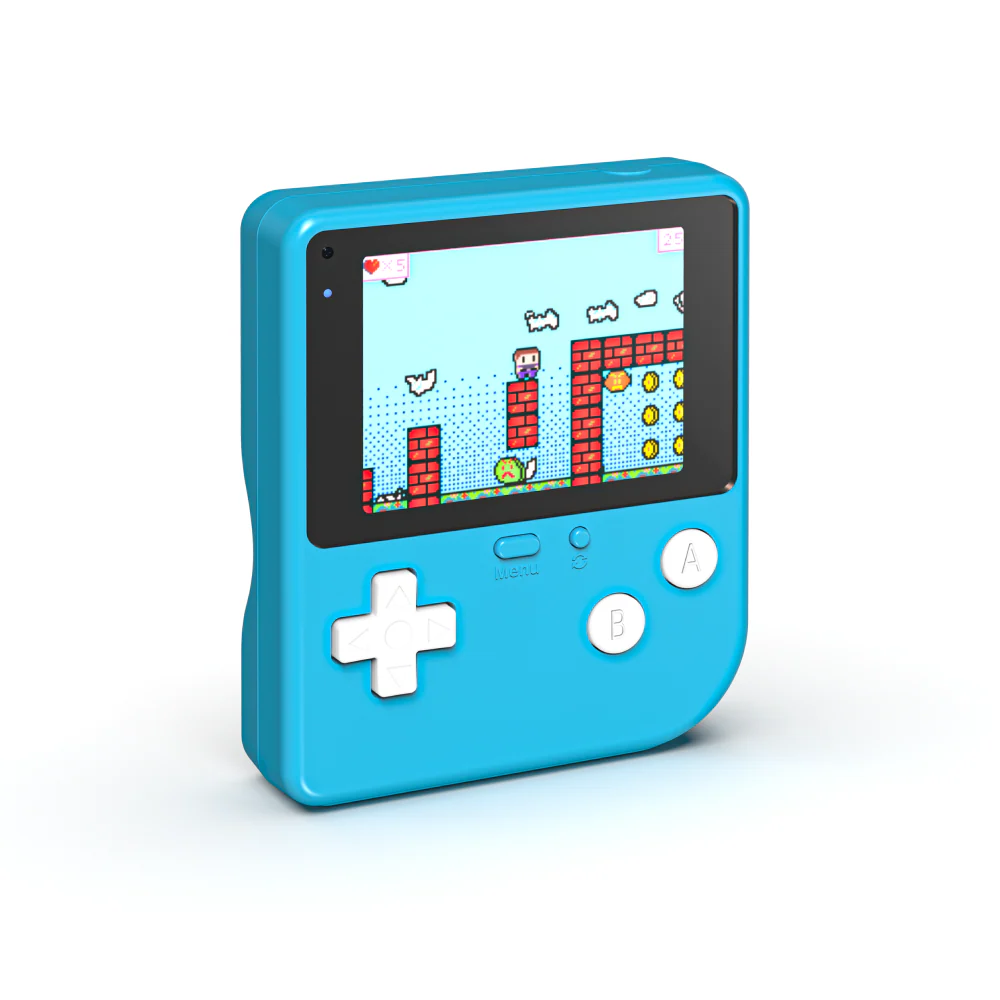
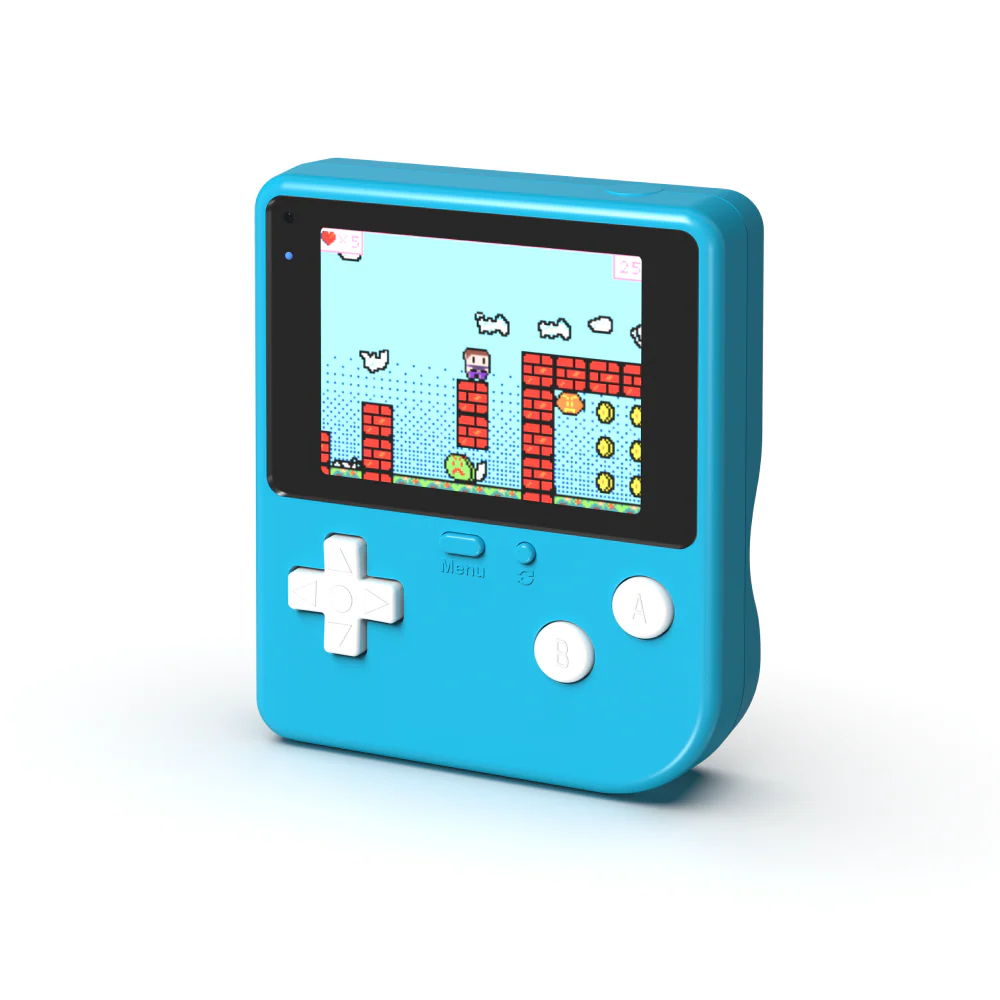
Retro Arcade For Education

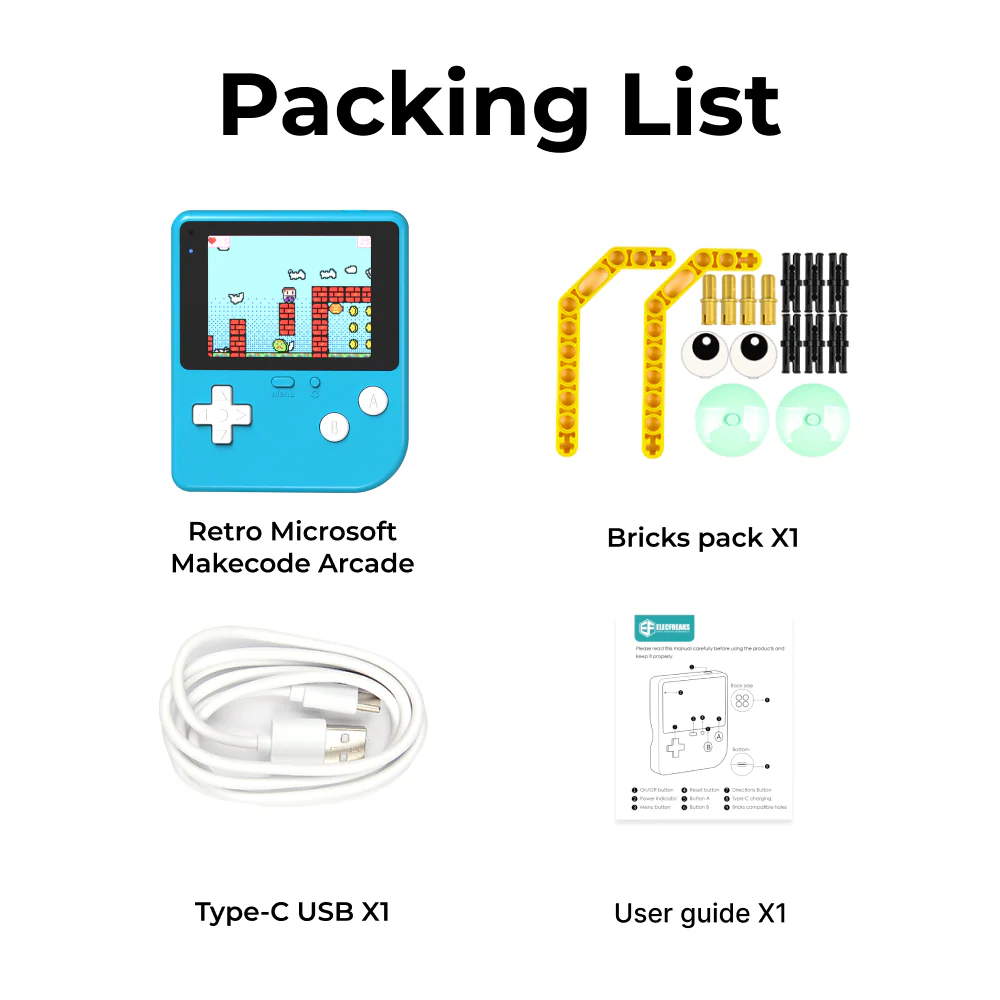
The world's first game programming learning machine with a large, ultra-clear screen. Students don't just play games — they build them, using block-based coding on Microsoft MakeCode Arcade.

Grades 5–12 MakeCode Arcade 320×240 Display Built-in Sensors LEGO Compatible
Request a Demo
Retro Arcade For Education device
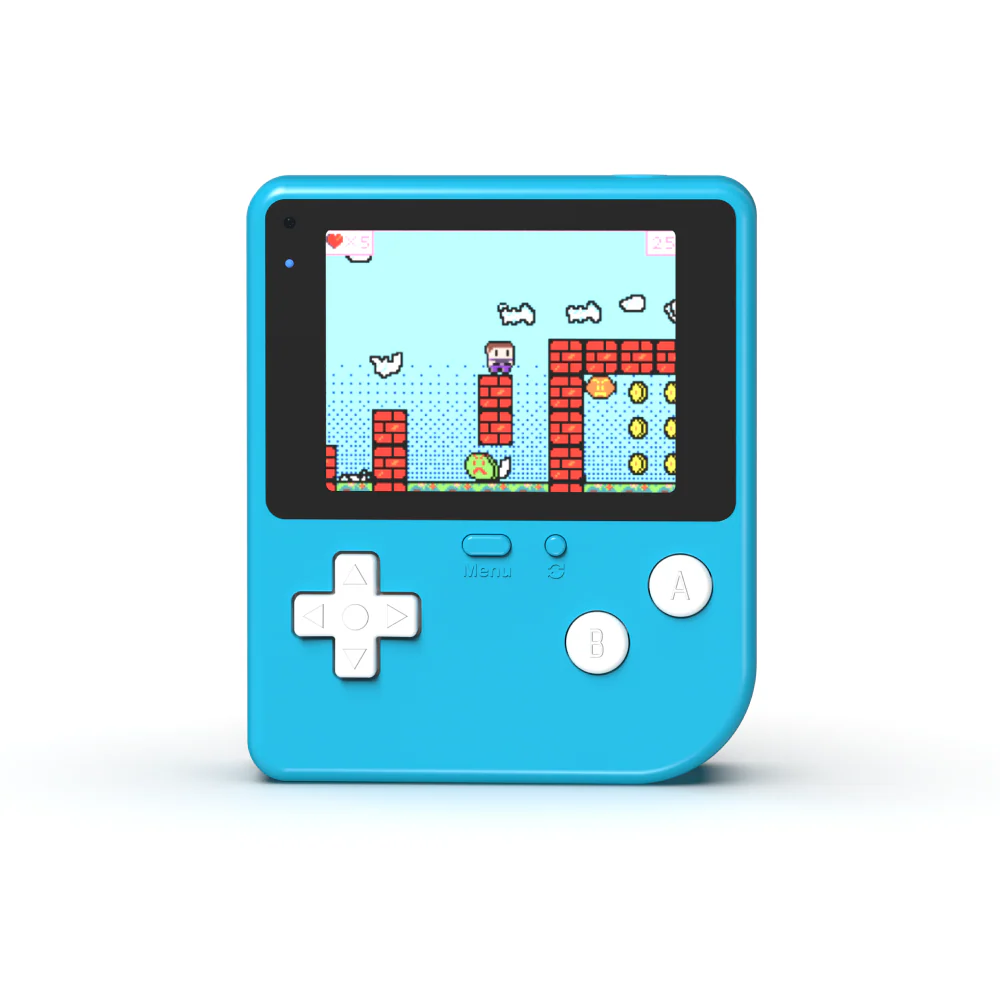
320×240
Screen Resolution
Clarity vs. Industry
10
Included Cases
Retro Arcade For Education in use

Game Creation as the Gateway to Programming

The Retro Arcade For Education is engineered to make kids fall in love with programming — not the game itself. By creating their own games with personalized characters, custom scenarios, and real gameplay logic, students naturally internalize core coding concepts.

🎮
Design-First Learning
Students design game characters, build custom scenarios, and write the plot — transforming abstract coding into creative authorship.
📟
Ergonomic for Kids
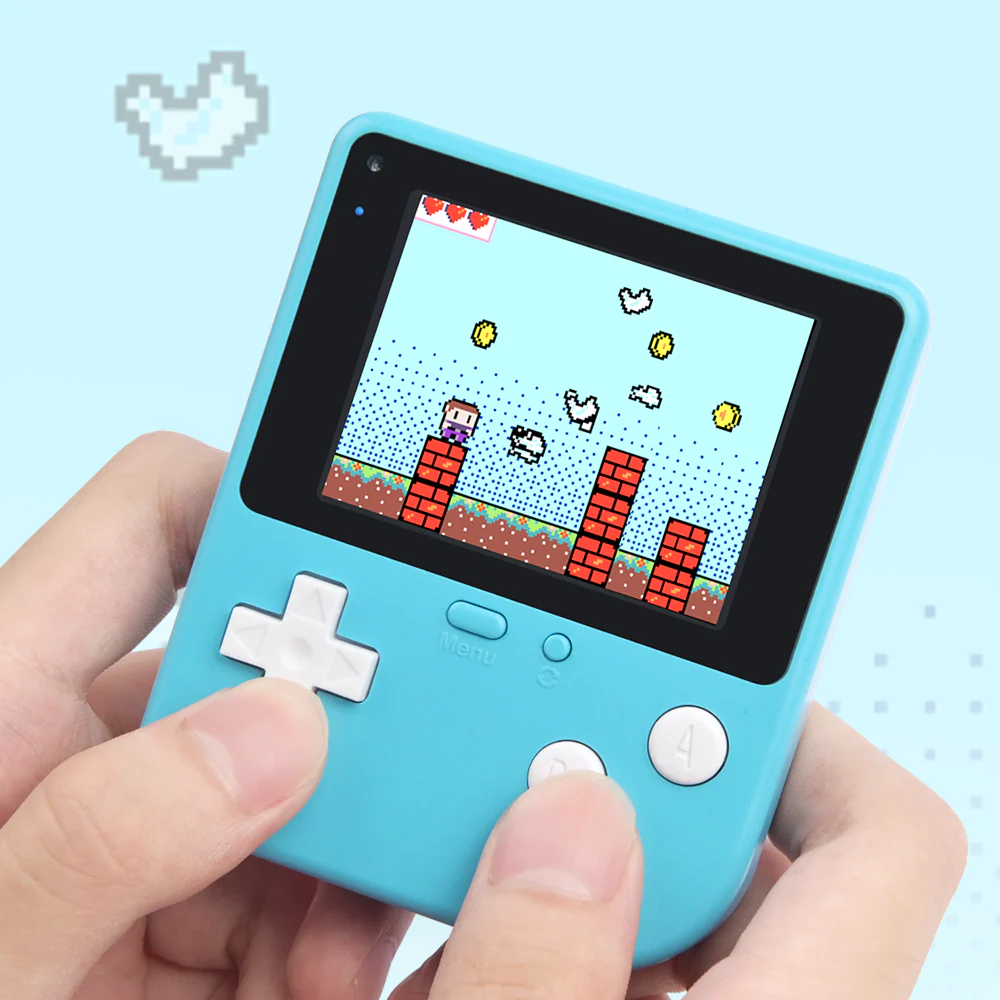
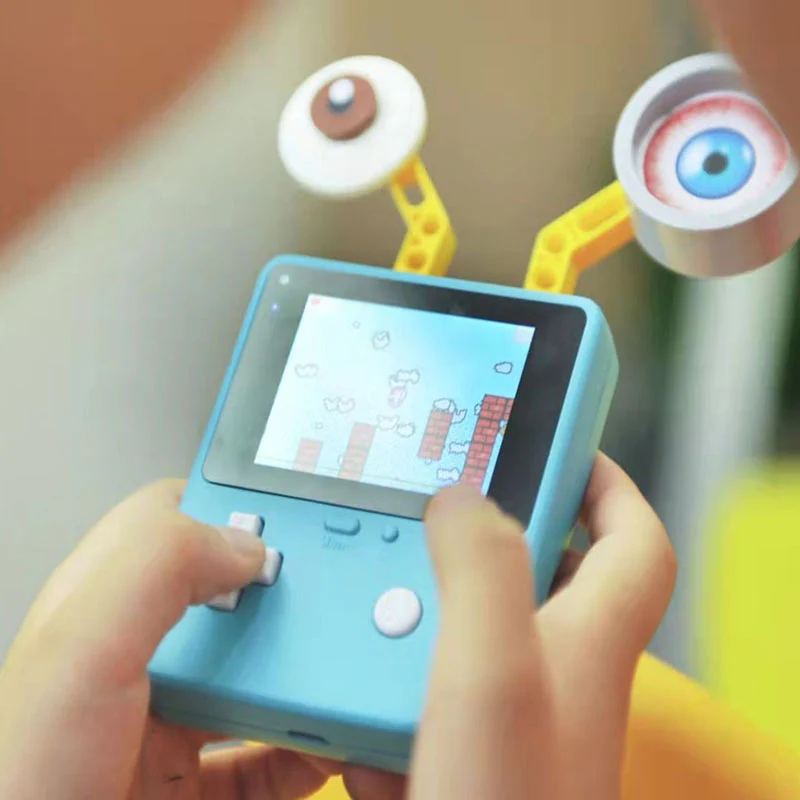
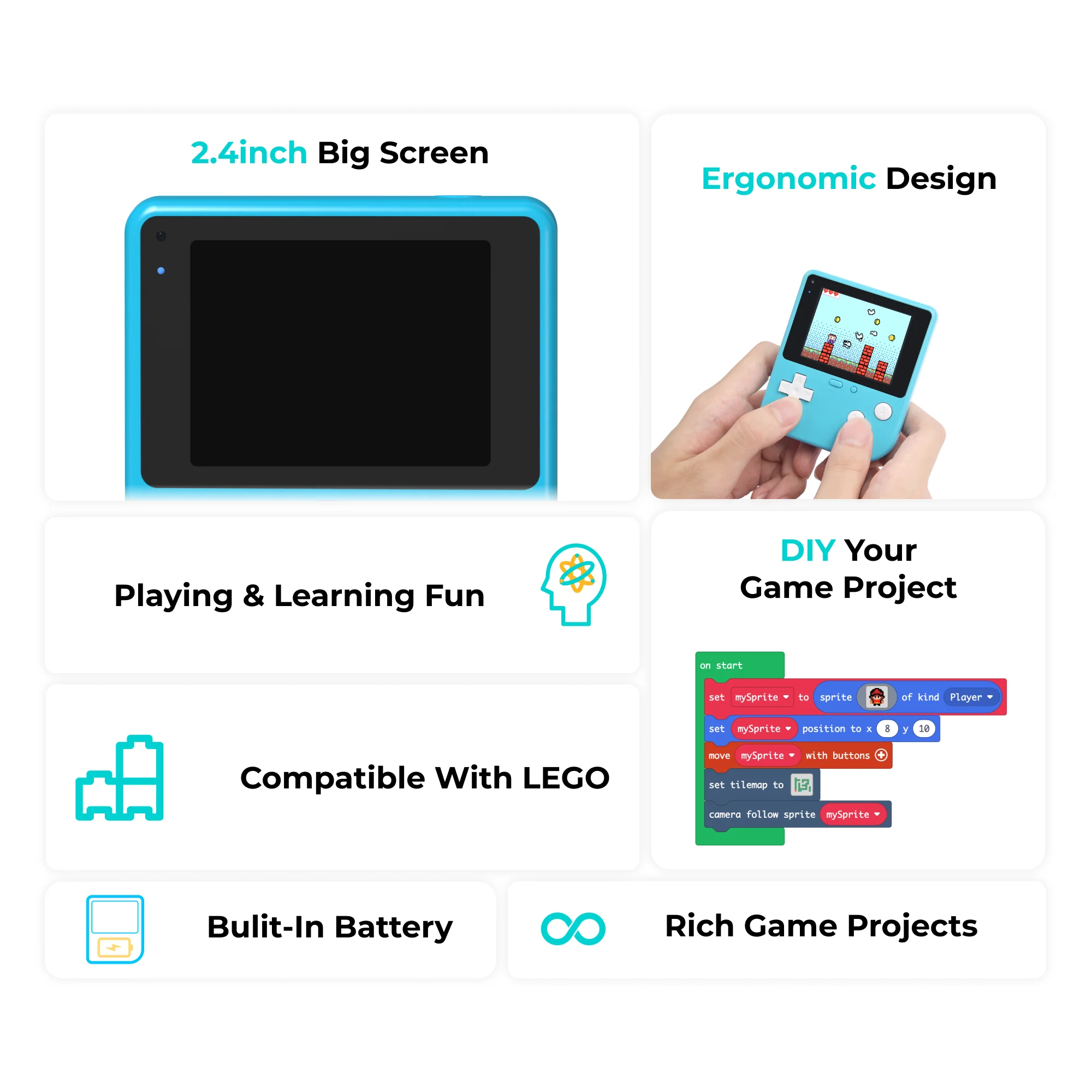
Designed with children's ergonomics in mind — vibrant color shell, silicone buttons, and a comfortable grip that feels natural during extended sessions.
🧱
LEGO Compatible
Supports LEGO bricks for physical extensions, letting students combine digital game creation with physical building projects.

Everything Built for the Classroom

Purpose-built hardware and software for educational game programming — from the first line of code to a fully playable game.

🖥️
Ultra-Clear 2.4" Display
320×240 resolution color screen — four times better clarity than industry standards. Students see their creations come to life in vivid detail.
🌀
4 Built-in Sensors
Gravity sensor, vibration sensor, sound sensor, and light sensor all built in — enabling sensor-driven game mechanics straight out of the box.
🧩
Block-Based Programming
Powered by Microsoft MakeCode Arcade — an accessible, graphical coding platform that grows with the student from beginner to advanced.
🎵
Buzzer & Vibration Motor
Built-in buzzer for sound effects and a vibration motor for haptic feedback — students can add multi-sensory elements to their games.
🔋
Type-C Rechargeable
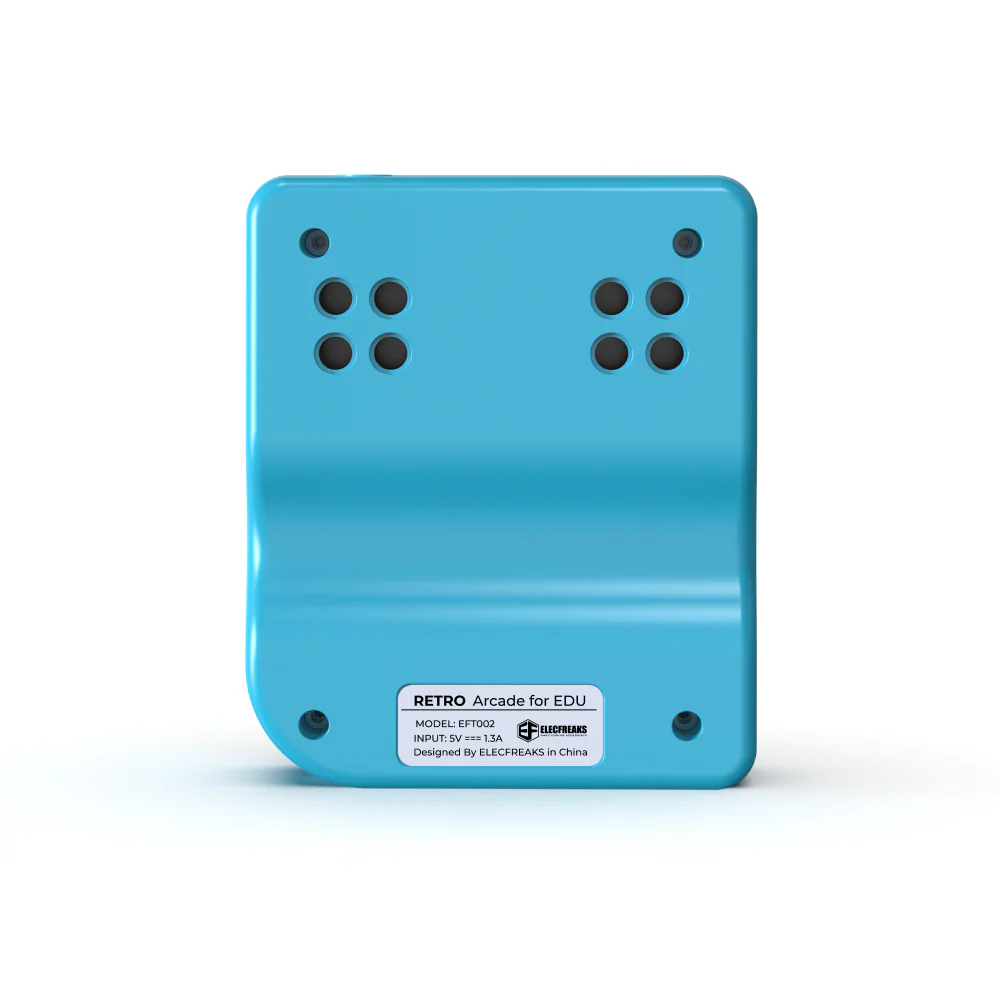
560mAh battery charges via Type-C in approximately 1.5 hours. LED indicators show battery health and charging progress at a glance.
🧱
LEGO Brick Compatible
Integrates directly with LEGO bricks, bridging physical building and digital game programming for cross-curricular STEAM projects.

Hardware Details

Display & Controls
Screen Size2.4 inches
Resolution320 × 240 pixels
Screen TypeColor LCD
ButtonsSilicone D-pad + A/B + Menu
LEGO CompatibleYes
Power & Charging
Battery Capacity560 mAh
Rated Voltage3.7V
Charging PortType-C USB
Input Voltage5V
Charge Time~1.5 hours
Charge Current1.35A
Built-in Sensors
Gravity SensorAccelerometer (X/Y/Z)
Vibration SensorYes
Sound SensorMicrophone
Light SensorAmbient light detection
GyroscopeYes
Programming & Software
PlatformMicrosoft MakeCode Arcade
Programming StyleBlock-based (drag & drop)
Download MethodUSB + Reset button
OutputBuzzer + Vibration motor
ConnectionType-C data cable

How to Download Programs

Loading student-created games onto the Retro Arcade is quick and straightforward — no complex setup required.

01
💻
Write or Open Your Game
Open Microsoft MakeCode Arcade and write your game, or load an existing project.
02
🔌
Connect via USB
Plug the Retro Arcade into your computer with a Type-C cable and press F4 in MakeCode.
03
🔄
Enter Download Mode
Single-click the reset button on the device to enter the download screen.
04
📡
Pair the Device
In MakeCode, select "Arcade" as the device type and confirm the pairing.
05
🎮
Download & Play
Click Download, unplug, power on — your game is live on the device!

What Students Gain

The Retro Arcade curriculum builds a progression of computational thinking skills — from basic sprite control to sensor integration and enemy AI.

🕹️
Sprite Control
Program player characters with button inputs, boundary detection, and velocity-based movement.
💥
Collision Detection
Implement overlap events, projectile mechanics, and health systems that respond to in-game collisions.
⏱️
Timers & Events
Use countdown timers, interval events, and game state transitions to build dynamic gameplay loops.
🤖
Enemy AI
Create enemies that spawn at random intervals, track the player, and trigger game-over conditions.
🗺️
Scene & Map Design
Build tile-based maps, design custom backgrounds, and implement camera-following behavior.
📡
Sensor Integration
Use the accelerometer for tilt controls and the light sensor for environment-reactive game mechanics.
🏆
Win/Loss Conditions
Design complete games with score tracking, lives systems, and meaningful victory and failure states.
🎲
Randomization
Apply random number generation to enemy spawning, projectile speed, and procedural level variation.

10 Progressive Learning Cases

Each case builds on the last — students progress from simple sprite games to sensor-driven interactive experiences, developing real game development skills along the way.

01
Aircraft Battle
Purpose
Students create a classic shoot-em-up arcade game. A player-controlled aircraft fires projectiles upward while enemies spawn from the side every second. Students learn sprite control, button-triggered attacks, collision detection, score incrementing, and a 3-life health system.
Sprite Control Collision Detection Scoring Lives System
02
Aircraft Battle (2)
Purpose
Students upgrade the Aircraft Battle game from Case 01 by replacing button controls with the built-in accelerometer — tilting the device steers the aircraft. Students add the controller extension library, map accelerometer X/Y axes to screen coordinates, auto-fire bullets every 300ms, and spawn enemies every 1000ms. Introduces physical sensor input mapping.
Accelerometer Tilt Controls Sensor Input Auto-fire
03
Coins Hunter
Purpose
Students build a coin-collecting game on a green background. The player must collect coins before a 3-second countdown expires — each collection resets the timer. Students practice random food positioning, overlap detection, score incrementing, and countdown timer management under pressure.
Timer Mechanics Random Positioning Overlap Detection Scoring
04
Dodge Monsters
Purpose
Students build a survival game where the player must reach a jewel to win while avoiding monsters that spawn every two seconds. Contact with plants triggers instant game over. Students implement background design, hazard mechanics, enemy AI spawning, a 3-life system, and win/loss conditions.
Enemy Spawning Hazard Logic Win/Loss Conditions Lives System
05
Little Heroes (1)
Purpose
Students learn to control a character's lateral movement and jumping within a custom tile-based scene. They configure Y-axis gravity and velocity, implement a camera that follows the sprite, and build a scrolling platformer foundation. Focuses on scene creation and physics-based movement.
Lateral Movement Jumping Scene Design Camera Follow
06
Little Heroes (2)
Purpose
Building on Case 05, students add map traps and a goal endpoint. Touching plants along the path ends the game; reaching a gem at the end triggers a win. Students design a hazard-filled platformer level with meaningful challenge, failure states, and a satisfying victory condition.
Map Traps Endpoints Win Conditions Level Design
07
Pacman Game
Purpose
Students create a Pac-Man style mini-game where the player collects food items under a countdown timer. Eating the first food item starts a 3-second clock; each additional item resets it. Students apply directional button controls, boundary detection, collision detection, score tracking, and timer logic.
Directional Controls Boundary Detection Timer Logic Score Tracking
08
The Early Bird
Purpose
Students create an animated scene of a bird leaving its nest in a tree. Every 1000ms, projectile birds launch from the tree sprite in random directions at random speeds. Students explore sprite creation, timed game events, randomized projectile properties, and animation without player input — introducing procedural animation concepts.
Animation Timed Events Randomization Projectile Sprites
09
Little Heroes (Dodging Monsters)
Purpose
Students complete the Little Heroes trilogy by adding an enemy AI system. Monsters spawn randomly every two seconds and pursue the hero. Players start with 3 lives; each monster hit reduces lives by 1. Students combine platformer mechanics (movement, jumping, traps, gem goal) with a full enemy health system — a complete game loop.
Enemy AI Health System Complete Game Loop Platformer
10
Walking the Maze
Purpose
Students design a maze with entrance and exit points where the background changes dynamically based on ambient light — darker environments turn the background black; brighter environments turn it light blue. Entering the maze triggers a 10-second countdown with vibration feedback. Reaching the exit triggers confetti and victory effects. Students combine spatial design with environmental sensor integration.
Light Sensor Maze Design Countdown Timer Vibration Feedback

Ready to Bring Game Programming to Your Classroom?

Get the Retro Arcade For Education kit and start your students on a path from playing games to building them.

Request a Demo View All Products