⚽ Sports-Themed STEAM Kit
Building Blocks Kit

Nezha Pro
Sport Kit

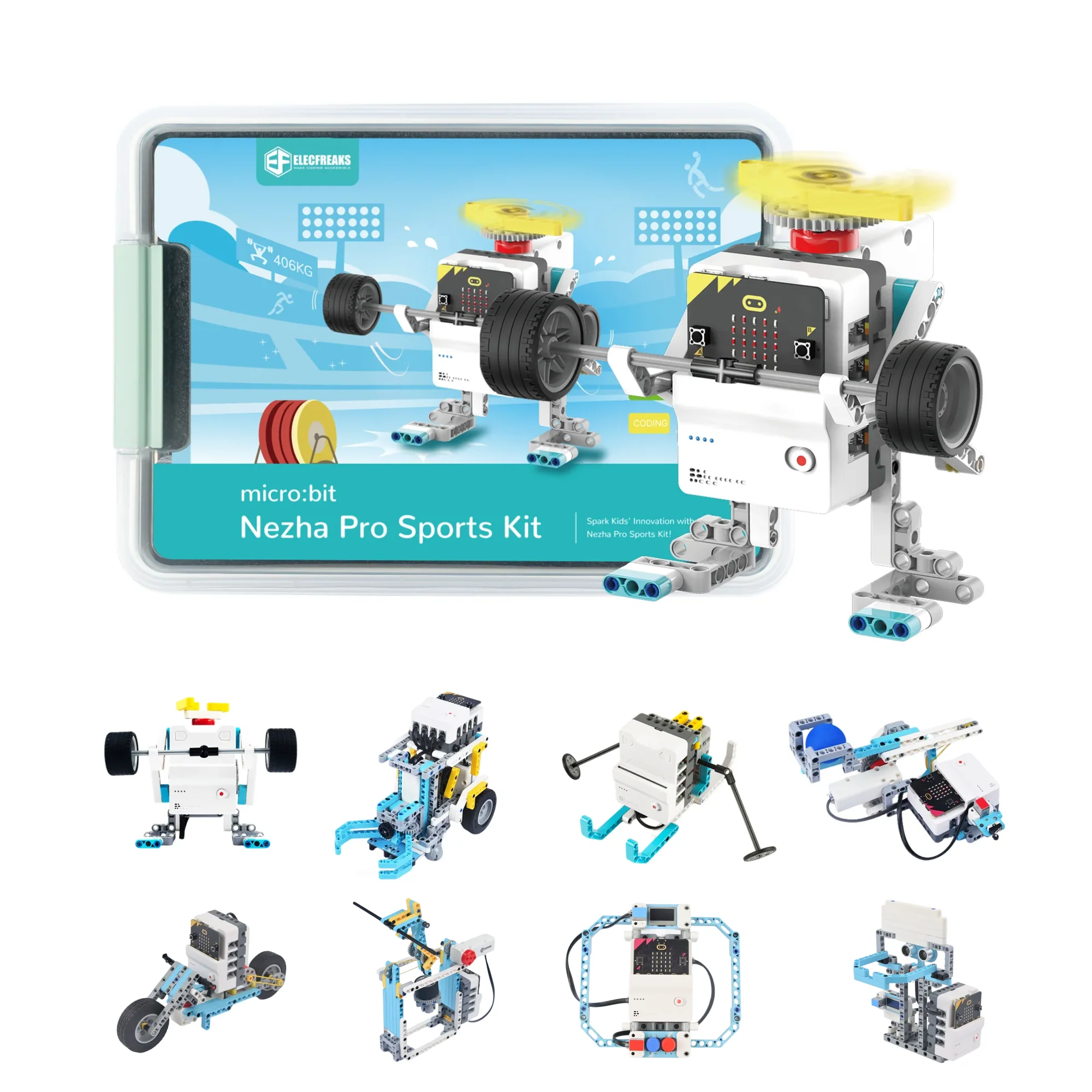
A sports-themed STEAM educational kit for primary and secondary school students, featuring 20+ competition-inspired cases, 500+ building blocks, and powerful encoder motors for competition-level robotics.

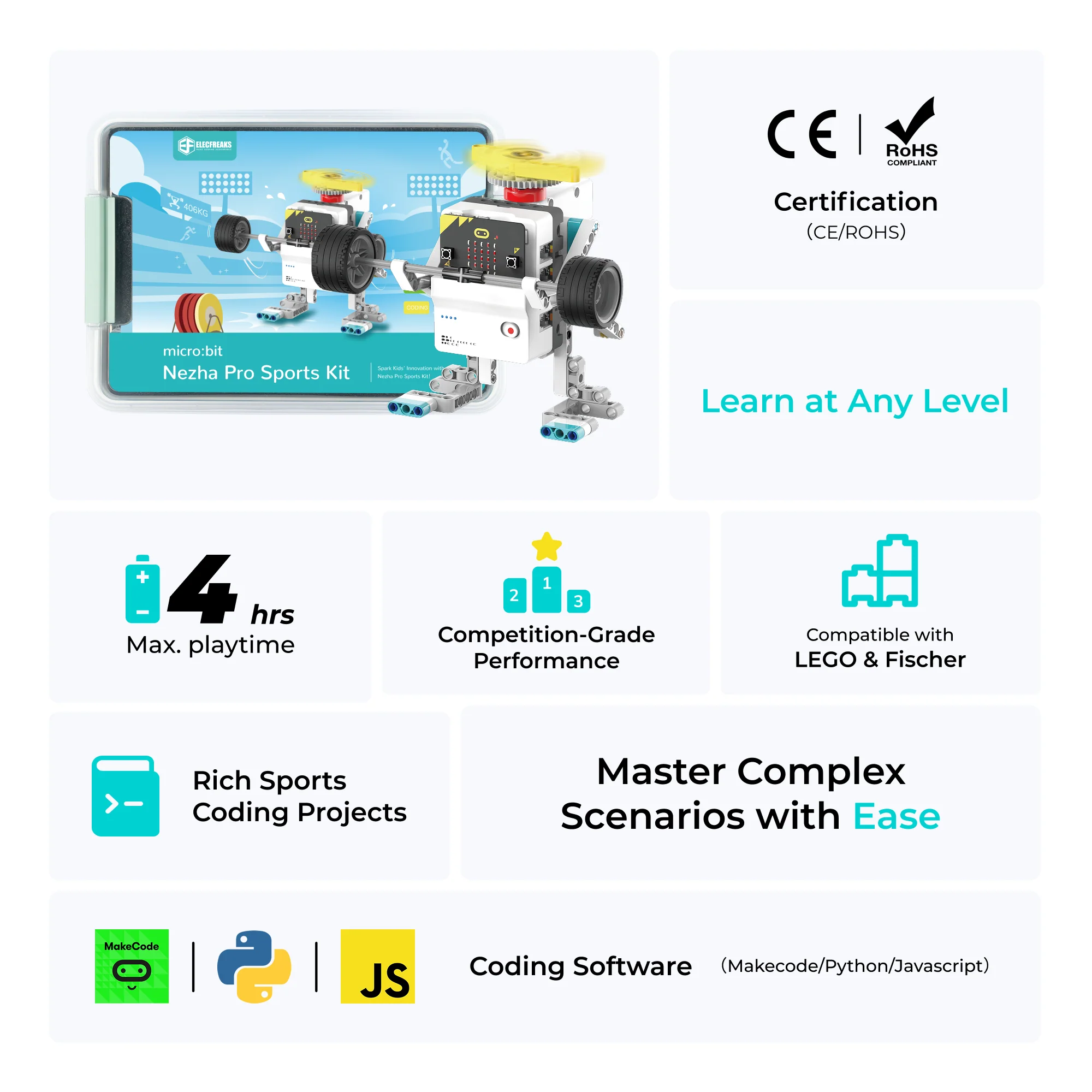
20+ Sport Cases 500+ Blocks 4 Encoder Motors MakeCode & Python Ages 7+ Masterless Mode
Explore Cases →
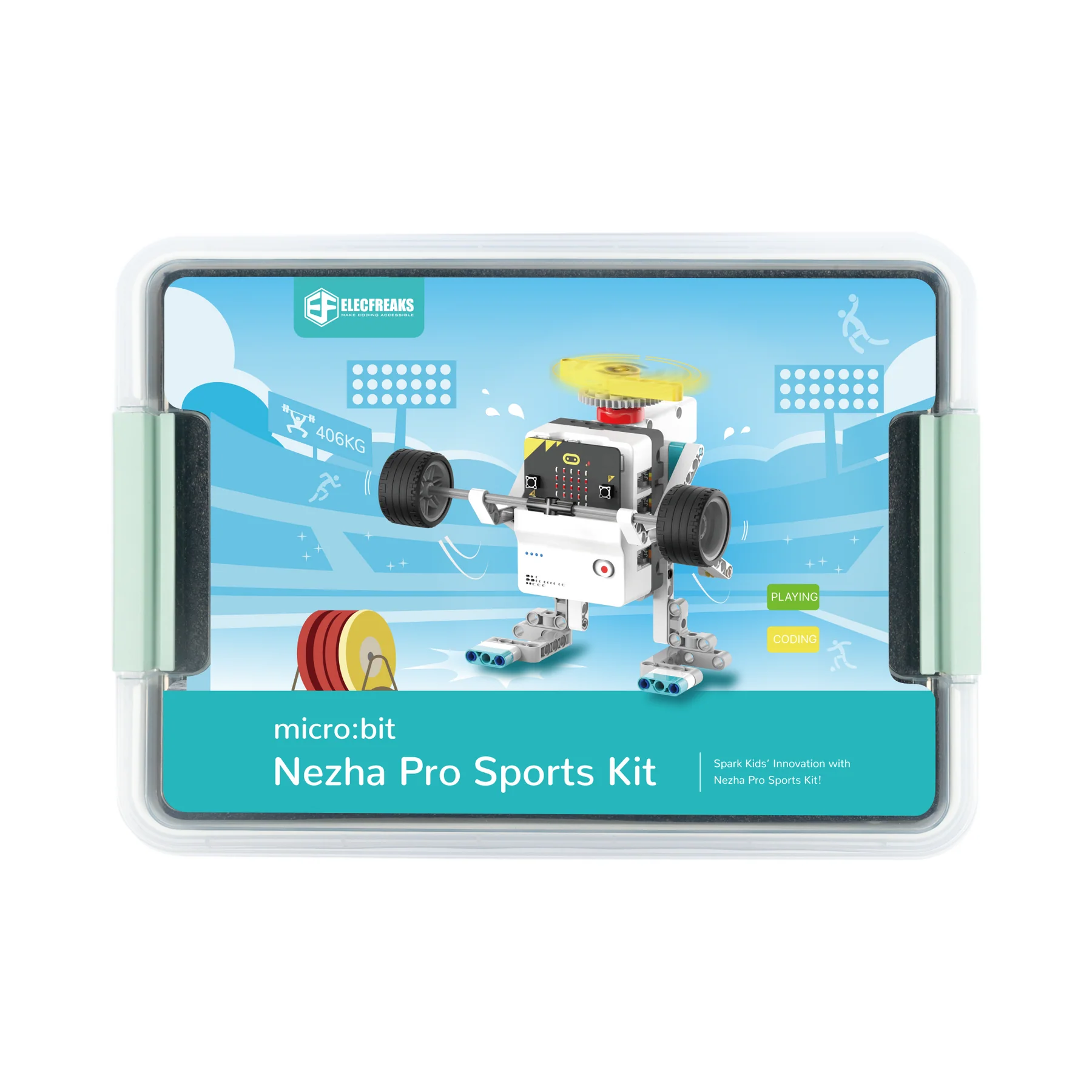
Nezha Pro Sport Kit
21
Cases
500+
Blocks
4
Motors
7+
Age

Sports Meets STEAM Engineering

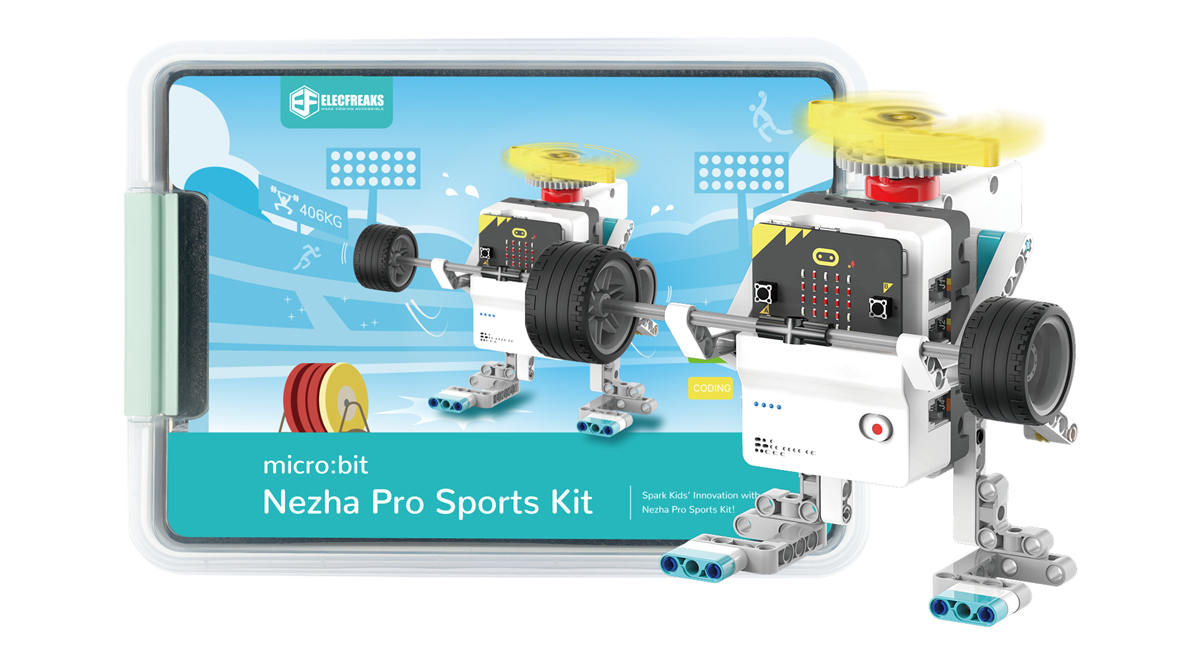
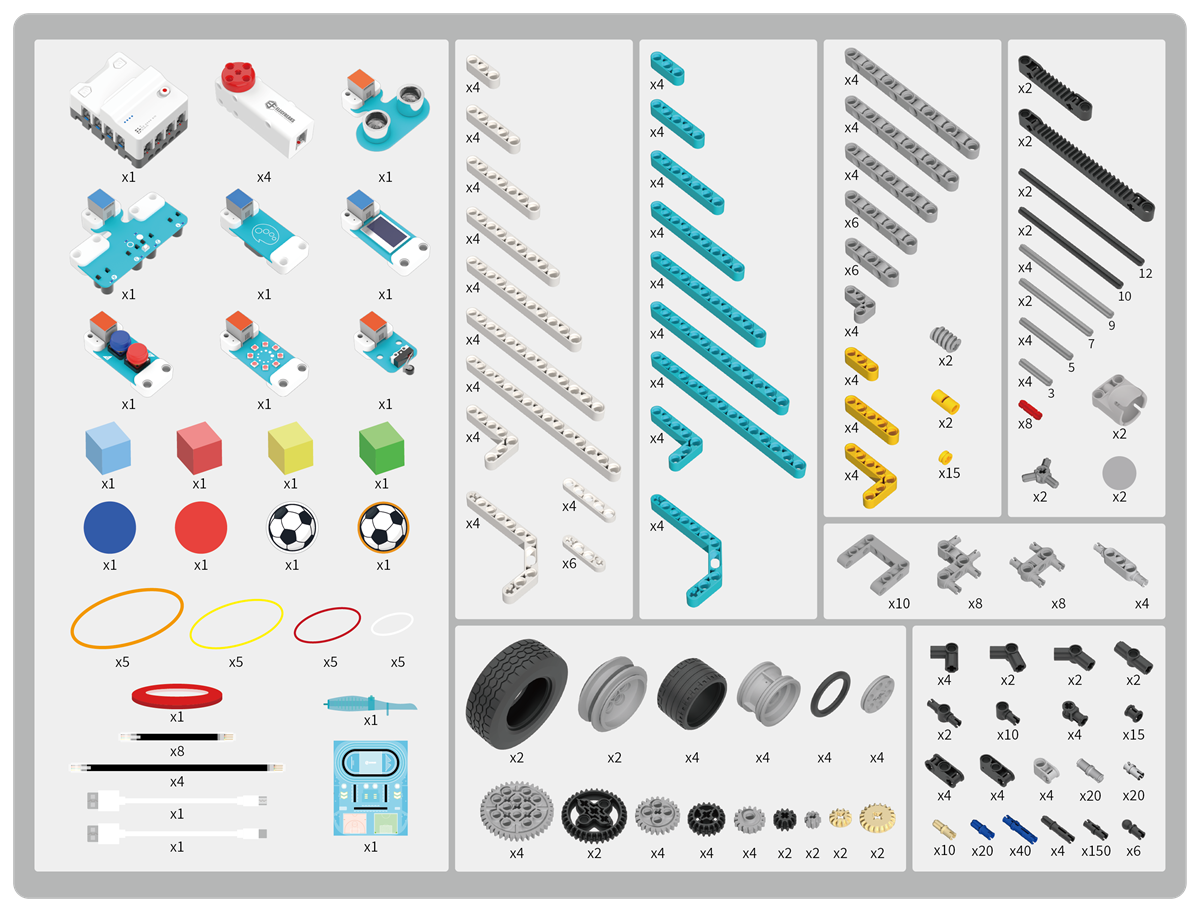
Nezha Pro Sports Kit is a sports-themed STEAM educational kit designed for primary and secondary school students. Built on the Nezha Pro Breakout Board and Planet X sensors, it includes four line-following sensors, ultrasonic sensors, collision sensors, eight light rings, OLED displays, and four encoder motors. The kit supports masterless mode and contains 20+ cases and nearly 600 building blocks.

🚫
No Master Control Mode
Beginners can operate motors directly via button presses without writing any code — perfect for first-time learners.
Four Encoder Motors
Powerful closed-loop encoder motors deliver competition-level precision, enabling complex movement and positioning.
🏅
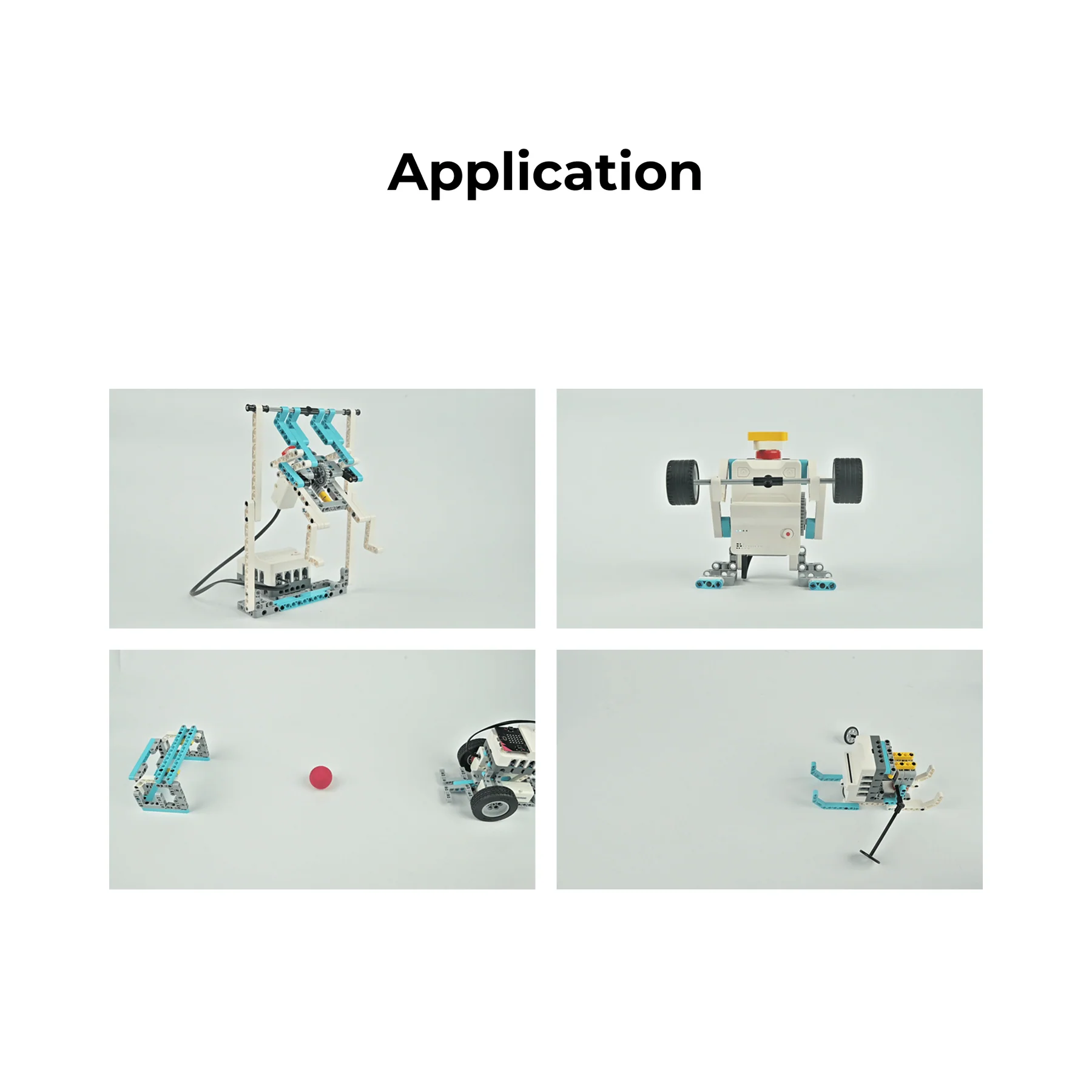
20+ Sports-Themed Cases
From weightlifting robots to line-patrolling soccer kickers — every case ties STEAM concepts to real sports scenarios.
Nezha Pro Sport Kit Overview

What's in the Box

Nezha Pro Sport Kit Packing List

Specifications at a Glance

Product Parameters
Product Namemicro:bit Nezha Pro Sports Kit
SKUEF08428
Package Dimensions370mm × 288mm × 195mm
Electronic Modules12 pcs
Building Blocks500+
Recommended Age7+
Cases Included20+
Programming MethodsMakeCode, Python
Product Features
Control ModeMasterless & Programmed
Motor Type4× Closed-Loop Encoder Motors
Line Tracking4-Channel Patrol Sensor
DisplayOLED + LED Ring
SensingUltrasonic, Crash, Colour, Button
ChargingFast Charge, ~1 hr full charge
Battery Life~4 hours
ConnectivityRJ11 sensor & motor ports

Core Hardware Components

Every component is engineered for reliability, precision, and ease of use in educational settings.

Breakout Board
Nezha Pro micro:bit Breakout Board
Nezha Pro Breakout Board
A micro:bit expansion board designed for creative programming with 8-way sensor interface and 4-way closed-loop motor interface using RJ11 connections. Features masterless mode allowing button-controlled motor operation without programming, fast charging technology for full charge within 1 hour with 4-hour battery life, and is fully compatible with building block structural parts.
Nezha Pro Board Modules Nezha Pro Pin Diagram
Smart Motor
PlanetX Smart Brick Motor
Combines high-precision servo and high-efficiency motor characteristics with ultra-high control accuracy, instantaneous response speed, and powerful torque. Includes an intelligent protection system covering temperature monitoring, stall detection, and voltage stability protection.
Motor Specifications
Operating Voltage5.0 – 9.0V
No-load Speed125 RPM/min
Stop Torque≥29 N/cm
Positioning Accuracy≤3°
InterfaceRJ11
Weight31g

Sensor Suite

Seven specialised sensors give the Sport Kit comprehensive environmental awareness for advanced robotics challenges.

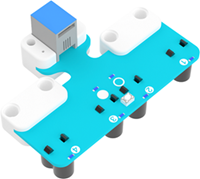
4 Channel Tracking Sensor
4-Channel Tracking Sensor
Integrates four line patrol probes capable of recognising complex routes such as intersections and L-shaped intersections.
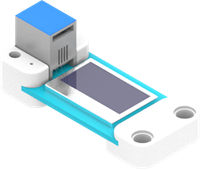
OLED Display
PlanetX OLED
Used to print data information on screen in real time — ideal for stopwatches, counters, and score displays.
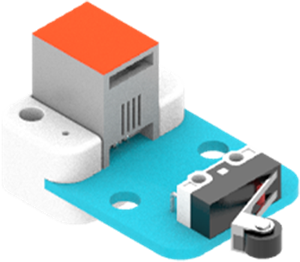
Crash Sensor
Crash Sensor
A crash-element-based sensor module for collision detection — used in goal-counting and scoring mechanisms.
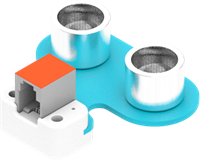
Ultrasonic Sensor
Ultrasonic Sensor
Used for short-distance measurements — detects proximity of balls, obstacles, and targets in real time.
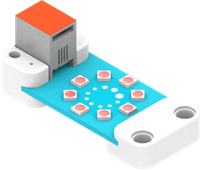
LED Rainbow
LED Rainbow Ring
Displays RGB colours for visual feedback, status indication, and creative lighting effects.
Colour Sensor
Colour Sensor
Returns the HUE value of the current object's colour — enables automatic colour sorting and classification tasks.
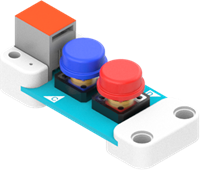
Button Sensor
Button Sensor
Detects physical button presses for triggering events, starting timers, and initiating robot sequences.

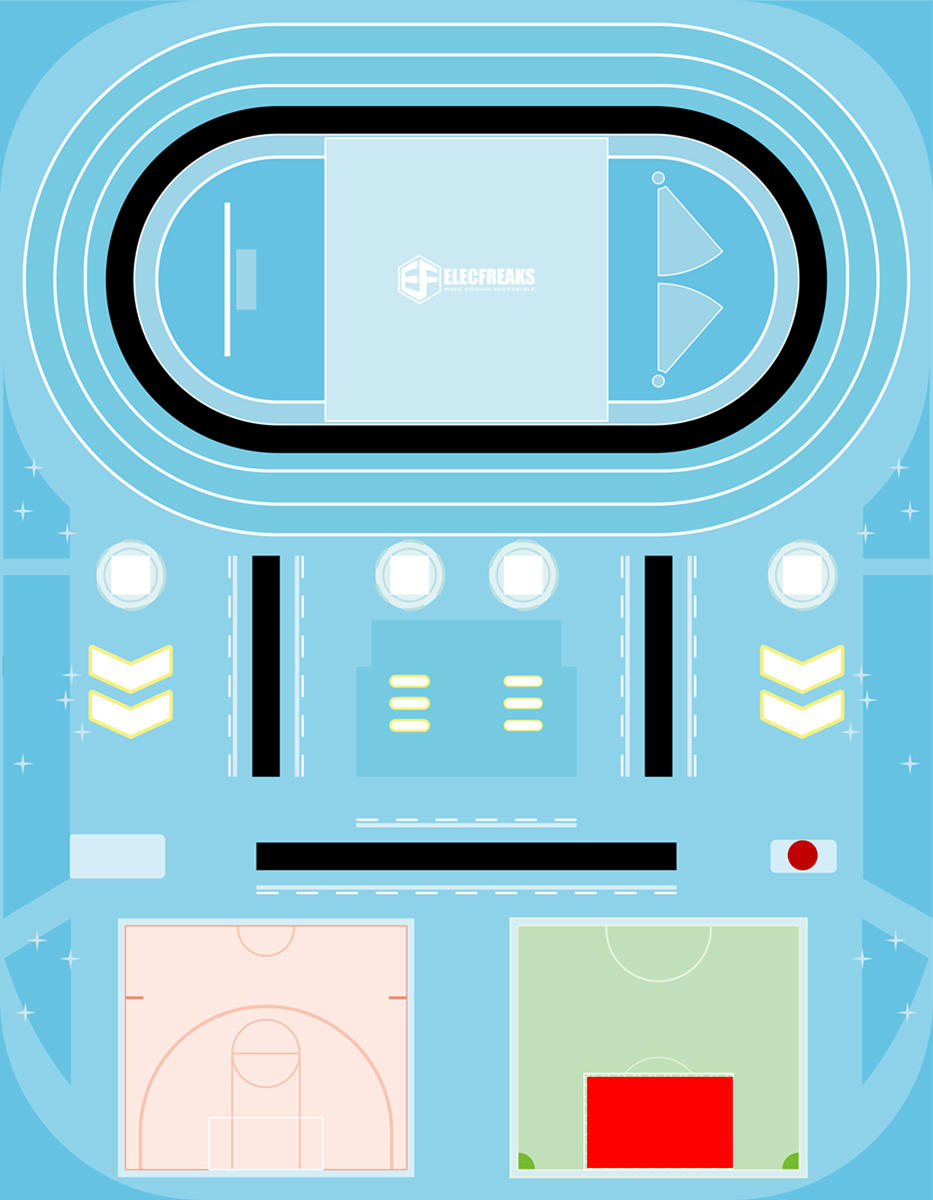
Competition Arena

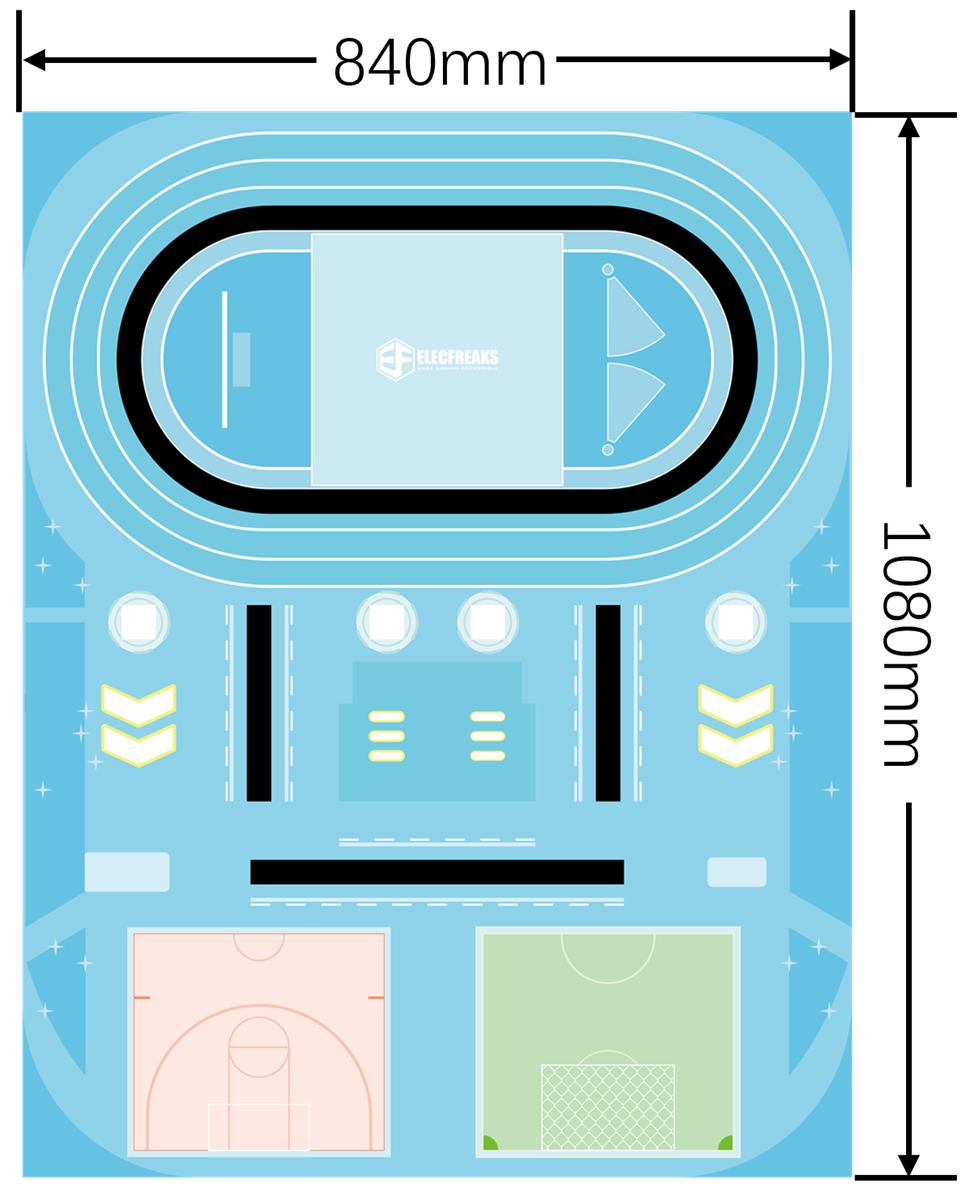
The Sport Kit includes a dedicated competition map that hosts all four challenge missions — from athlete entry to high-speed line patrolling.

Map Size

Map Size

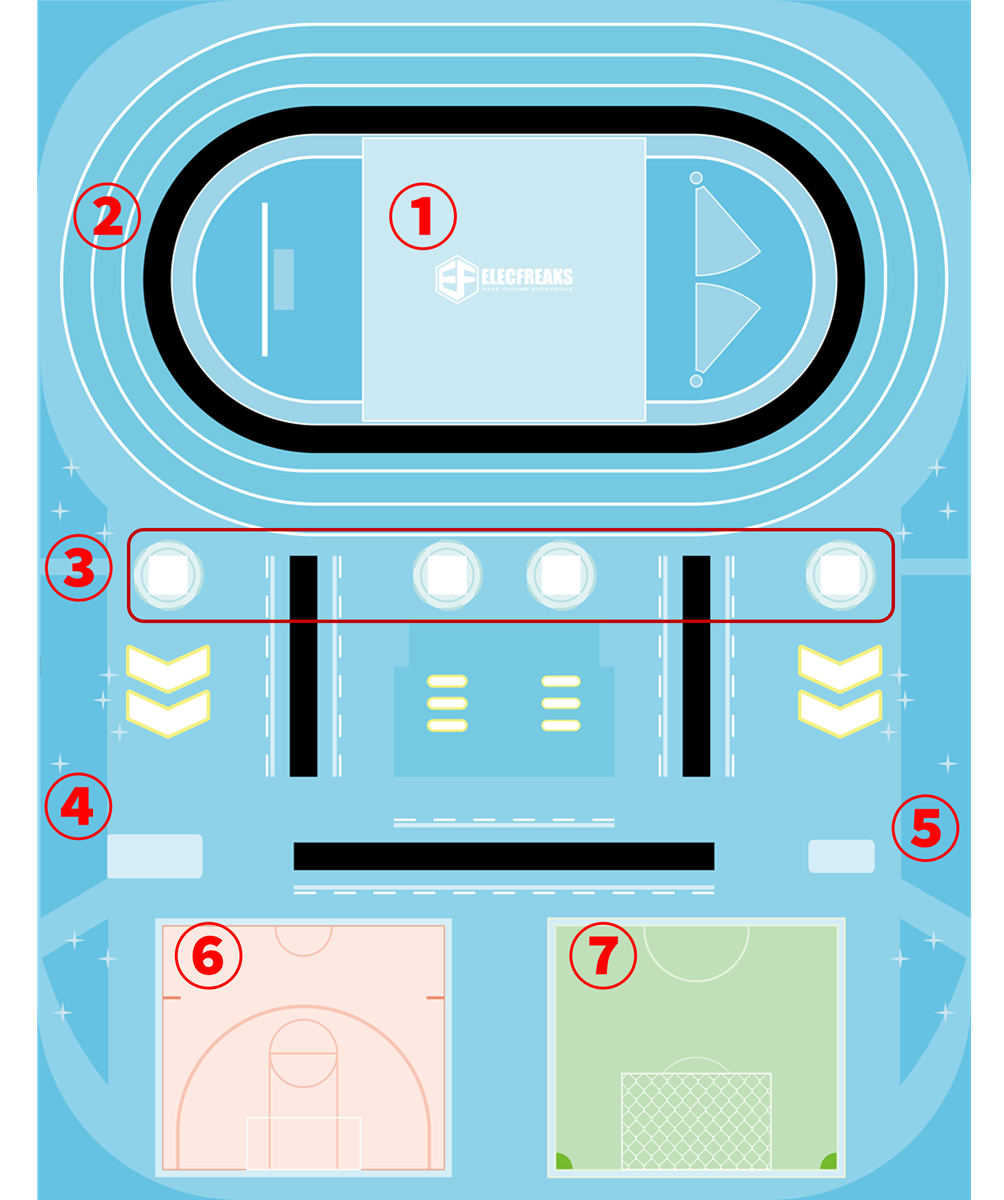
Map Explanation

Map Explanation
Arena Zones
Starting area — the car starts from this zone
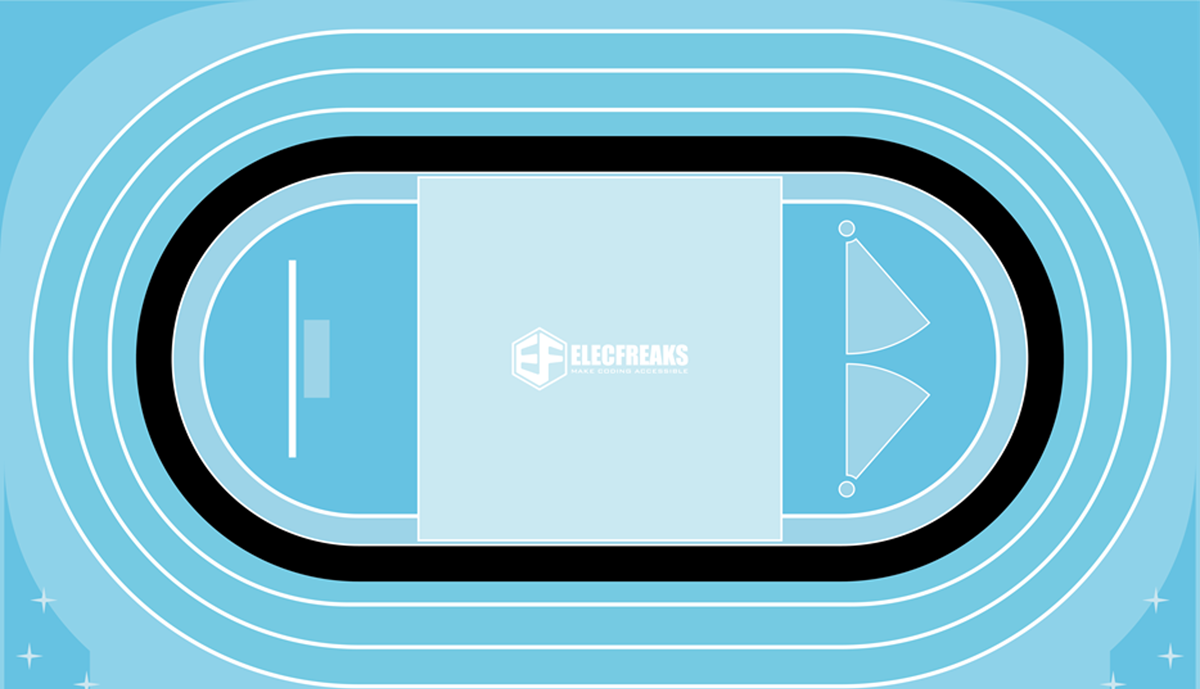
Runway — the track for line-patrolling missions
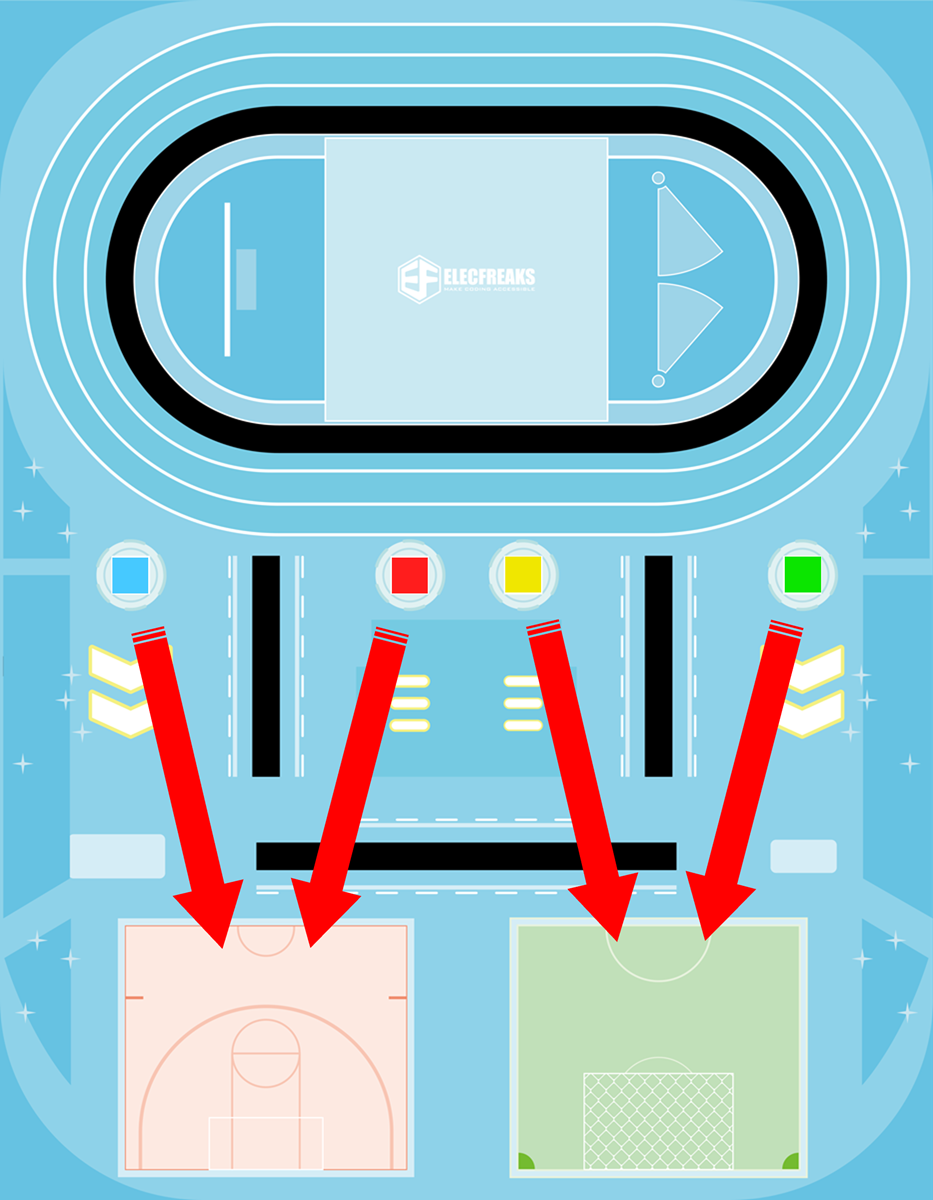
Athlete initial position
Basketball placement area
Football placement area
Basketball field
Football field

Task Explanation

Task 1
Task 1
Athletes Enter the Venue
Guide the athletes to the designated venue — an introduction to basic line-following and navigation.
Mission 2
Mission 2
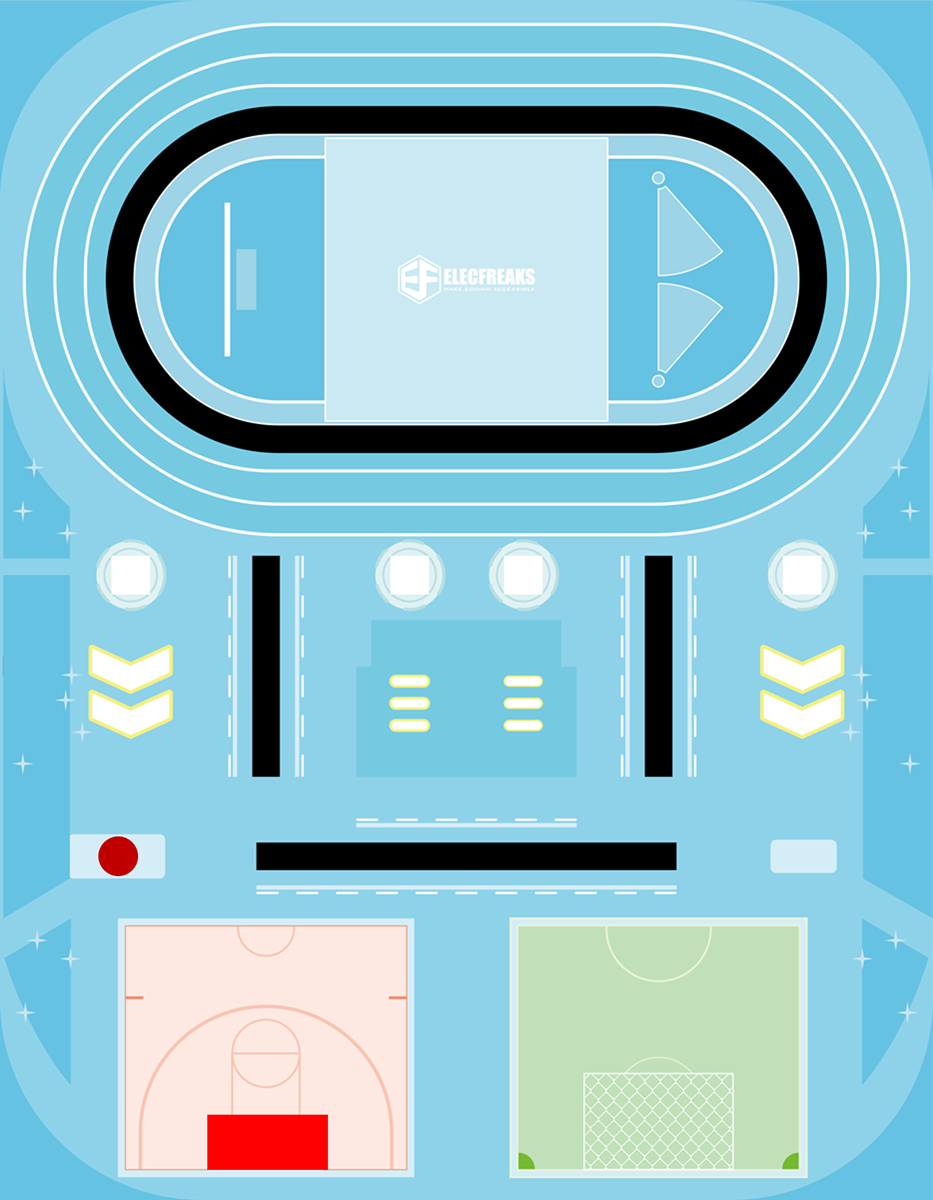
Shooting Master
Throw the basketball on the map into the basket — a precision shooting challenge.
Mission 3
Mission 3
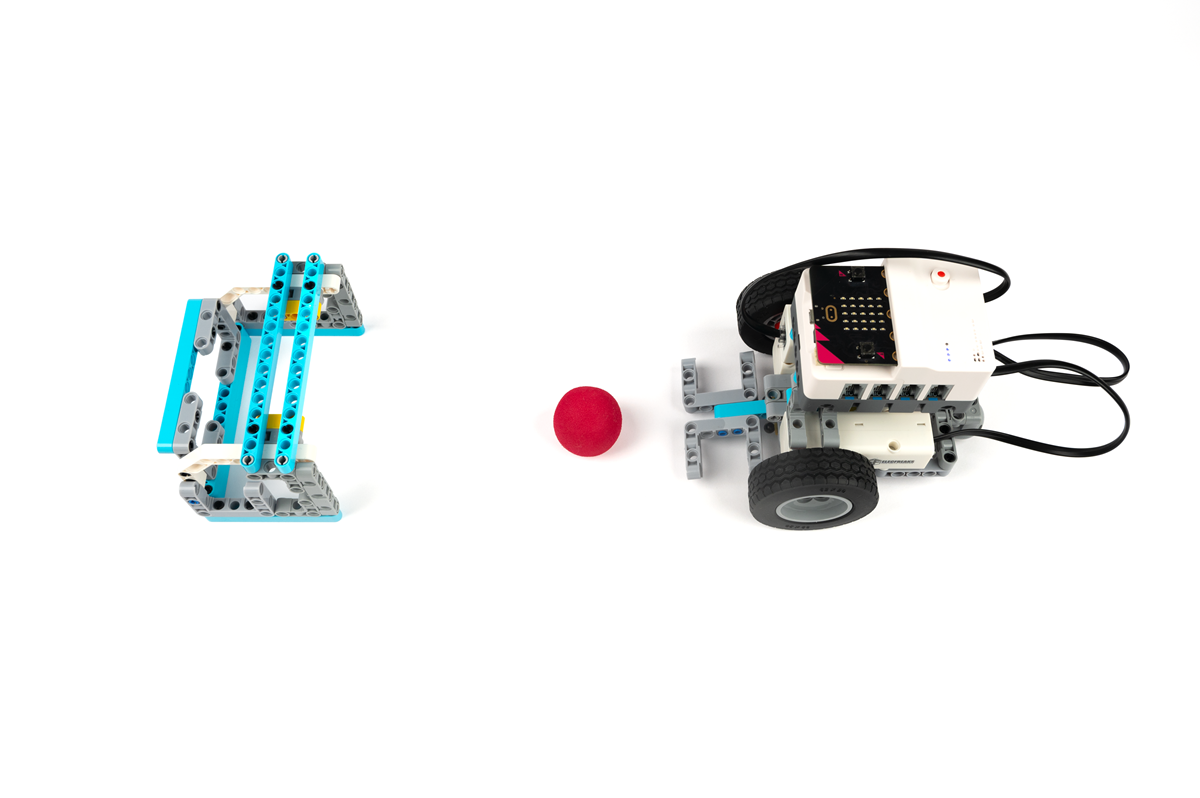
Football Shooting
Shoot the football on the map into the goal — combining line tracking with a kicking mechanism.
Mission 4
Mission 4
Speeding Like a Lightning Bolt
Enter the runway area and patrol the line at speed — the ultimate test of motor control and sensor accuracy.

21 Sports-Themed STEAM Cases

Each case introduces new mechanical or programming concepts through an exciting sports scenario — from no-code masterless builds to advanced sensor programming.

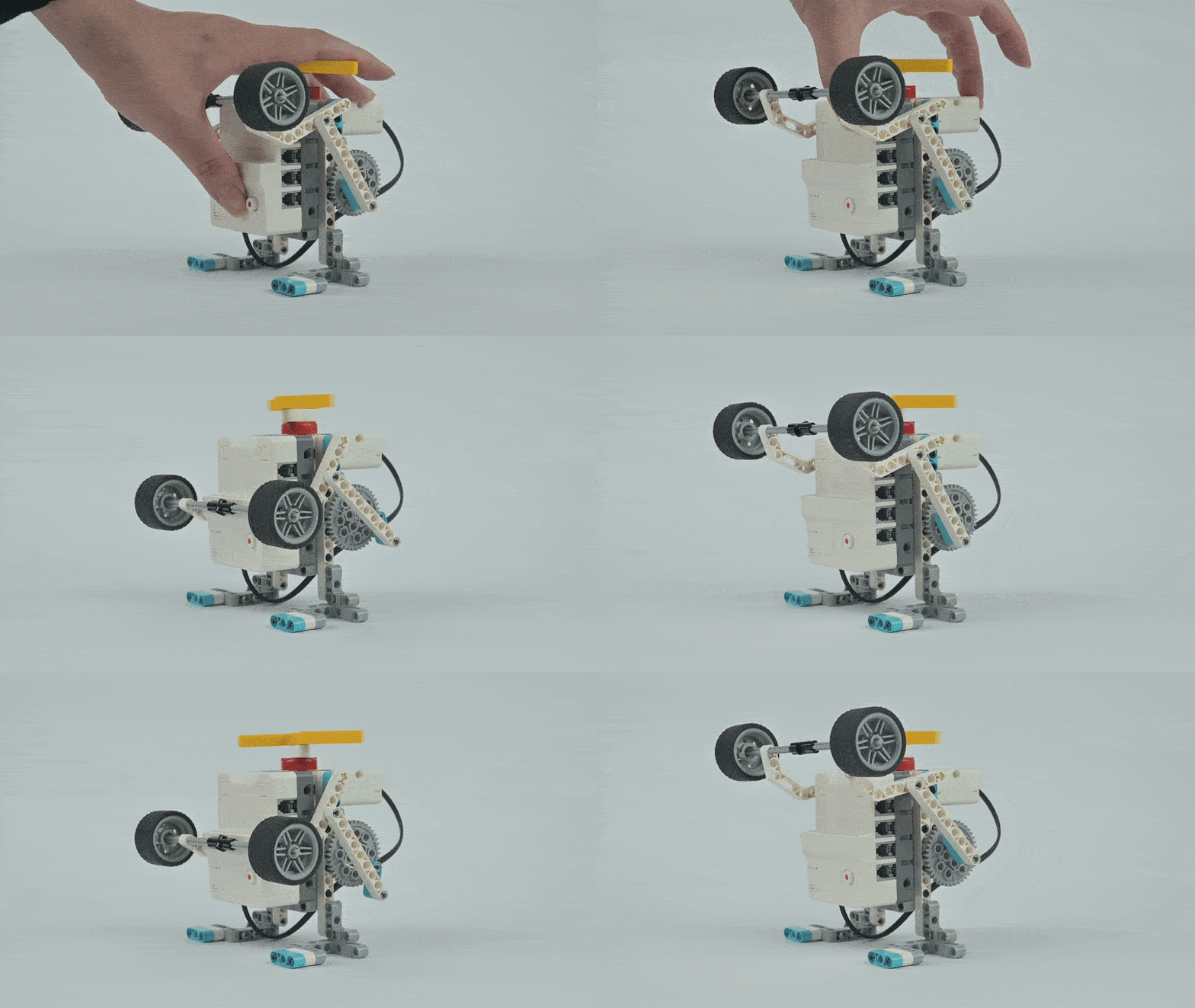
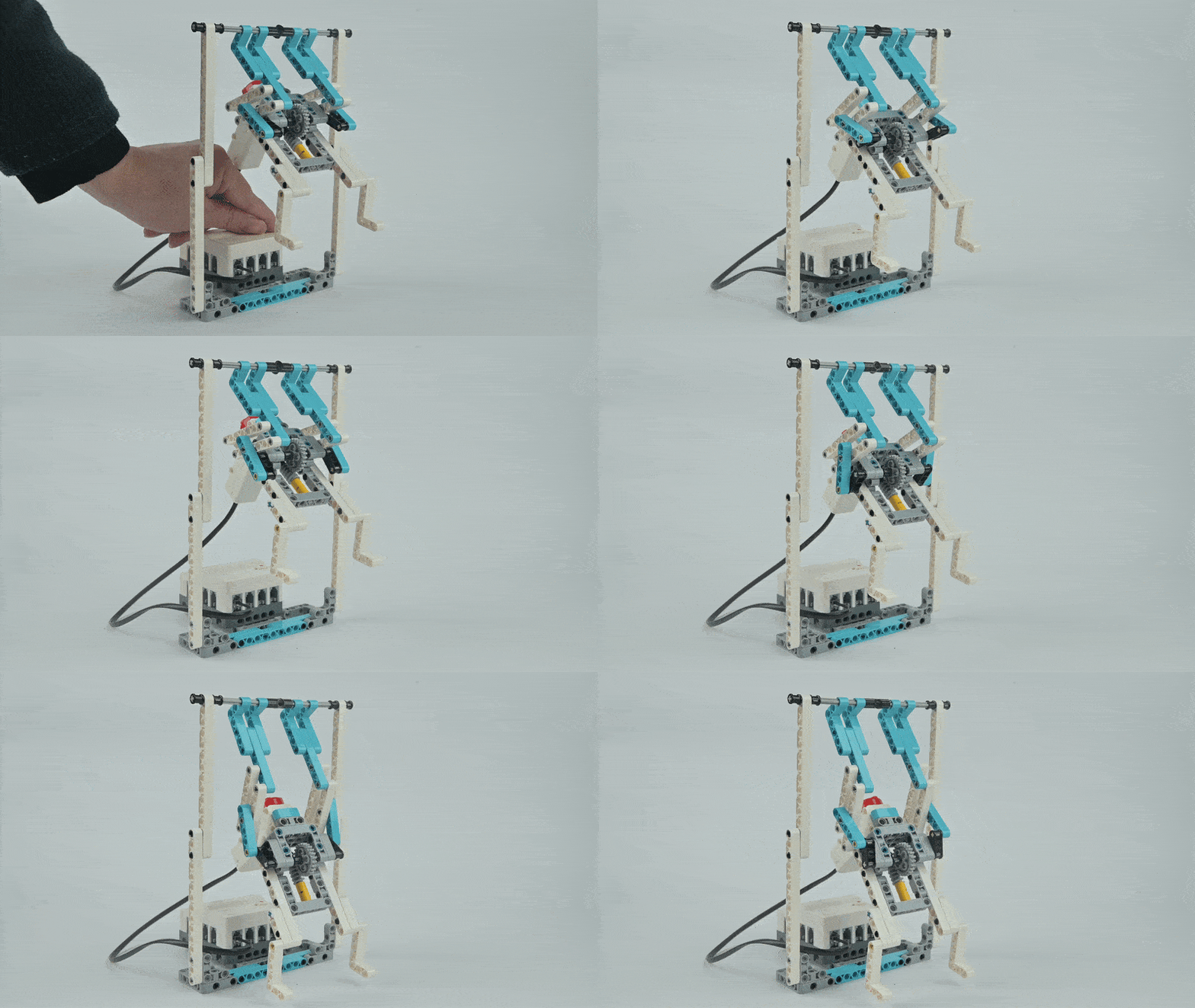
Case 1 Demo
Case 01
Weightlifting Robot
Case Introduction
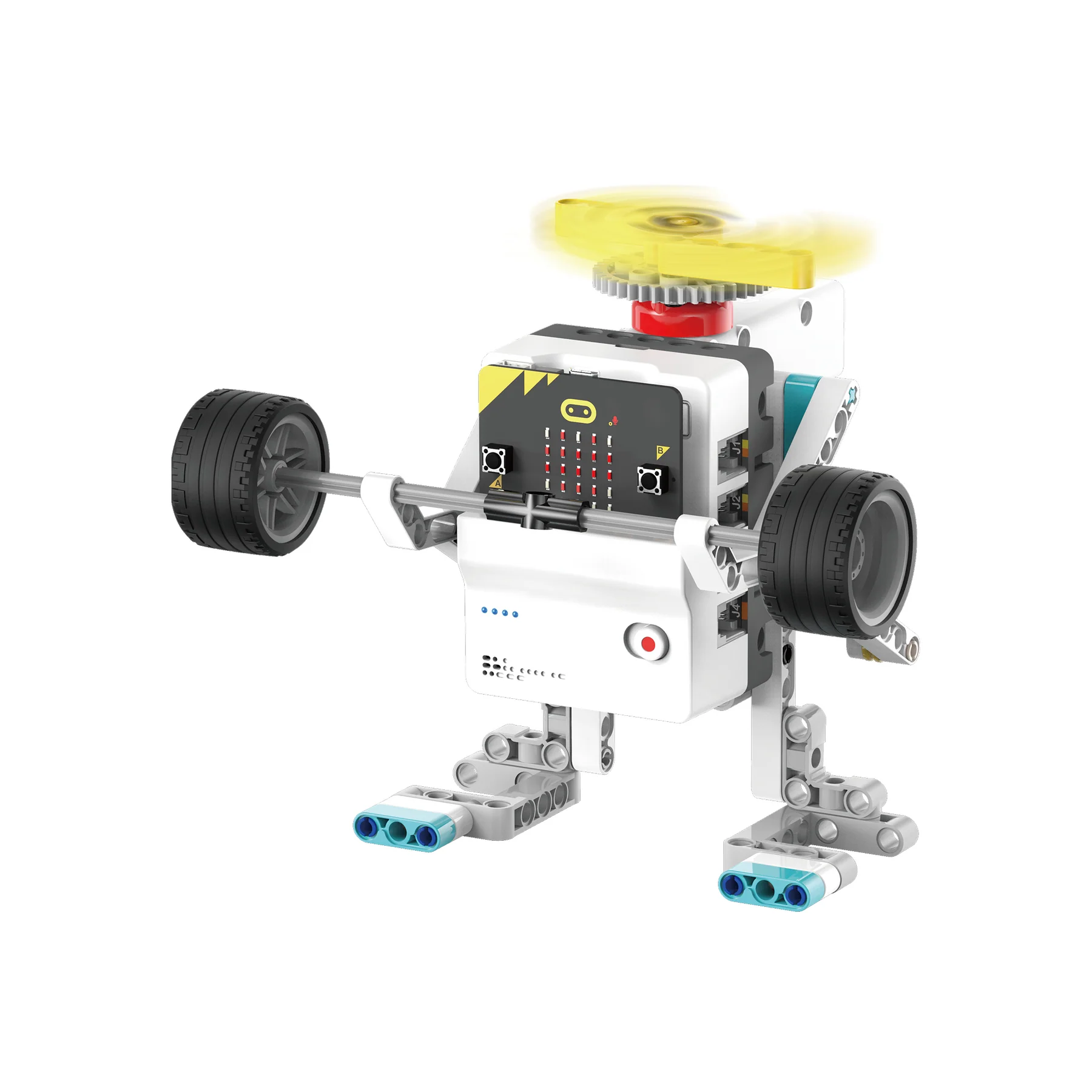
Design a weightlifting robot that can automatically perform tasks without programming. The robot uses a crank-connecting rod mechanism to convert the circular motion of the motor into linear reciprocating motion to achieve weightlifting movements. Press the button on Nezha Pro to let the weightlifting robot start lifting weights.
Course Introduction
Welcome children to join our STEAM journey! Today we are going to transform into little engineers and make a magical weightlifting robot together. No complicated programming is required — we only need a simple crank-connecting rod to make the robot move and lift heavy objects.
Teaching Objectives
  • Understand basic mechanical principles such as levers, pulleys, and crank-connecting rod mechanisms
  • Develop hands-on and problem-solving skills
  • Inspire interest in engineering and robotics
Learning Exploration
Explore how the crank-connecting rod mechanism converts circular motor motion into linear reciprocating motion for weightlifting.
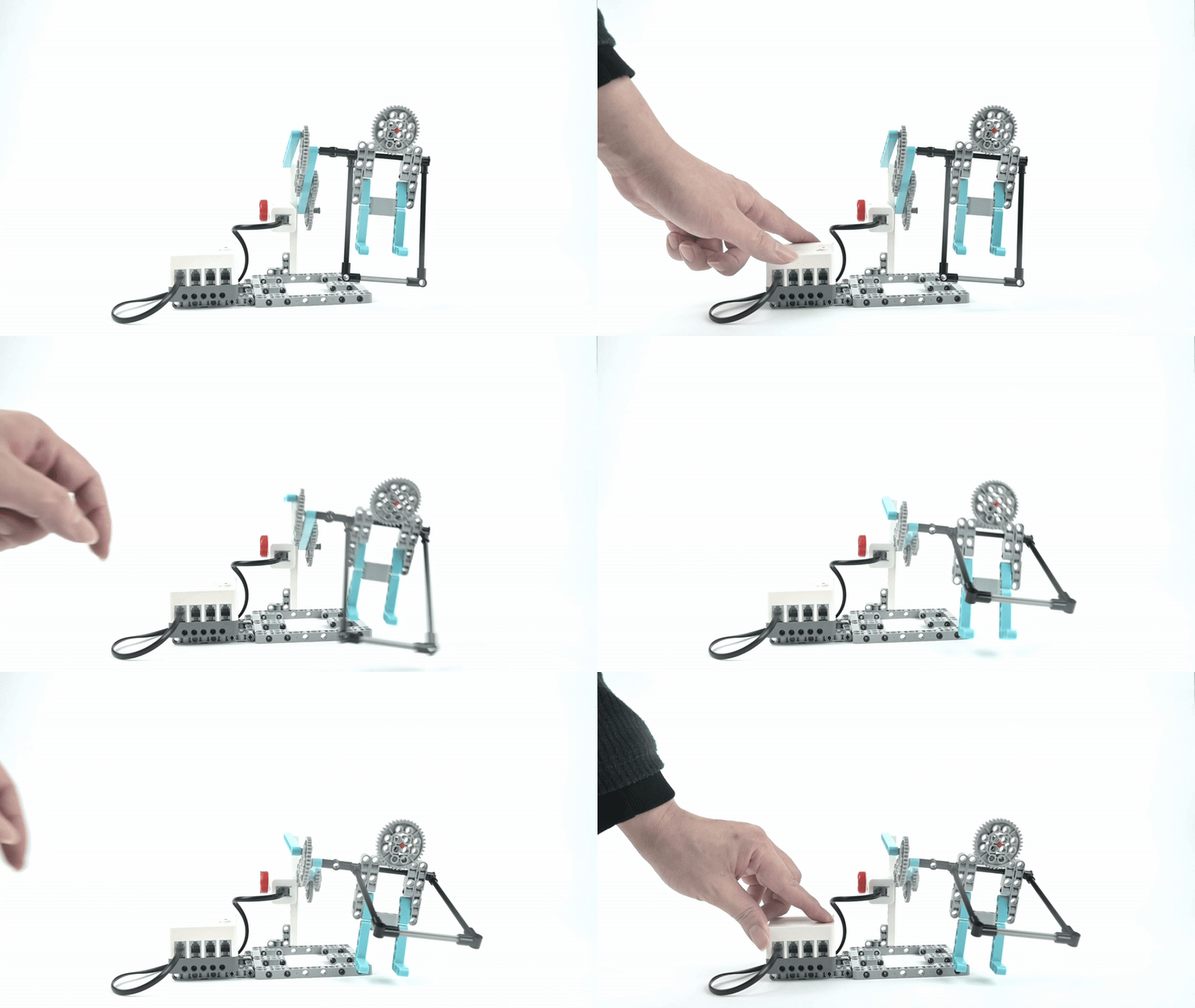
Case 2 Demo
Case 02
Rowing Robot
Case Introduction
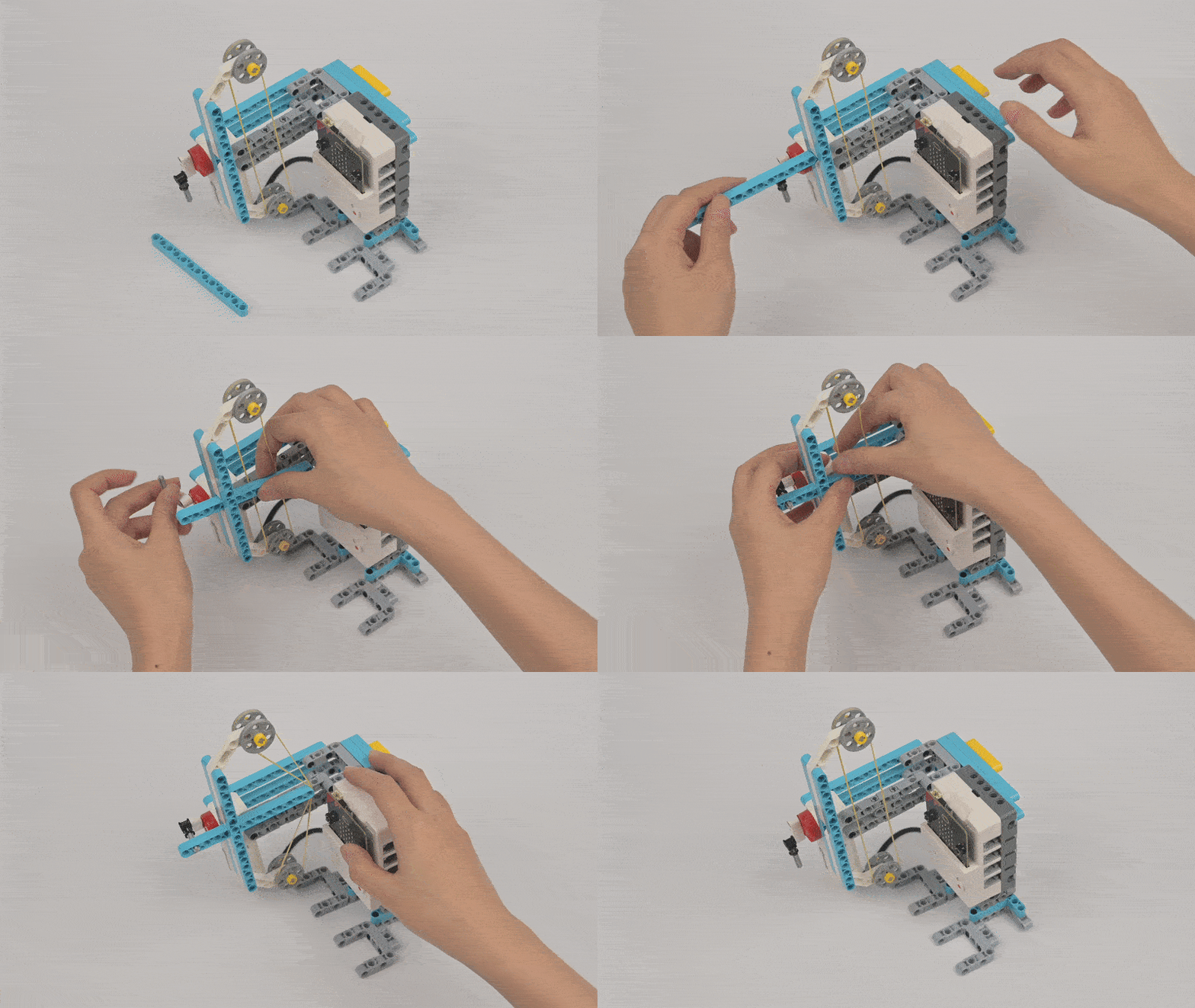
Design a rowing robot and learn about the characteristics and construction methods of worm gears. Press the button on Nezha Pro to make the rowing robot row forward.
Course Introduction
This lesson introduces creating a rowing robot through mechanical principles without complex programming. The project emphasises worm gear application and basic mechanical design. Students learn to control robot movement through simple mechanical transmission via assembly and adjustment techniques.
Teaching Objectives
  • Understand worm gear characteristics and construction methods
  • Cultivate hands-on and problem-solving capabilities
  • Stimulate interest in engineering and robotics
Learning Exploration
What are the characteristics of worm gears? How efficient is the worm gear structure?
Case 3 Demo
Case 03
Rope Skipping Robot
Case Introduction
Design a rope skipping robot to simulate rope skipping movements and understand the characteristics and construction methods of gear transmission. Press the button on Nezha Pro to make the robot start moving.
Course Introduction
This project guides learners through building a rope skipping robot using mechanical principles rather than complex code. The focus centres on applying gear transmission effectively. Participants master fundamental mechanical design while controlling robot movement through straightforward transmission mechanisms.
Teaching Objectives
  • Comprehend how gear transmission systems function and are constructed
  • Foster enthusiasm for engineering and robotics disciplines
  • Develop hands-on assembly and calibration skills
Learning Exploration
Understanding gear transmission characteristics and practical methods for constructing gear transmission systems.
Case 4 Demo
Case 04
Pull-Up Robot
Case Introduction
Design a pull-up robot that simulates the pull-up action using worm gear mechanisms for smooth, continuous motion.
Course Introduction
The lesson invites participants to create a pull-up robot using mechanical transmission without programming knowledge. Students assemble and adjust components manually to build a functioning pull-up robot, developing creativity and problem-solving abilities through hands-on STEAM learning.
Teaching Objectives
  • Understand worm gear characteristics and construction methods
  • Develop hands-on assembly skills
  • Inspire interest in engineering and robotics
Learning Exploration
What are the characteristics of a worm gear and how do they enable smooth, high-torque movement?
Case 05
Walking Robot
Case Introduction
Design a walking robot demonstrating mechanical movement principles using the Nezha Pro Sport Kit without requiring programming knowledge. Press the button on Nezha Pro to initiate the walking robot's movement.
Course Introduction
This STEAM learning experience teaches students to create a walking robot through mechanical assembly rather than coding. Participants assemble and adjust the robot by hand to develop creativity and problem-solving abilities.
Teaching Objectives
  • Understand worm gear characteristics and assembly techniques
  • Learn gear transmission methods and applications
  • Apply worm gear structures and gear transmission comprehensively
Learning Exploration
How do worm gear and gear transmission systems work together to produce walking motion in the robot?
Case 6 Demo
Case 06
Swimming Robot
Case Introduction
Design a swimming robot that simulates swimming motions through mechanical transmission principles. Press button A on the micro:bit to start the swimming robot moving.
Course Introduction
This STEAM project teaches learners to control the movement of the robot through simple mechanical transmission. The initiative emphasises creativity and problem-solving, combining assembly and adjustment techniques with an introduction to basic MakeCode programming.
Teaching Objectives
  • Learn basic MakeCode usage
  • Understand program download procedures
  • Control robot movement through mechanical transmission
Learning Exploration
How to download the micro:bit program and use code to control mechanical motion.
Case 7 Demo
Case 07
Basketball Shooting Robot
Case Introduction
Design a basketball shooting robot. Press button A on the micro:bit to make the shooting robot prepare to shoot, and press button B to launch.
Course Introduction
This STEAM project teaches learners to create a shooting mechanism through simple mechanical transmission. Rather than requiring advanced coding skills, students assemble and manually adjust the robot to accomplish the shooting task, developing creative thinking and problem-solving capabilities.
Teaching Objectives
  • Understand the basic use of MakeCode
  • Learn how to download the program to micro:bit
  • Build and control a shooting mechanism
Learning Exploration
How to download the micro:bit program and use button events to trigger different robot actions.
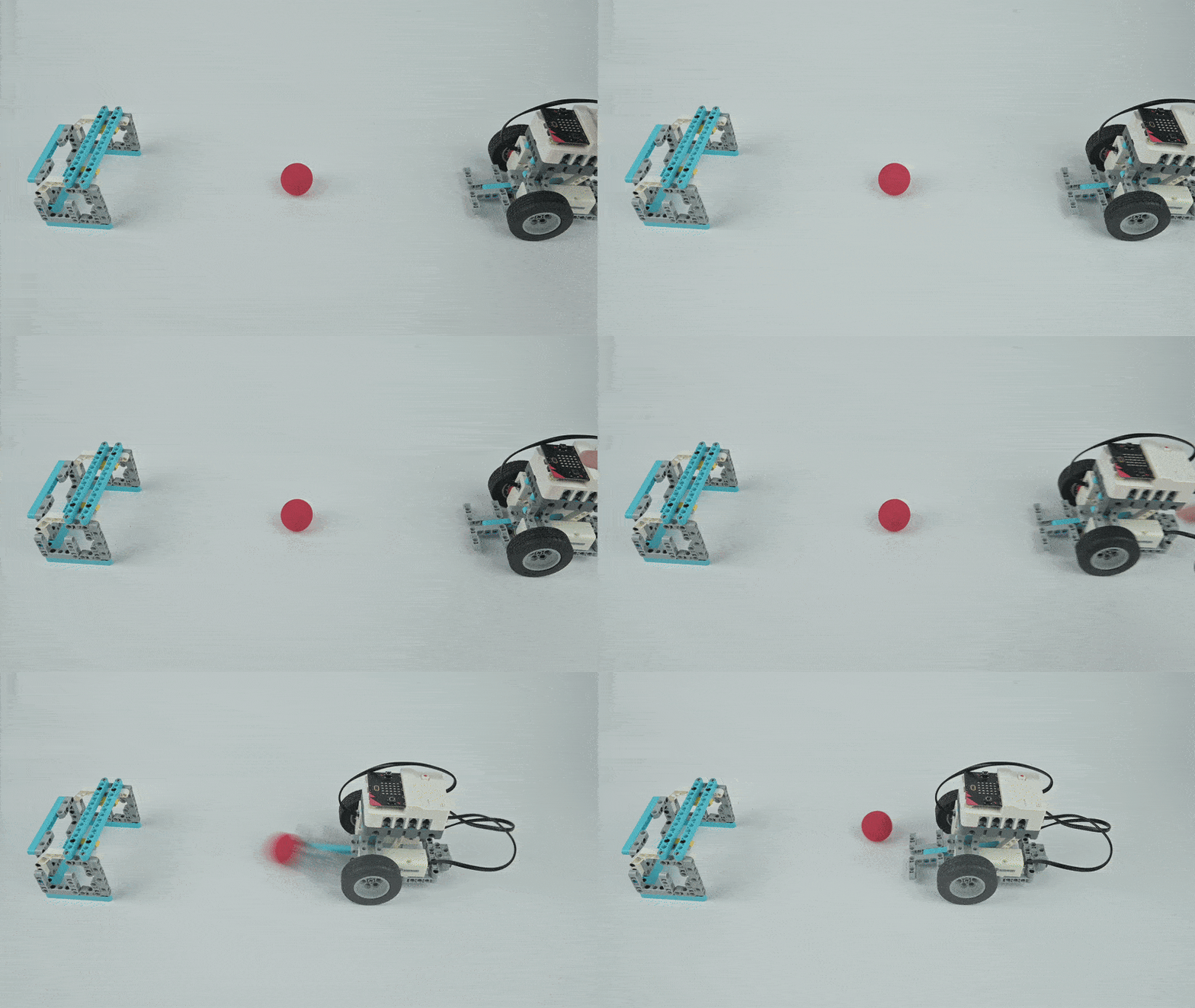
Case 8 Demo
Case 08
Shooting Robot
Case Introduction
Design a goal-shooting robot. When pressing the A button on the micro:bit, the shooting robot moves forward a certain distance and kicks the football.
Course Introduction
Students explore creating a shooting robot by learning mechanical transmission control. The tutorial emphasises that assembly and adjustment, rather than advanced coding, enable robot creation. This project aims to stimulate creativity and problem-solving abilities through hands-on STEAM learning.
Teaching Objectives
  • Learn basic MakeCode usage
  • Understand program download procedures
  • Build a football shooting mechanism with motor control
Learning Exploration
How to download the micro:bit program and use it to control movement and kicking actions.
Case 9 Line-Patrolling Soccer-Kicking Robot
Case 09
Line-Patrolling Soccer-Kicking Robot
Case Introduction
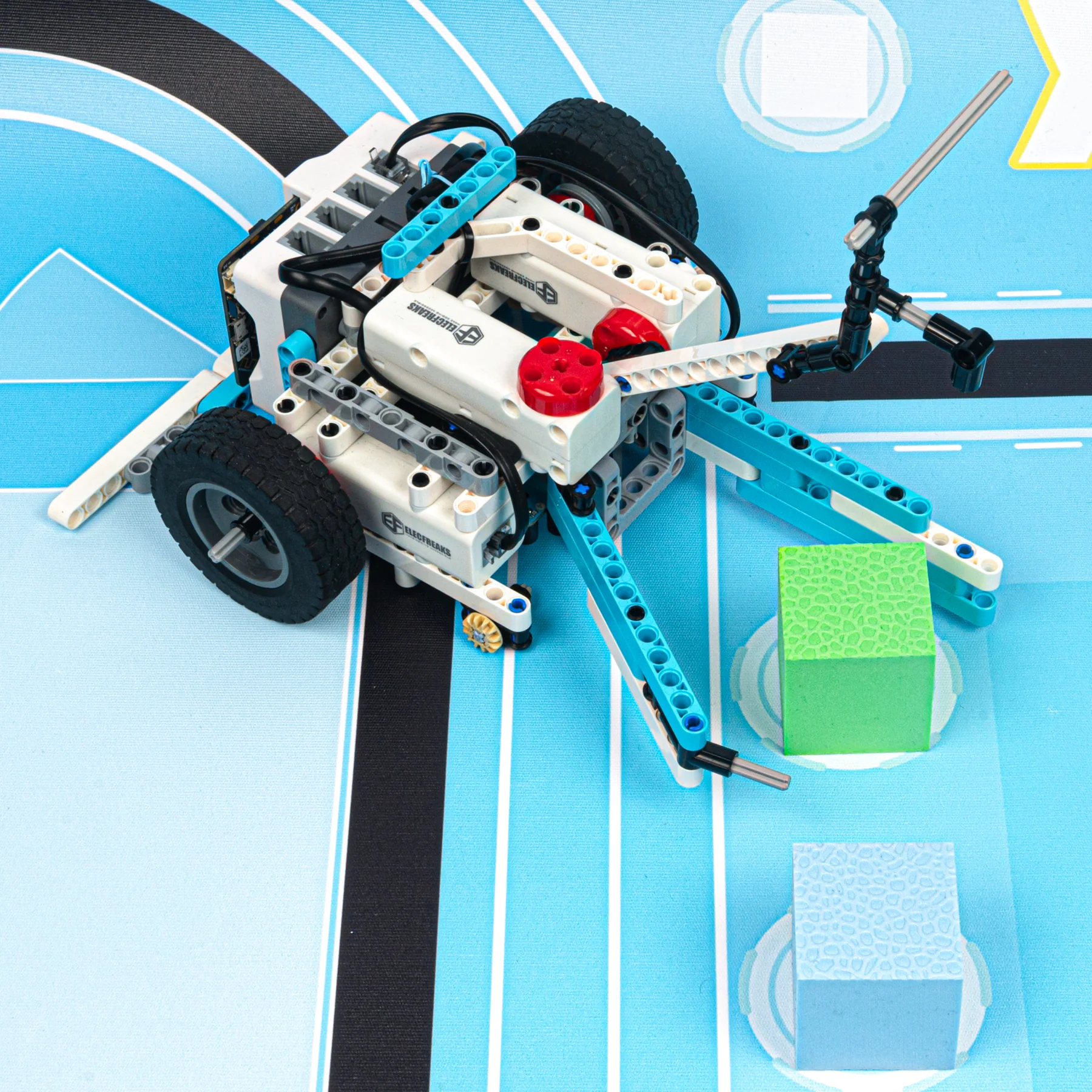
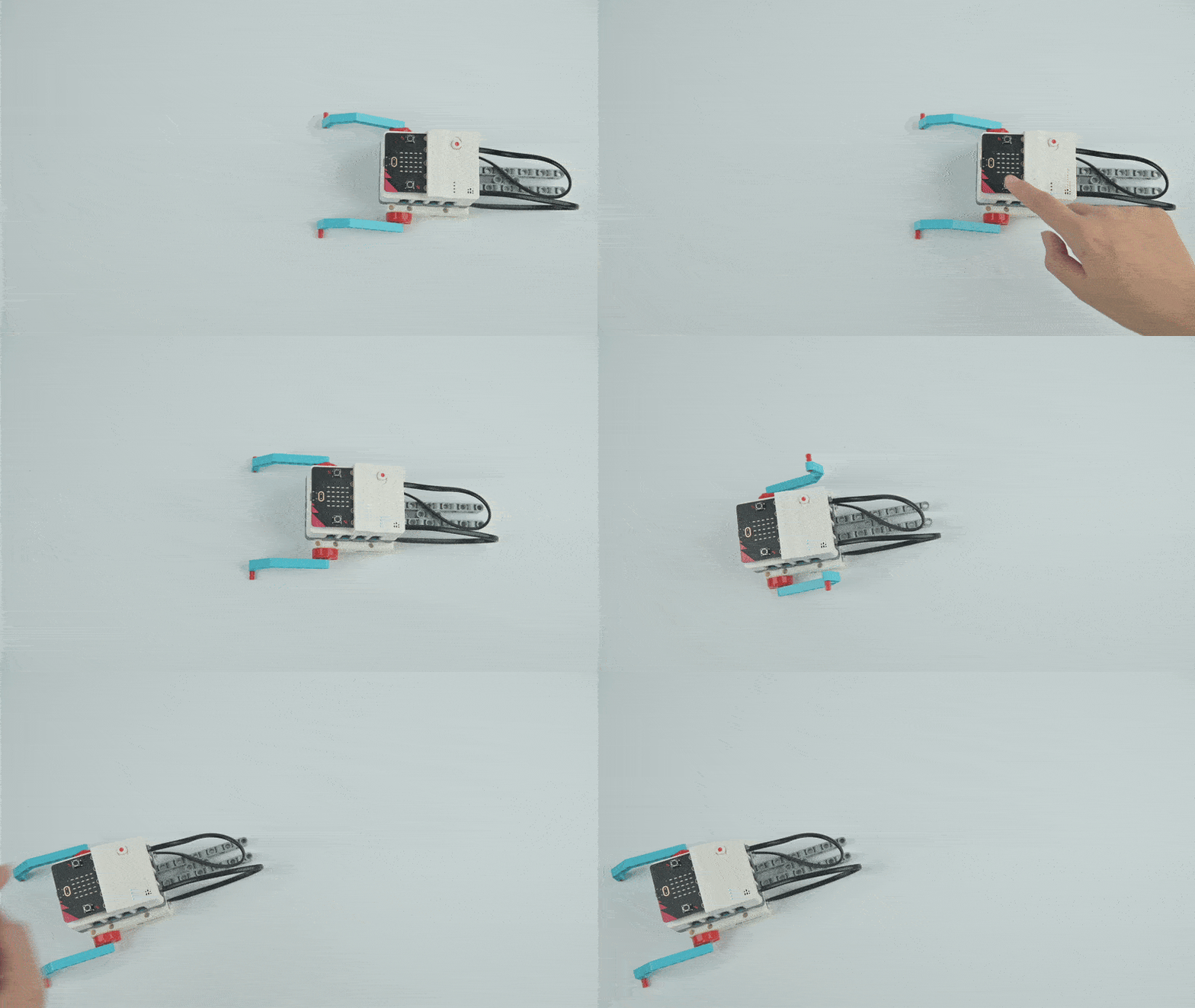
Build a robot that follows black lines on a map and executes a kicking action to score a goal. Press button A to activate — the robot autonomously follows the line and performs a kicking motion.
Course Introduction
Students explore creating an intelligent line-tracking robot with kicking capability. Rather than requiring complex coding, the focus emphasises hands-on assembly and sensor adjustment. Learners develop creativity and analytical thinking while mastering STEAM fundamentals.
Teaching Objectives
  • Understand foundational operation of four-directional line patrol sensors
  • Learn sensor-based robot movement control
  • Develop problem-solving through mechanical assembly and calibration
Learning Exploration
Basic use of four-way line patrol sensors — enabling robots to detect and respond to line positions for directional control.
Case 10 Demo
Case 10
Material Handling Vehicle 01
Case Introduction
Design a material handling vehicle capable of autonomously transporting objects. The vehicle operates through button activation and responds to environmental cues to complete transport objectives.
Course Introduction
This STEAM learning experience guides students through creating an autonomous material transporter. Participants use programming to complete specified delivery tasks, developing both creative thinking and problem-solving capabilities through hands-on robotics.
Teaching Objectives
  • Construct and operate a material transport device
  • Understand mechanical claw assembly techniques
  • Master servo motor programming and control
Learning Exploration
How to coordinate multiple servos simultaneously for complex mechanical operations such as grabbing and releasing.
Case 11 Demo
Case 11
Material Handling Vehicle 02
Case Introduction
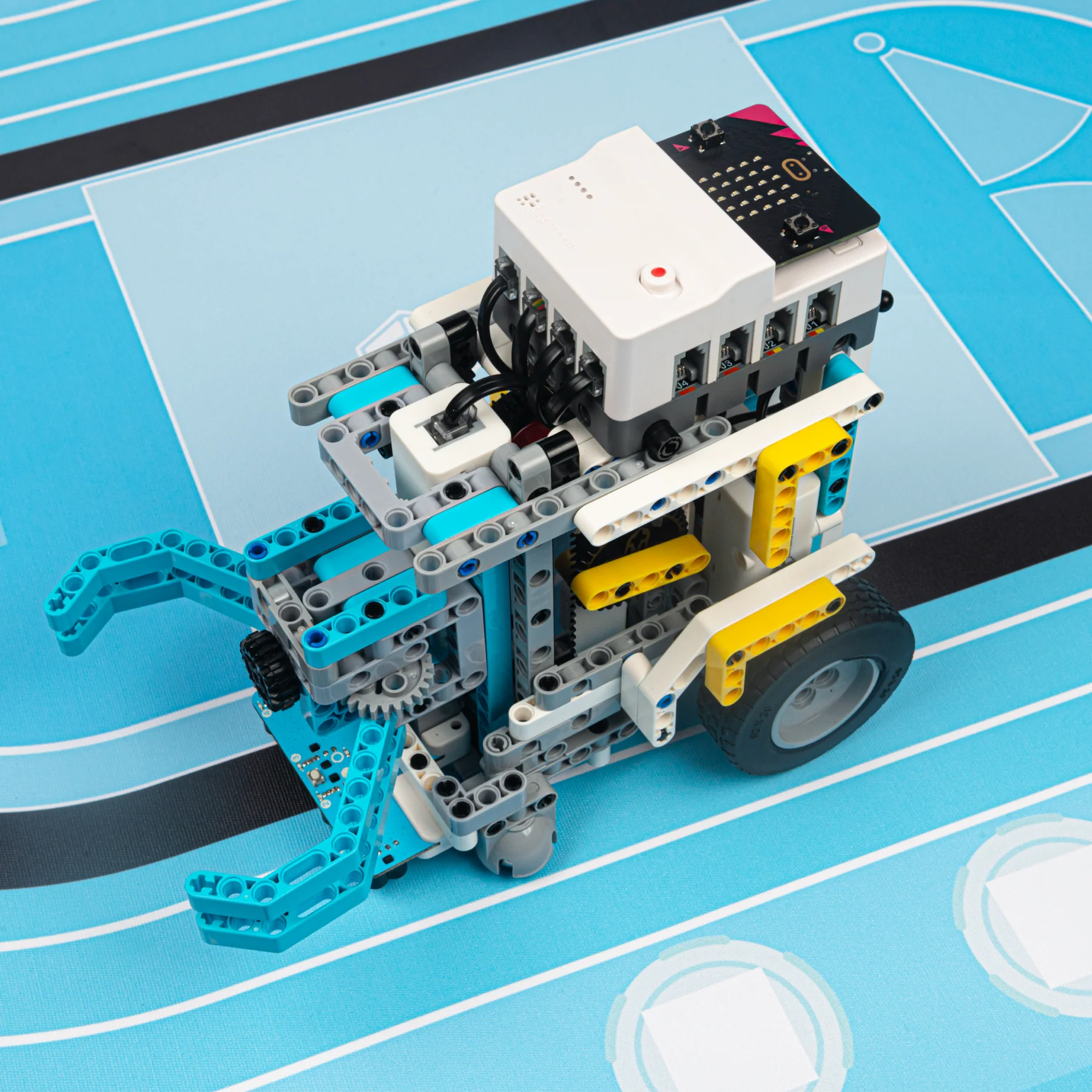
Design an advanced material handling vehicle incorporating four-way patrol sensor technology. Press button A — the vehicle initiates from the starting zone, uses black-line detection to self-correct trajectory, and completes its designated transport task.
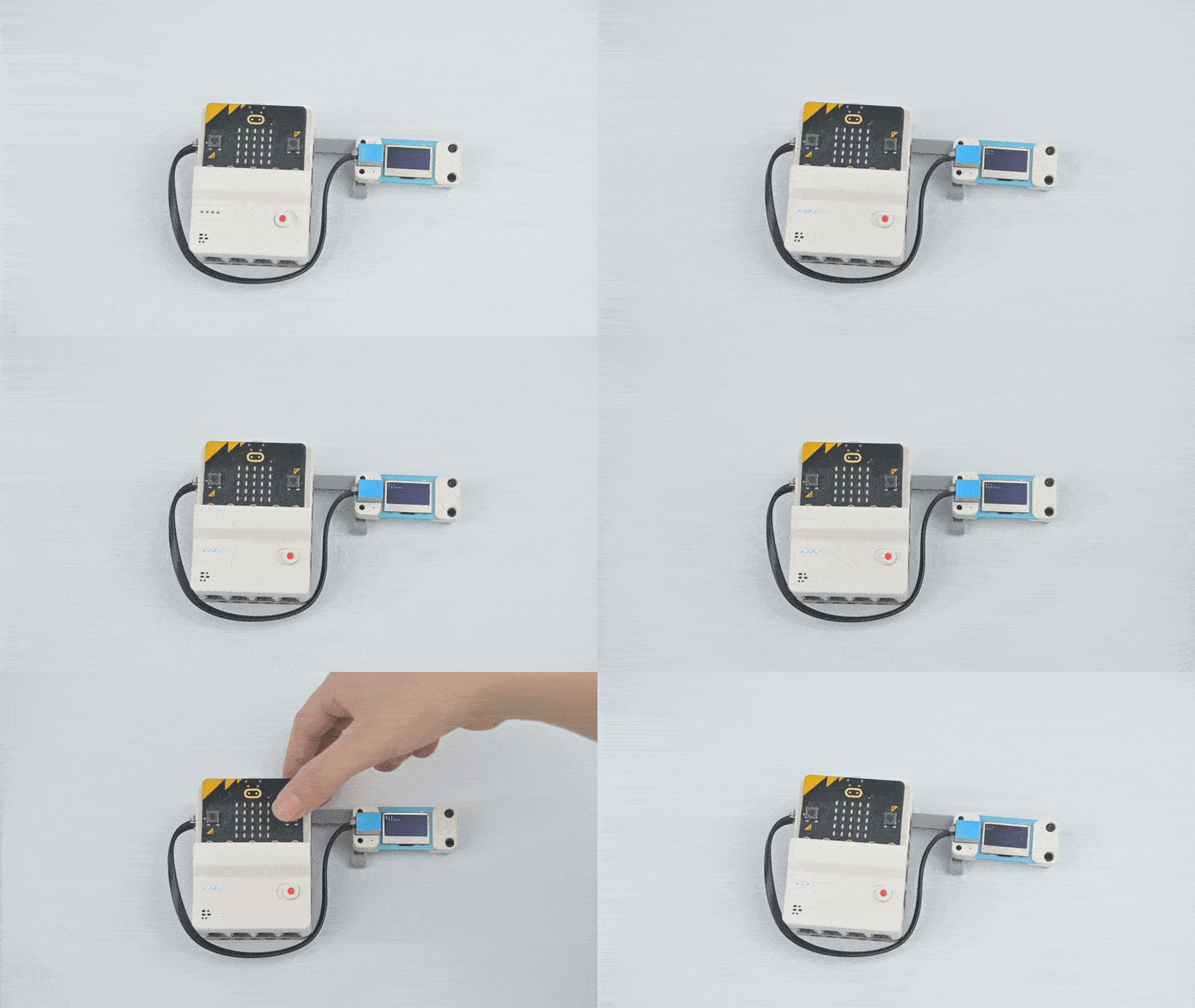
Course Introduction
Students engage in a STEAM learning experience exploring material transport mechanisms. Through programming, learners direct the transporter to accomplish specific objectives, developing creativity and problem-solving competencies throughout this hands-on journey.
Teaching Objectives
  • Construct a material transporter capable of completing designated transport tasks
  • Develop proficiency with four-way patrol sensor technology
  • Coordinate multiple servo motors simultaneously
Learning Exploration
Coordinating multiple servo motors and using patrol sensors to navigate and adjust vehicle pathways autonomously.
Case 12
Case 12
Comprehensive Test of Competition Tasks
Case Introduction
Make a task vehicle to complete all four tasks on the sports field at one time. Position the vehicle at the upper-left corner of the start zone and press button A to initiate autonomous task completion.
Course Introduction
This lesson integrates prior knowledge about vehicle line-tracking and servo operation. Students apply these concepts to build a robot that navigates a competition map and executes multiple tasks simultaneously using the Nezha Pro platform.
Teaching Objectives
  • Construct a competition task vehicle capable of completing all tasks
  • Master comprehensive application of four-way patrol sensors
  • Apply servo controls across multiple simultaneous operations
Learning Exploration
Coordinating multiple servos, four-way patrol sensors, and using sensor feedback to adjust vehicle trajectory across all four competition missions.
Case 13 Demo
Case 13
Stopwatch
Case Introduction
Design a stopwatch using the Nezha Pro Sport Kit with accurate timing through programming. Button A starts, pauses, or resumes timing; button B stops and resets timing data.
Course Introduction
"Today we are going to use the Nezha Pro Sport Kit to build a stopwatch of our own! Let's unlock the technological magic of time management together!" This project explores how sports referees use timing devices for accuracy.
Teaching Objectives
  • Create a stopwatch and master MakeCode's system time blocks
  • Understand practical applications of stopwatch technology in sports
  • Implement button event handling for start, pause, and reset logic
Learning Exploration
Investigate algorithmic implementation of digital timing systems and explore the logic governing button event triggering mechanisms.
Case 14
Case 14
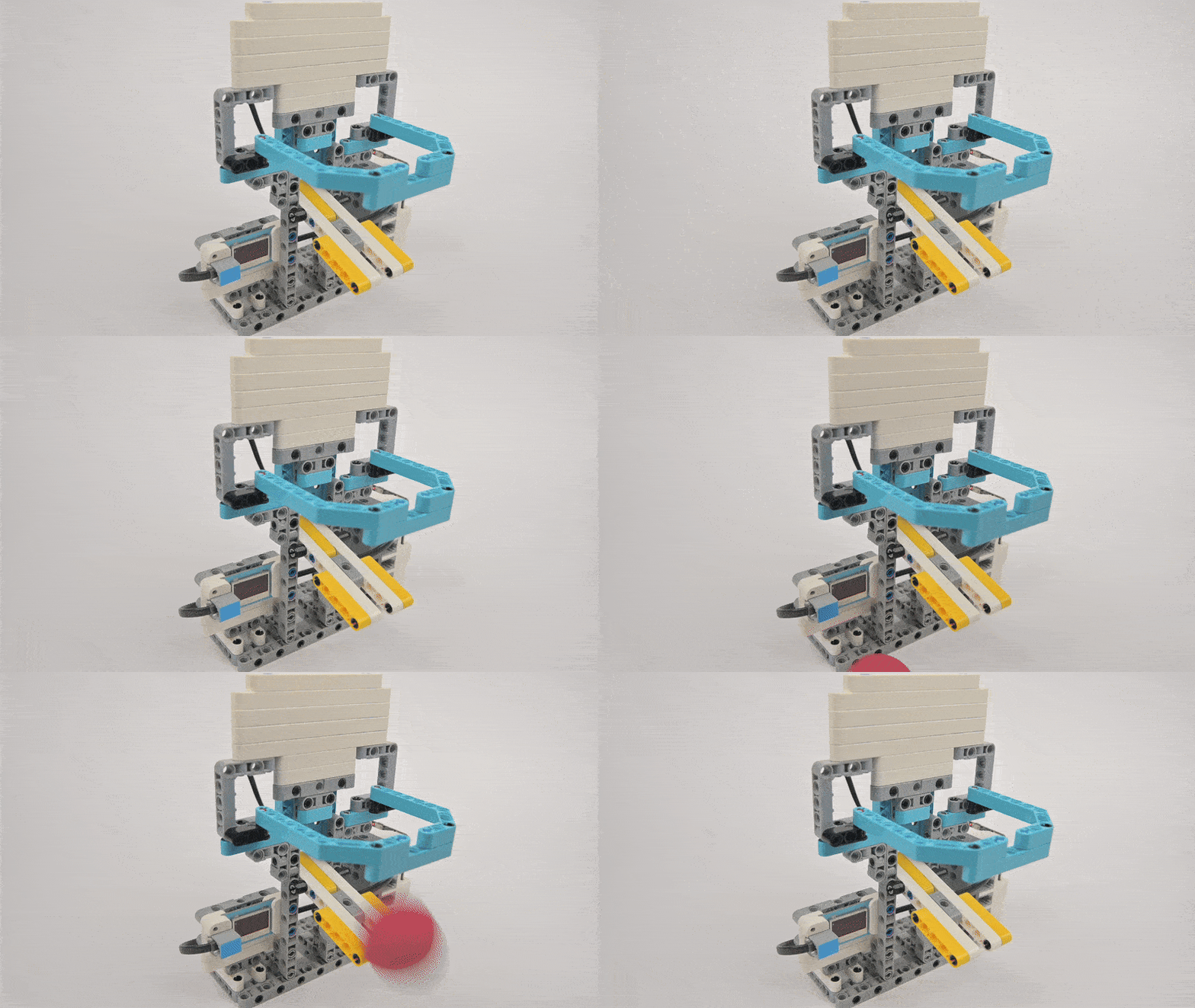
Counting Basketball Stand
Case Introduction
Design an automatic counting basketball stand which automatically counts the number of goals through programming and displays them in real time on the OLED display.
Course Introduction
The project leverages the Nezha Pro Sport Kit to create a smart basketball stand that automatically detects and records scores. An ultrasonic sensor accurately captures the moment of scoring while the system tracks performance data, merging sports training with programmable technology.
Teaching Objectives
  • Understand ultrasonic sensor distance measurement and motion detection
  • Master data statistics programming and real-time OLED display methods
  • Develop innovative thinking combining physical movement with electronics
Learning Exploration
How ultrasonic sensors detect basketball entry by measuring distance changes and implementing the counting logic through programming.
Case 15 Demo
Case 15
Counting Basketball Stand 2
Case Introduction
Use Nezha Pro Sport Kit to make an intelligent basketball counter. The collision sensor accurately detects the moment when the basketball falls into the basket, counts the number of goals in real time and displays it on the LED screen.
Course Introduction
"Today we are going to equip the basket with an 'intelligent brain'! When the basketball passes through the basket, the collision sensor will immediately 'see' the goal like a referee, and the main control board will immediately record the number and display it on the screen."
Teaching Objectives
  • Understand collision sensor mechanisms and physical signal transformation
  • Master conditional judgment statements for sensor signal identification
  • Learn sensor-mechanical structure integration for detection accuracy
  • Experience technology's role in sports training and data-driven athletics
Learning Exploration
Examine how collision sensors identify goal contact, analyse sensor angle impacts on accuracy, and study programming methods to prevent duplicate counting.
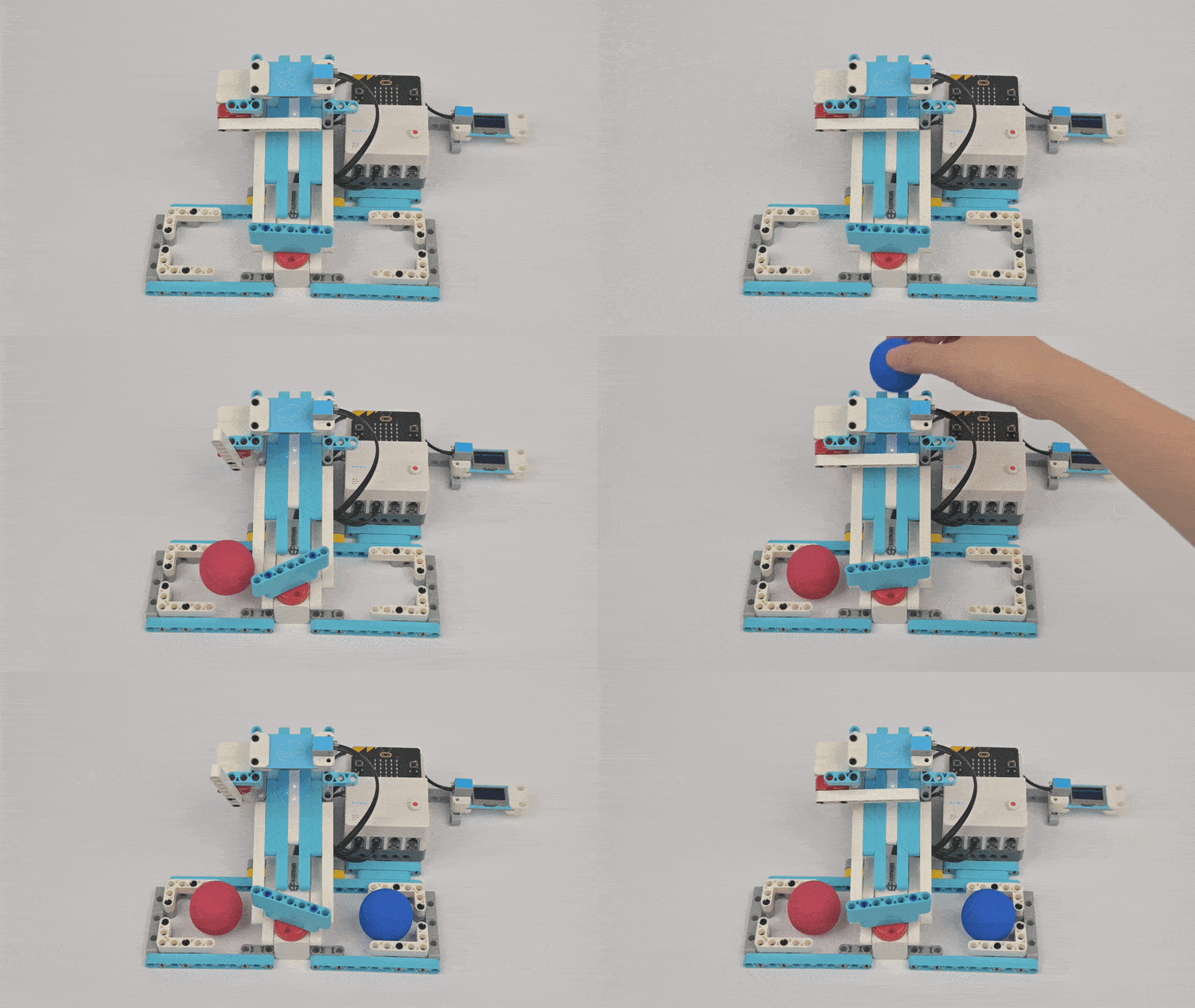
Case 16 Demo
Case 16
Color Classifier
Case Introduction
Build an automated color sorter using colour sensors to accurately identify red and blue balls, and use the servo to control the baffle to achieve automatic sorting. Position the robot and press button A to begin sorting.
Course Introduction
The lesson frames students as problem-solvers addressing scattered training balls needing colour-based organisation. Rather than manual sorting, they'll program an automated classifier that recognises ball colours and directs them to appropriate zones.
Teaching Objectives
  • Grasp how colour recognition operates using HUE values and sensor data
  • Develop proficiency in servo angle control programming and conditional logic
  • Apply sensor technology creatively to real-world sports training scenarios
Learning Exploration
How colour sensors analyse HUE values for colour detection and how servos respond to colour signals through programmed classification actions.
Case 17 Demo
Case 17
Archery Athlete
Case Introduction
Make a smart device that simulates archery. Manually place the arrow on the bow and string it, then program the servo to rotate and simulate the string release action to launch the arrow. Press button A to lock, button B to release.
Course Introduction
"Students, do you want to experience the transformation of traditional archery with technology? Today we are going to use Nezha Pro Sport Kit to make an intelligent archery device!"
Teaching Objectives
  • Understand servo angle control principles and their application in simulated motion
  • Master servo programming control methods
  • Develop practical abilities combining mechanical structures with programming
Learning Exploration
Explore how the servo can simulate the release action through programming, and master the programming logic of servo angle control and command triggering.
Case 18 Demo
Case 18
Unicycle Robot
Case Introduction
Use Nezha Pro Sport Kit to make a unicycle robot. Control the motor to drive the robot forward on the unicycle, simulating unicycle riding motion. Press button A to activate; press button B to deactivate.
Course Introduction
Students construct a unicycle robot that achieves stability through innovative structural design rather than self-balancing mechanics. The device employs motorised control to simulate authentic unicycle movement and progression, presenting an engaging exploration of engineering mechanics.
Teaching Objectives
  • Understand unicycle sport fundamentals and structural stability principles
  • Build mechanical engineering and hands-on construction proficiency
  • Foster enthusiasm for unicycle activities and athletic exploration
Learning Exploration
Investigate mechanical structure methods for maintaining unicycle robot equilibrium and examine how motor activation influences movement patterns.
Case 19 Demo
Case 19
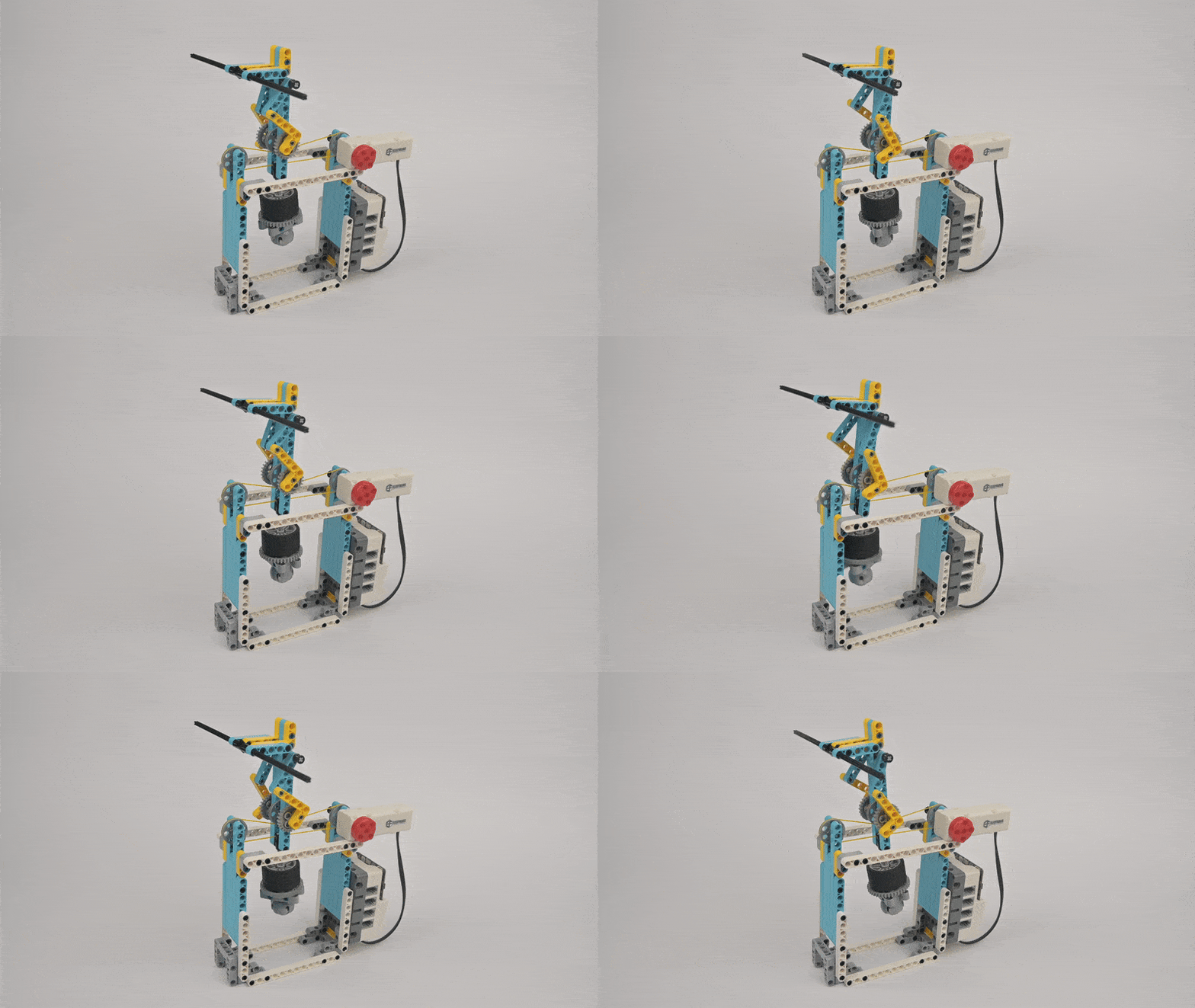
Tightrope Walking Robot
Case Introduction
Use Nezha Pro Sport Kit to build a tightrope walking robot. The motor drives the rubber band (simulating a steel wire) to rotate, and friction force transmission drives the unicycle figure above to ride stably. Press button A to start; button B to halt.
Course Introduction
The lesson guides learners to create a "tightrope-walking robot" using rubber band simulation and friction-based wheel engagement. Through hands-on building and centre-of-gravity adjustments, students develop intuition about balance mechanics without sensor assistance.
Teaching Objectives
  • Understand friction transmission mechanics — rubber band rotation drives wheel movement
  • Master centre of gravity control through counterweight positioning for stability
  • Learn motor control programming for speed and direction adjustment
  • Integrate physics, mechanical engineering, and coding concepts
Learning Exploration
Investigate correlations between rubber band rotation speed and robot velocity, analyse how counterweight placement affects stability, and examine how friction transmission combined with centre-of-gravity engineering replaces traditional balance systems.
Case 20 Demo
Case 20
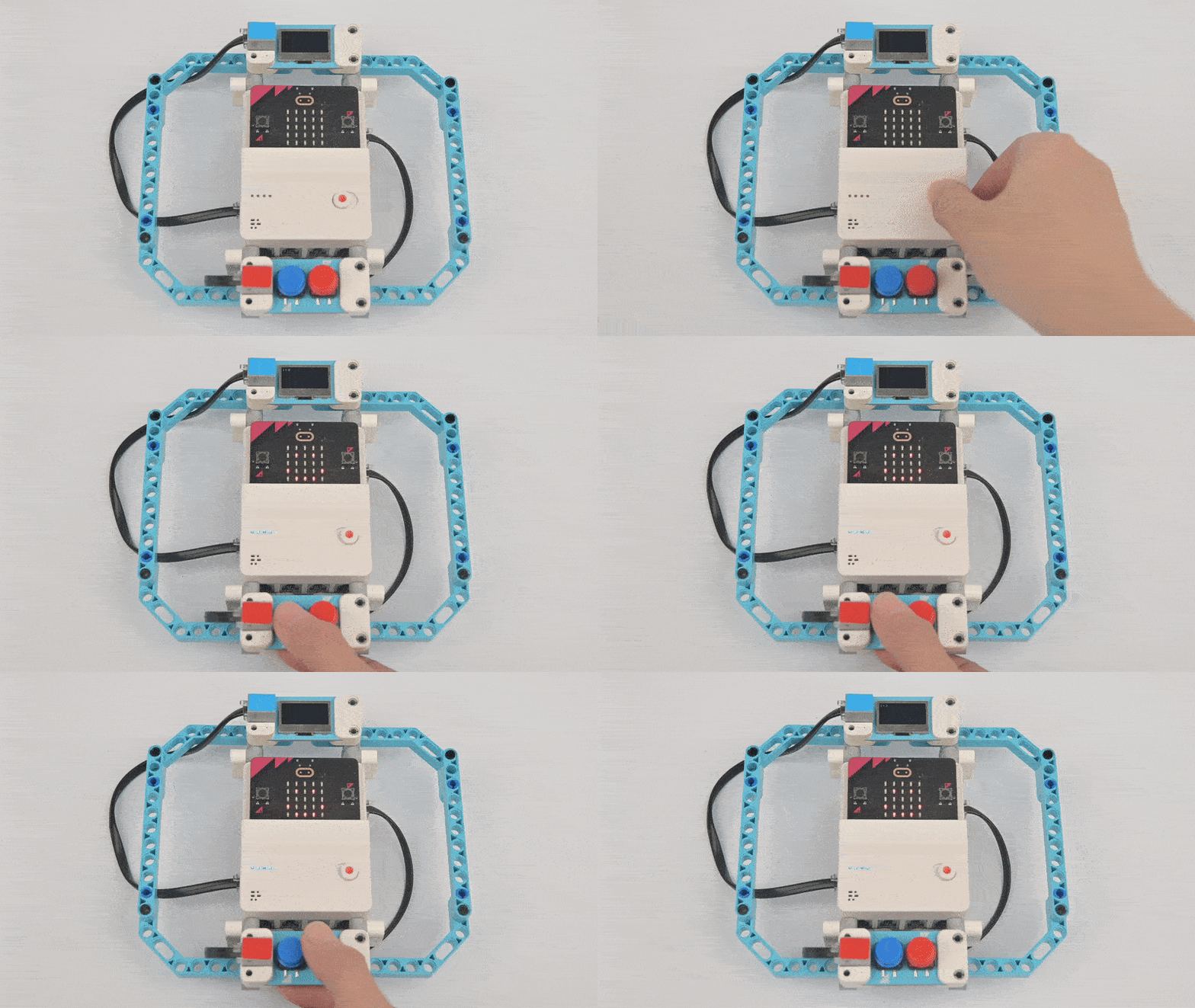
Manual Counter
Case Introduction
Make a manual counter based on Nezha Pro Sport Kit. By pressing button C or button D, the corresponding value can be counted independently and displayed in real time on the OLED display — perfect for fencing stabs or shooting hits.
Course Introduction
The project addresses a practical need: "if you want to record the number of effective stabs during fencing training, or want to count the number of hits during shooting training, it is too difficult to count with your brain!" The solution creates an automated counter that makes tracking accurate and effortless.
Teaching Objectives
  • Understand how key event triggers work and variable increment logic
  • Learn to dynamically update values on OLED displays
  • Apply programming basics to practical sports counting scenarios
Learning Exploration
How button presses trigger programming responses and how to create independent counting variables for different buttons that update in real time.
Case 21 Motorcycle Robot
Case 21
Motorcycle Robot
Case Introduction
Build a two-wheeled motorcycle robot featuring rear-wheel motor drive and front-wheel steering. Program motor speed and servo angle control to achieve movement, steering, and speed regulation. Press button A to move forward; button B to stop.
Course Introduction
Students learn to equip systems with intelligent control, enabling automated response to events and data tracking without manual intervention — focusing on sports while technology manages the operations. This case integrates physics, engineering, and programming knowledge comprehensively.
Teaching Objectives
  • Master motorcycle movement mechanics: rear-wheel drive + front-wheel steering
  • Learn PWM motor speed adjustment and servo angle programming
  • Understand control workflow: input → processing → actuator response
  • Apply conditional statements for motion control
Learning Exploration
Investigate relationships between motor speed and driving velocity, analyse how servo steering angles affect turning radius, and explore wheelbase adjustments for improved stability.