🤖 AI-Powered STEAM Kit
Building Blocks Kit

Nezha Pro AI
Mechanical Power Kit

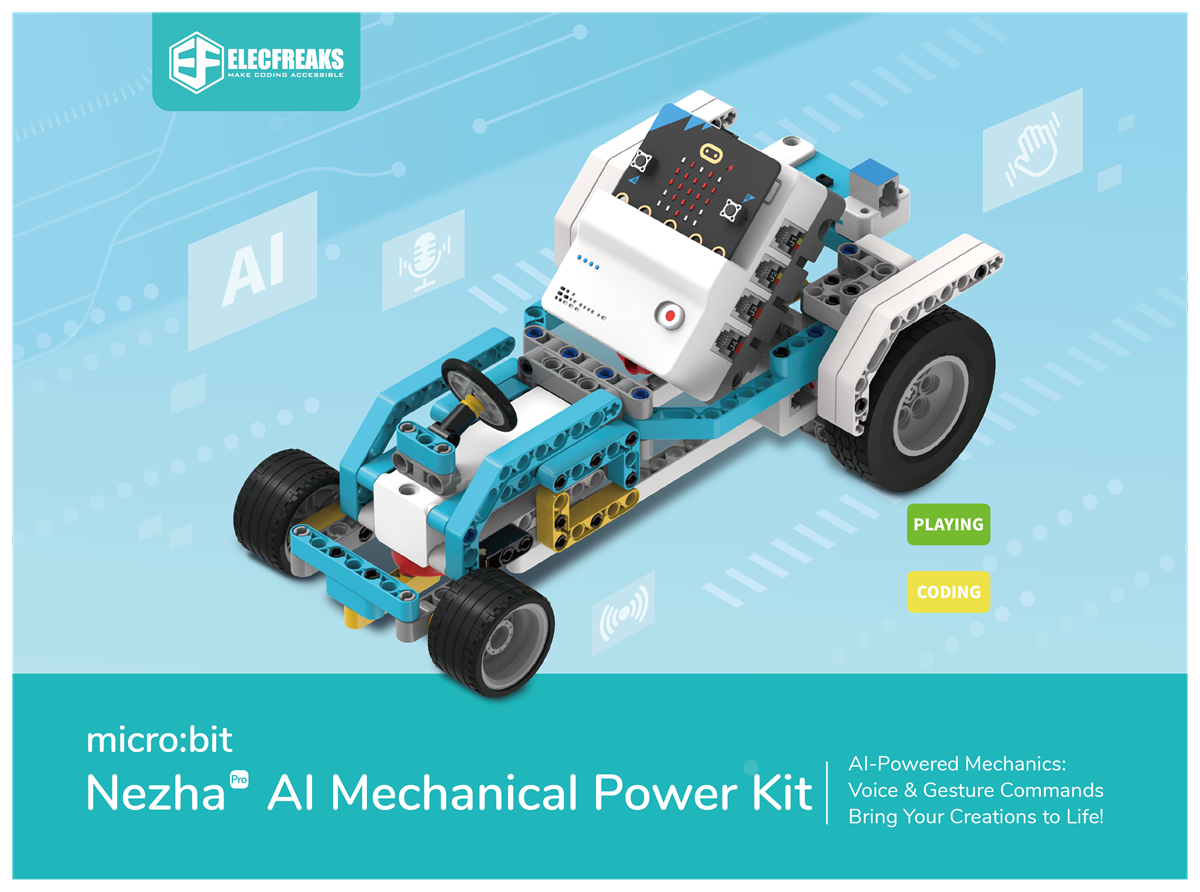
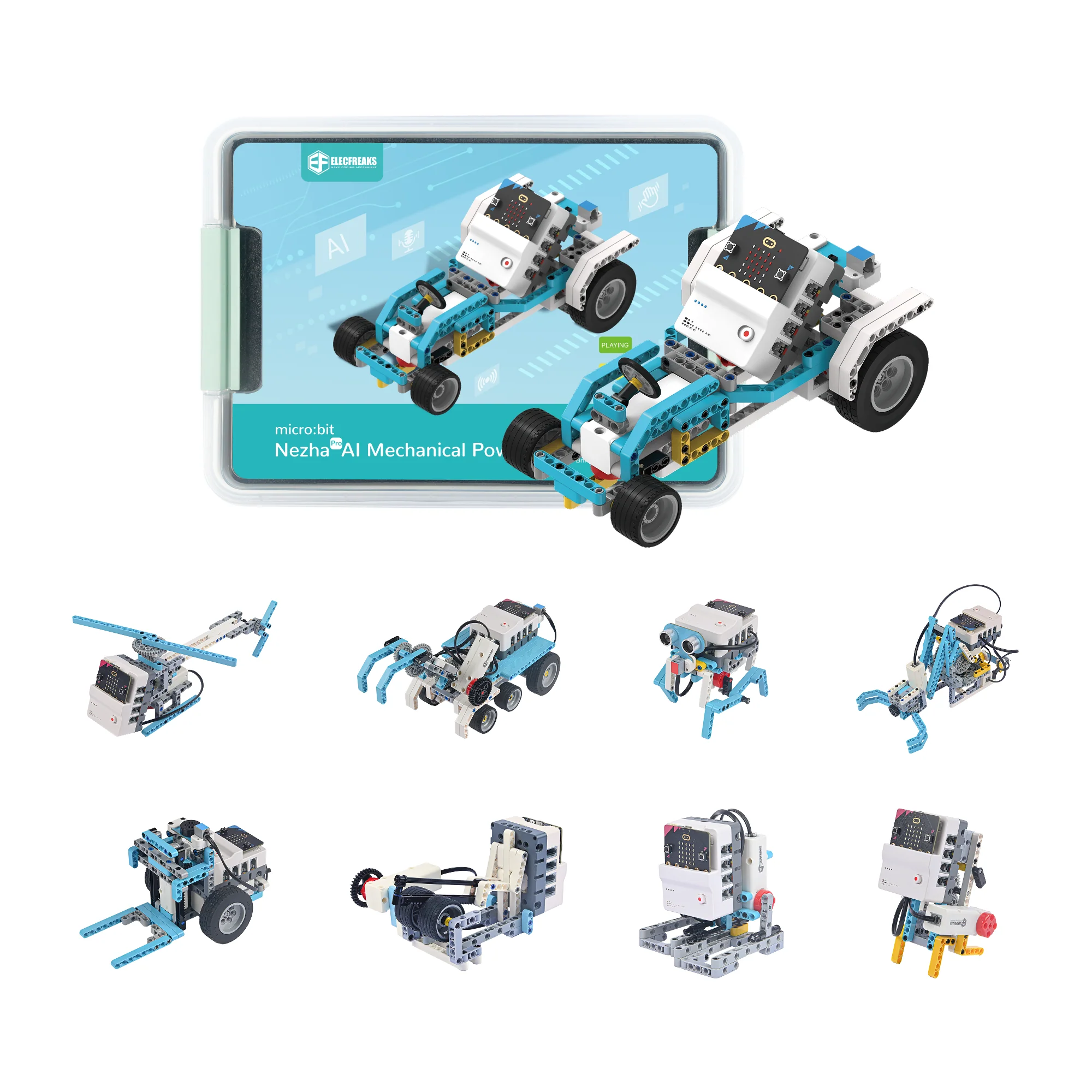
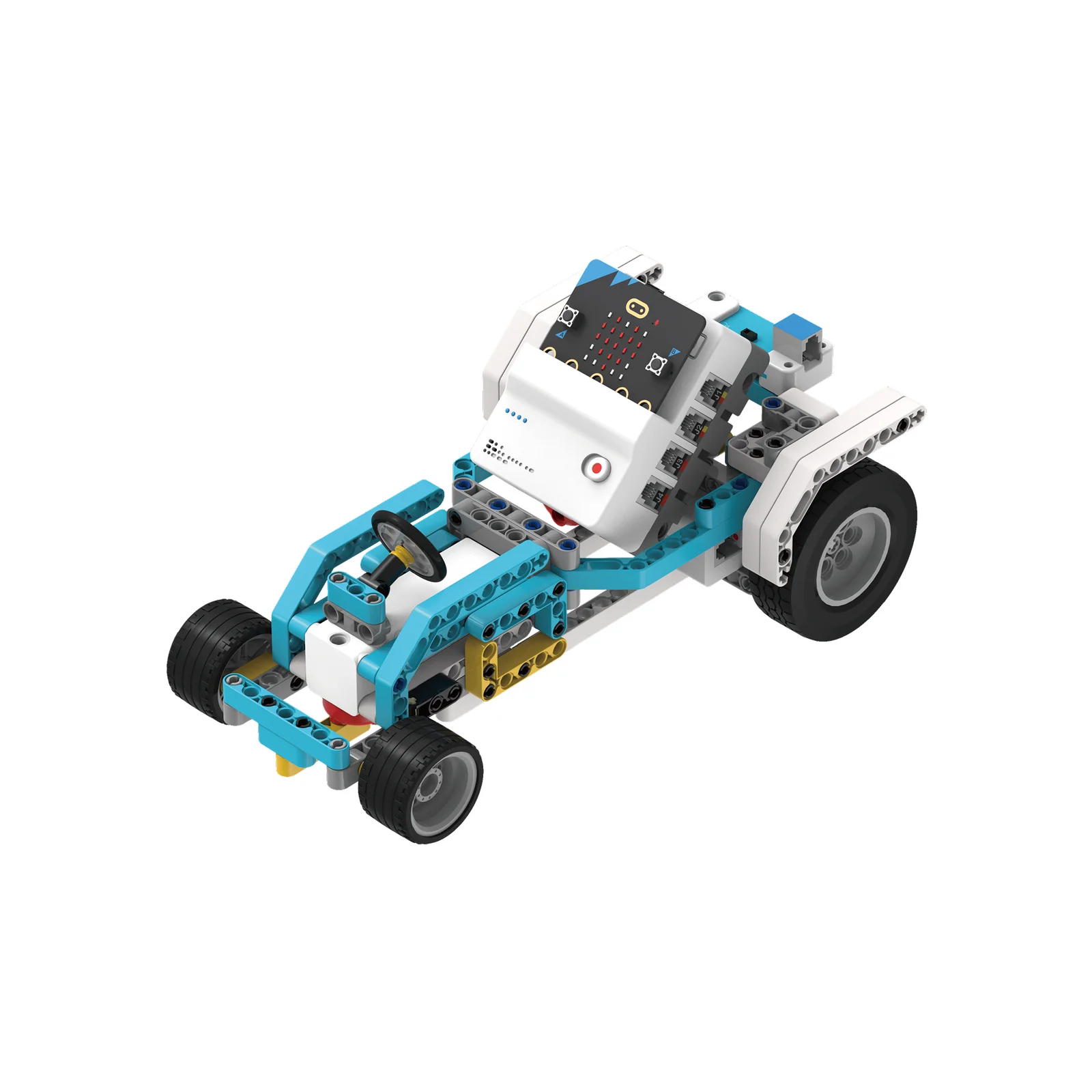
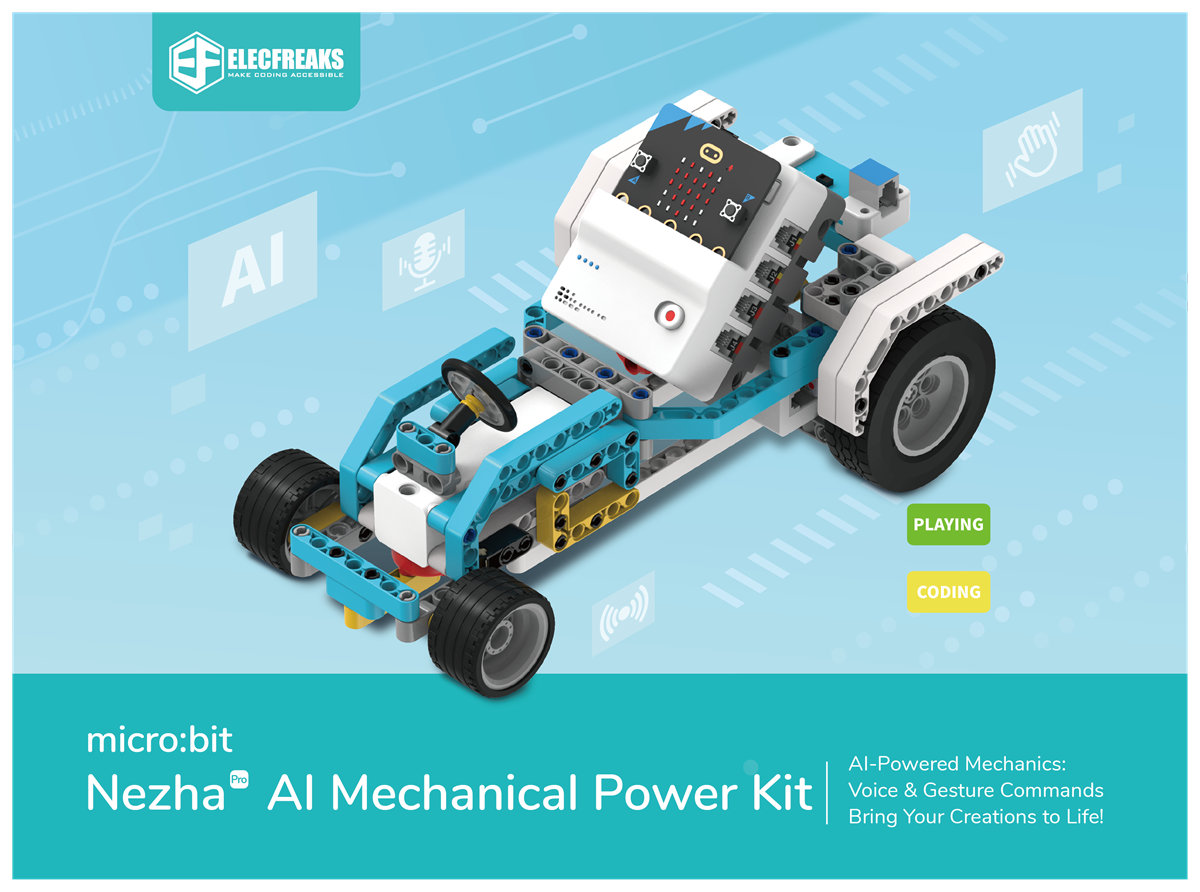
A next-generation STEAM kit that fuses AI voice recognition, gesture control, and mechanical power engineering. 16 progressive cases guide learners from basic linkage robots to fully voice-controlled AI machines.

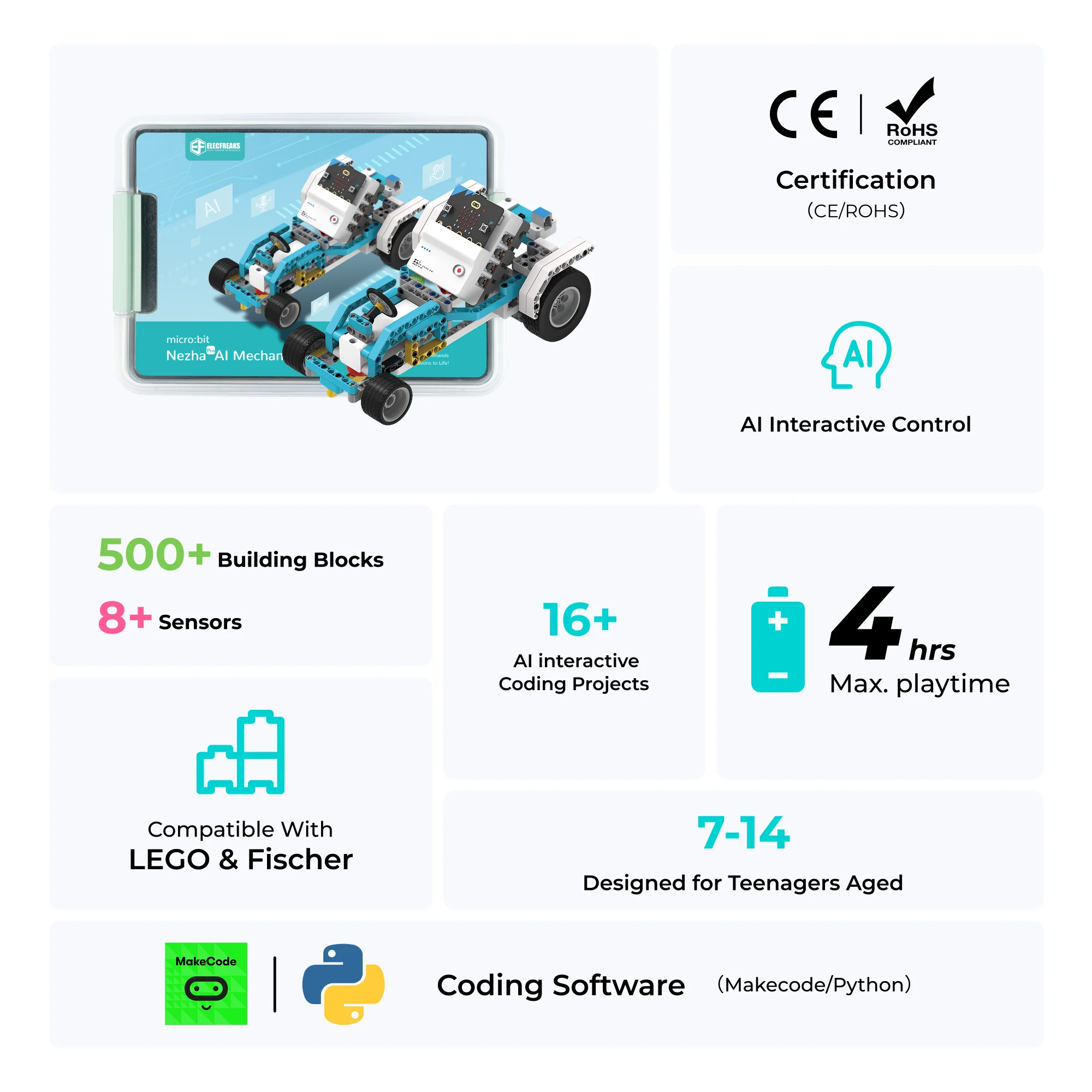
16 AI Cases 600+ Blocks Voice Recognition Gesture Control Ages 7–14 MakeCode & Python
Explore Cases →
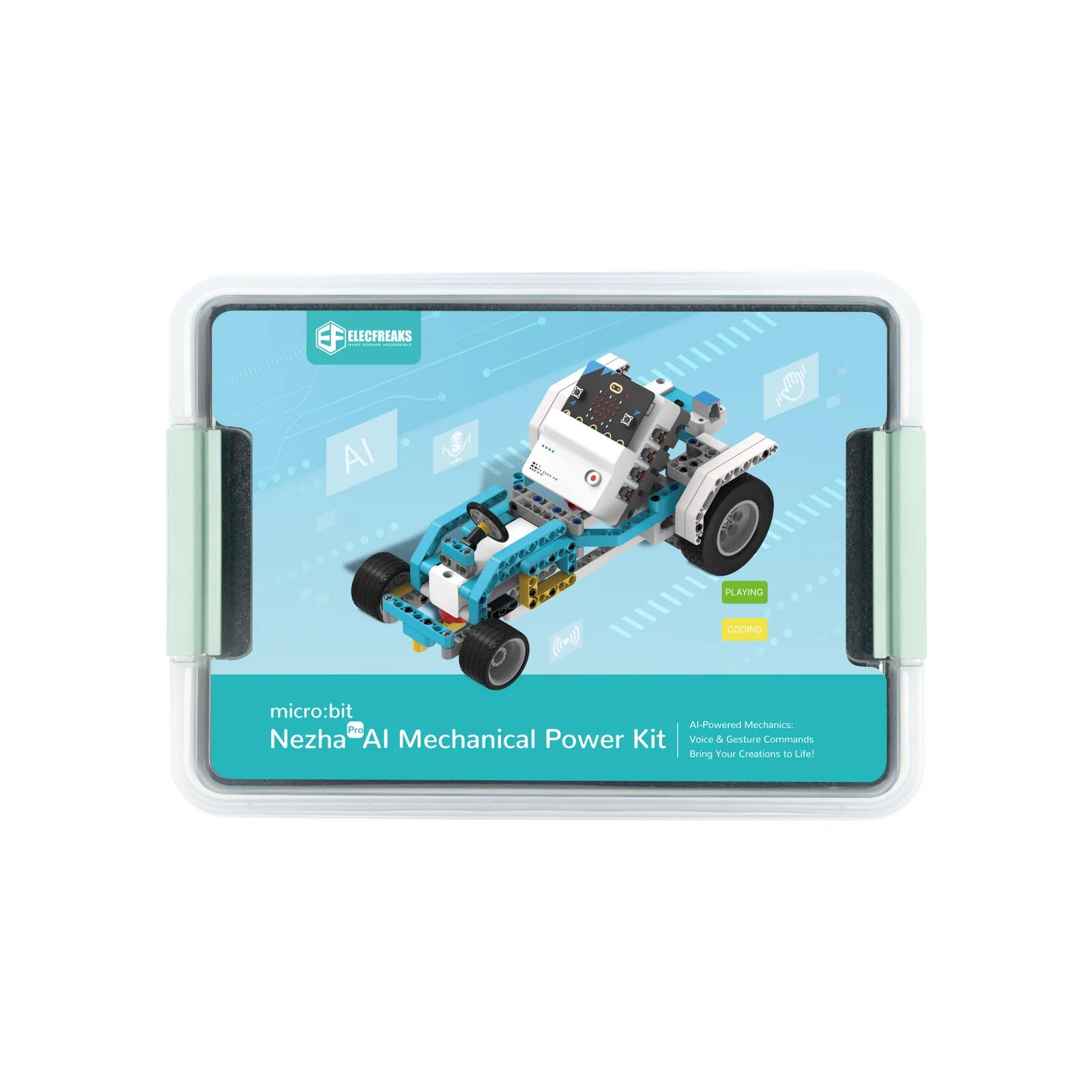
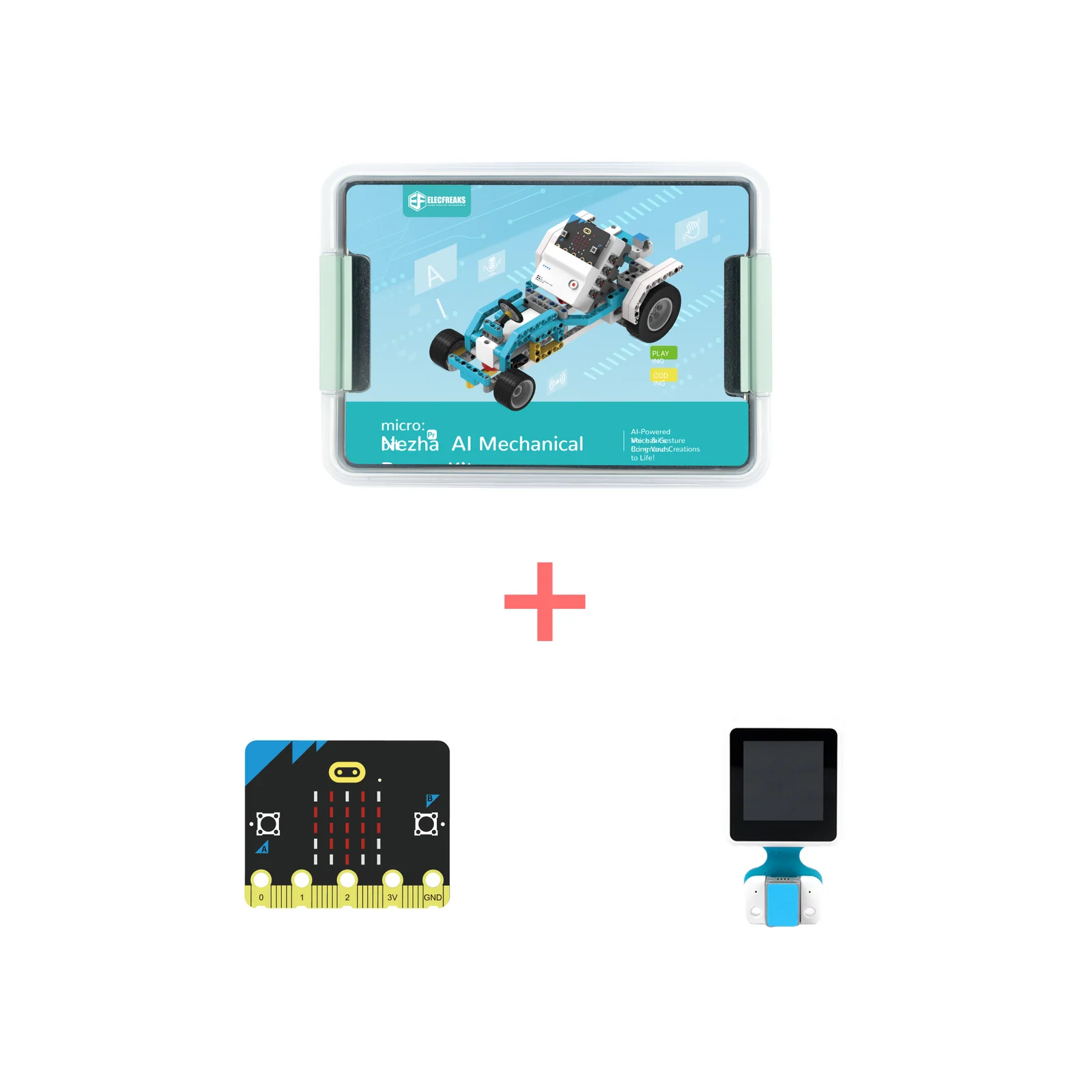
Nezha Pro AI Mechanical Power Kit
16
Cases
600+
Blocks
3
Motors
7+
Age

Where AI Meets Mechanical Engineering

Designed for ages 7–14, the Nezha Pro AI Mechanical Power Kit combines the Nezha Pro Expansion Board with voice recognition, gesture sensors, and 600+ building blocks. It guides learners through 16 progressive cases — from basic linkage mechanisms to full AI-controlled robots — fostering spatial thinking and intelligent control abilities.

🎙️
Voice Recognition AI
21 preset + 10 custom voice commands let students control robots naturally through speech — introducing real AI interaction.
🖐️
Gesture Control
Recognises 9 gestures (up, down, left, right and more) for intuitive hands-free robot control without touching any button.
⚙️
Masterless Mode
Completes simple mechanical cases without any programming — perfect for beginners discovering motors and linkages for the first time.
Nezha Pro AI Mechanical Power Kit Overview

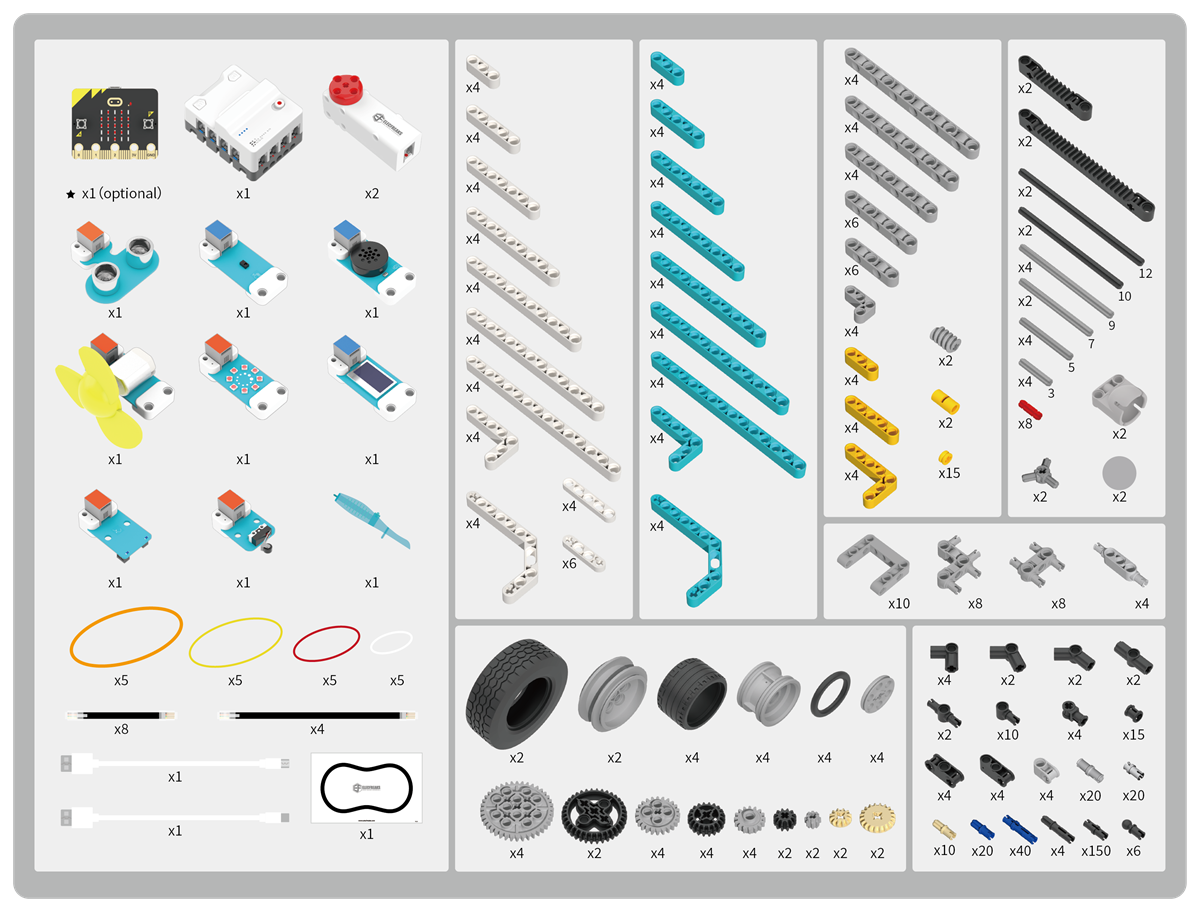
What's in the Box

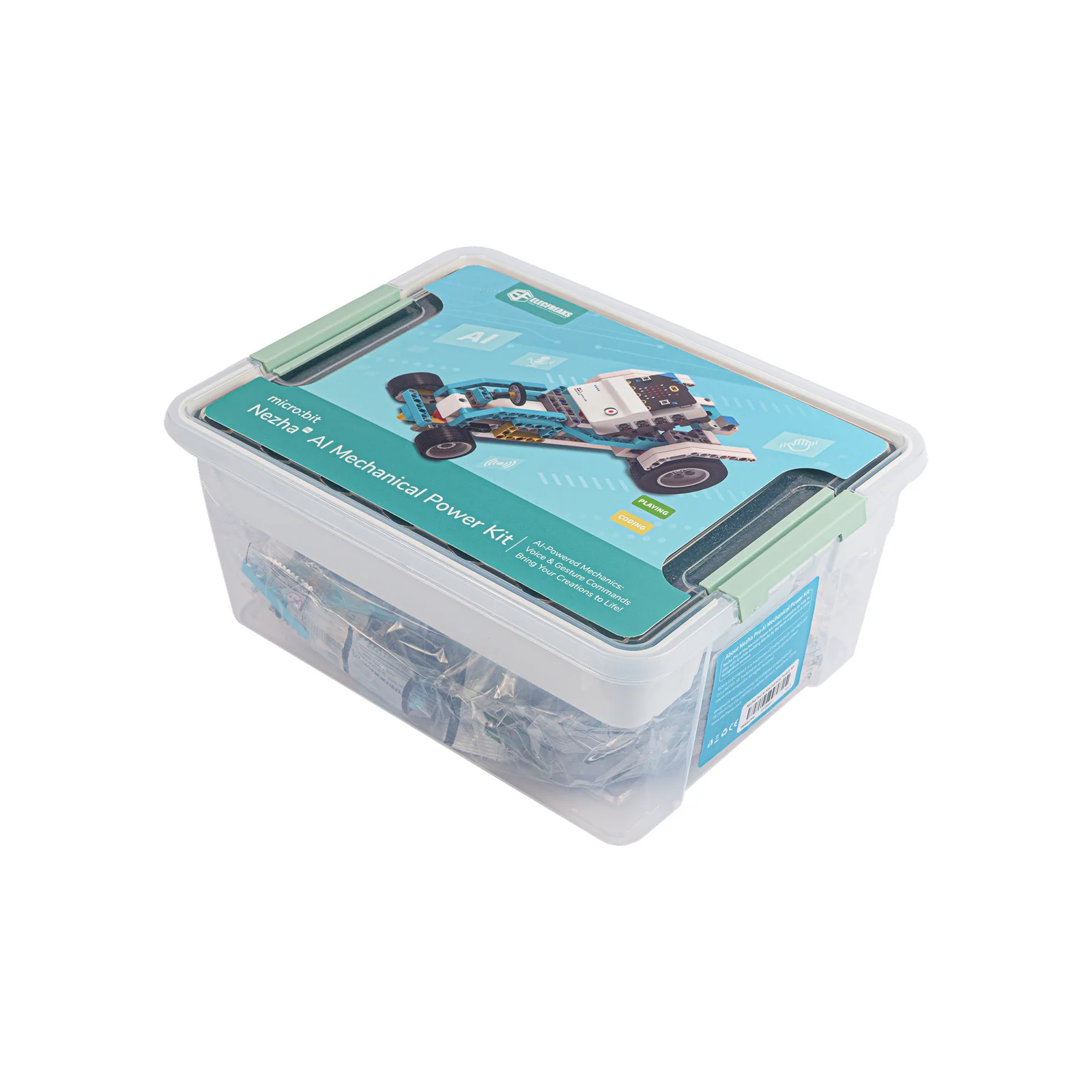
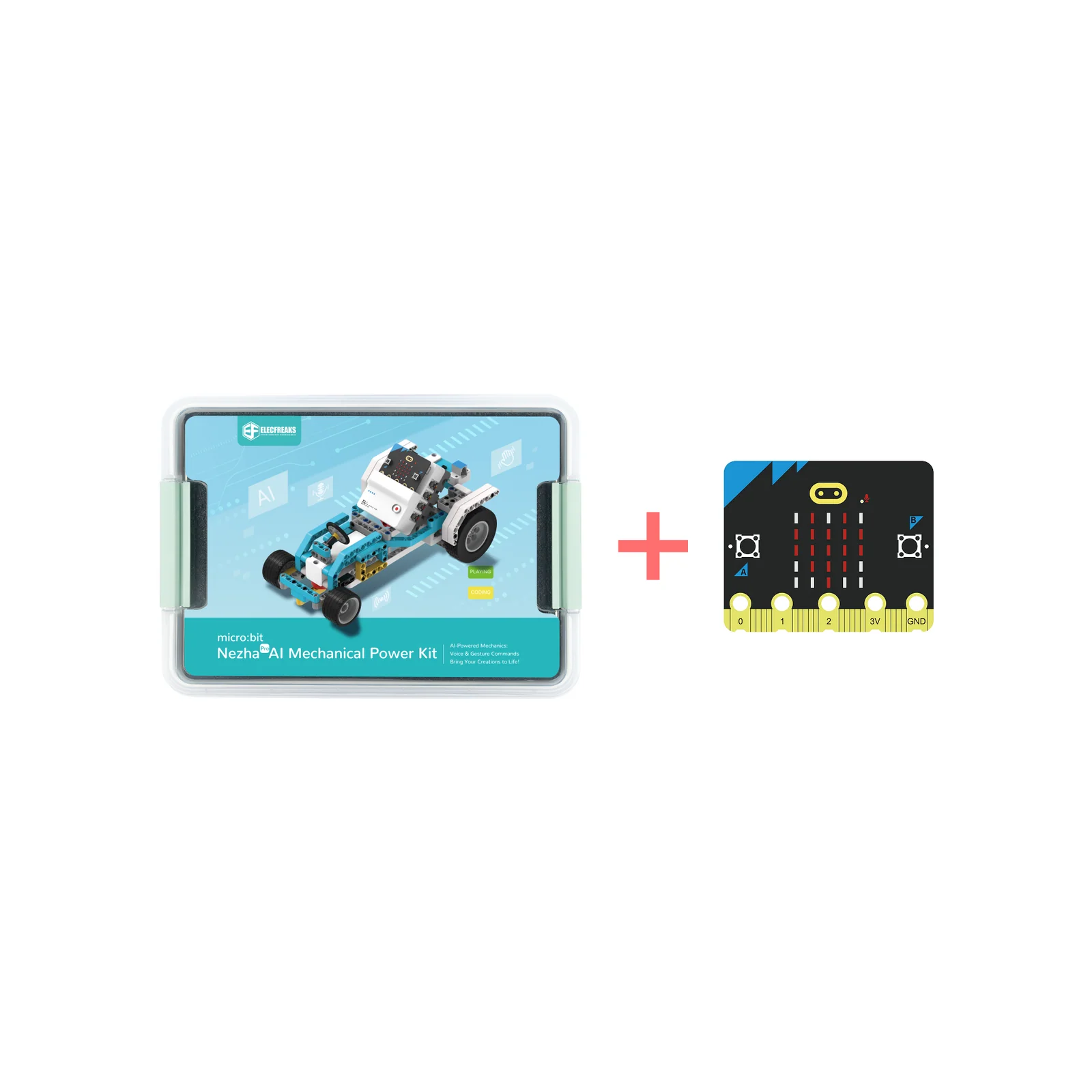
Nezha Pro AI Mechanical Power Kit Packing List

Specifications at a Glance

Product Parameters
Product NameNezha Pro AI Mechanical Power Kit
Recommended Age7 – 14 years
Building Blocks600+
Cases Included16
Programming MethodsMakeCode, Python
Motor Type3× Smart Brick Encoder Motors
ChargingType-C Fast Charge (~1 hr)
Battery Life~4 hours
Product Features
AI Voice Control21 preset + 10 custom commands
Gesture Sensing9 gesture directions
Control ModeMasterless & Programmed
Sensor Ports8× RJ11 sensor ports
Motor Ports4× closed-loop motor ports
DisplayOLED + LED Rainbow Ring
Additional SensorsUltrasonic, Crash, Tracking, Fan
Power SwitchPhysical on/off switch

Core Hardware Components

Purpose-built hardware designed for AI, mechanical exploration, and creative programming at every skill level.

Expansion Board
Nezha Pro micro:bit Breakout Board
Nezha Pro Board Modules
A micro:bit expansion board with 8-way sensor interface and 4-way closed-loop motor interface using anti-misinsertion RJ11 connectors. Features masterless mode, Type-C fast charging (full charge in ~1 hour, 4-hour runtime), 4 battery indicators, physical power switch, and full building-block compatibility.
Nezha Pro Pin Diagram
Smart Motor
PlanetX Smart Brick Motor
PlanetX Motor Specs
A 2-in-1 smart motor combining high-precision servo and high-efficiency motor characteristics. Features ultra-high control accuracy, instantaneous response speed, powerful torque, and intelligent protection (temperature monitoring, stall detection, voltage stability).
SKUEF05071
Operating Voltage5.0 – 9.0V
No-load Speed125 RPM
Stop Torque≥29 N/cm
Positioning Accuracy≤3°
Rotation360° × N
Weight31g

AI Sensor Suite

Eight specialised sensors — including AI voice and gesture — give students the tools to build truly intelligent machines.

Speech Recognition
Speech Recognition
21 preset + 10 custom voice commands for hands-free AI control.
Gesture Sensor
Gesture Sensor
Recognises 9 gestures including up, down, left, right, and more.
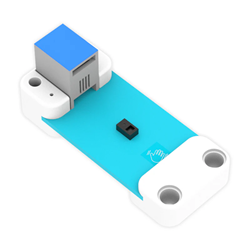
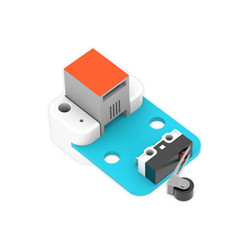
Crash Sensor
Crash Sensor
Collision detection for automatic obstacle response.
Ultrasonic Sensor
Ultrasonic Sensor
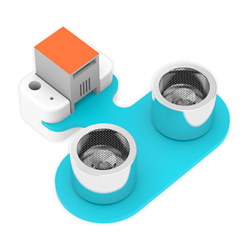
Short-distance measurement for proximity and obstacle detection.
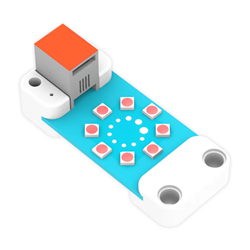
LED Rainbow
LED Rainbow Ring
Displays RGB colours for visual feedback and status indication.
Tracking Sensor
Tracking Sensor
Line-tracking sensor for smart car navigation missions.
OLED Display
OLED Display
Real-time data display for status, readings, and feedback.
Motor Fan
Motor Fan
Simple fan drive module for ventilation and cooling builds.

16 AI & Mechanical Power Cases

Each case builds on the last — from masterless mechanical robots to fully AI-controlled voice and gesture machines. Every case includes a story-driven introduction to spark curiosity.

Case 1
Case 01
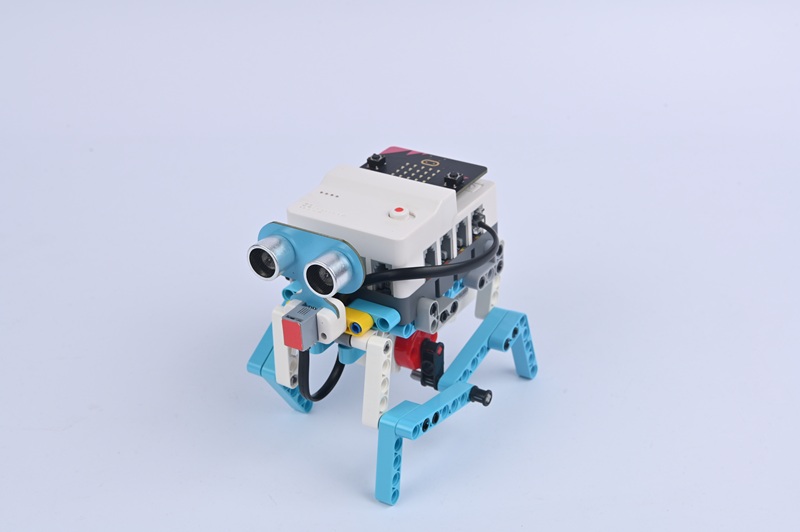
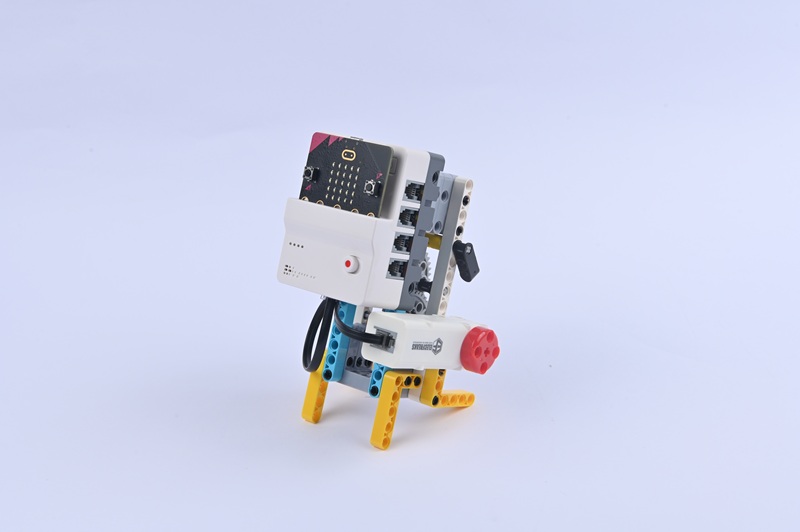
Simple Quadruped Robot
Case Introduction
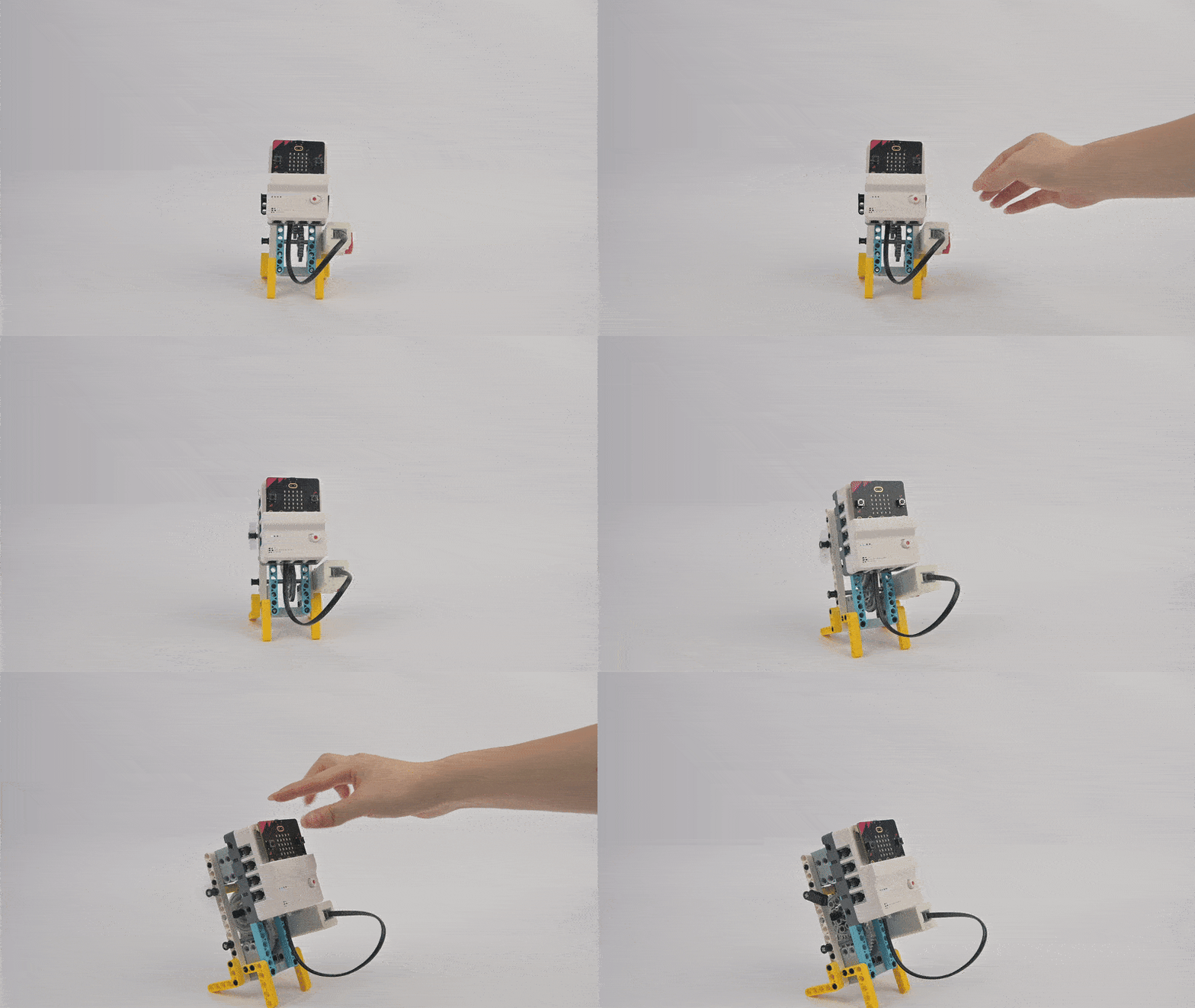
Build a simple quadruped robot. Through a basic linkage mechanism, realise the walking movement of the simple quadruped robot. After turning on the power, it walks forward and automatically retreats when encountering obstacles.
Young engineers awaken to an emergency — Robot Village's patrol robots are offline and villagers fear "gear beasts" from the forest. They discover a quadruped robot named "Tiedan" with disconnected leg linkages and must restore it to standing position.
Teaching Objectives
  • Assemble the quadruped robot while learning linkage mechanisms, motor control, and sensor integration
  • Understand movement principles of linkage mechanisms and ultrasonic sensor functions for distance detection
  • Develop practical skills through debugging, observation, and problem-solving
  • Foster interest in bionic robotics and connections between mechanical structures and biological movement
Learning Exploration
How does linkage configuration affect walking posture? How does motor speed impact movement? Compare robotic versus biological quadruped locomotion.
Case Demonstration
Case 1 Demo
Case 2
Case 02
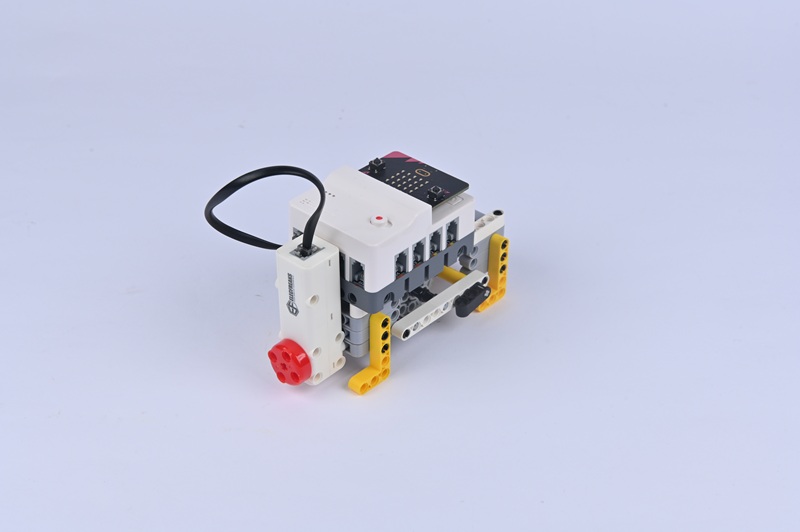
Bipedal Walking Robot
Case Introduction
Build a two-legged robot capable of walking through a fundamental linkage mechanism that mimics natural leg motion. After power activation, it walks forward and automatically retreats when detecting obstacles.
A bipedal robot named Upright malfunctions and cannot walk properly, with rigid leg joints. "When walking, one leg supports the body, and the other swings like a pendulum." The team must install flexible, rotatable knee joints.
Teaching Objectives
  • Assemble the bipedal walking robot and master linkage mechanism techniques for bipedal legs
  • Comprehend equilibrium concepts in bipedal locomotion and compare structural differences between bipedal and quadrupedal designs
  • Enhance problem-solving skills by debugging balance and walking rhythm through motor speed adjustments
  • Develop curiosity about bipedal robot engineering and movement mechanics
Learning Exploration
Why do bipedal robots fall more easily than quadrupedal ones? What causes tilted walking — mismatched linkage lengths or inconsistent motor speeds?
Case Demonstration
Case 2 Demo
Case 3
Case 03
Simple Mechanical Dog
Case Introduction
Build a simple mechanical dog. Through basic gear transmission, realise the movement of the mechanical dog. Press button A to walk forward; press button B to stop.
A mechanical dog named Wangcai malfunctions at a ranch, with its "gear set stuck like a jammed chain." The narrative emphasises realigning misaligned gears to enable proper meshing, establishing the problem-solving context for the lesson.
Teaching Objectives
  • Master assembly of gear transmission structures for the mechanical dog
  • Understand gear principles including meshing, speed-torque relationships, and how tooth count affects movement speed
  • Develop hands-on skills through gear alignment debugging and motor parameter optimisation
  • Foster interest in mechanical transmission technology and recognise gears' essential role in robot functionality
Learning Exploration
How does gear selection influence mechanical dog speed? How does engagement tightness affect performance — identifying issues like slipping or jamming?
Case Demonstration
Case 3 Demo
Case 4
Case 04
Vibration Robot
Case Introduction
Build a vibration robot that achieves movement through vibration. Press button A to move forward; press button B to stop. An eccentric component spins at high speed to generate directional vibration.
A patrol robot named Tiaotiao has become stuck in sand due to jammed gears. "Acceleration gears drive small gears to rotate at high speed, making the cam spin," generating vibration that enables movement across soft surfaces where conventional walking fails.
Teaching Objectives
  • Master assembly of the vibration robot including motor and eccentric component installation
  • Recognise eccentric motion as a source of vibration and understand motor speed/vibration intensity relationships
  • Develop observation and experimental exploration abilities through adjusting eccentric components
  • Foster creative thinking about unconventional movement methods and problem-oriented design
Learning Exploration
How is vibration generated? How do weight and position of eccentric parts affect vibration intensity and direction? When is vibration-based movement advantageous over other locomotion types?
Case Demonstration
Case 4 Demo
Case 5
Case 05
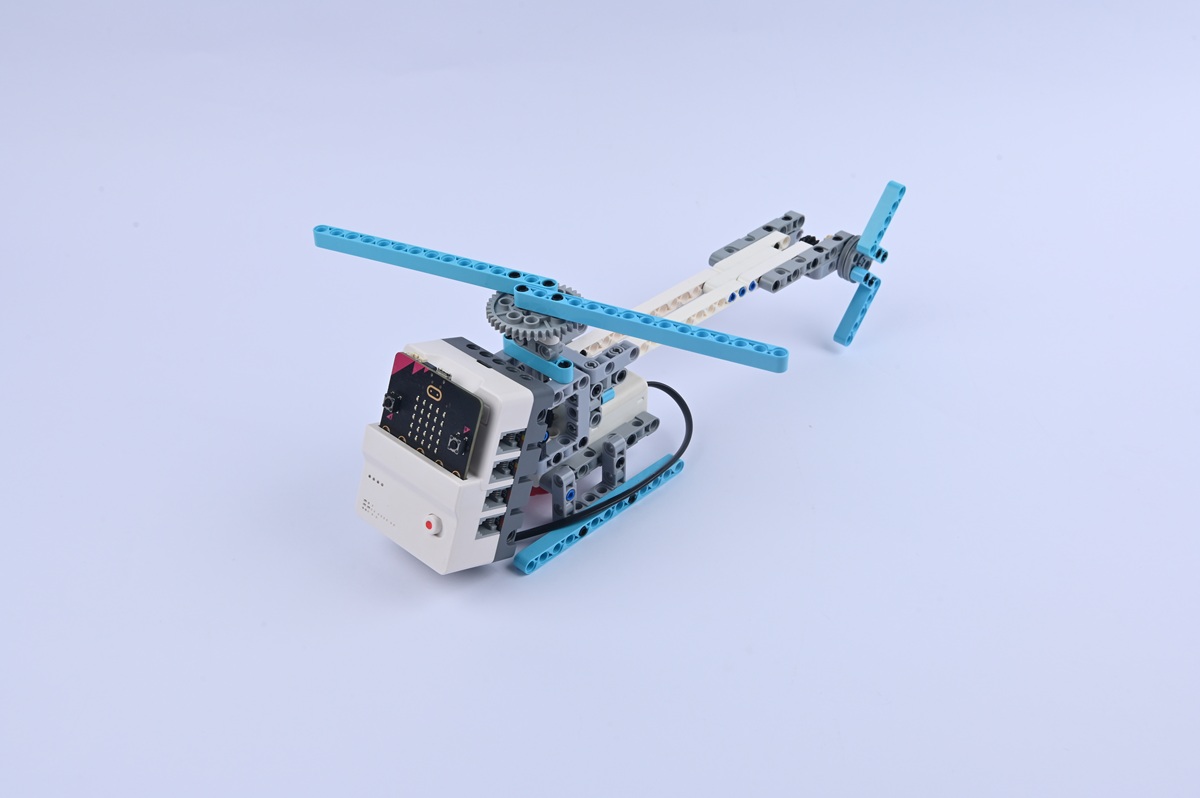
Helicopter
Case Introduction
Build a helicopter model and enable propeller rotation through gear transmission mechanics. Press button A to activate the propeller; press button B to stop it.
A reconnaissance helicopter named "Xuan Yi" becomes disabled with a broken propeller. The narrative centres on how "a set of gears transfers power from the engine to the propeller," much like bicycle mechanics, to restore its functionality.
Teaching Objectives
  • Master helicopter assembly, gear transmission structures, and propeller installation
  • Understand how gear systems transfer motor power to propellers and recognise gear ratio relationships
  • Develop practical skills through troubleshooting propeller jamming and alignment issues
  • Build foundational knowledge connecting mechanical systems to aerospace principles
Learning Exploration
How many gear sets transfer motor power to the propeller? How does changing gear tooth counts affect rotation speed? How does the model compare to real helicopter reducers?
Case Demonstration
Case 5 Demo
Case 6
Case 06
Wood-Sawing Robot
Case Introduction
Build a wood-sawing robot and make it simulate wood-sawing action by controlling the reciprocating rotation of the servo. After turning on the power, the wood-sawing robot starts to operate.
A carpenter robot's wood-sawing machine isn't functioning — its motor wire connection is loose. The team discovers the principle: a motor directly drives the saw blade to rotate, similar to household electric saws.
Teaching Objectives
  • Master servo assembly and "saw blade" component integration; control reciprocating rotation via programming
  • Understand servo angle-control features and learn to set rotation angle and frequency
  • Stimulate interest in industrial machinery and recognise technology's role in simulating production processes
Learning Exploration
How does reciprocating angle impact the cutting motion? How does rotation frequency affect efficiency? Compare the model's operation to real electric saws.
Case Demonstration
Case 6 Demo
Case 7
Case 07
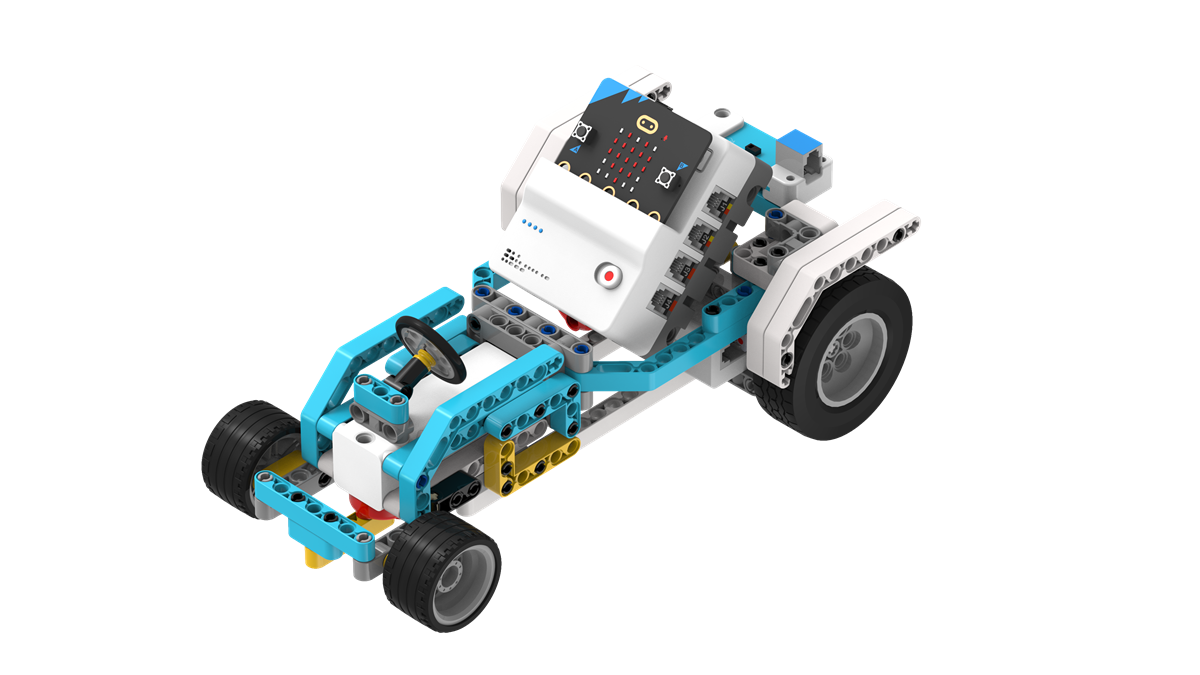
Gesture-Controlled Racing Car
Case Introduction
Build a gesture-controlled racing car and control its movement through hand gestures. After powering on, the vehicle executes motion commands based on detected hand gestures.
A streamlined racing vehicle called "Flash Racing Car" is malfunctioning — spinning in place with a flashing red sensor. A child discovers: "waving forward is acceleration, and swinging to the right is turning." The blockage preventing message delivery gets cleared once the sensor lens is cleaned.
Teaching Objectives
  • Assemble the gesture-controlled racing car, mastering chassis, motor, and sensor connections
  • Learn how gesture sensors work by capturing hand trajectories and program specific gestures to trigger actions
  • Build enthusiasm for intelligent interaction systems and understand diverse human-computer interfaces
Learning Exploration
What is the optimal sensing distance for accurate gesture detection? How can you avoid false actions from ambient light? Compare gesture control advantages vs. remote control systems.
Case Demonstration
Case 7 Demo
Case 8
Case 08
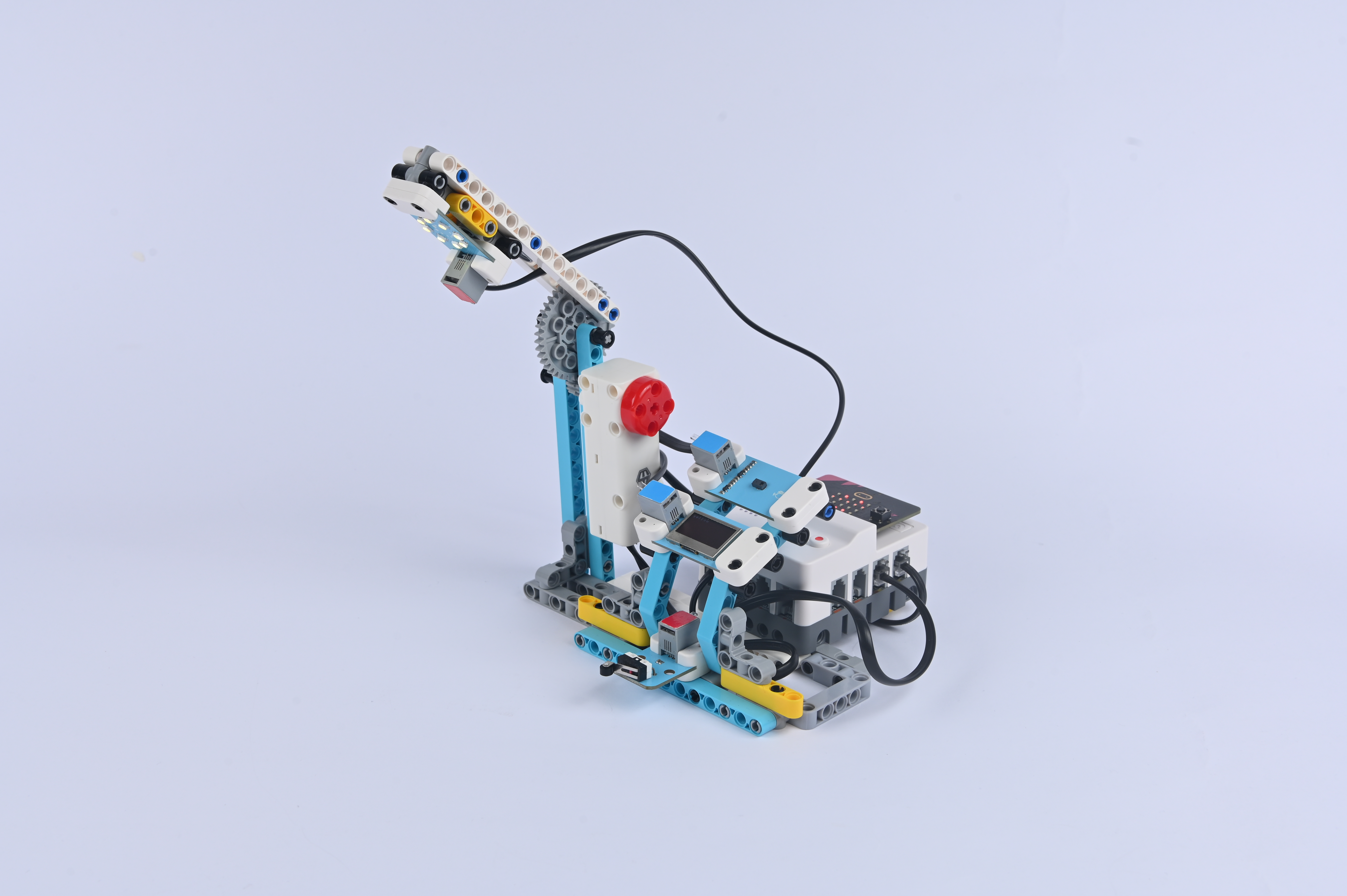
Gesture-Controlled Desk Lamp
Case Introduction
Build a lamp activated through hand movements, with the ability to toggle power and adjust illumination settings via gesture recognition. The OLED display shows current settings in real time.
During a power outage at a command centre, characters discover an infrared gesture-controlled lamp. Hand motions act as "password signals" to the sensor — comparing gesture control to magical wand movements that produce light.
Teaching Objectives
  • Master assembly and connection methods for lamp brackets, light modules, and gesture sensors
  • Understand collaboration between gesture recognition sensors and light modules
  • Develop hands-on skills through sensor calibration and parameter adjustment
  • Cultivate interest in smart home technology and "contactless control" convenience
Learning Exploration
How does ambient light affect sensor accuracy? What causes flickering or unresponsiveness? Compare gesture control advantages against button and voice-activated alternatives.
Case Demonstration
Case 8 Demo
Case 9
Case 09
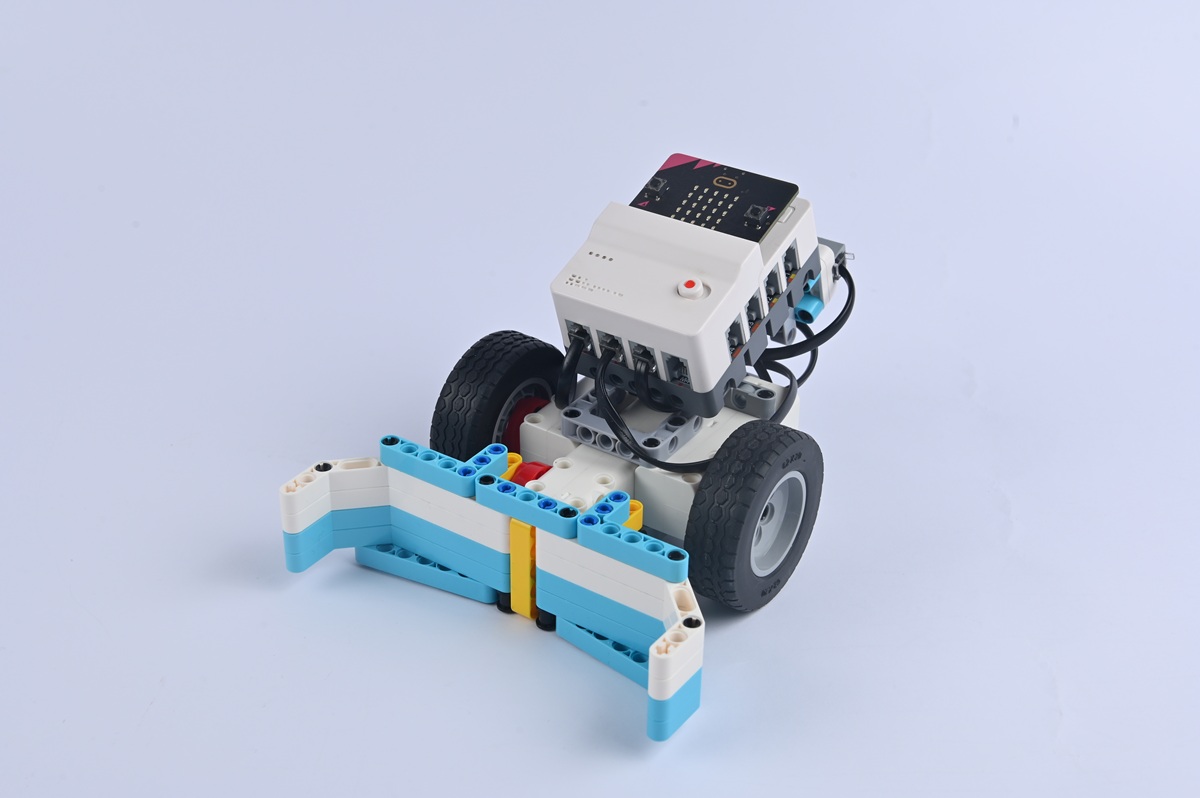
Gesture-Controlled Bulldozer
Case Introduction
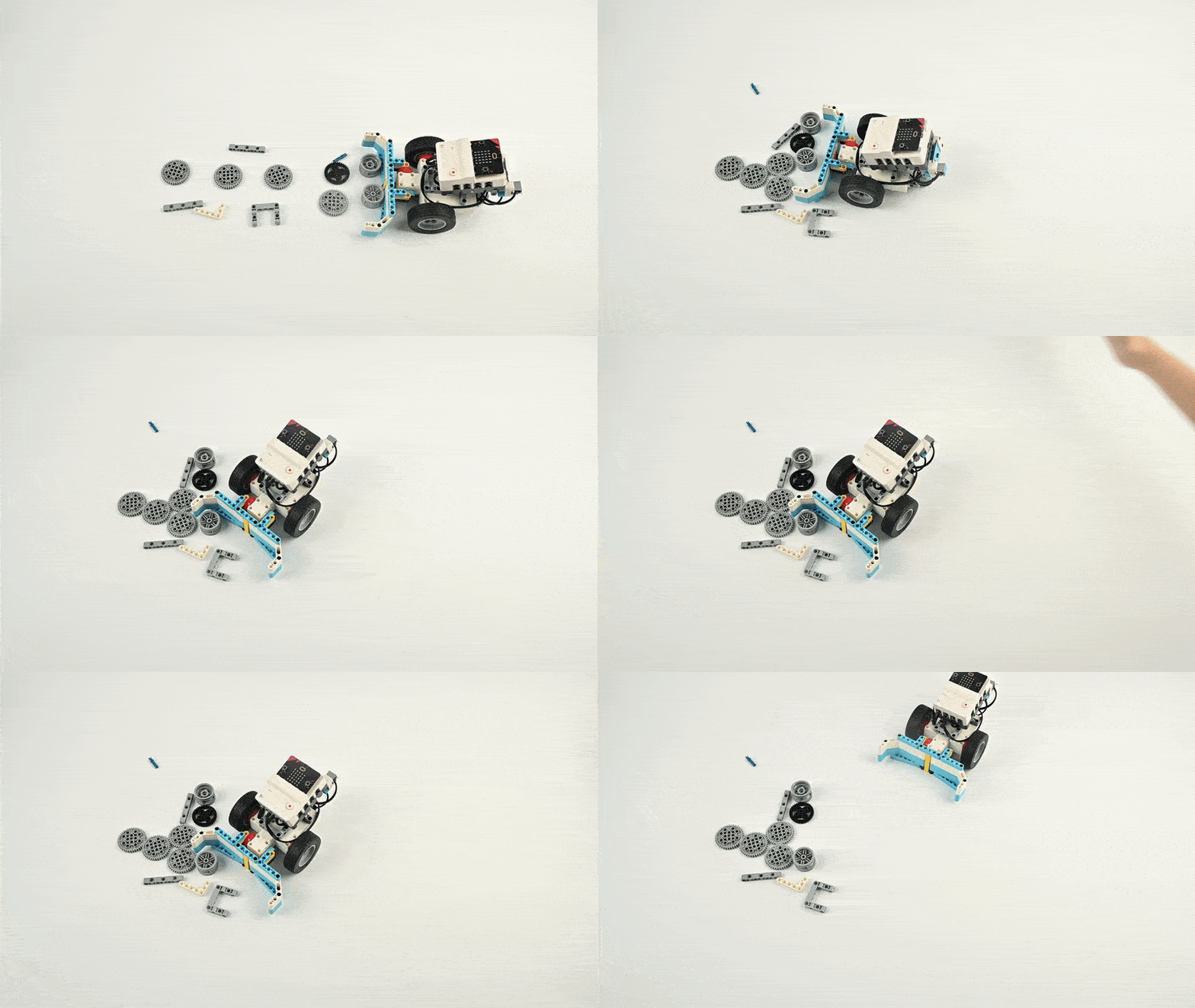
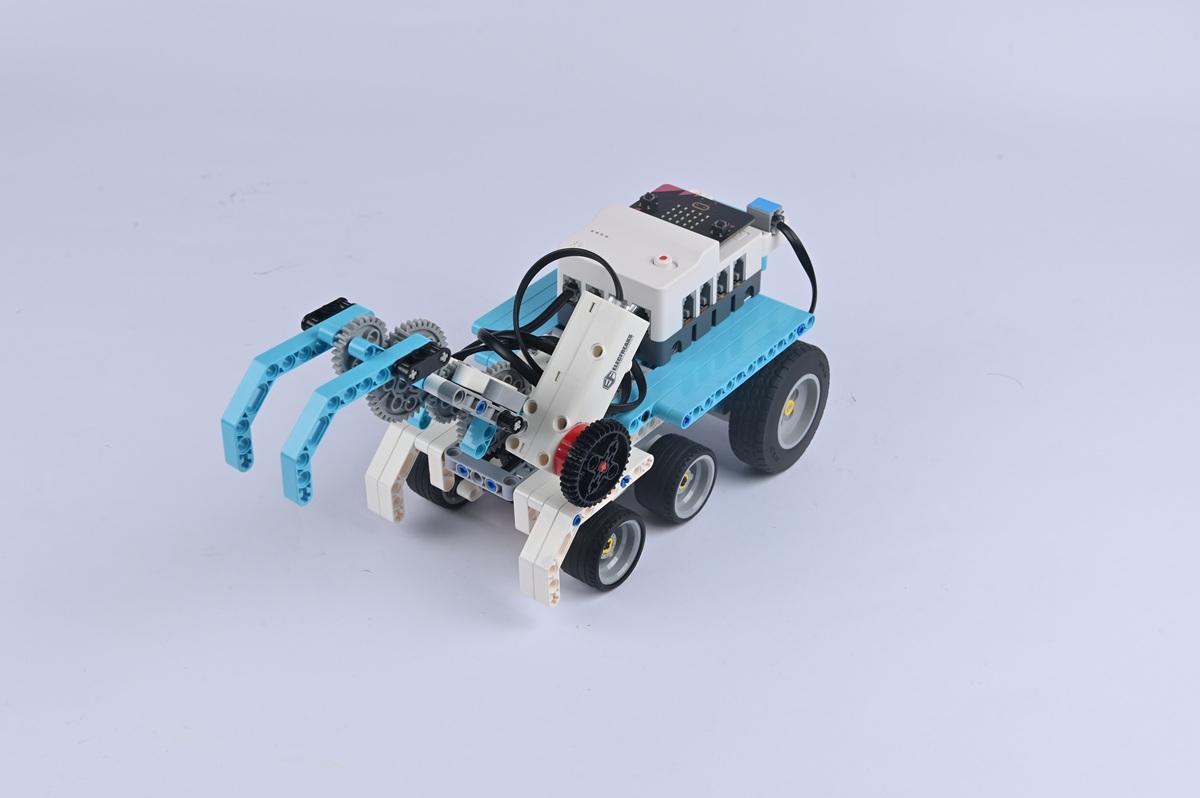
Build a gesture-controlled bulldozer and control its forward direction as well as the bucket's lifting and lowering through gestures. Operators use hand gestures to control all movements after powering on.
A bulldozer becomes stuck in gravel blocking patrol routes. Its gesture sensor — covered with dust — prevents normal operation. Once cleaned, hand gestures command the machine forward, illustrating how small interventions restore functionality.
Teaching Objectives
  • Master assembly and connection of the bulldozer chassis, blade transmission, and gesture recognition sensor
  • Understand collaboration between gesture sensors and motors; program gestures to trigger different actions
  • Develop spatial thinking and problem-solving skills through debugging and optimisation
  • Foster interest in construction machinery and "intelligent control" in industrial settings
Learning Exploration
How are blade control mechanisms implemented through gestures? Compare model gesture control to real bulldozer hydraulic operations.
Case Demonstration
Case 9 Demo
Case 10
Case 10
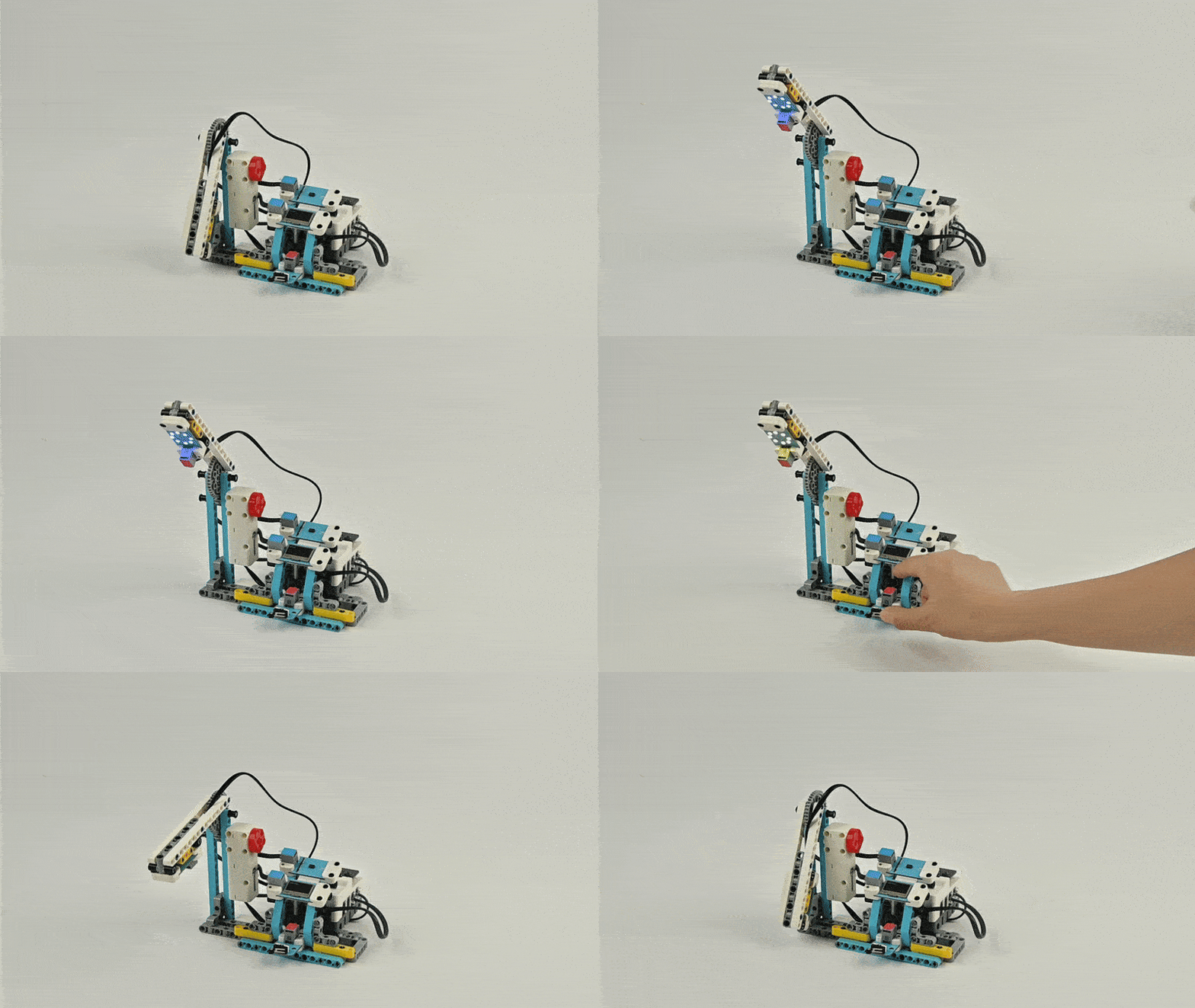
Gesture-Controlled Robotic Arm
Case Introduction
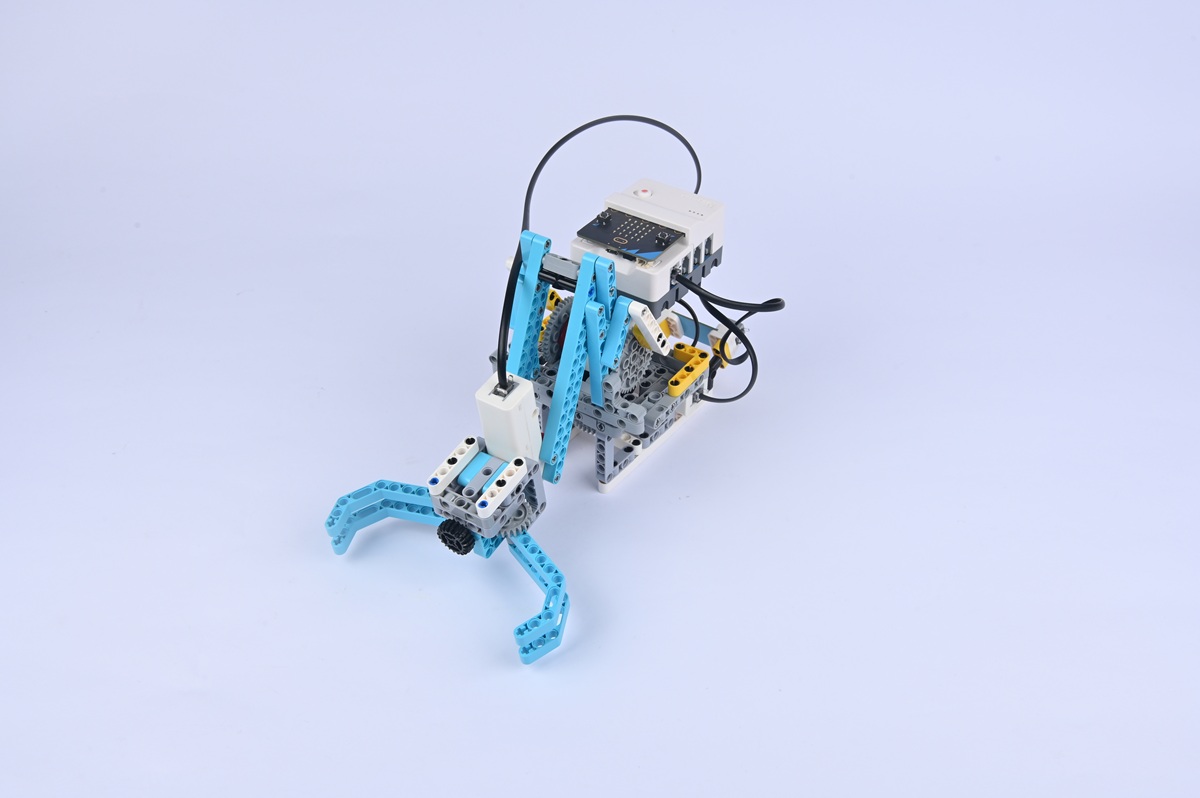
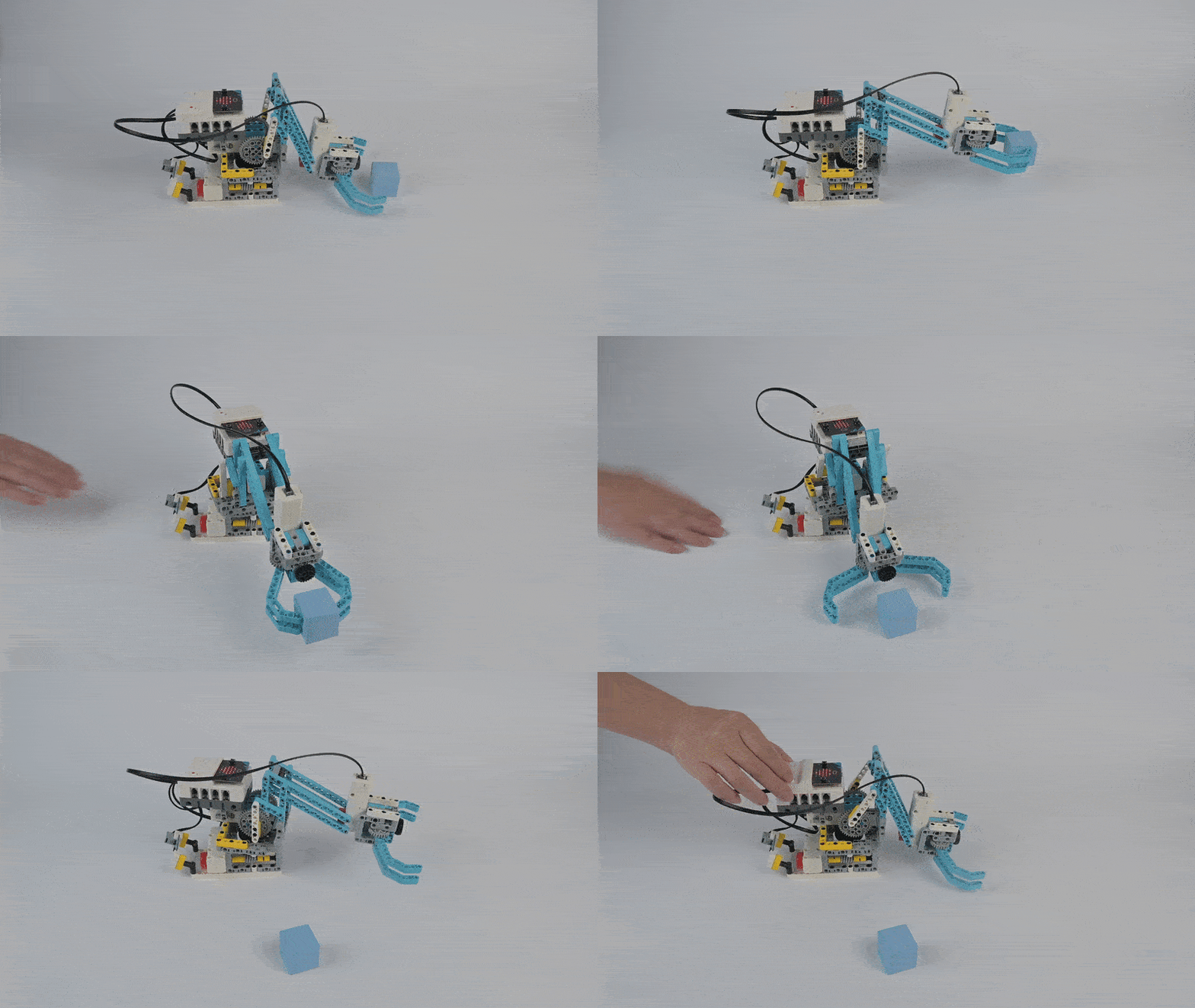
Build a gesture-controlled robotic arm and control its movements through gestures. After powering on, users control all arm movements — including grabbing and releasing — using hand gestures.
A warehouse robotic arm named Qiaoshou has malfunctioned and cannot respond to gesture commands. The arm features three degrees-of-freedom joints resembling a human shoulder, elbow, and wrist, and must be reprogrammed to interpret gesture codes.
Teaching Objectives
  • Assemble a gesture-controlled robotic arm and master joint assembly including servos and gripping components
  • Understand multi-joint collaboration and program different joint rotation angles
  • Develop hands-on skills through debugging joint ranges and grip tightness
  • Build interest in robotics and recognise how technology extends human capabilities
Learning Exploration
How are multiple joint mechanics controlled simultaneously? How is grip force managed? Compare robotic versus human arm structures and capabilities.
Case Demonstration
Case 10 Demo
Case 11
Case 11
Gesture-Controlled Excavator
Case Introduction
Build a gesture-controlled excavator and control the excavator's movement and actions through gestures. Hand waves direct excavation direction — "like a conductor directing a symphony."
Students discover an energy crystal shortage and must guide "Zuandishu" the excavator through gesture commands. Leftward waves excavate left, downward gestures dig deeper — creating meaningful gesture-to-action associations.
Teaching Objectives
  • Master assembly of the gesture-controlled excavator including chassis, arm, and gesture sensor
  • Understand multi-action coordination where movement and arm actions work together synchronously
  • Develop hands-on abilities through debugging arm movement ranges and bucket angles
  • Foster interest in engineering robotics and recognise how technology enables construction innovation
Learning Exploration
How are motor and servo systems coordinated? How is power optimised during multi-tasking operations? Compare the model to real excavator hydraulic systems.
Case Demonstration
Case 11 Demo
Case 12
Case 12
Voice-Controlled Fan
Case Introduction
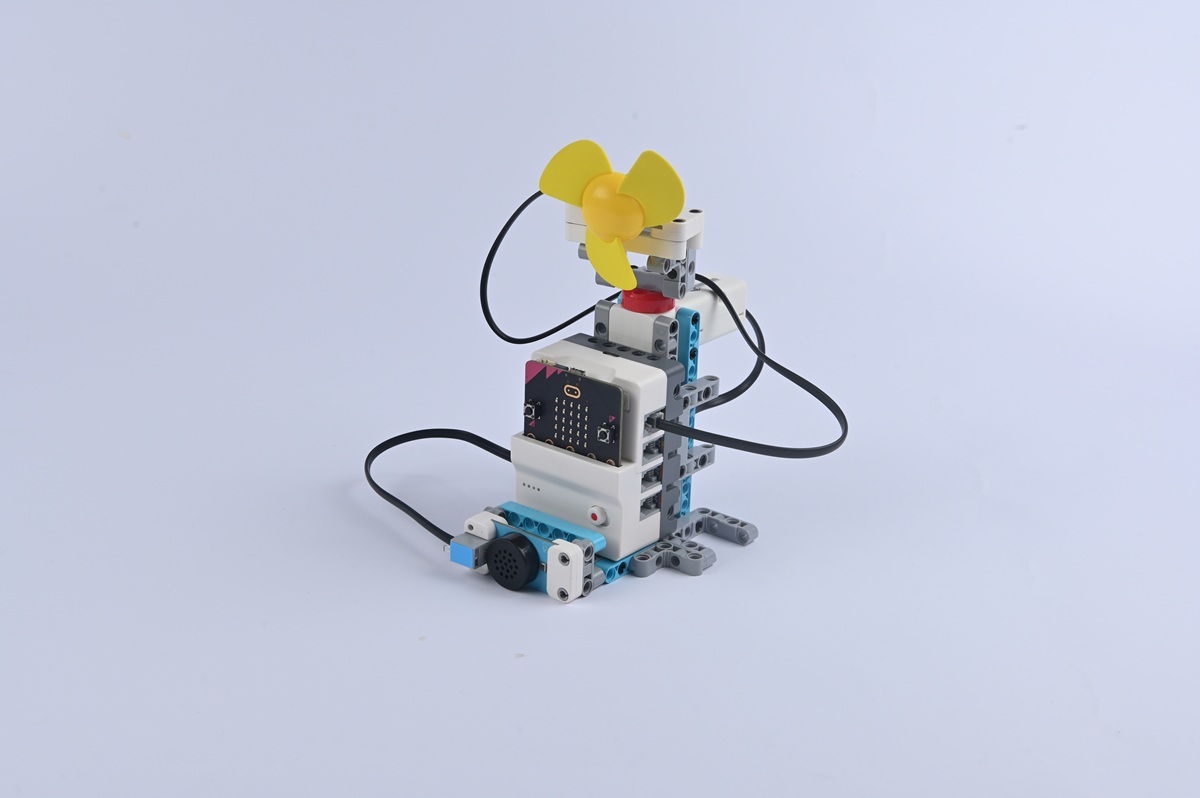
Create a fan system that responds to spoken commands for power, speed adjustment, and oscillation control. Six voice commands: "Start device", "Turn off device", "Raise a level", "Lower a level", "Keep going" (oscillation), "Pause".
A team returns with energy crystals in intense heat and encounters a malfunctioning "Fengyu (Wind Talk) Fan." Despite verbal commands, the device fails to respond due to loose wiring in the voice module — "cotton stuffed in one's ears" preventing command reception.
Teaching Objectives
  • Master assembly and connection techniques for fan modules, oscillation mechanisms, and voice sensors
  • Understand voice sensor command parsing and establish correlations between vocal inputs and device responses
  • Develop troubleshooting skills by debugging voice sensitivity and fan parameters
  • Explore smart home technology applications and recognise how voice interaction enhances daily convenience
Learning Exploration
What are optimal acoustic environments for accurate voice recognition? How can you develop multiple command sets and prevent command confusion? Compare voice-controlled, button-operated, and remote-controlled fans.
Case Demonstration
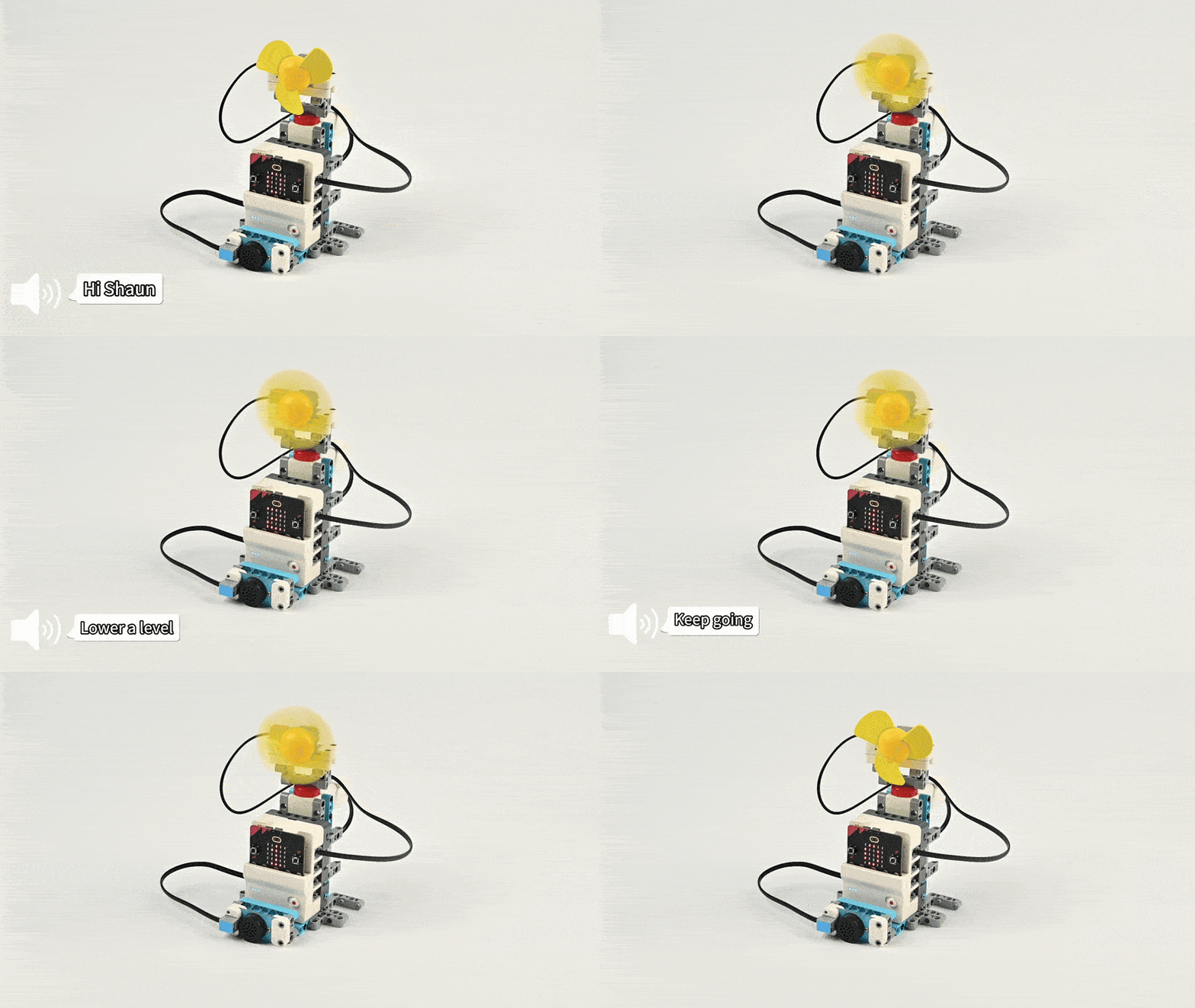
Case 12 Demo
Case 13
Case 13
Voice-Controlled Forklift
Case Introduction
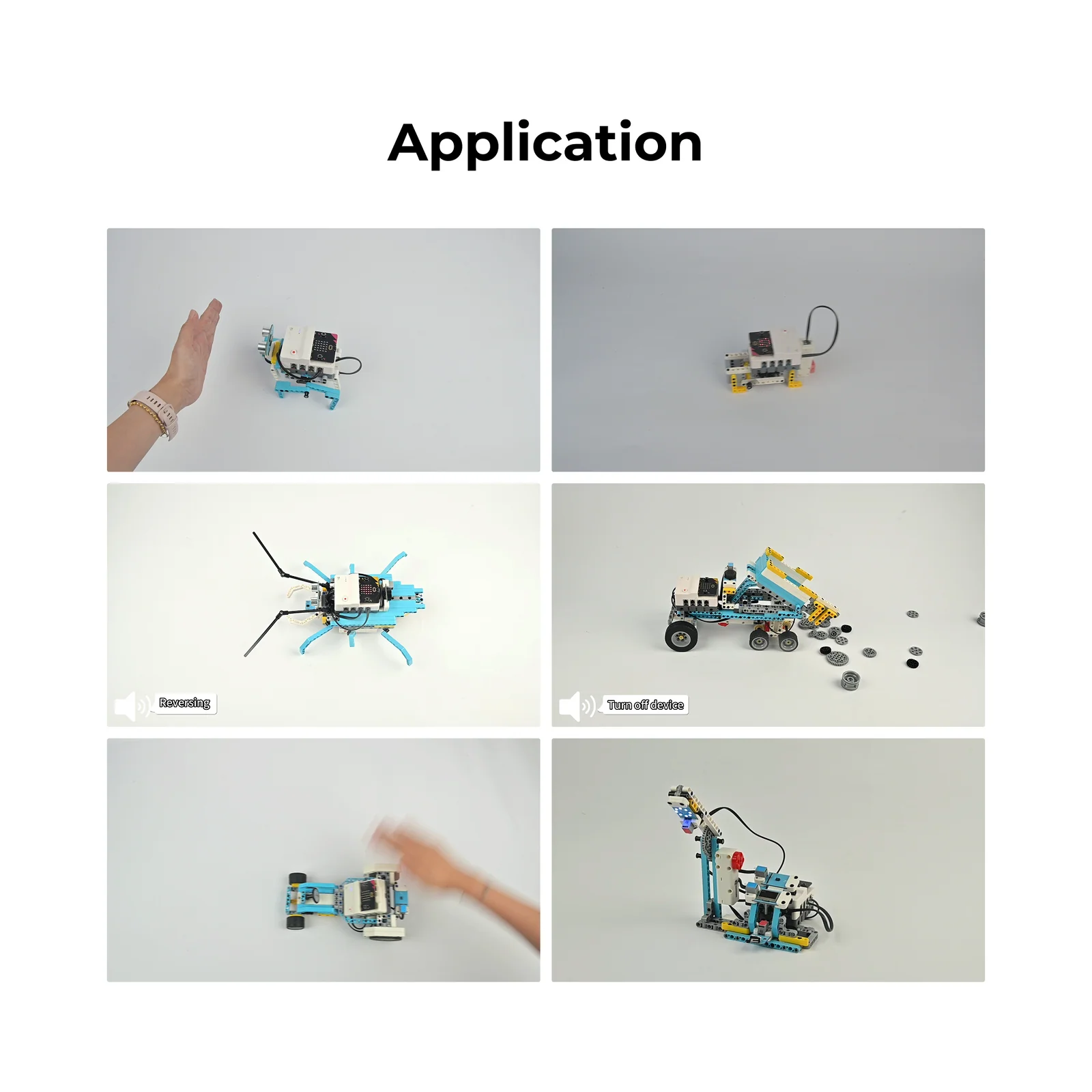
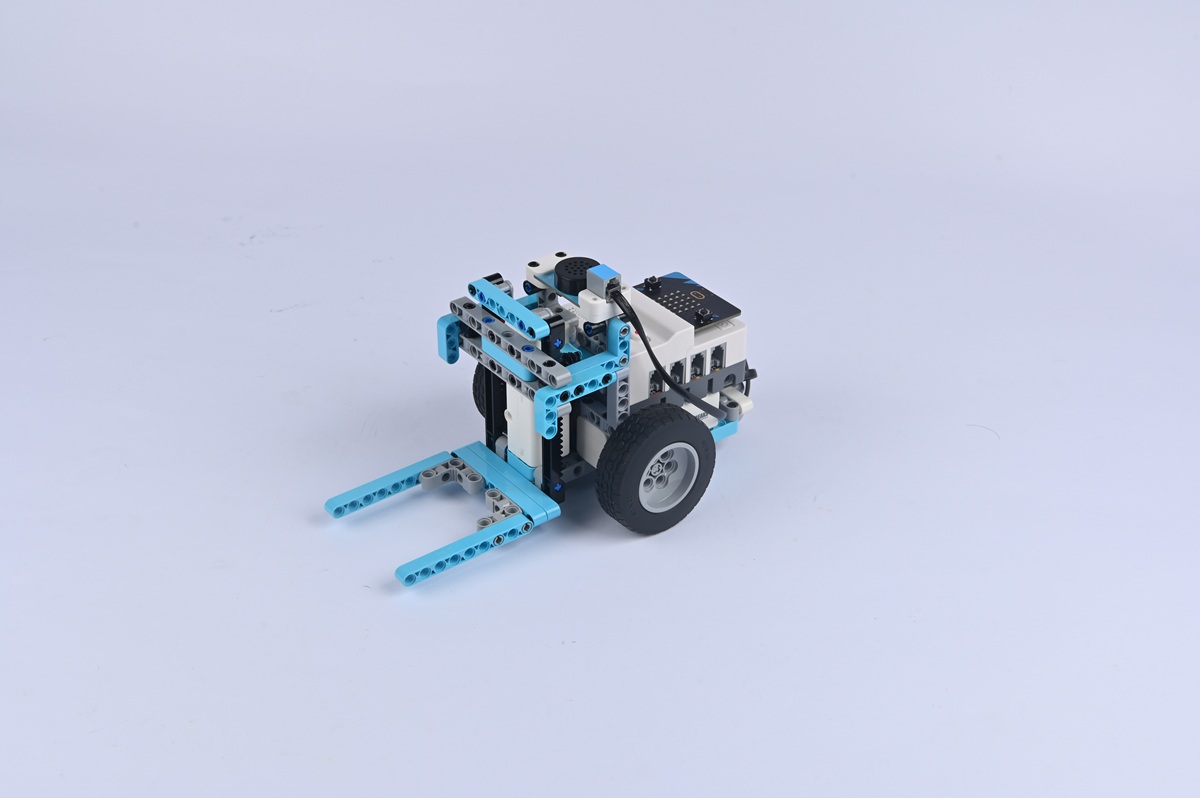
Build a voice-controlled forklift and control its movement as well as fork lifting/lowering through voice commands. Commands include: "Full speed ahead", "Reversing", "Turn left/right", "Start device" (lift), "Turn off device" (lower).
Guards discover a blocked equipment room door. A voice-controlled forklift called "'Hercules' Forklift" could move it, but isn't responding. A character explains: "It needs clear commands, just like a soldier following orders."
Teaching Objectives
  • Assemble the voice-controlled forklift and master chassis, fork lifting mechanism, and voice sensor connections
  • Understand collaboration between voice recognition sensors and motors; map voice commands to specific actions
  • Develop problem-solving skills through debugging fork height and voice recognition distance
  • Foster interest in industrial intelligent equipment and voice control in logistics
Learning Exploration
How do motors control fork lifting via sequential command execution? How are movement conflicts troubleshot? Compare model operations to real-world forklift systems.
Case Demonstration
Case 13 Demo
Case 14
Case 14
Voice-Controlled Light
Case Introduction
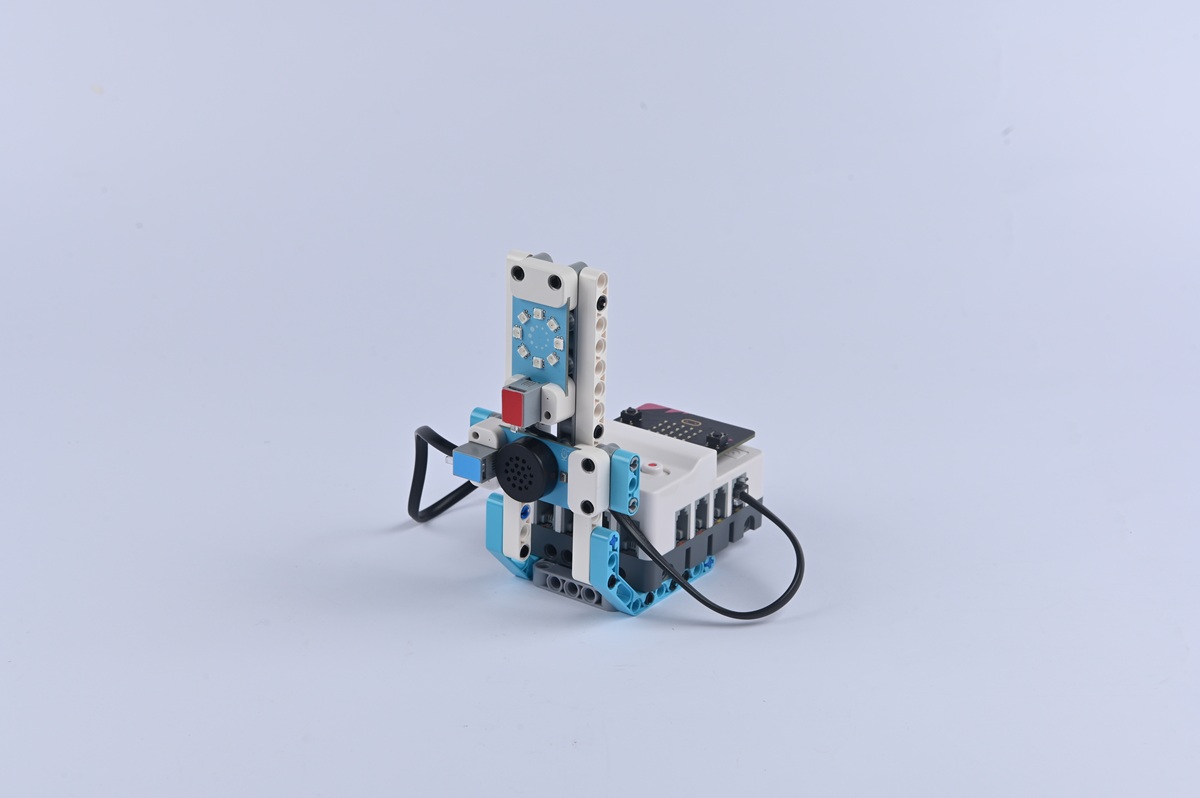
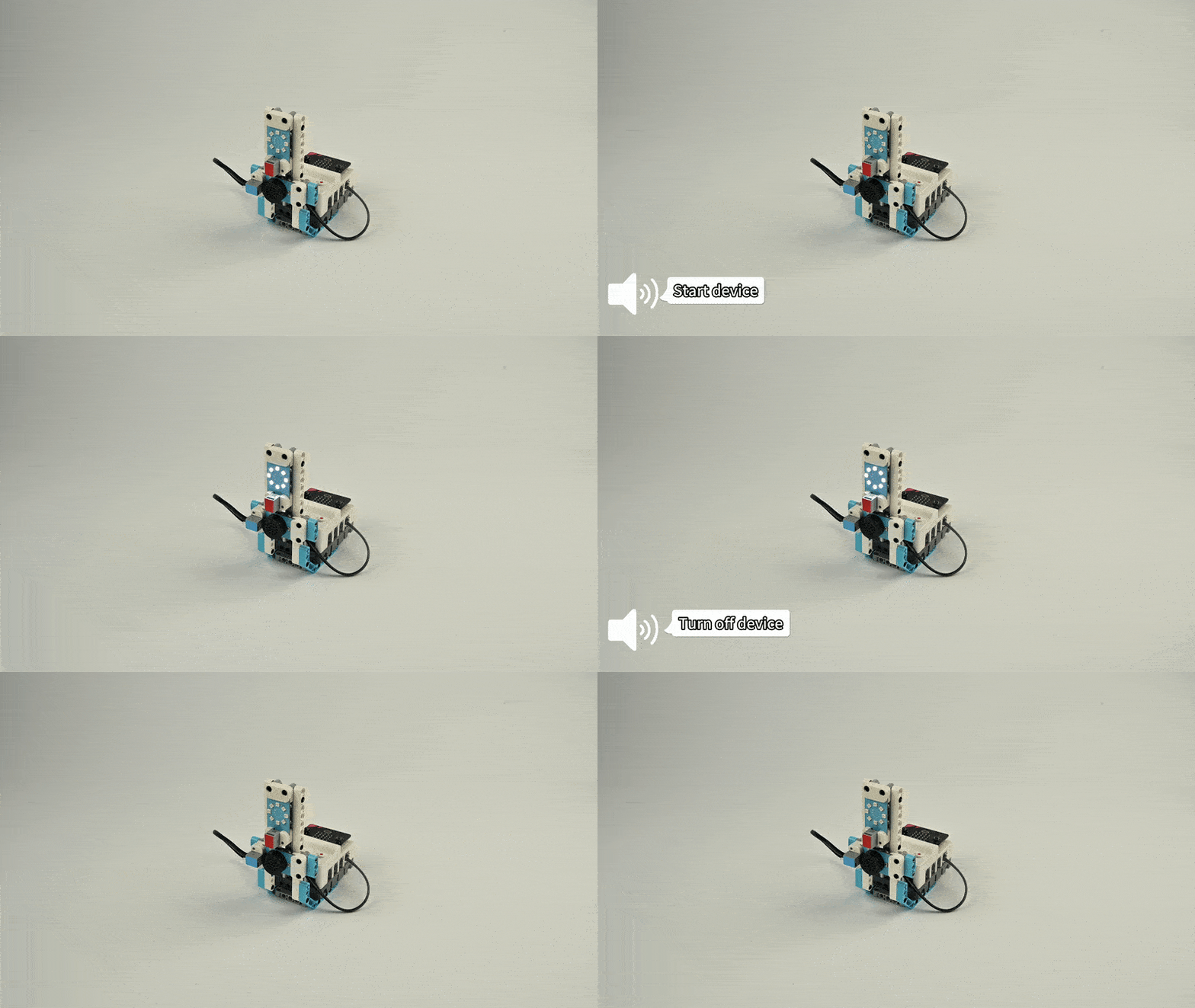
Build a voice-controlled light and control its on/off status via voice commands. Say "Turn on the light" to activate and "Turn off the light" to deactivate.
Children enter a darkened equipment room controlled by the "Xingguang System." "Saying 'turn on the light' makes it bright," explains Aji. The system flickers when first activated, requiring time to "adapt to pronunciation" — demonstrating how voice recognition learns speech patterns.
Teaching Objectives
  • Master assembly and connection of light modules, lamp holders, and voice recognition sensors
  • Understand command parsing and correlations between voice inputs and lighting responses
  • Develop hands-on skills through debugging brightness and voice sensitivity
  • Foster interest in smart home technology and recognise how voice control enhances daily living
Learning Exploration
How can you program colour switching through voice commands? How can "scene commands" link multiple parameters (brightness, colour) to single voice inputs? How do local voice systems compare to internet-connected smart speakers?
Case Demonstration
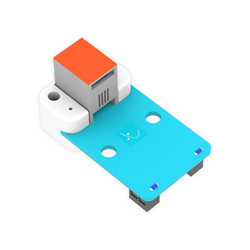
Case 14 Demo
Case 15
Case 15
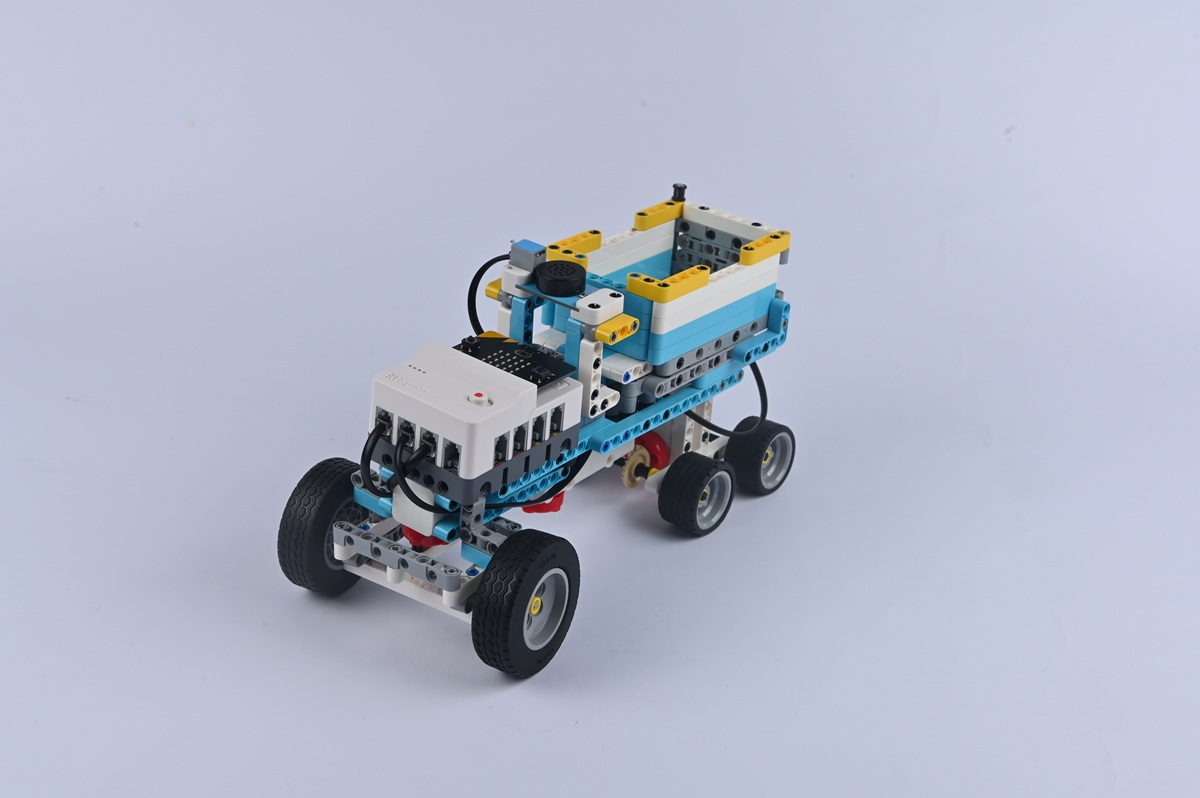
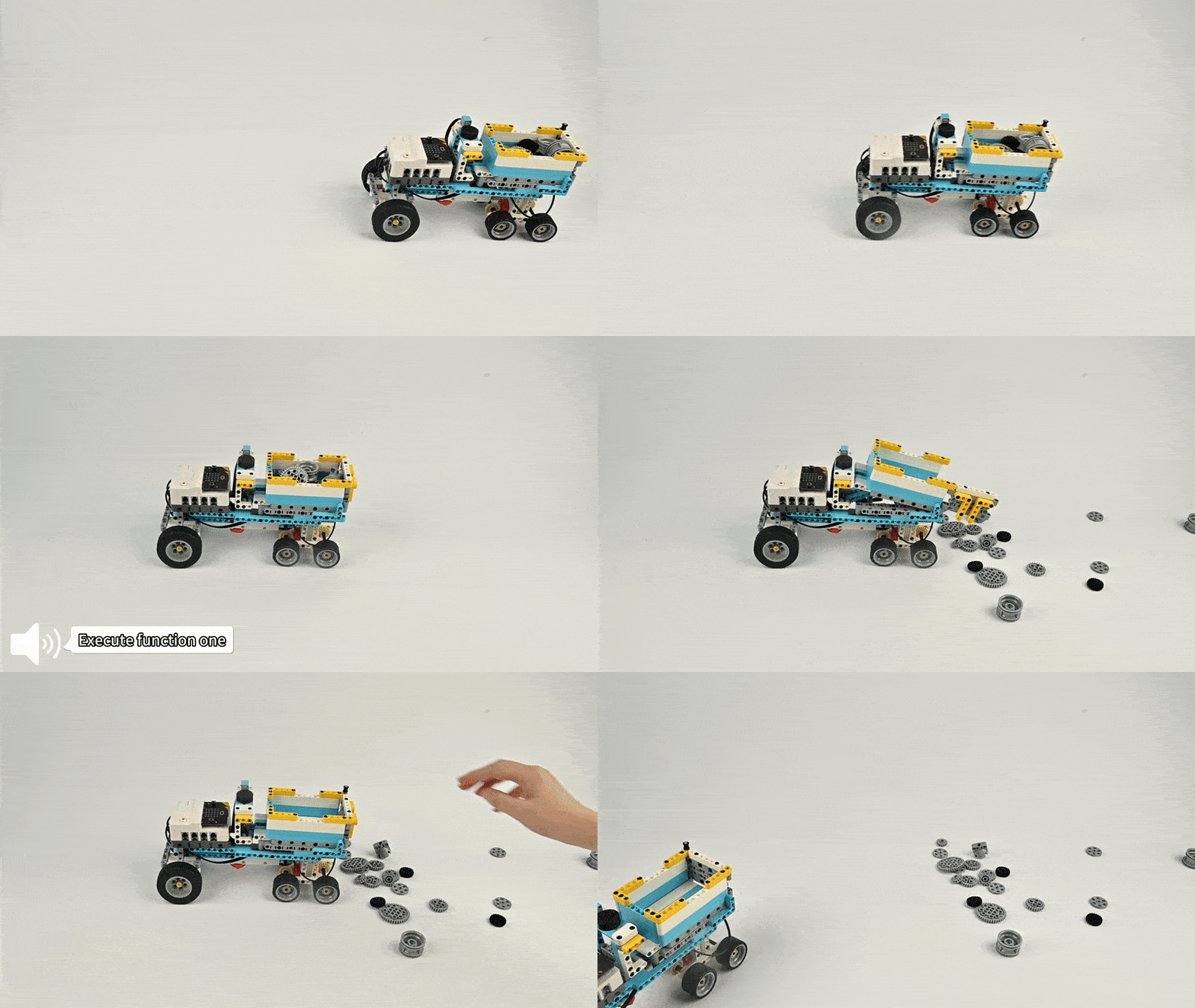
Voice-Controlled Transport Vehicle
Case Introduction
Build a voice-controlled transport vehicle and control its movement direction as well as cargo bed lifting/lowering through voice commands: "Full speed ahead", "Reversing", "Turn left/right", "Execute function one" (lift), "Turn off device" (lower).
Engineers discover scattered server parts requiring transport. A voice-activated vehicle malfunctions but responds to "Move forward." Students are challenged to program "turn left" commands to position the vehicle precisely at the maintenance table.
Teaching Objectives
  • Assemble the vehicle mastering chassis, cargo platform, and sensor integration
  • Understand voice sensor and motor collaboration for multi-directional vehicle control
  • Develop hands-on skills through debugging movement direction and voice response
  • Explore intelligent handling equipment and recognise how voice technology streamlines transportation
Learning Exploration
How are turning motors controlled? How is cargo stability optimised? How does directional accuracy during reverse movement compare to real-world navigation systems?
Case Demonstration
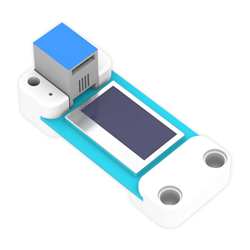
Case 15 Demo
Case 16
Case 16
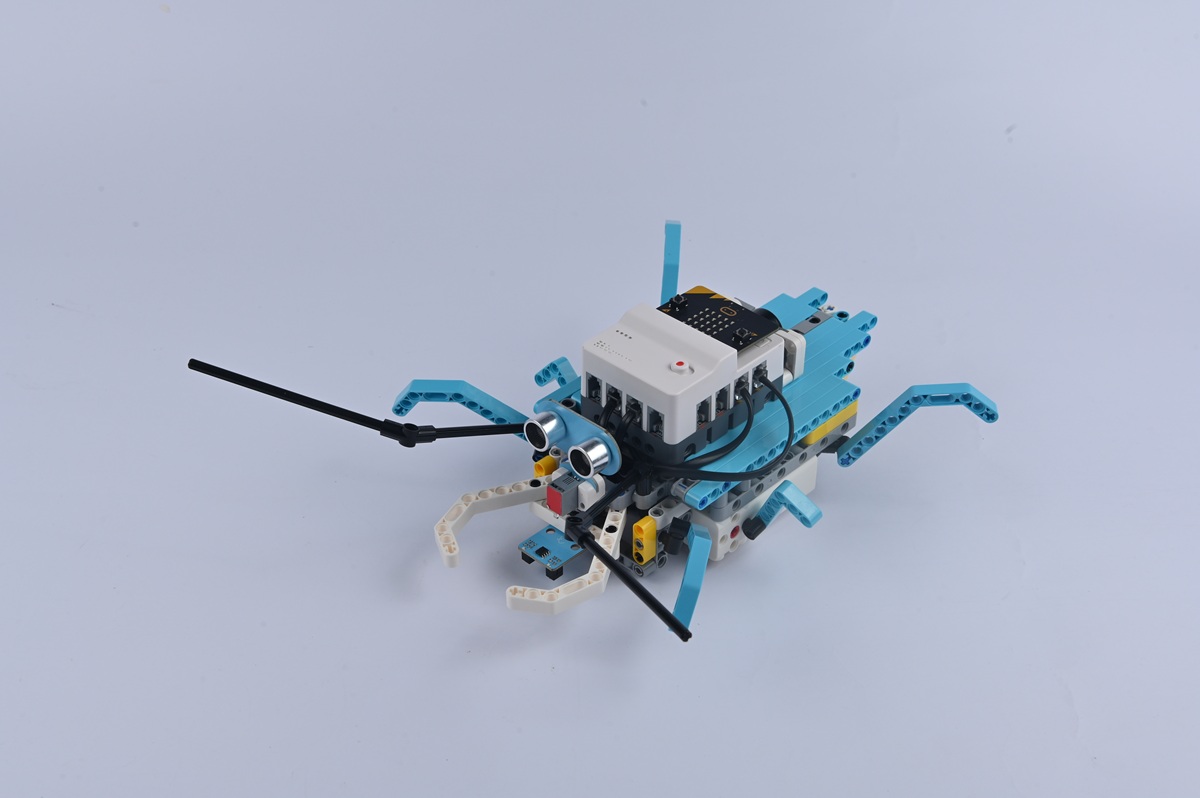
Voice-Controlled Beetle Robot
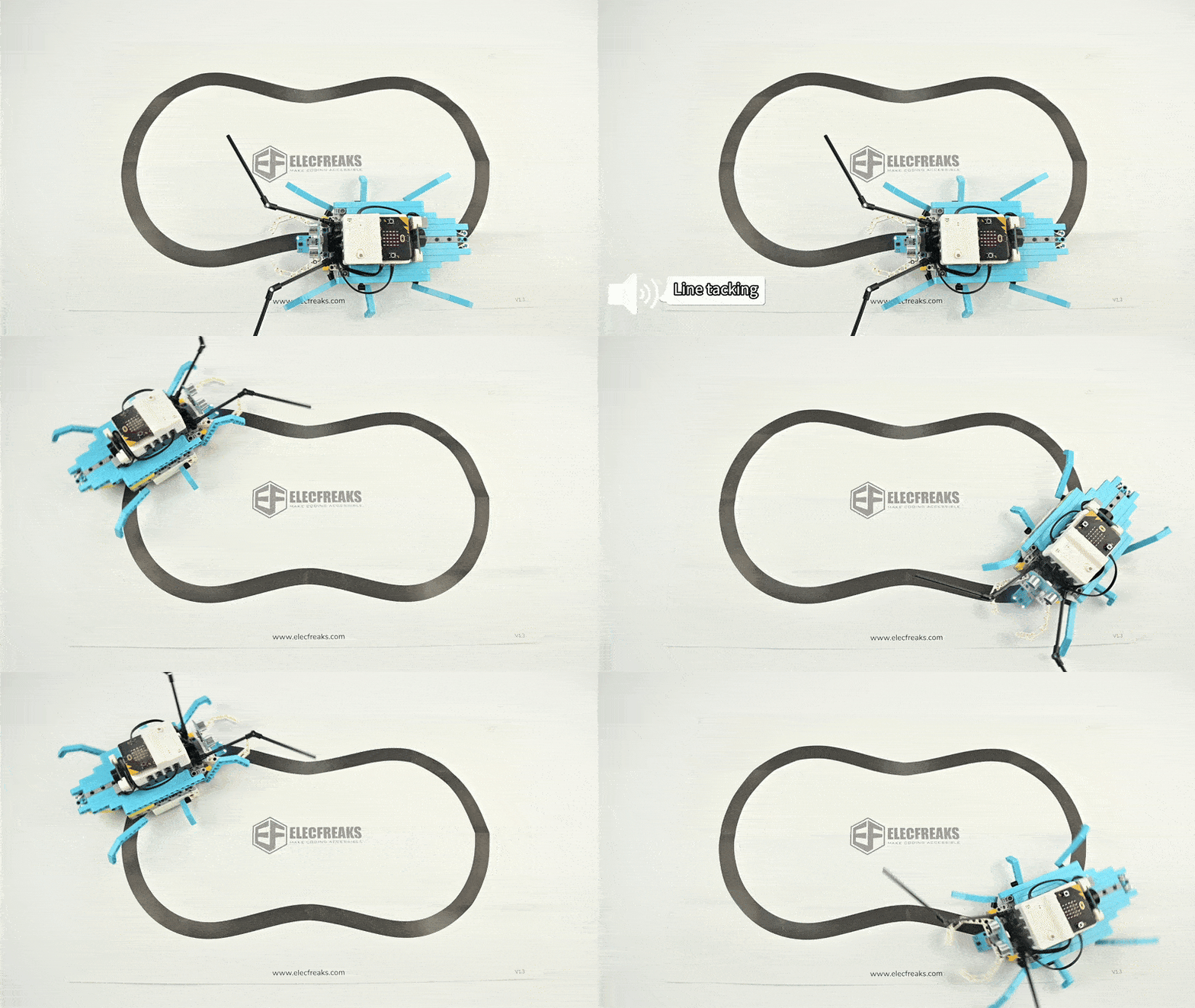
Case Introduction
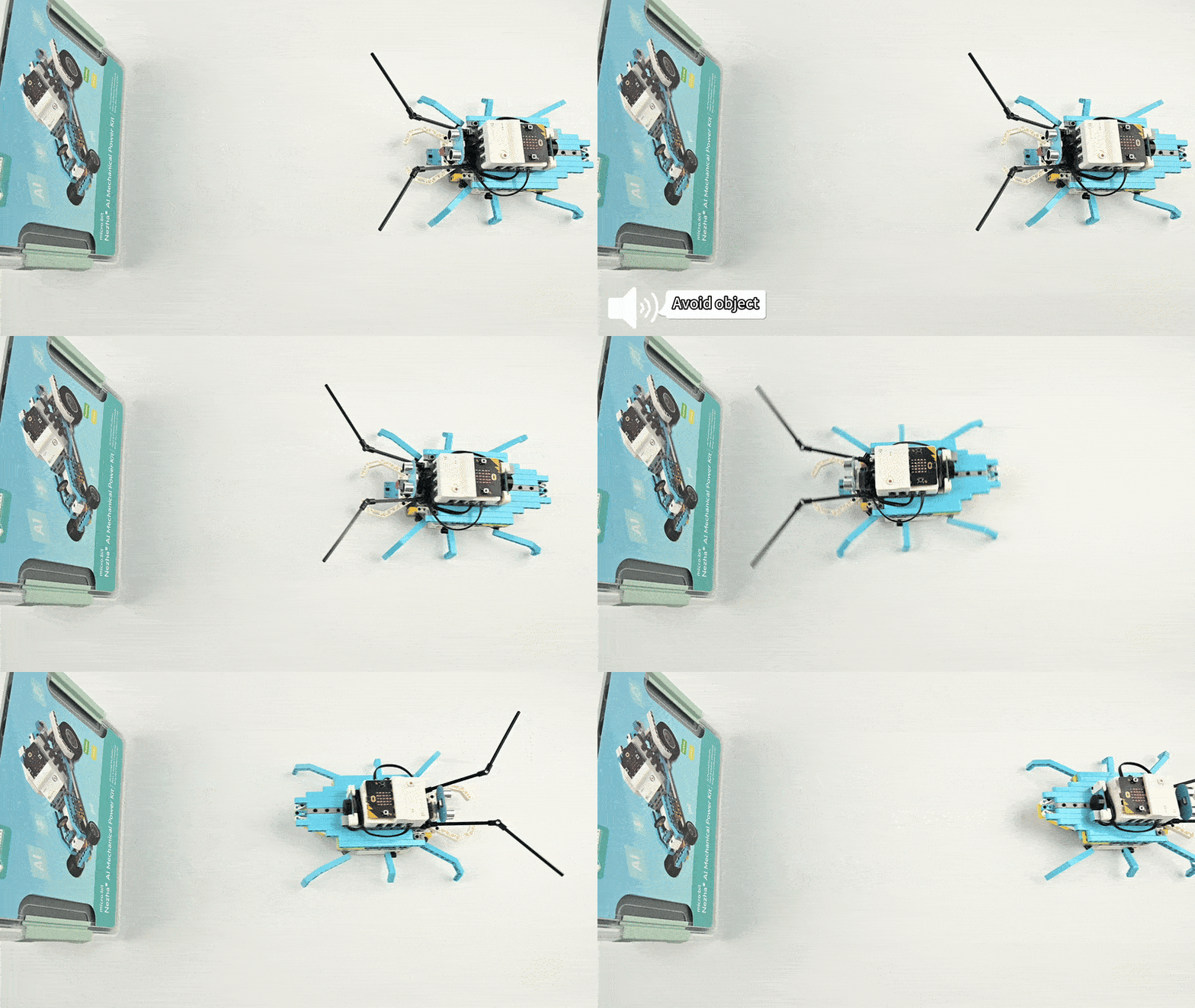
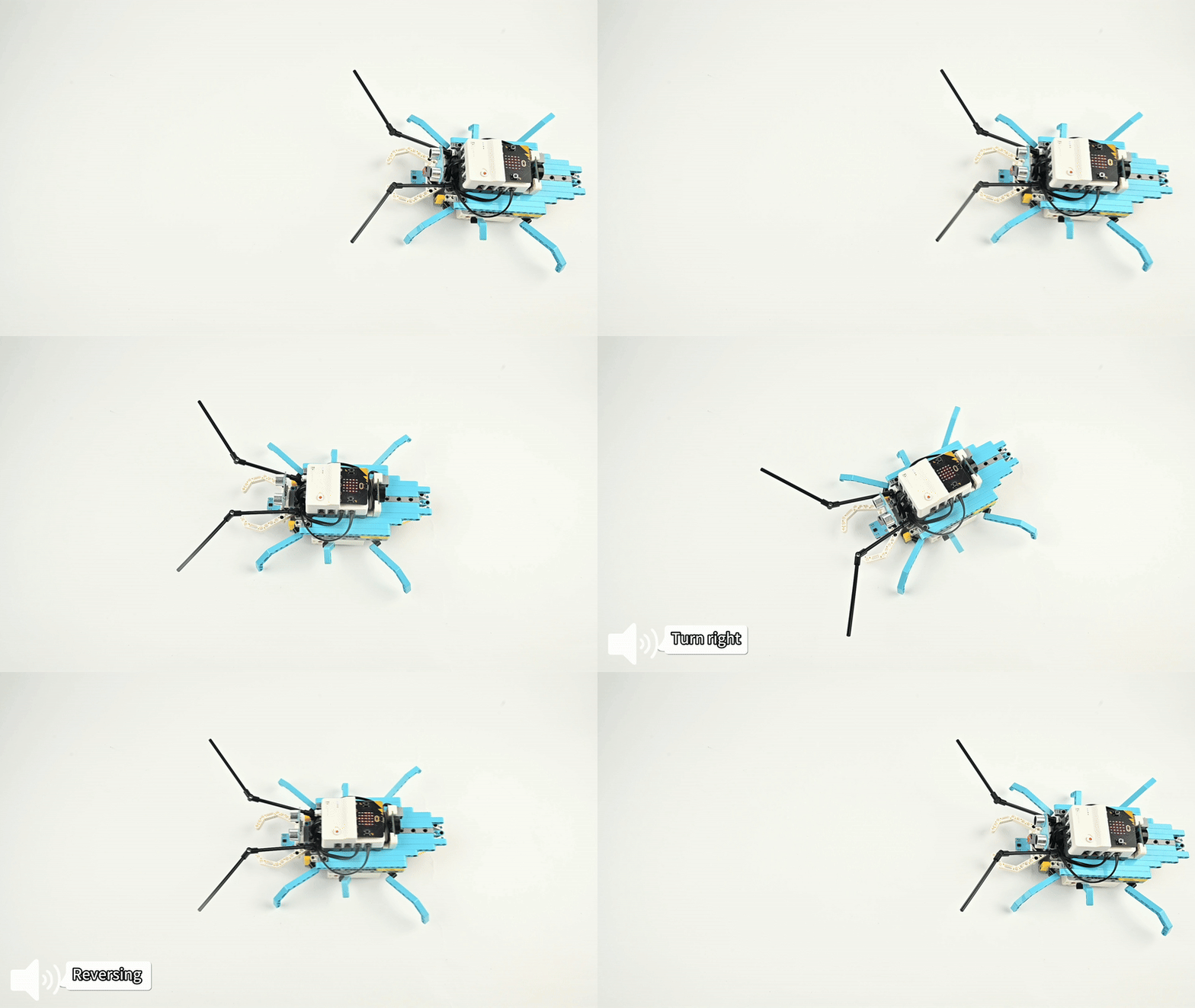
Build a voice-responsive beetle robot integrating voice control, obstacle avoidance, and line-tracking in one machine. Commands: "Avoid_object", "Line_tracking", "Full speed ahead", "Reversing", "Turn left/right", "Turn off device".
Aji introduces a cockroach-like robot "Xiao Qiang" that navigates tight spaces by recognising voice commands and responding to obstacles. Children direct the robot to complete a crucial server repair task — learning that "innovation creates technological miracles."
Teaching Objectives
  • Master assembly and connections for line-tracking, ultrasonic, and voice recognition sensors together
  • Understand sensor roles and program mode switching via voice commands plus motor coordination
  • Develop practical skills, collaborative thinking, and troubleshooting abilities during debugging
  • Foster interest in multi-sensor robotics and biomimetic design principles
Learning Exploration
How is command priority managed during conflicting modes (voice vs. obstacle avoidance vs. line-tracking)? How does motor behaviour differ across all three control modes?
Case Demonstration
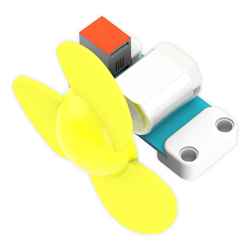
Case 16 Demo 1 Case 16 Demo 2 Case 16 Demo 3