Elecfreaks · micro:bit Smart Car Series
Smart Car & Brick Expansion

TPBot Science & Technology Pack

A LEGO-compatible brick expansion kit for the TPBot Smart Car — 180+ building blocks and a servo unlock 12 unique robot configurations. Students build, program, and explore real mechanical engineering through creative hands-on projects.

🧩 180+ Building Blocks ⚙️ 360° Servo Included 🤖 12 Robot Configurations 🎓 Grades 4–8
Request a Quote →
180+
Bricks
12
Projects
1
Servo
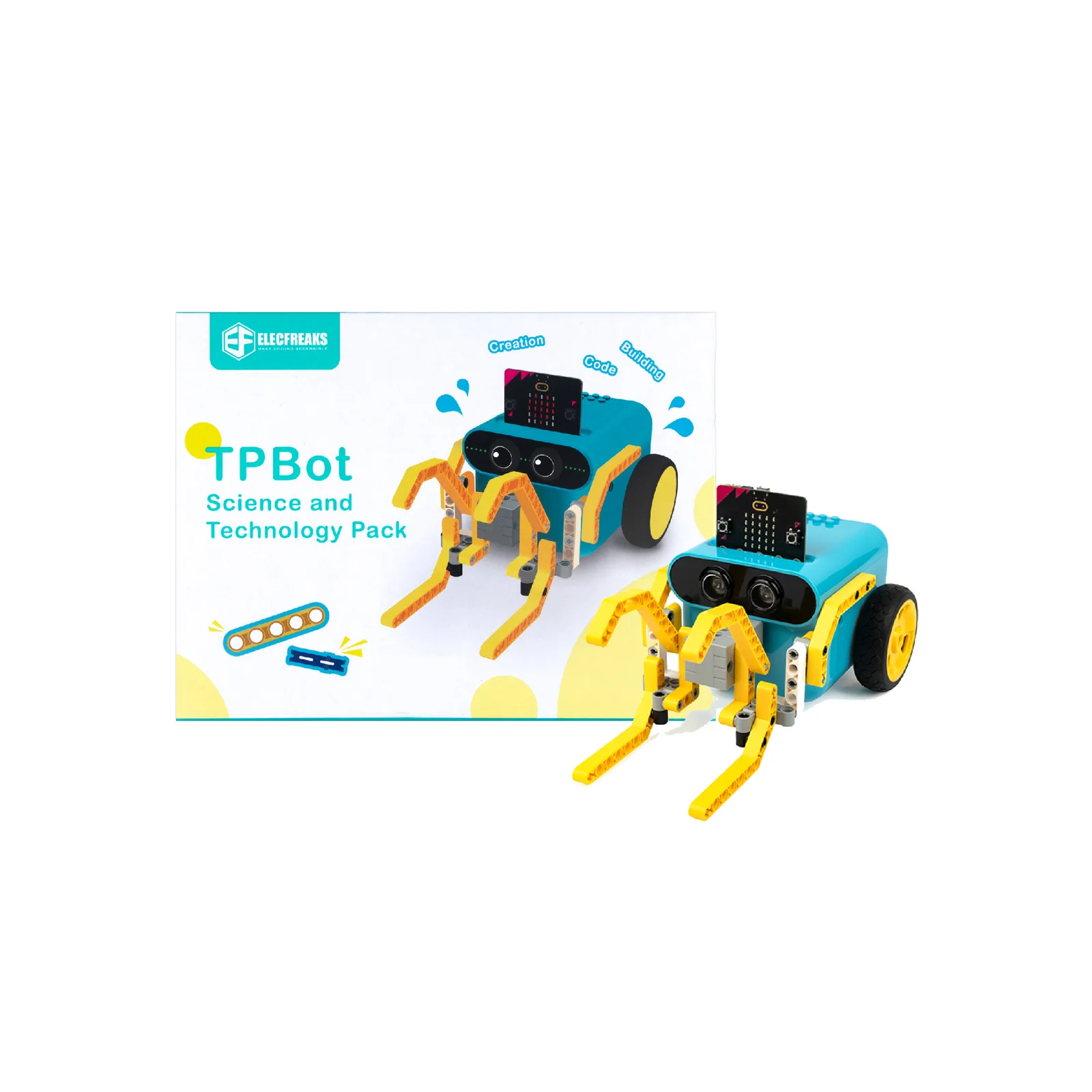
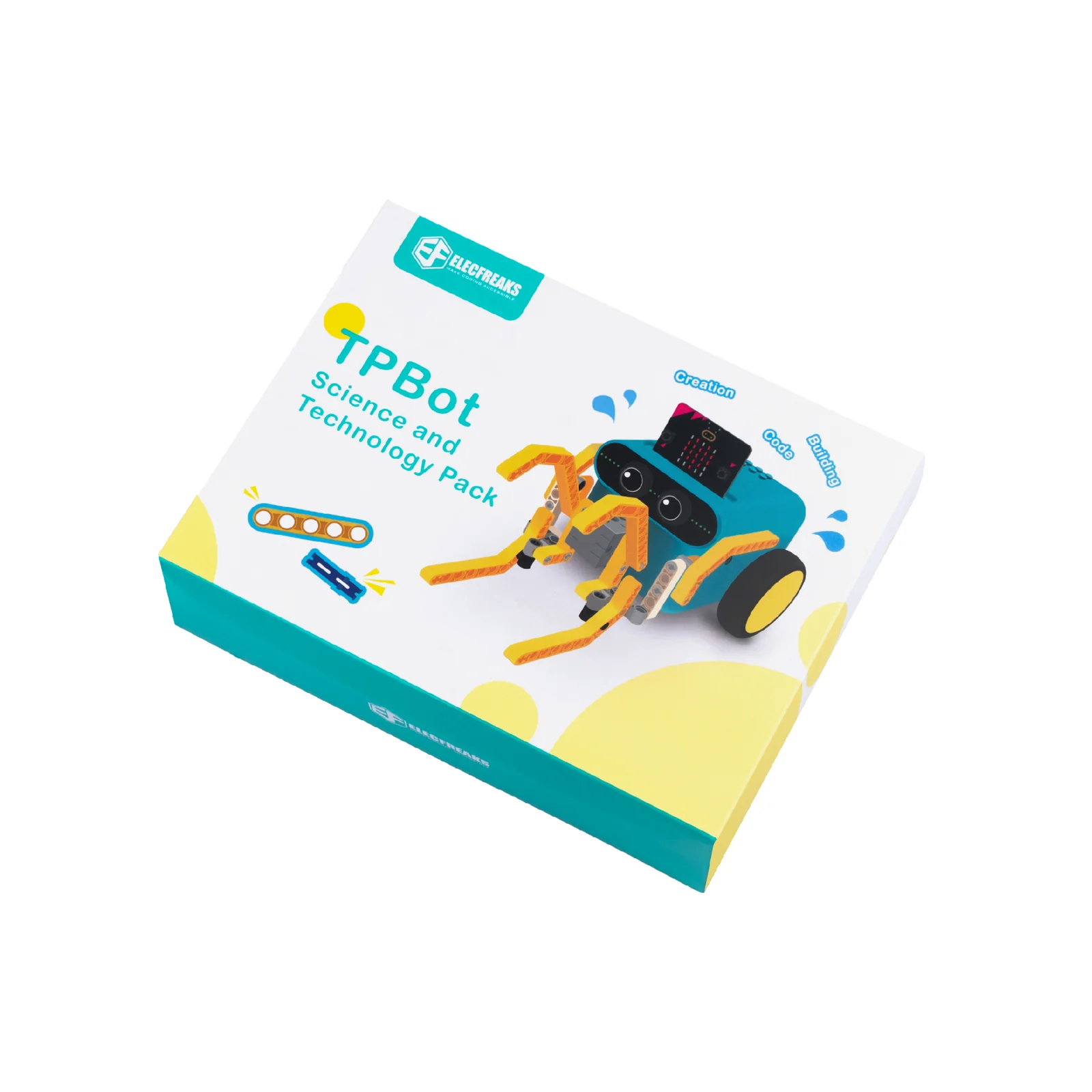
TPBot Science and Technology Pack
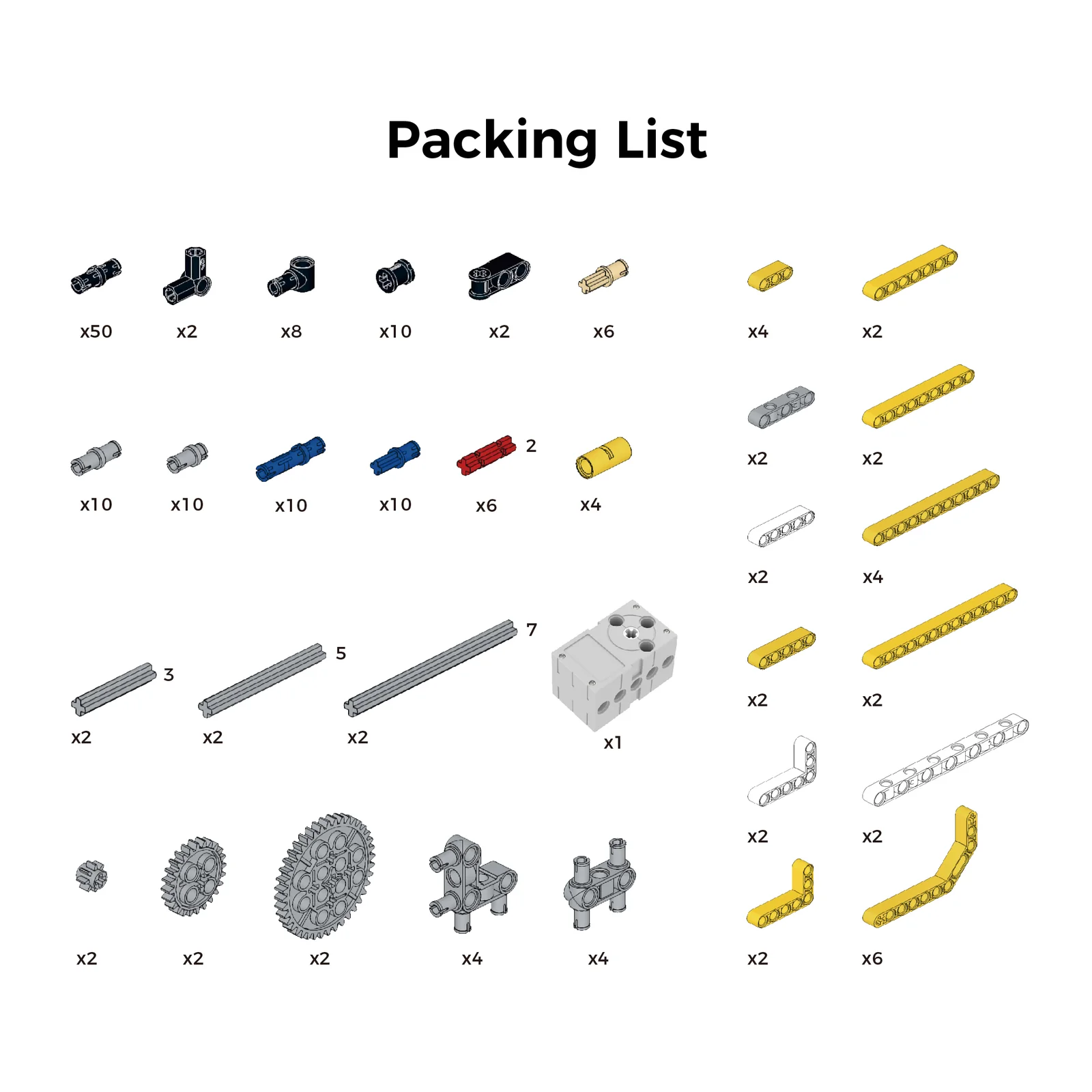
TPBot Science and Technology Pack — product contents
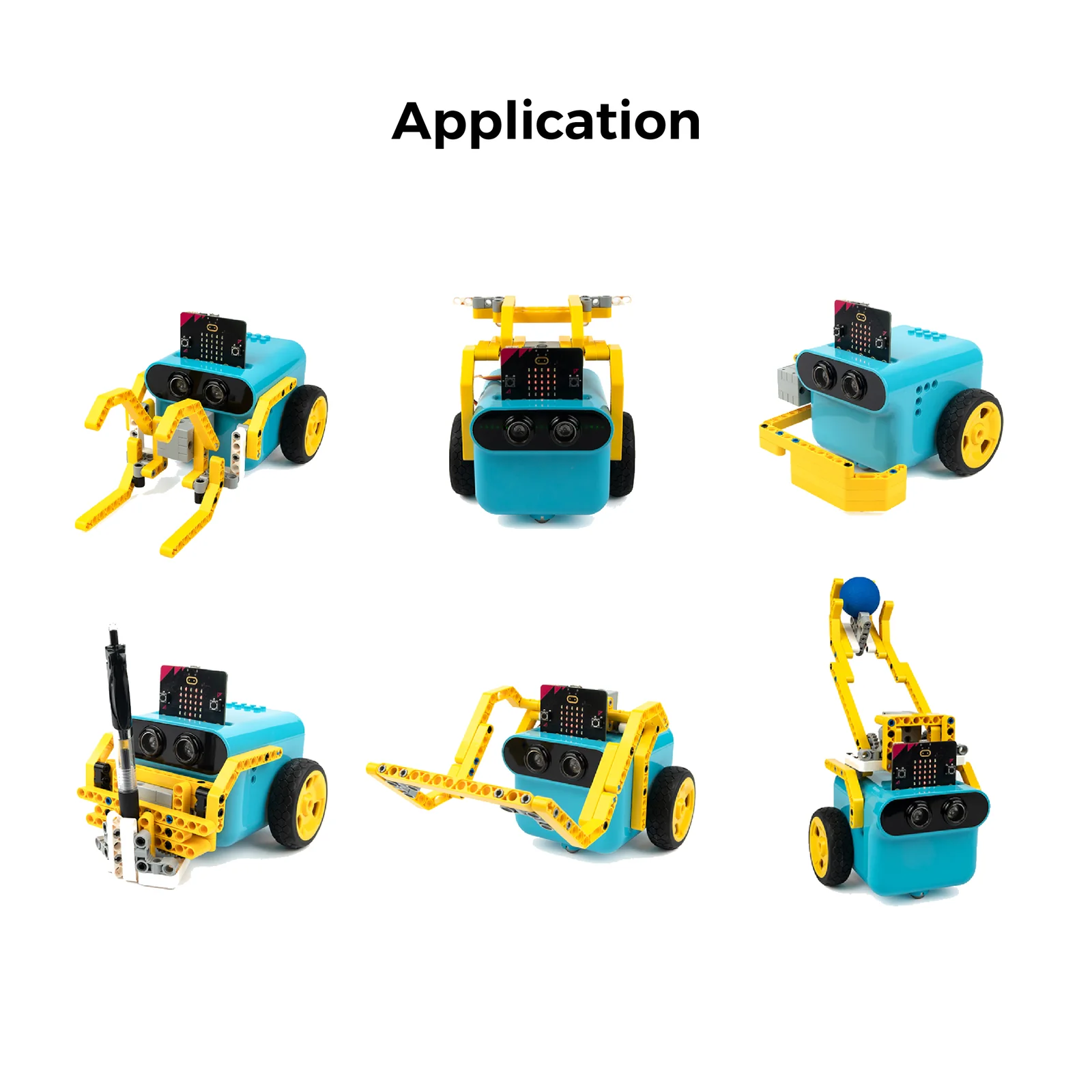
TPBot Science and Technology Pack — robot configurations

Build 12 Robots, One Brick Pack

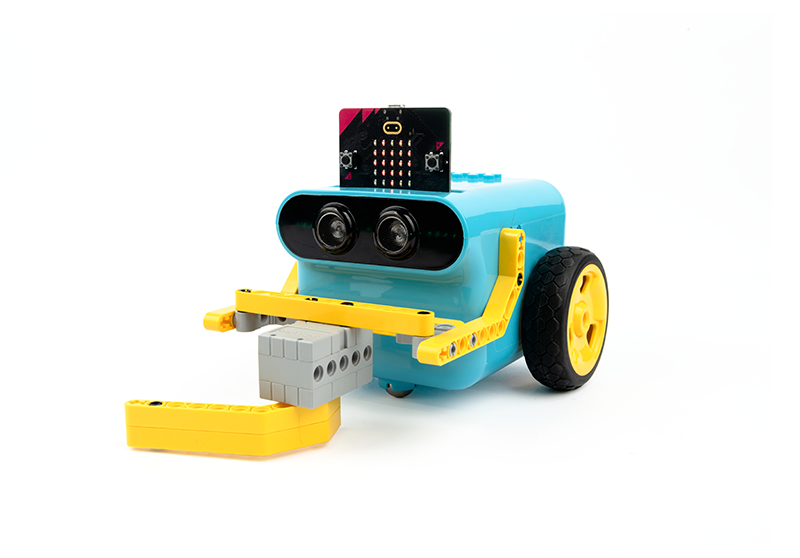
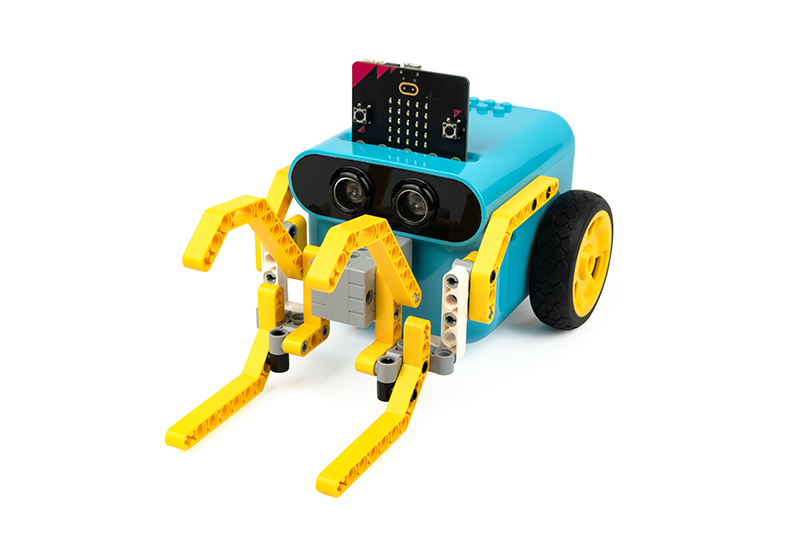
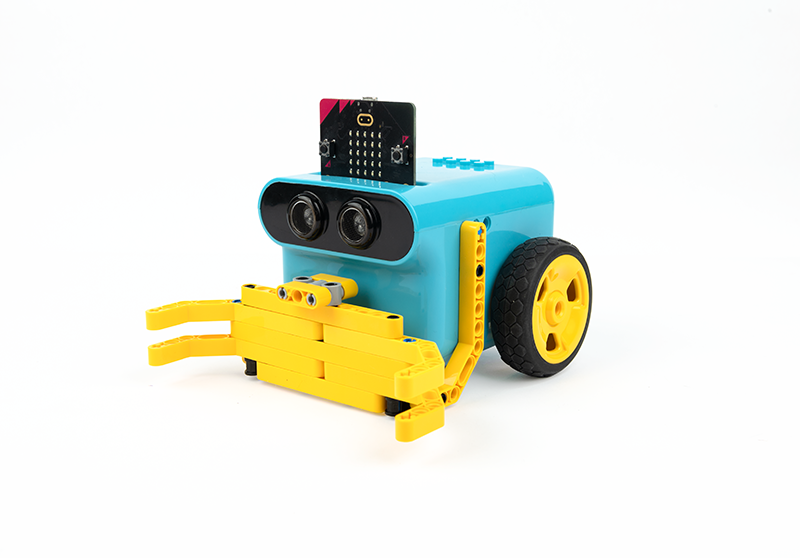
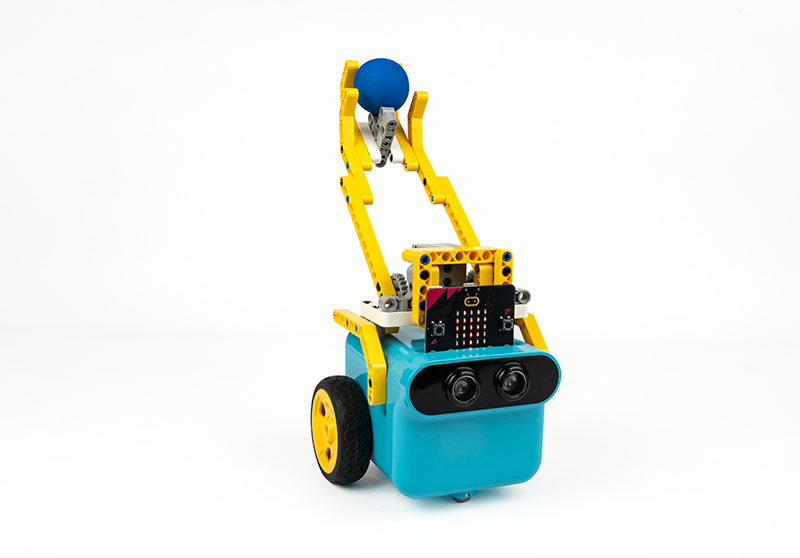
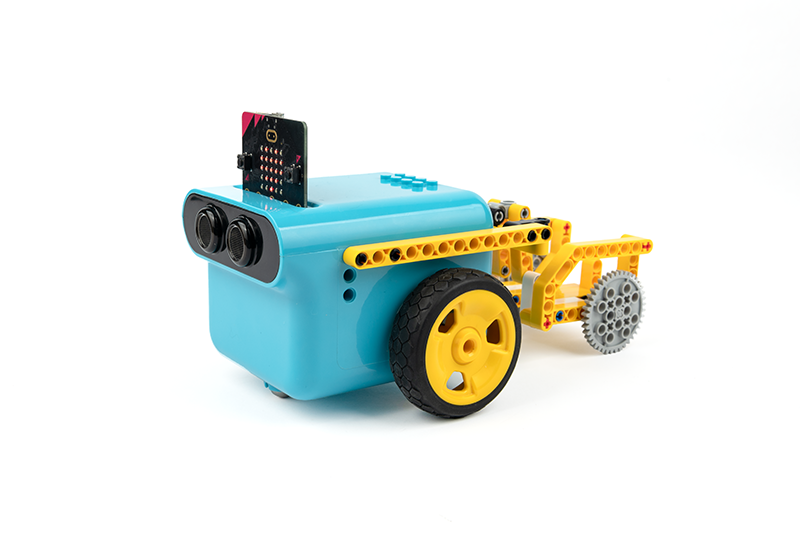
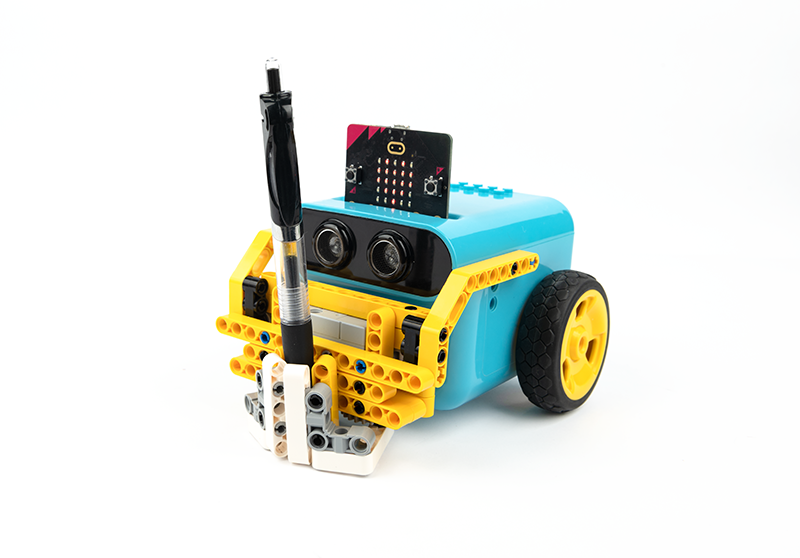
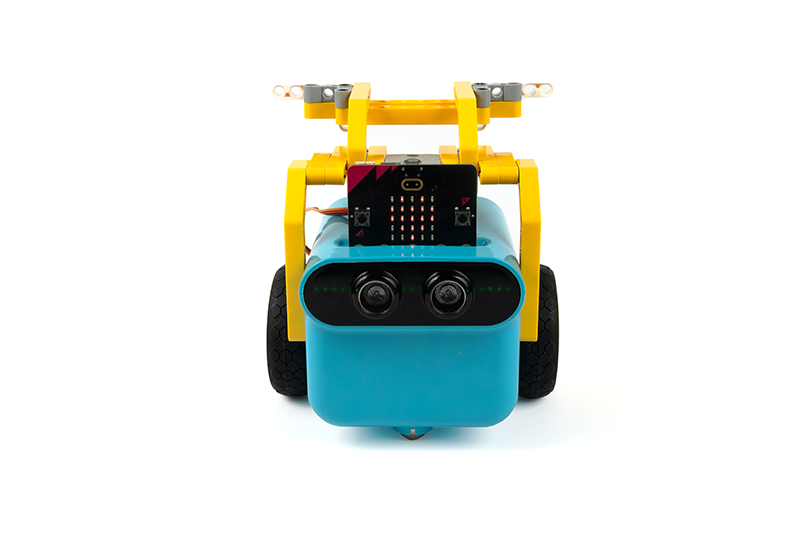
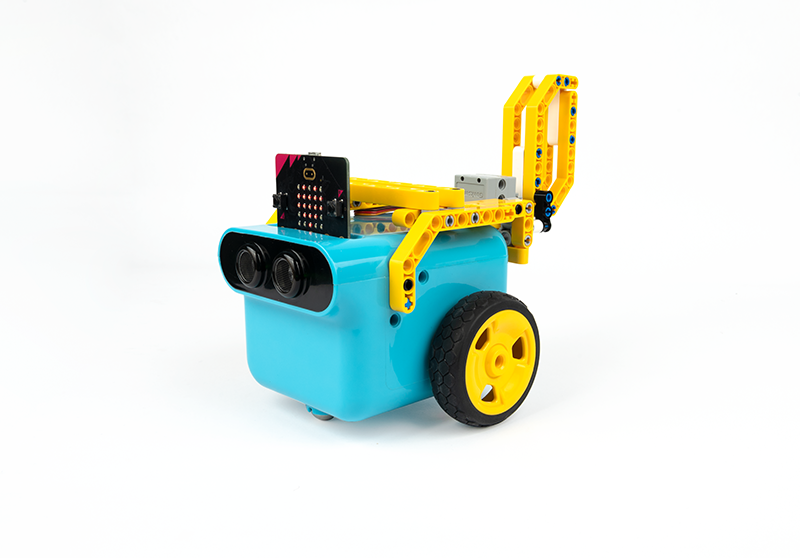
The TPBot Science and Technology Pack transforms the TPBot Smart Car into a mechanical engineering platform. With 180+ LEGO-compatible bricks and a 360° servo, students construct forklifts, catapults, combat vehicles, mechanical claws, and more — all programmable via MakeCode.

🧩
180+ LEGO-Compatible Building Blocks
A rich variety of shapes, sizes, and functional pieces — compatible with standard LEGO bricks — enabling both structured project builds and open-ended creative construction.
⚙️
360° Servo for Mechanical Motion
The included 360° servo drives all moving parts — forklift forks, catapult arms, combat push rods, and wagging tails — teaching real actuator control through button-triggered programs.
🏭
12 Structured STEM Project Cases
Each case includes step-by-step build instructions, a sample MakeCode program, and a clear engineering purpose — guiding students from assembly through programming to a working robot.

Mechanical Engineering Meets Coding

Every brick, servo connection, and program step is designed to teach a real engineering concept — making abstract STEM ideas tangible through build-and-program discovery.

🧩
LEGO-Compatible Bricks
180+ blocks in varied shapes and sizes work seamlessly with standard LEGO bricks — opening infinite creative possibilities beyond the 12 guided project cases.
⚙️
360° Servo Motor
A powerful servo motor drives all mechanical attachments — forks, claws, arms, and wings — controlled via the TPBot's S1 port and micro:bit button inputs.
💻
MakeCode + Python Ready
All 12 cases include block-based MakeCode programs. As students advance, the same hardware supports Python and JavaScript — no platform switch needed.
🤖
12 Distinct Robot Builds
Combat bots, forklifts, catapults, bulldozers, mechanical claws, trailers, tail wings, and more — each a unique engineering challenge with a clear real-world parallel.
📈
Structured + Open-Ended
Guided step-by-step builds develop foundational confidence, while the open brick system invites students to design their own configurations and extend projects creatively.
🎓
School & Home Ready
Designed for both classroom STEM programs and independent home learning — fostering technical skills, innovative thinking, and scientific exploration in equal measure.

What's in the Box

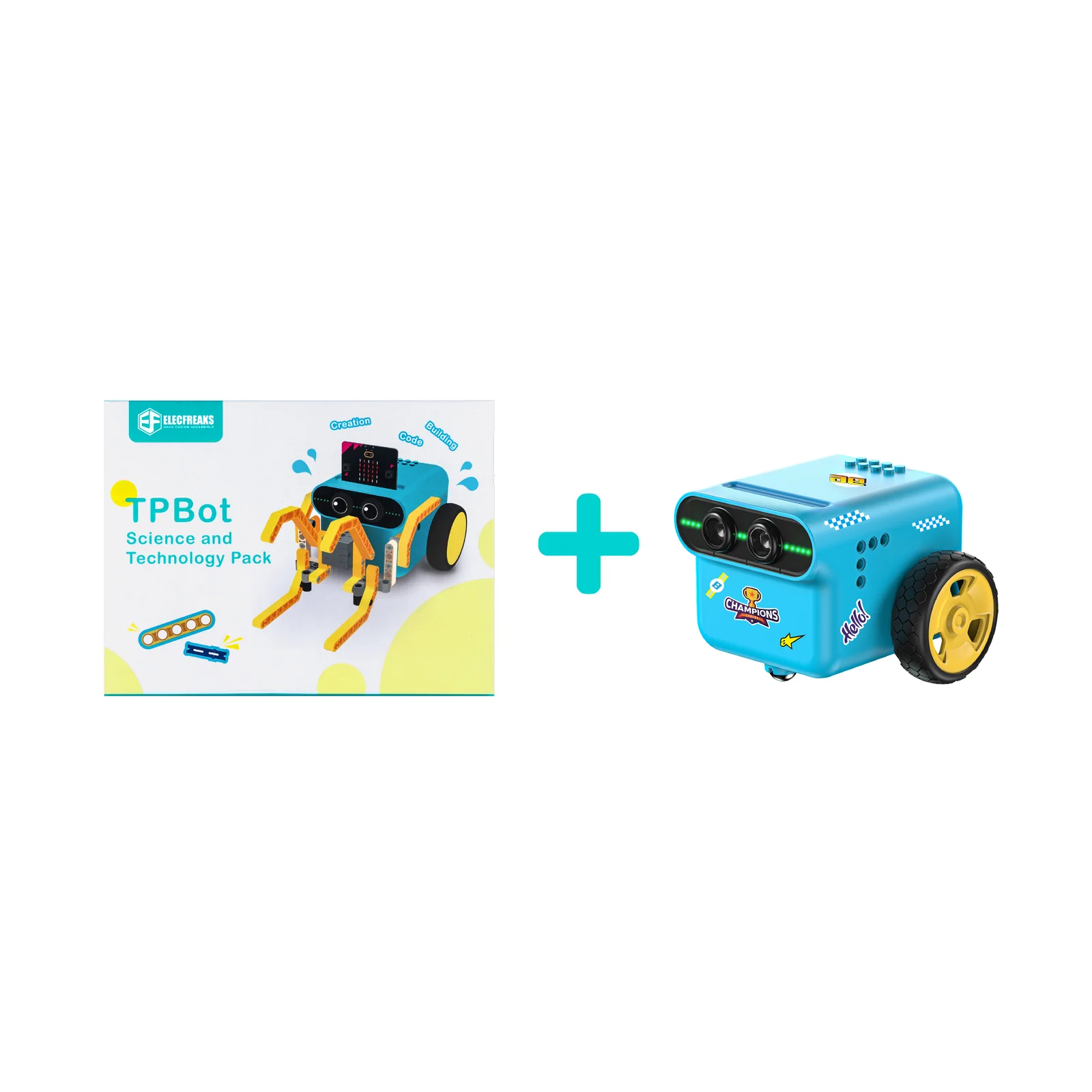
Everything needed to expand the TPBot Smart Car into 12 unique robot builds — TPBot sold separately.

🧩
LEGO-Compatible Bricks
180+ pieces
⚙️
360° Servo Motor
× 1
📚
Project Case Guide
12 cases
🚗
TPBot Smart Car
Not Included

12 Robot Engineering Challenges

Each case presents a unique mechanical challenge — students build the structure, write the program, and bring the robot to life.

Obstacles Clearance Car
01
Obstacles Clearance Car
Purpose

Build an obstacle-clearing TPBot that drives forward while a servo rotates 0–180° continuously, sweeping objects out of its path through mechanical action.

TPbot Big Mouth
02
TPBot Big Mouth
Purpose

Transform the TPBot into a big-mouth monster that drives forward while opening and closing its motorized mouth, combining movement and servo animation in a single program.

TPbot Bulldozer
03
TPBot Bulldozer
Purpose

Build a bulldozer configuration that drives forward at 50% speed, exploring how construction machinery pushes and clears material through programmed motion.

TPbot Catapult
04
TPBot Catapult
Purpose

Build a catapult attachment controlled by micro:bit buttons — button A launches a projectile, button B retracts — teaching input-triggered servo control and launch mechanics.

TPbot Combat 1
05
TPBot Combat 1
Purpose

Build a combat robot with a servo-powered push rod — button A lowers the rod to engage, button B raises it — enabling the car to push and displace objects in combat scenarios.

TPbot Combat 2
06
TPBot Combat 2
Purpose

Build a second combat variant with a sideways push rod — button A raises the arm, button B pushes sideways — introducing a different combat attack direction and servo control logic.

TPbot Combat 3
07
TPBot Combat 3
Purpose

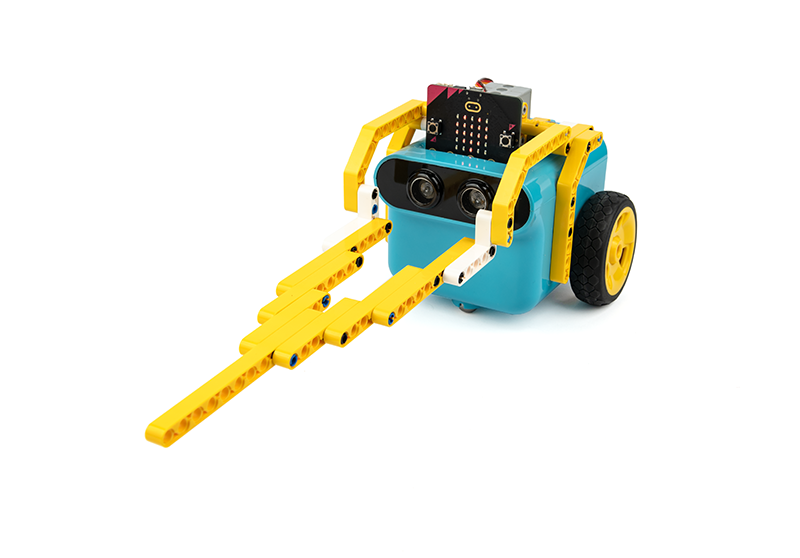
Build a front-fork combat TPBot that drives forward and uses a frontal fork to push other vehicles aside, exploring momentum, mechanical advantage, and head-on competition design.

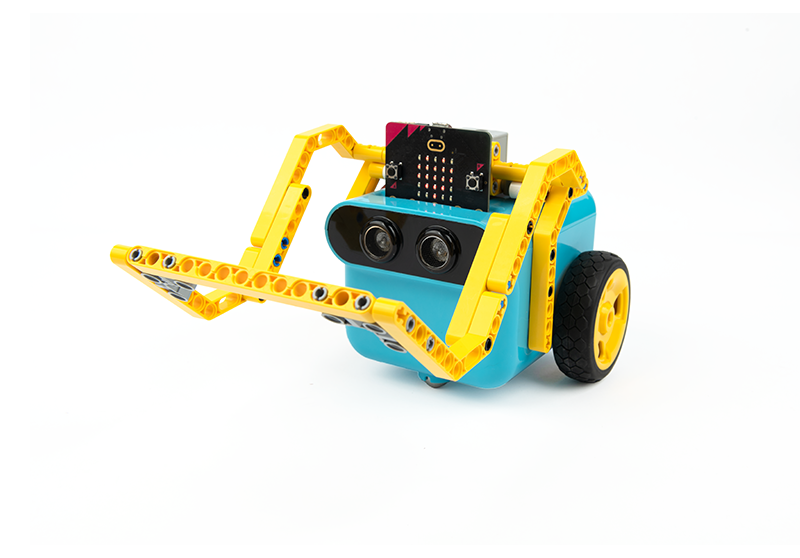
TPbot Forklift
08
TPBot Forklift
Purpose

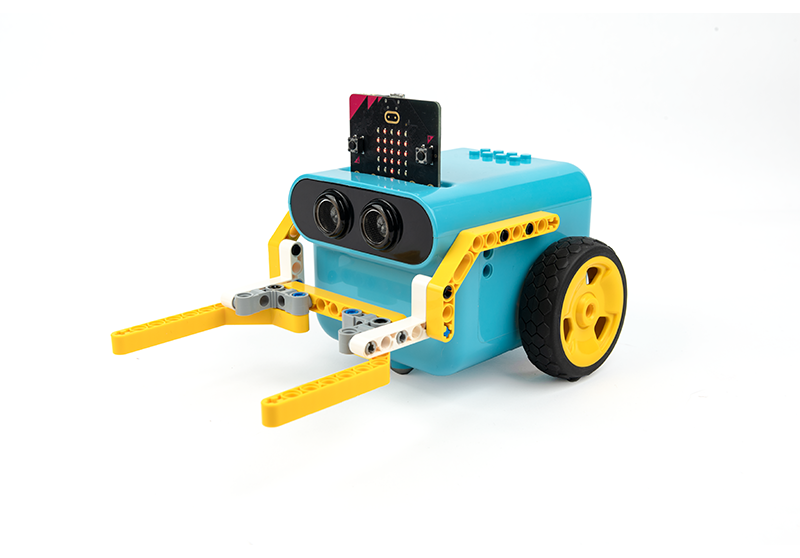
Build a working forklift with a servo-driven lifting mechanism — button A lowers the forks, button B raises them — mirroring real industrial forklift operation through programmable control.

TPbot Little Trailer
09
TPBot Little Trailer
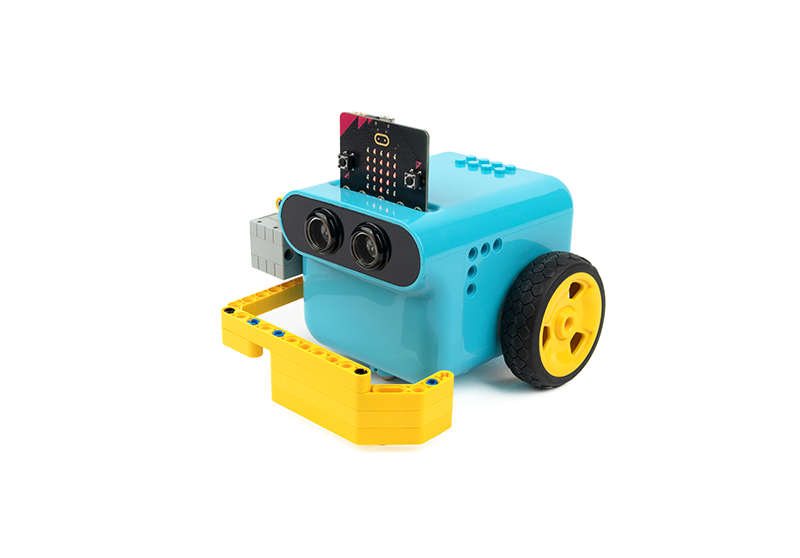
Purpose

Build a trailer attachment for the TPBot that moves forward at 50% speed, exploring towing mechanics, load-bearing structure design, and motorized cargo transport concepts.

TPbot Mechanical Claw
10
TPBot Mechanical Claw
Purpose

Build a servo-driven mechanical claw — button A grasps objects, button B releases them — introducing robotic gripper mechanics, servo angle precision, and object manipulation programming.

TPbot Tail Wing
11
TPBot Tail Wing
Purpose

Build a motorized tail wing that raises as the car drives forward then retracts on stop — teaching synchronized servo and motor control with timed sequential movement logic.

The Tail of the TPBot
12
The Tail of the TPBot
Purpose

Build a continuously wagging tail powered by servo oscillation — button A drives forward with the tail animating, button B stops — combining continuous servo motion with driving control.

What Students Gain

The TPBot Science and Technology Pack delivers measurable STEAM competencies across mechanical engineering, programming, creative design, and problem-solving.

⚙️
Mechanical Engineering
Students build real mechanisms — levers, forks, claws, catapults — understanding how structure and motion work together in physical systems.
💻
Servo & Motor Programming
Button-triggered servo control, angle-based movement, and synchronized motor sequences — foundational robotics programming skills built through every case.
🧩
Creative Design Thinking
Open-ended brick building alongside structured cases encourages students to prototype, iterate, and invent their own configurations beyond the guide.
📈
Problem Solving
Each engineering challenge develops analytical thinking and perseverance — from debugging a program to refining a mechanical linkage until it works as intended.

Ready to Expand the TPBot?

Bring the TPBot Science and Technology Pack into your classroom — built for K–12 STEAM programs, robotics clubs, and curriculum-aligned engineering courses.