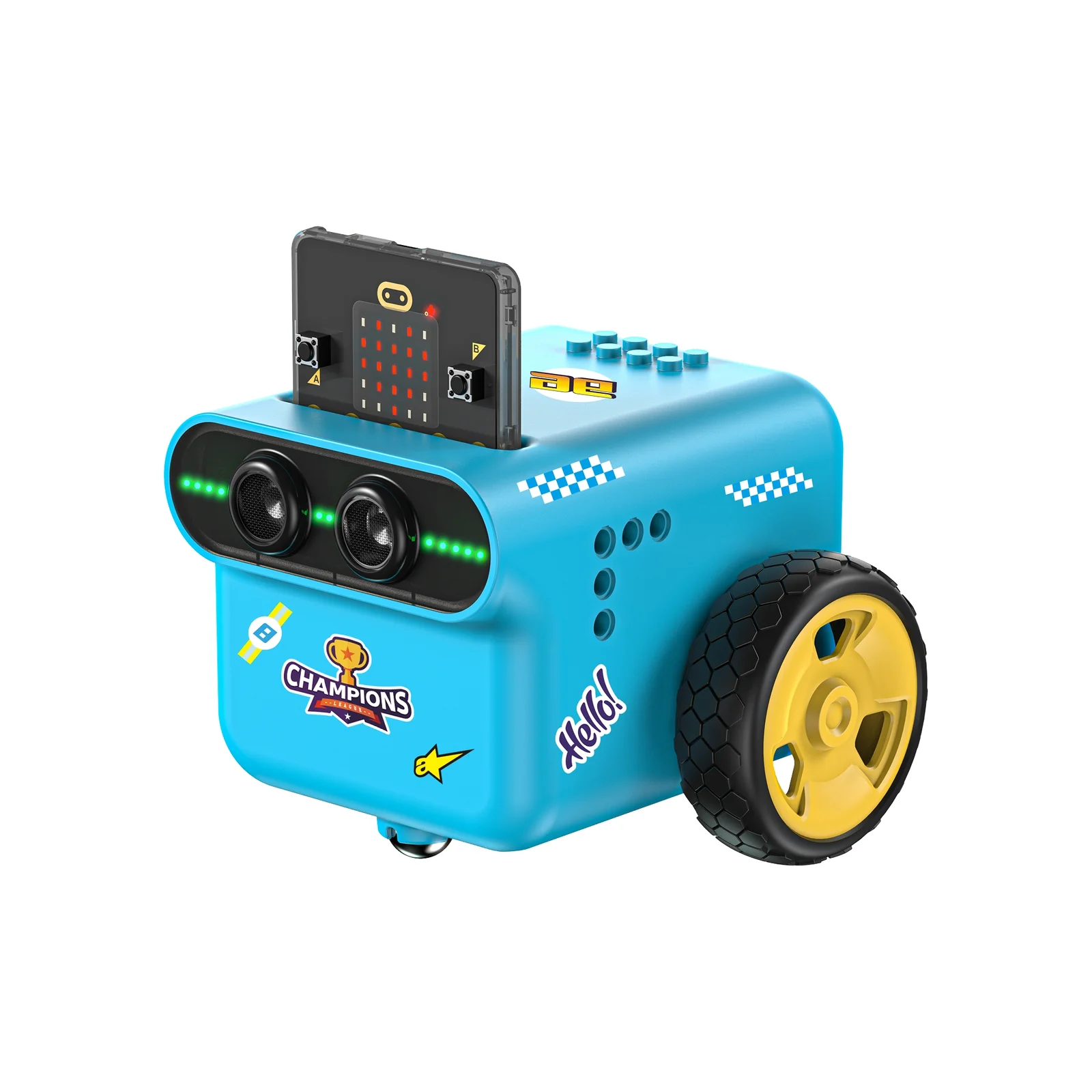
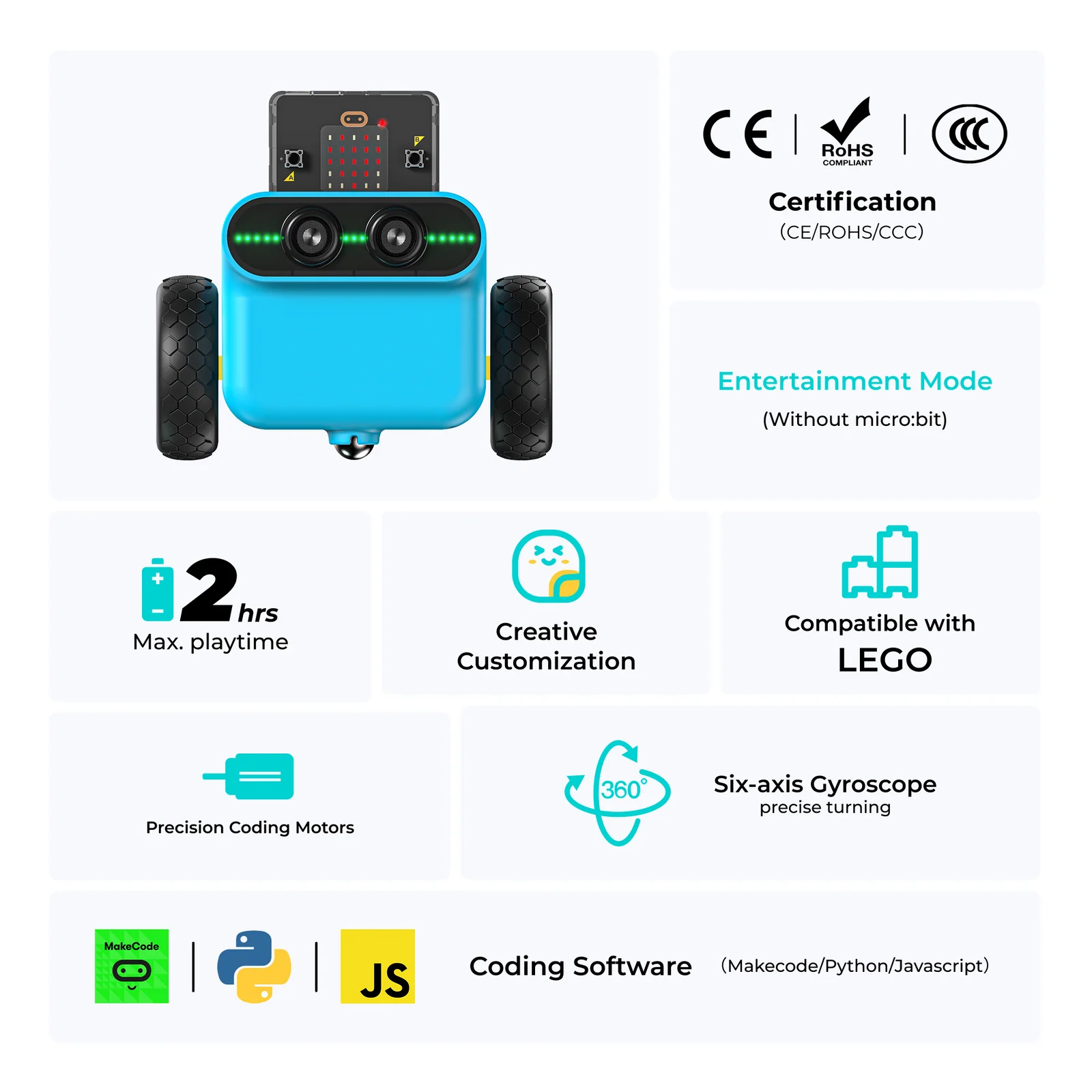
An intelligent programmable car built for K–12 STEAM education. Featuring an encoded motor, onboard gyroscope, rechargeable battery, and RJ11 sensor expansion — students explore real autonomous driving concepts through hands-on programming.
Product Overview
The TPBot Edu Car Kit puts self-driving technology into students' hands. From basic motor control to obstacle avoidance and light-seeking behavior, each of the 12 projects mirrors real engineering problems — making abstract concepts immediate and exciting.
Why It Works
Every design decision — from the rechargeable battery to the anti-dumb RJ11 port — reduces friction so students spend more time learning and less time troubleshooting.
Product Gallery
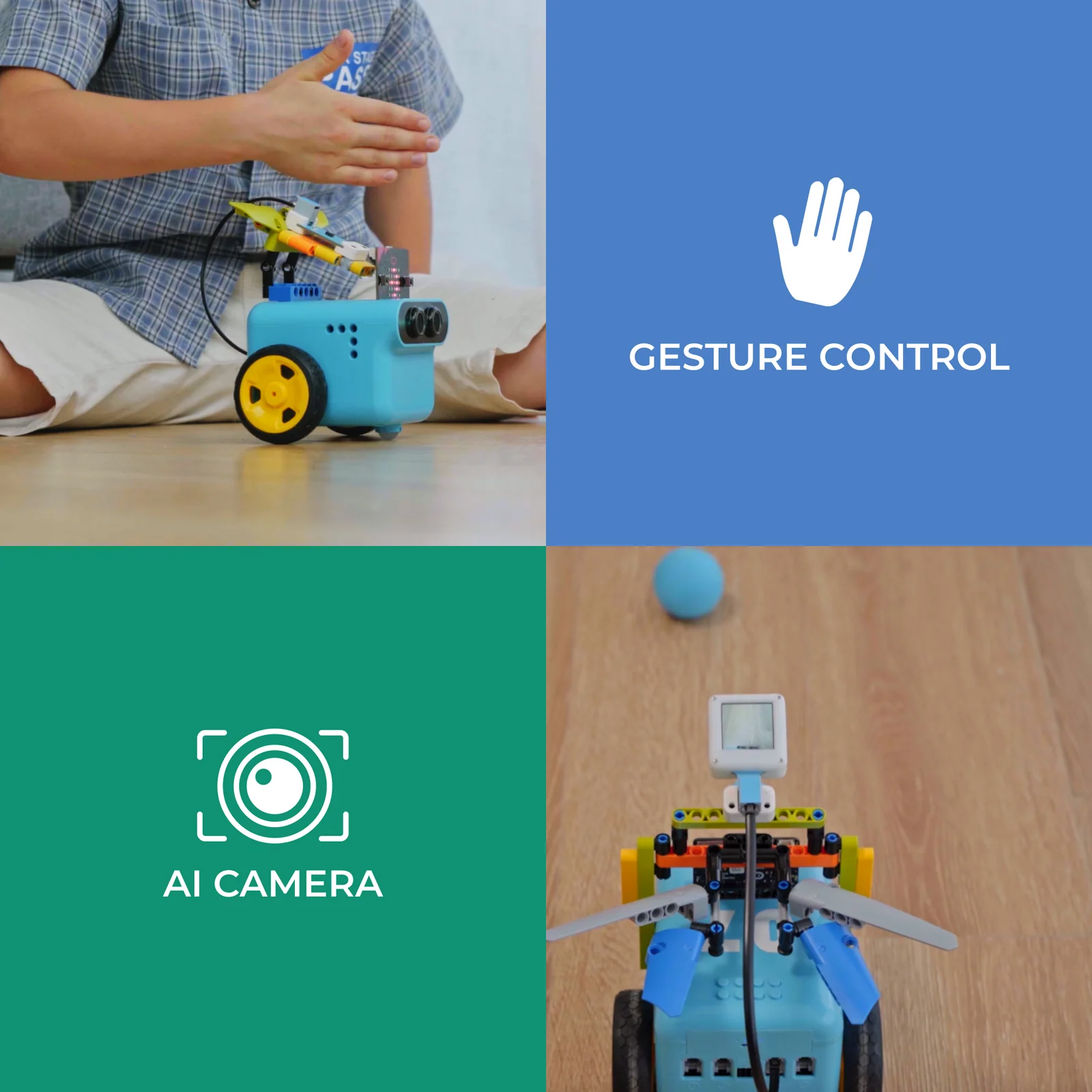
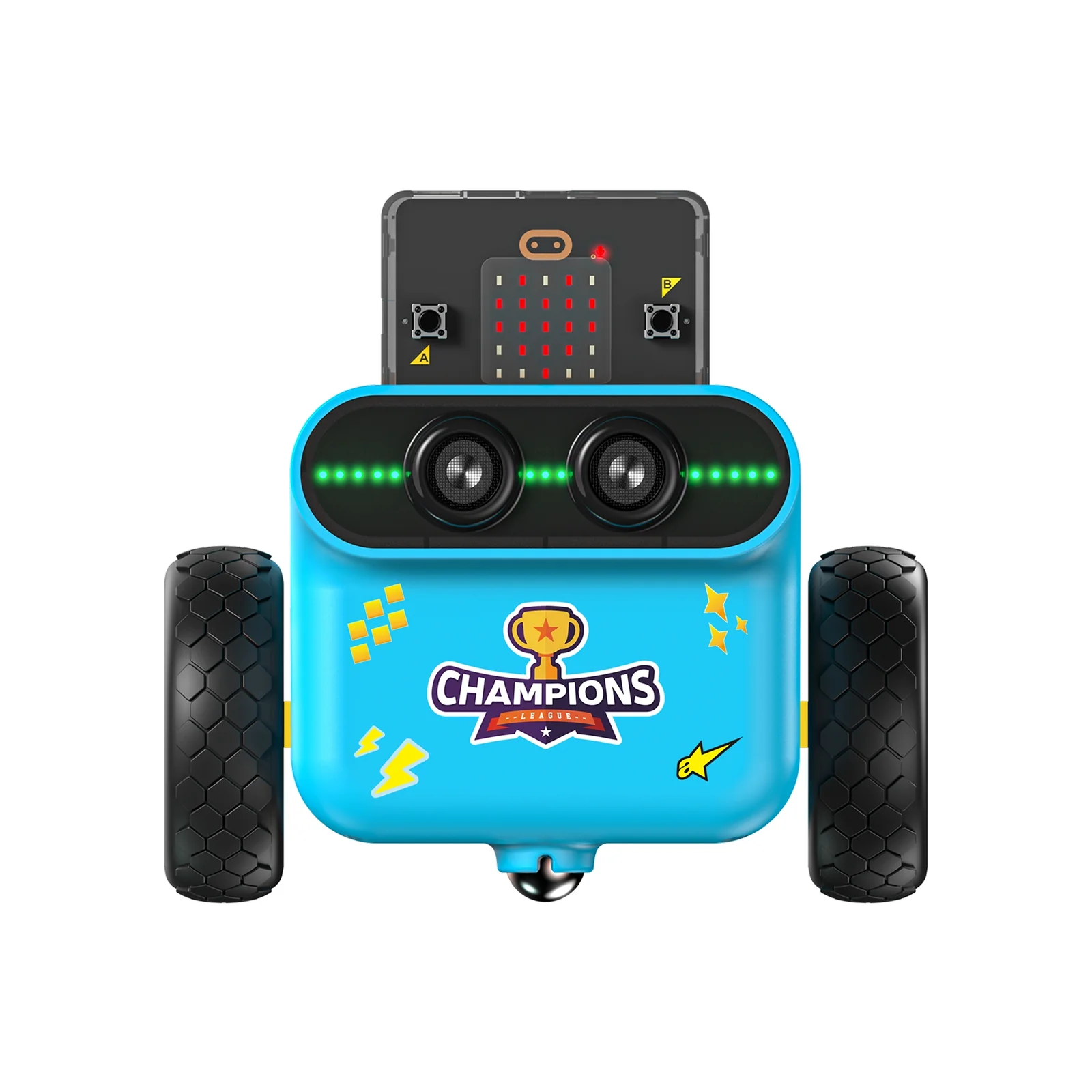
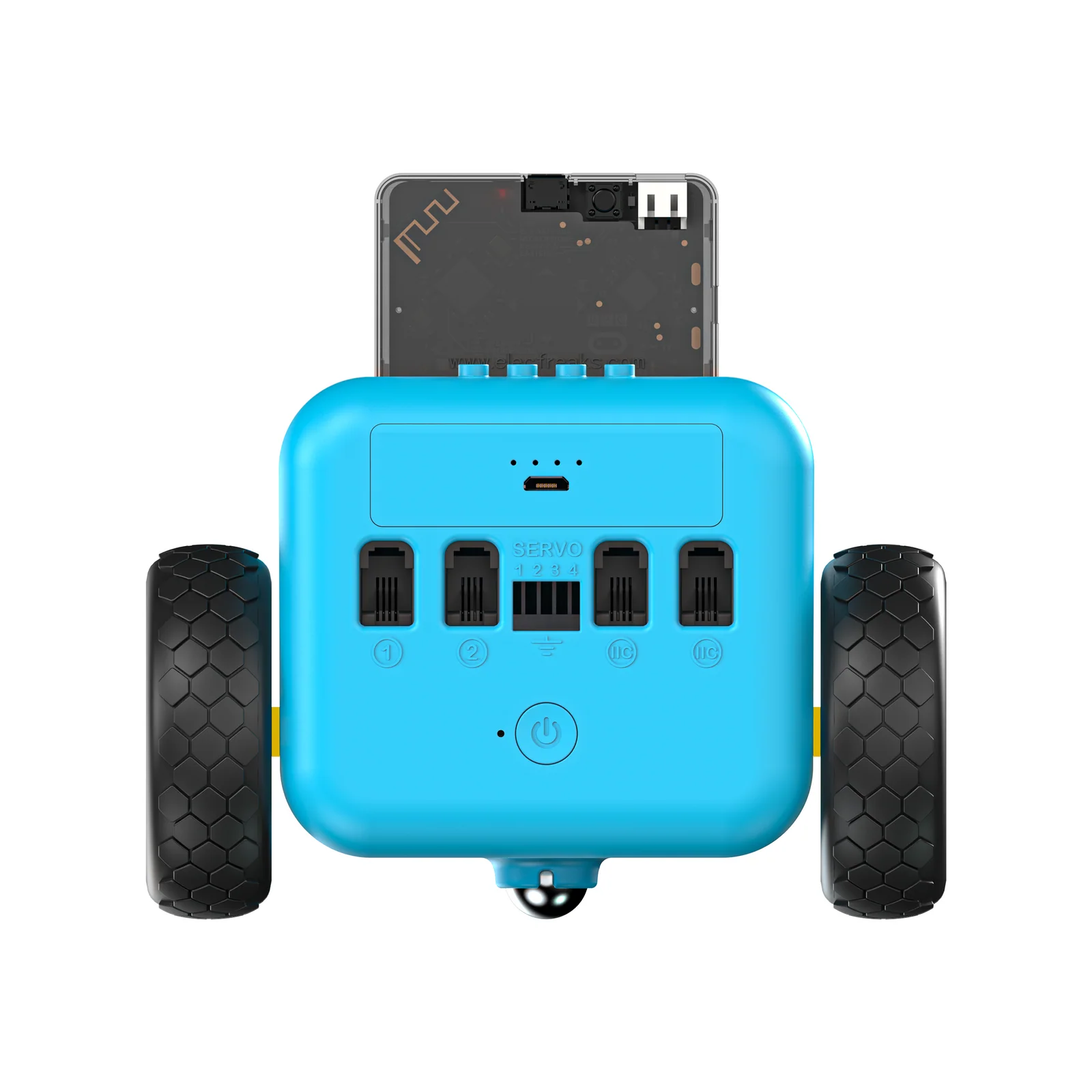
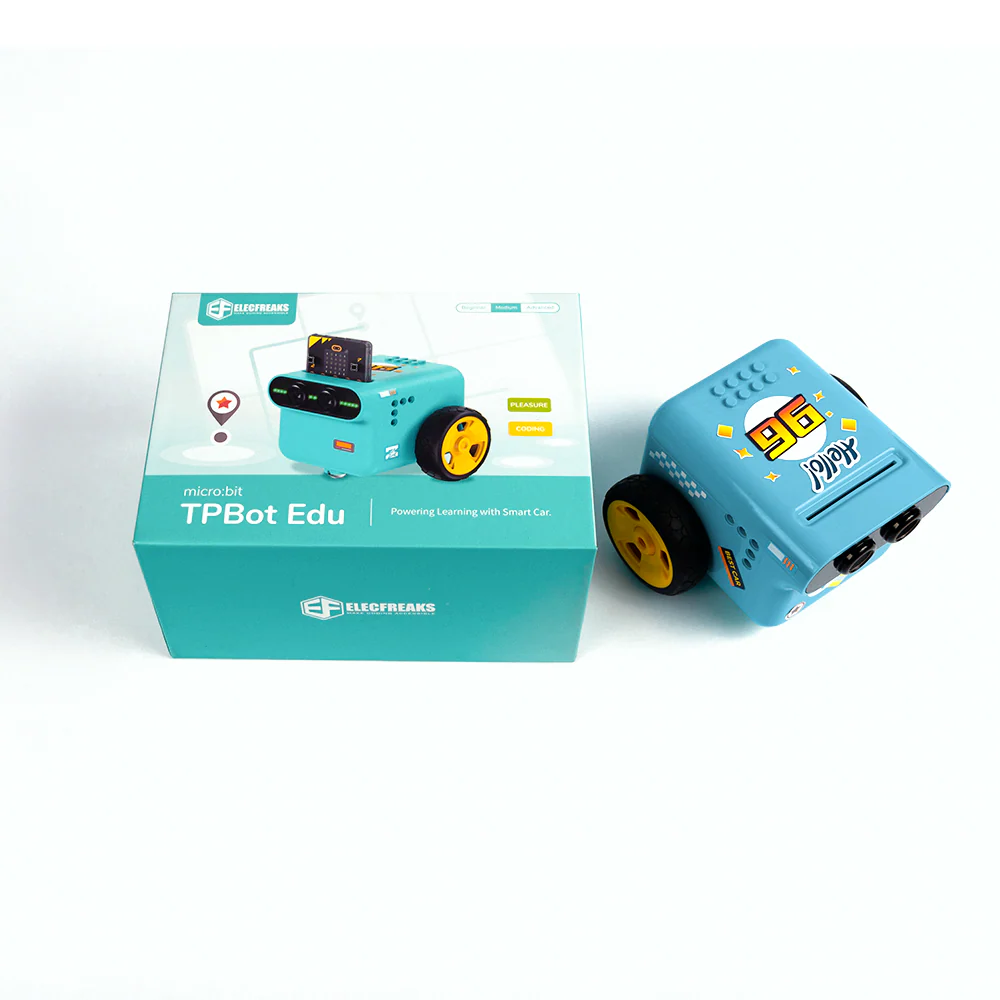
From the compact chassis to sensor attachments and in-class use — the TPBot Edu is built to inspire from the moment it's unboxed.
Key Hardware
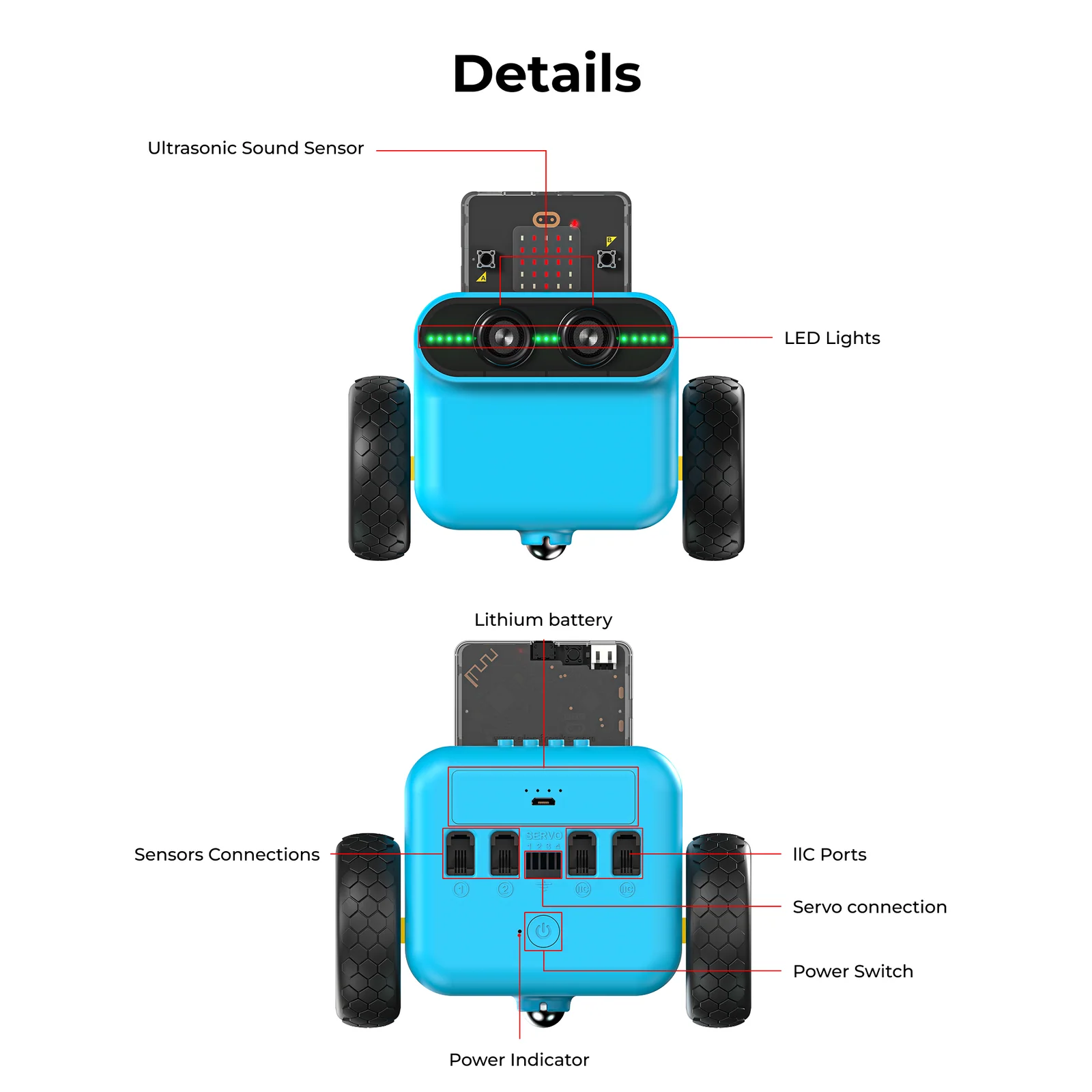
A tightly integrated hardware stack — from the encoded drivetrain to the expansion interface — gives students a complete autonomous vehicle platform to explore.
Complete Package
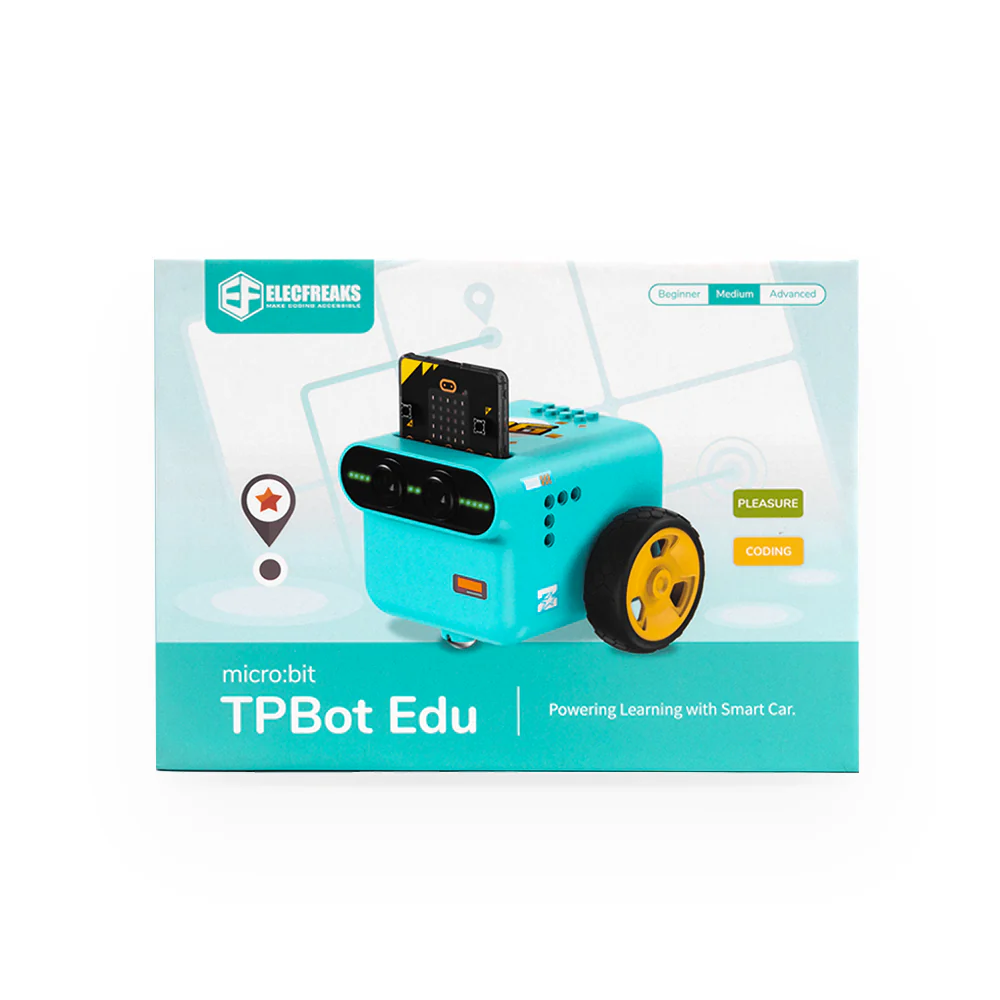
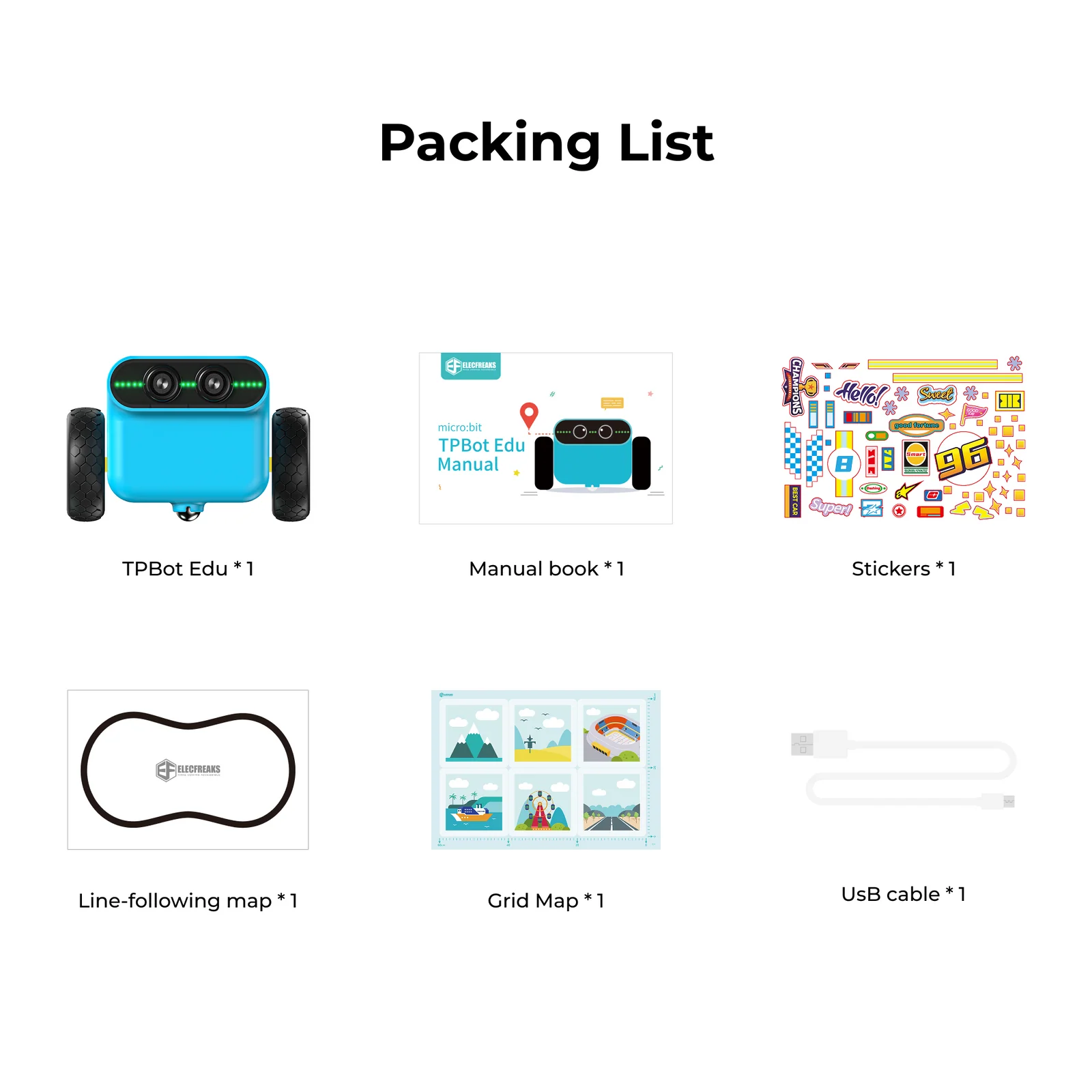
Everything needed to start programming the TPBot Edu — ready to run the moment it's charged. micro:bit sold separately.
Technical Specifications
Detailed specifications for the TPBot Edu (SKU: EF08415).
| Dimensions | 128 mm × 113 mm × 90 mm |
| Weight | 378.7 g (with battery, without micro:bit) |
| Motor Type | Encoded DC Motor |
| Steering Type | Differential Drive |
| Navigation | Onboard 3-axis Gyroscope |
| Sensor Port | RJ11 Anti-dumb Interface |
| Controller | micro:bit (not included) |
| Battery Type | Rechargeable Lithium |
| Rated Voltage | 7.4V |
| Max Voltage | 8.4V |
| Min Voltage | 6.5V |
| Charging Voltage | 5V at 2.8A |
| Charge Time | ~70 minutes at 2.1A |
| IO Supply Voltage | 3.49V |
Curriculum Cases
Each case introduces a new concept, builds on previous skills, and culminates in a working program students run on their own car.
Students explore how to control the TPBot Edu to drive forward through graphical programming. The lesson introduces programming as a method to instruct robots to perform tasks, focusing on block-based coding with the Tianpeng smart car.
Students control the TPBot Edu's travel distance through graphical programming. The encoded motor enables precise distance control — students write programs for accurate distance management and speed regulation, then test their solutions practically.
Building on distance control, this lesson advances to directional management. Students explore how gyroscopes enable precise angle measurement and steering in smart vehicles, making the TPBot Edu turn flexibly in various environments.
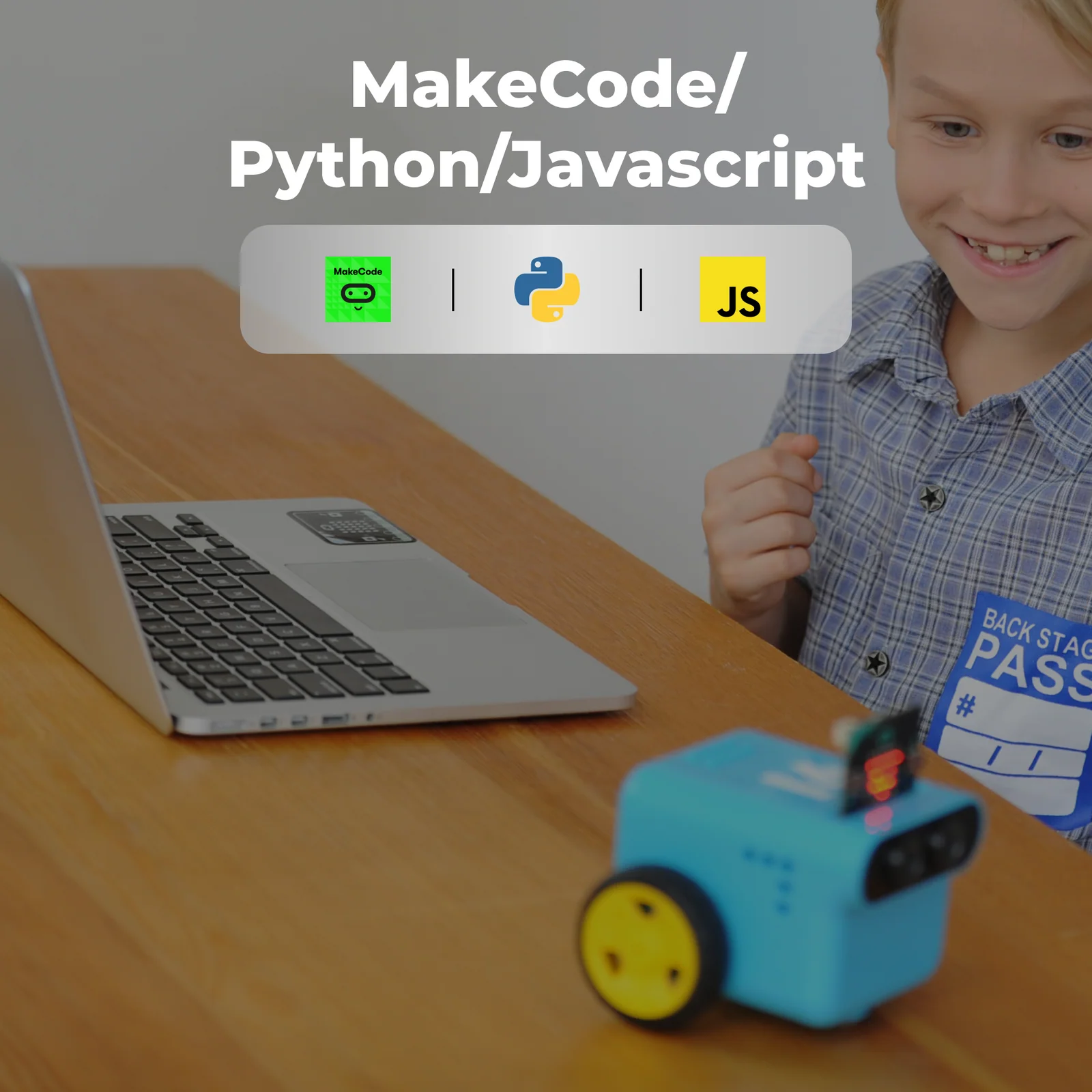
Students learn line patrol sensor principles and how they function. The curriculum focuses on programming TPBot Edu to autonomously travel along a predetermined line using MakeCode software.
Students learn obstacle avoidance principles and ultrasonic sensor functionality. They program the TPBot Edu to detect and navigate around barriers autonomously — mirroring a fundamental capability of real self-driving vehicles.
Students learn the working principle of the car's headlights and how to program them. They write programs to control the RGB LEDs on TPBot Edu, learning how vehicles use lighting systems for signaling and safety.
Students review encoder motors and gyroscopes by programming the car to complete a preset square route on a 6-grid map (each grid 20 cm). They explore coordinate systems and develop programming logic for directional movement.
Students combine micro:bit functions to program a smart car that automatically locates and drives toward a light source in a dark environment — exploring how micro:bit uses its LED matrix to detect ambient light intensity without a dedicated sensor.
Students develop an automatic headlight system using micro:bit capabilities. The car intelligently detects ambient light — turning lights off in well-lit areas and automatically activating them in darker environments like tunnels or nighttime driving.
Students build a voice-controlled car using micro:bit's sound detection. The lesson explores using sound to regulate vehicle speed — louder sounds increase speed, quieter sounds decrease it — making the car responsive to ambient volume changes.
Students create a project that enables the vehicle to autonomously maintain a set distance from a car ahead. The lesson explores monitoring distance through sensors and adjusting vehicle speed accordingly — mirroring real adaptive cruise control technology.
Students develop an anti-theft car alarm system by utilizing micro:bit capabilities. The project employs the accelerometer's vibration detection to identify unauthorized movement or tampering with the vehicle — connecting programming to real-world security applications.
Learning Outcomes
The TPBot Edu curriculum delivers measurable competencies across programming, engineering, mathematics, and physics — aligned to STEAM learning frameworks.
Bring the TPBot Edu Car Kit into your classroom — built for K–12 STEAM programs, after-school robotics clubs, and curriculum-aligned coding courses.