🚗 Smart Car Series

ELECFREAKS
Smart Cutebot

A compact, rear-drive smart car powered by dual high-speed motors — packed with sensors, RGB lights, and wireless capabilities for 15 progressive robotics projects.

🚗 15 Robotics Cases ⚡ Dual Gear Motors 🔌 Ultrasonic & IR Sensors 💻 MakeCode / Python ✅ CE / RoHS Certified
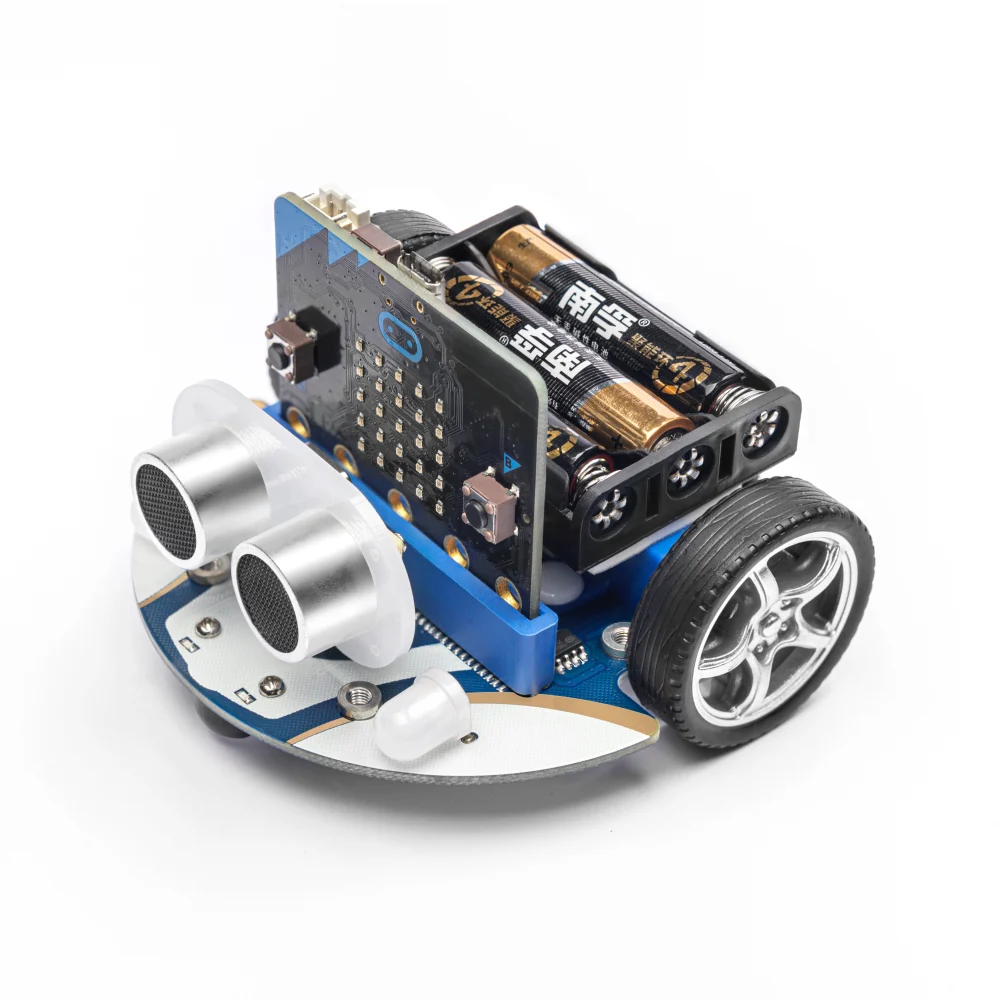
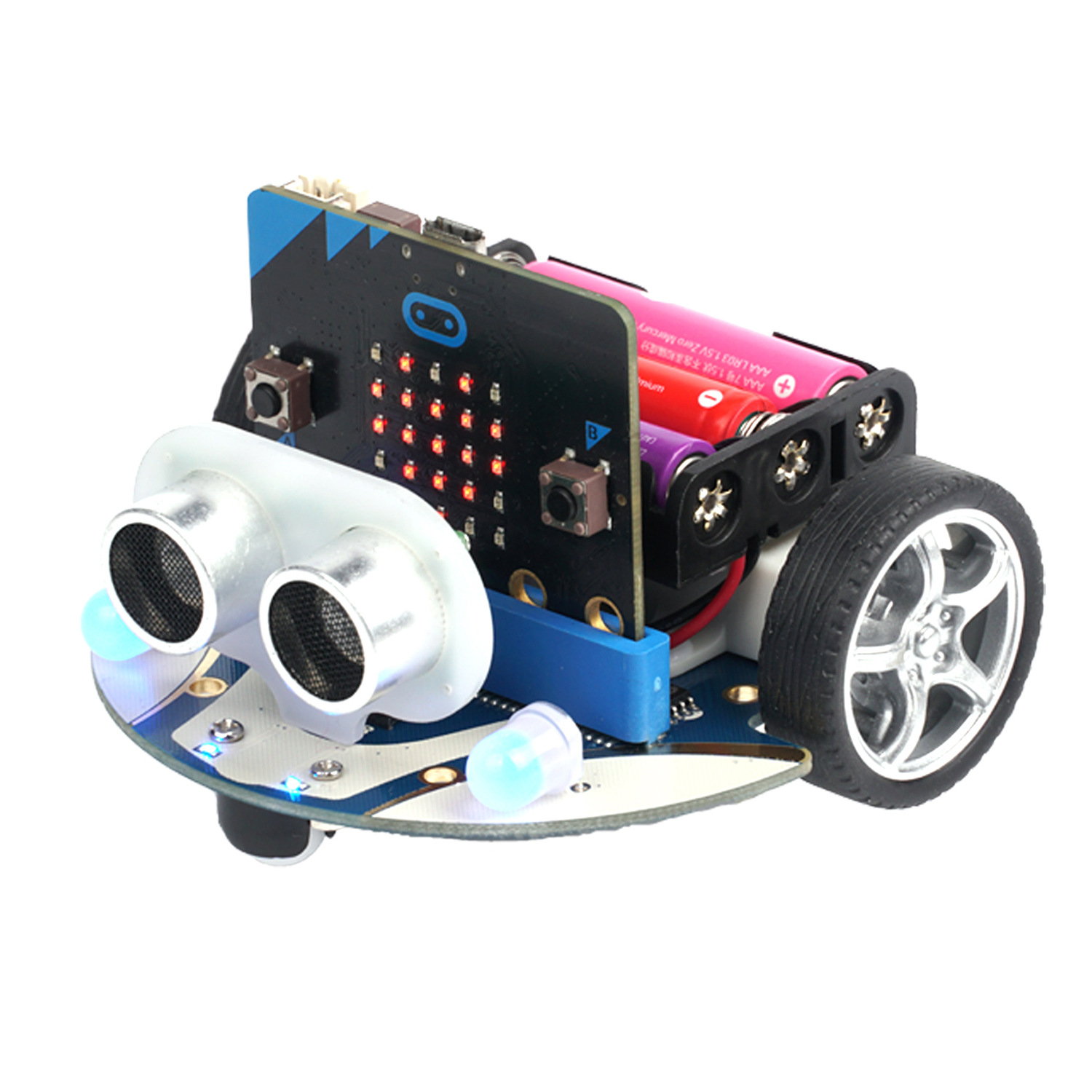
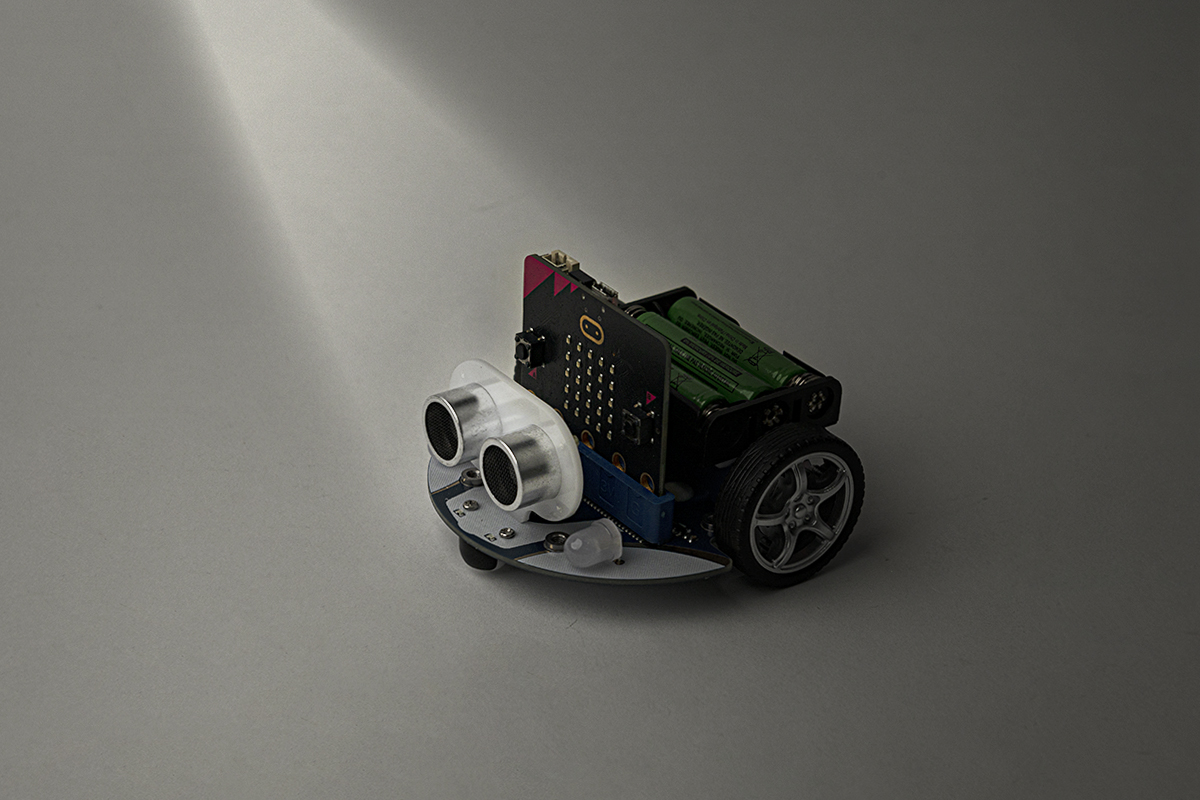
Smart Cutebot — main product view

Meet the Smart Cutebot

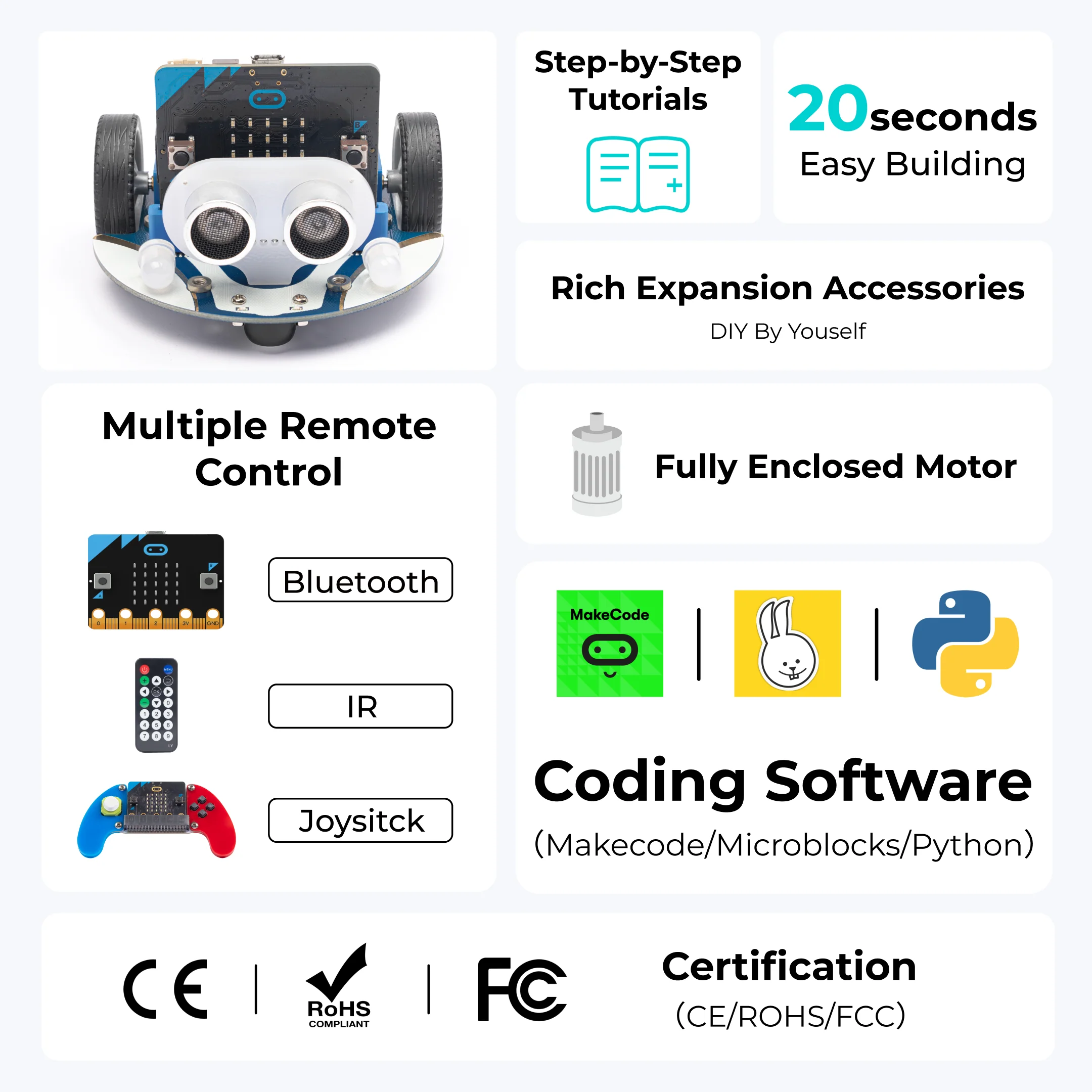
The ELECFREAKS Smart Cutebot is a rear-drive smart car driven by dual high-speed GA12-N20 DC micro gear motors. Its compact, arc-shaped design is crash-resistant and aesthetically distinctive — making it ideal for classroom robotics and STEAM education.

Out of the box, the Cutebot is equipped with an HC-SR04 ultrasonic sensor for contactless distance detection, dual RGB LED headlights, two Rainbow LED clearance lamps, dual line-tracking probes, an active buzzer, and an infrared receiver. All these components make the Cutebot a complete, ready-to-program robotics platform with no additional hardware required.

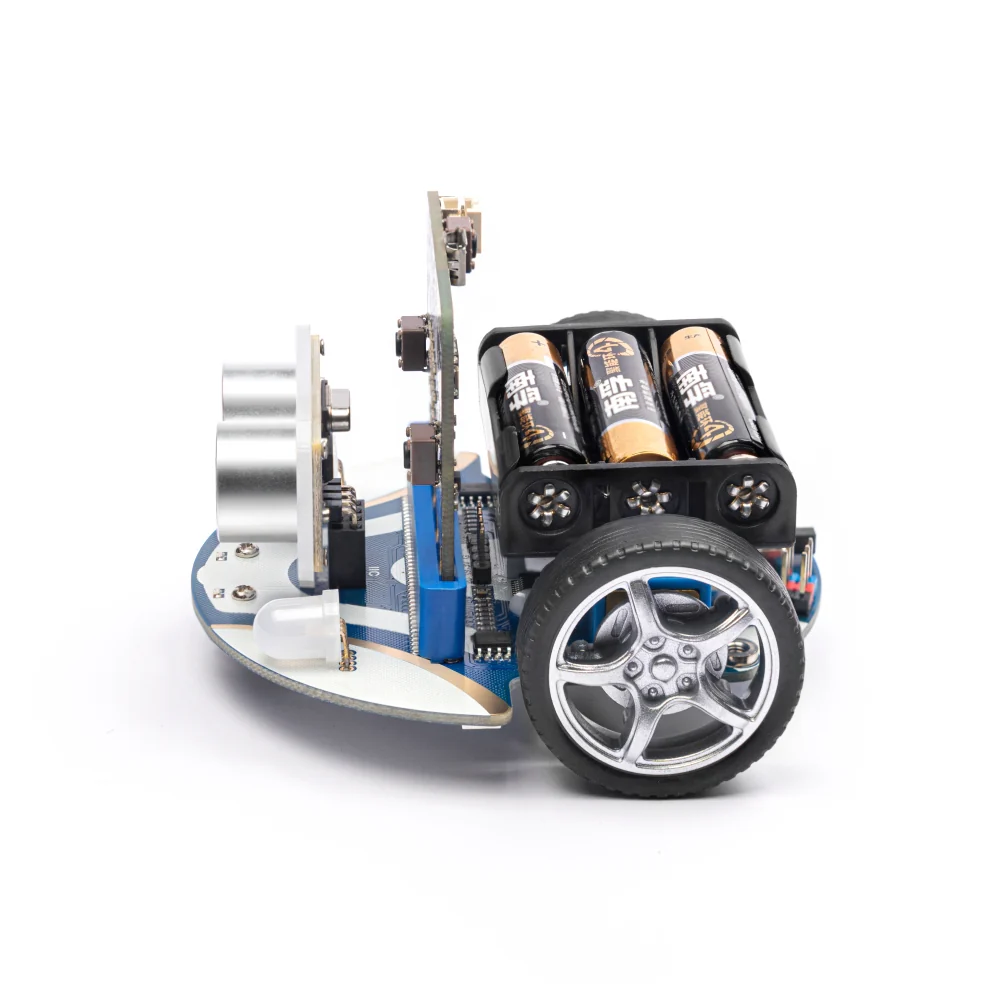
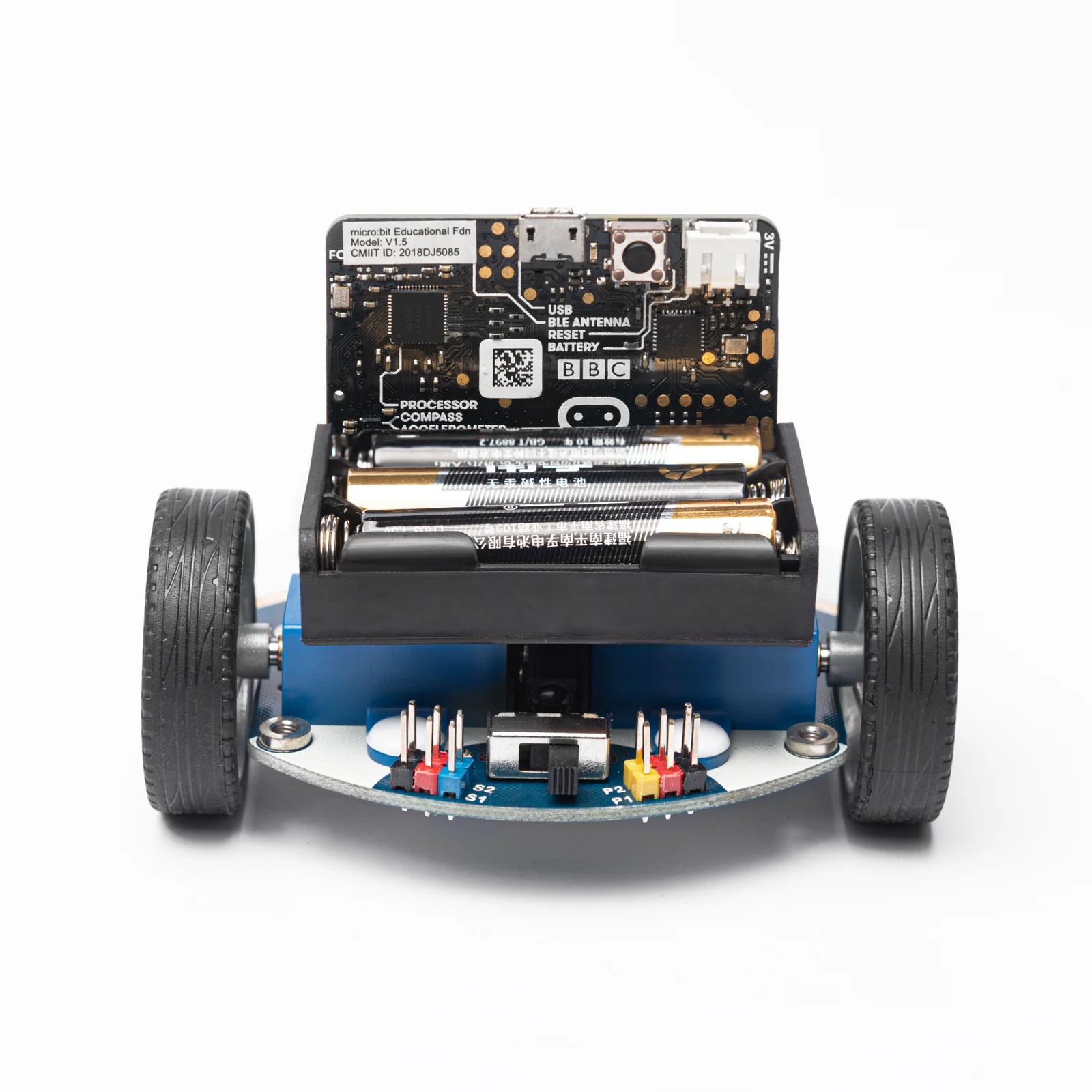
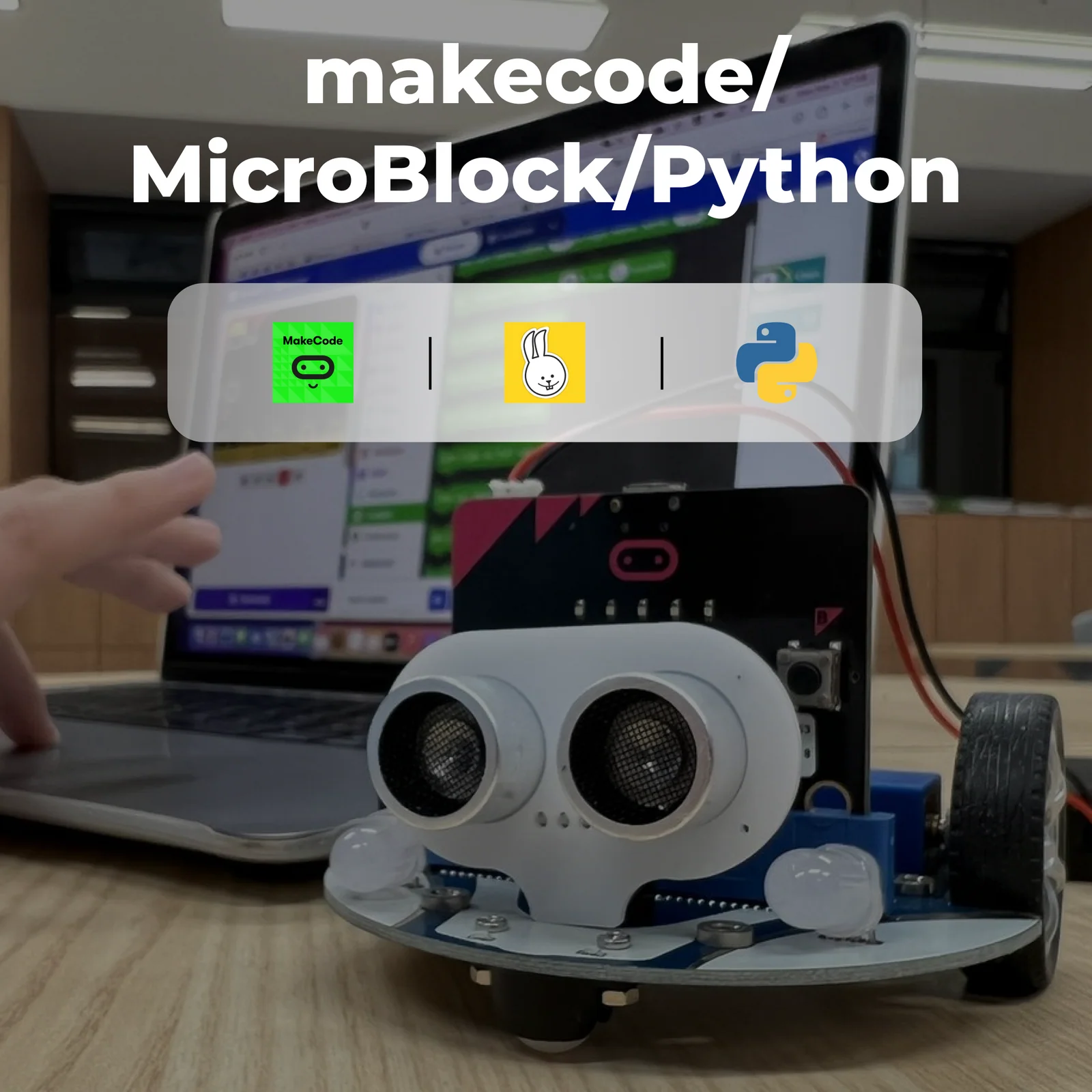
Designed for use with the BBC micro:bit, the Cutebot connects via a dedicated expansion slot and exposes IIC, servo (S1, S2), and GVS ports for further expansion. It is compatible with MakeCode, MicroPython, and JavaScript, making it accessible for students from absolute beginners to advanced coders.

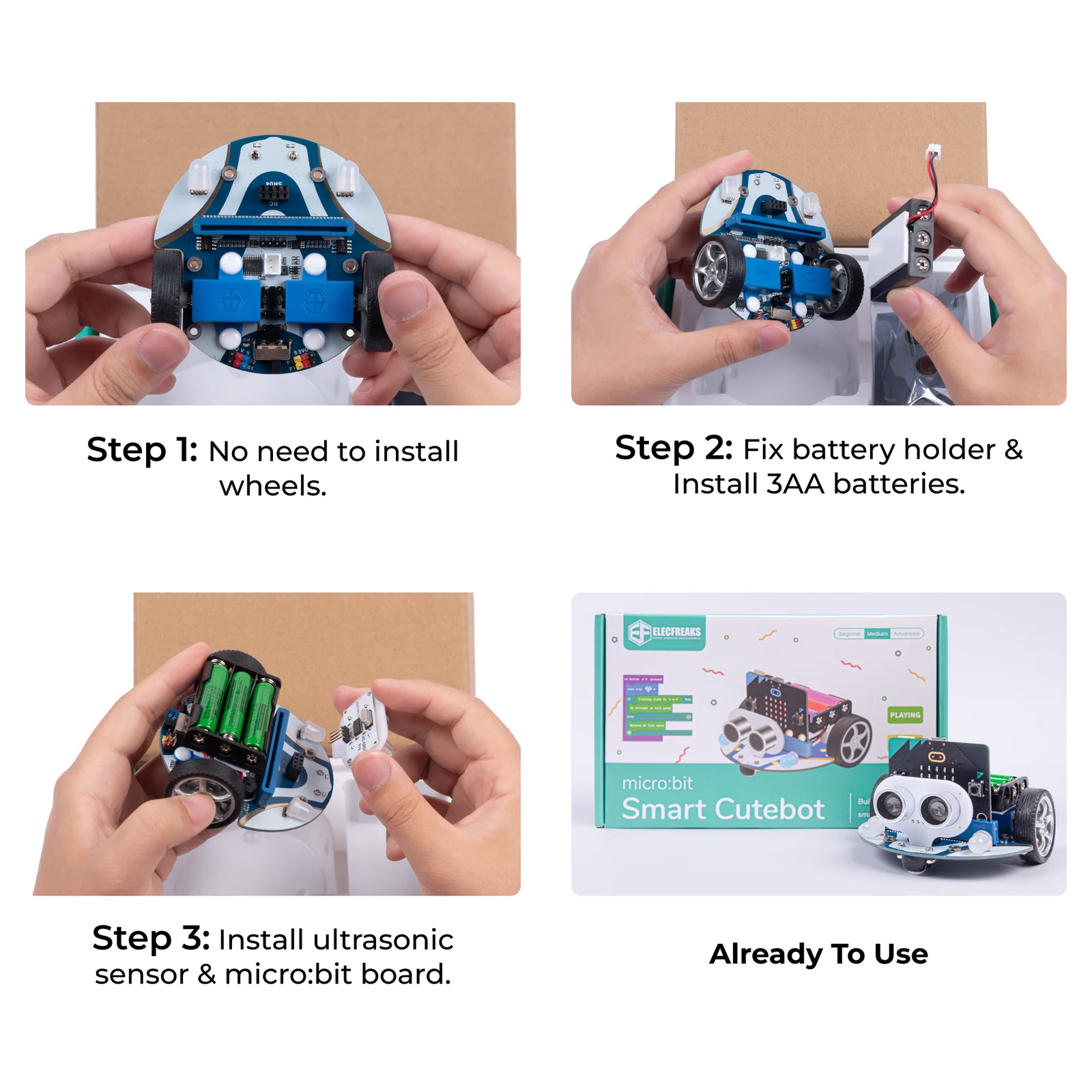
Minimal assembly required — simply install the batteries and plug in the ultrasonic sensor to start programming immediately.
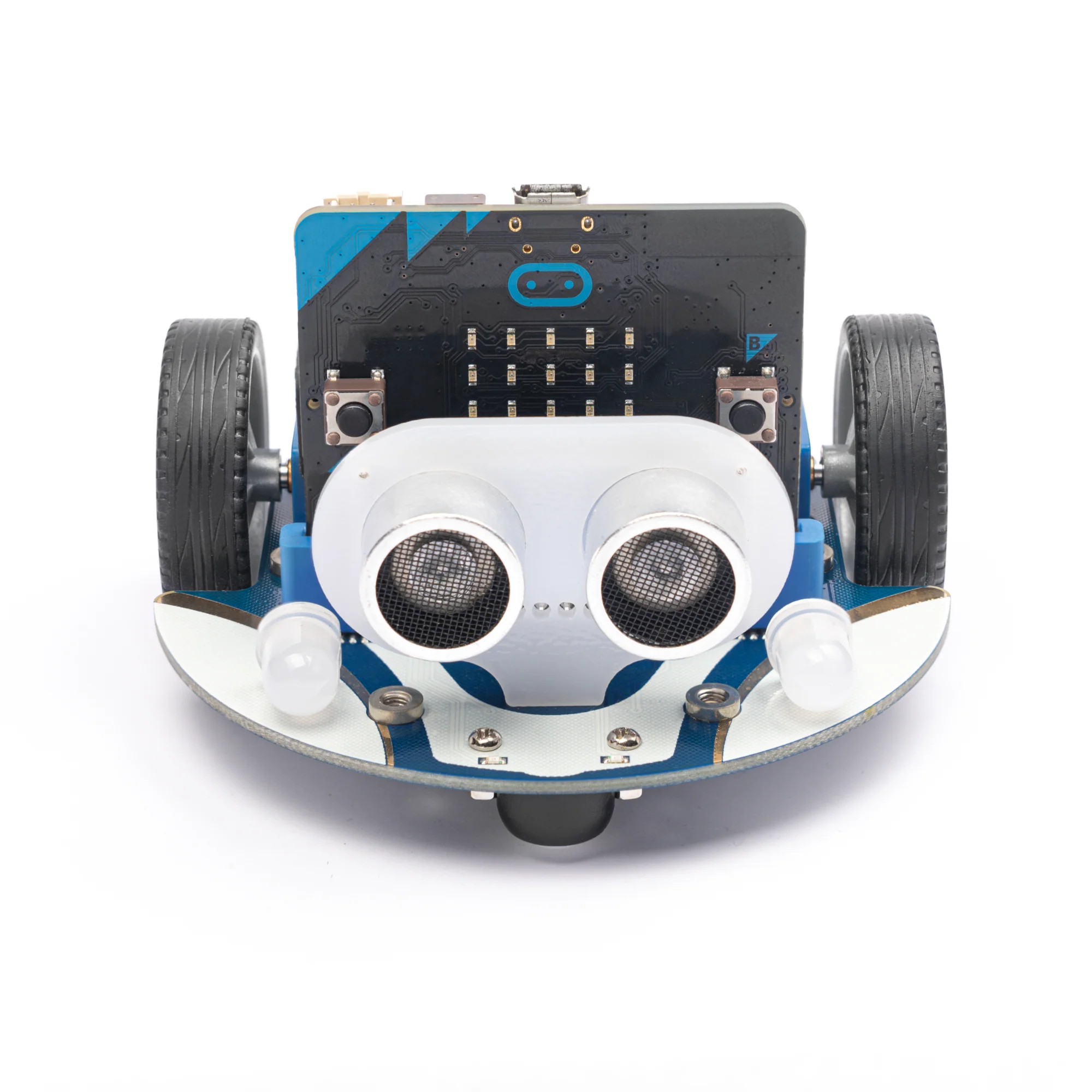
Cutebot front view with RGB lights Cutebot top view showing expansion ports

Characteristics

Every feature of the Cutebot is purpose-built to deliver a rich, hands-on robotics learning experience straight out of the box.

Dual Rear-Drive Motors
Two GA12-N20 DC micro gear deceleration motors (300 RPM) deliver strong, reliable power with independent left/right speed control for precise directional movement.
🚗
Crash-Resistant Arc Design
The compact, arc-shaped chassis absorbs minor impacts and resists damage — built for energetic classroom environments where collisions are part of the learning.
🔴
Dual RGB LED Headlights
Two independently programmable full-colour RGB LEDs serve as headlights — students set any colour, create automatic lighting effects, and simulate real vehicle lighting systems.
🌟
Rainbow LED Clearance Lamps
Two NeoPixel-compatible Rainbow LEDs (P15) on the underside create clearance and turn-signal lighting effects, adding realism to driving simulations.
👀
Ultrasonic Distance Sensor
The HC-SR04 sensor detects obstacles and distances from 2 cm to 400 cm with ±1.5 mm precision — enabling autonomous obstacle avoidance, following, and distance-sensitive behaviours.
Dual Line-Tracking Probes
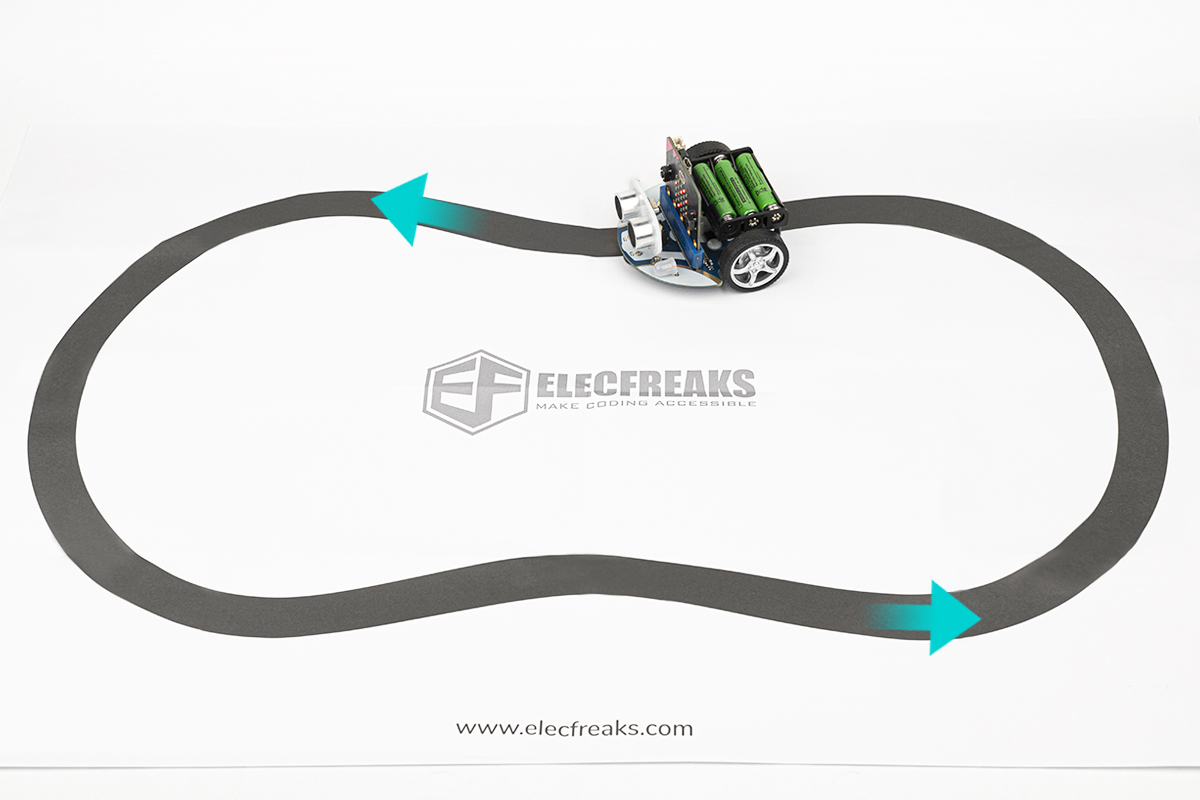
Two infrared line-tracking sensors (P13 & P14) allow the Cutebot to follow a black line on the included map — a core robotics skill used in real-world autonomous vehicles.
📶
Active Buzzer & IR Receiver
An onboard active buzzer provides audio feedback, while the infrared receiver (P16) enables wireless command input from IR remote controls — expanding interaction possibilities.
🔌
Expandable via IIC & Servo Ports
IIC (P19/P20), two servo ports (S1/S2), P1, and P2 GVS connectors make the Cutebot fully expandable with additional sensors, displays, and actuators.

Pictures

A complete look at the Smart Cutebot — from all angles and in action.

Components List

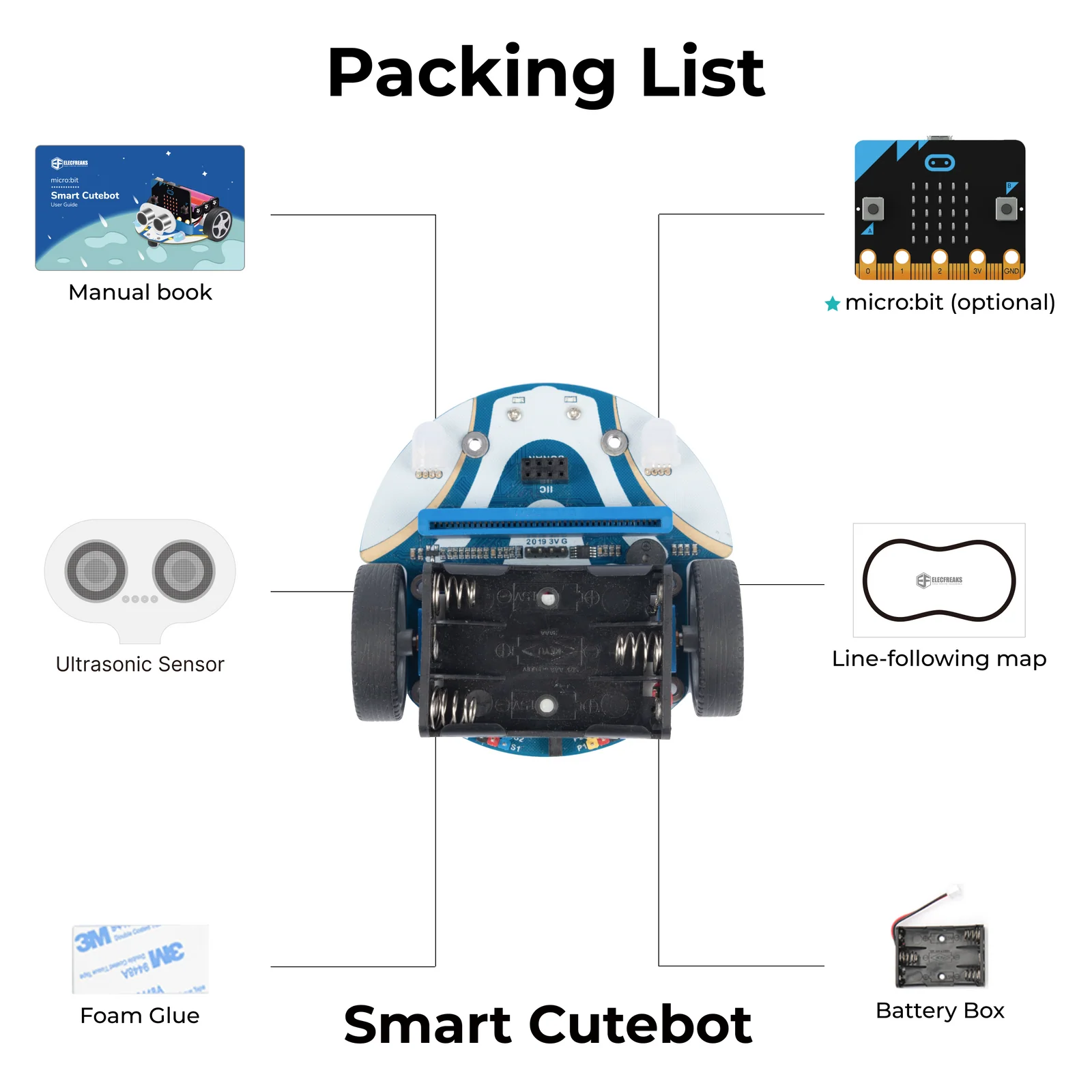
Everything you need to start building and programming straight away — no extra purchases required.

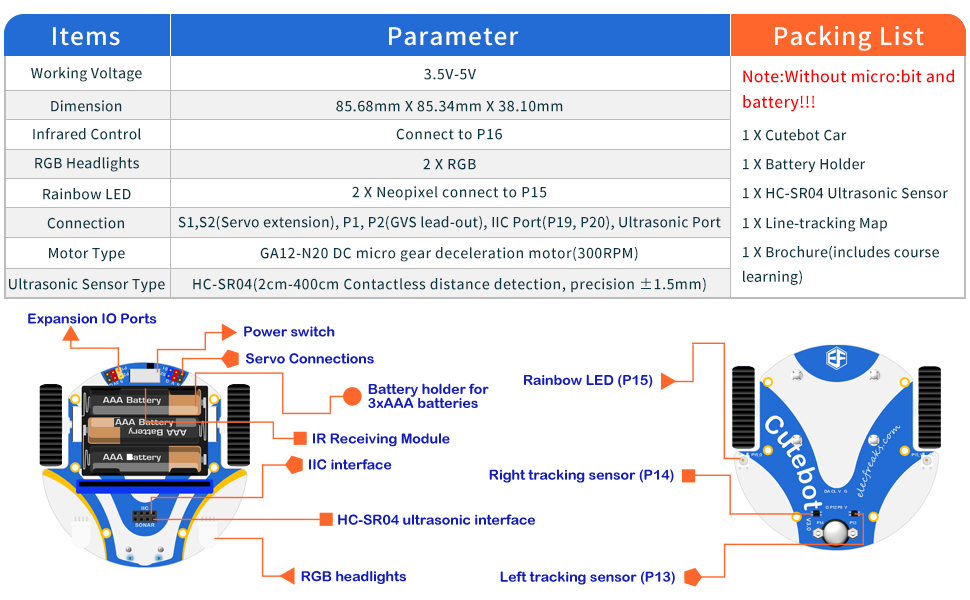
Cutebot components map — full layout
Cutebot packaging contents
ComponentQty
Cutebot Smart Car (chassis + motors + sensors)×1
HC-SR04 Ultrasonic Sensor×1
Battery Holder (3 × AA)×1
Line-Tracking Map×1
Brochure / Quick-Start Guide×1
BBC micro:bit×1 (Optional — sold separately)

Main Modules Introduction

Each module on the Cutebot is precisely placed to maximise functionality and ease of use in educational settings.

Cutebot front — ultrasonic and RGB lights
Front Section
Ultrasonic Port & RGB Headlights
The front section houses the HC-SR04 ultrasonic sensor port for distance detection (2–400 cm), flanked by two full-colour RGB LED headlights. An IIC port is also accessible here for connecting additional modules.
Cutebot top — micro:bit slot and expansion ports
Expansion Area
micro:bit Slot & Servo/IIC Ports
The battery expansion board on the upper right hosts the 3×AA battery holder, IIC port (P19/P20), and two servo ports (S1 & S2). The micro:bit slides into its dedicated slot for seamless integration.
Cutebot bottom — line-tracking probes
Bottom Sensors
Line-Tracking Probes (P13 & P14)
Two infrared line-tracking sensors are mounted at the front-bottom of the chassis, connected to pins P13 and P14. They detect the contrast between a black line and a white surface, enabling autonomous line-following behaviour.
Cutebot rear — dual gear motors
Drive System
Dual GA12-N20 Gear Motors
Two GA12-N20 DC micro gear deceleration motors (300 RPM) power the rear wheels. Independent speed control of each motor allows the Cutebot to move forward, reverse, turn, and spin in place with precision.
Cutebot underside — universal front wheel
Front Wheel
Omnidirectional Universal Wheel
A universal ball caster wheel at the front-bottom of the chassis supports the car and allows it to move in any direction without mechanical constraint — essential for smooth figure-of-eight and circular movements.
Cutebot sides — Rainbow clearance LEDs and IR receiver
Lighting & Control
Rainbow LEDs & IR Receiver
Two NeoPixel-compatible Rainbow LEDs (P15) on the lower sides serve as clearance and steering lamps. The infrared receiver (P16) accepts commands from IR remote controls, enabling wireless navigation without a second micro:bit.

Parameters

Full hardware specifications for the Smart Cutebot smart car platform.

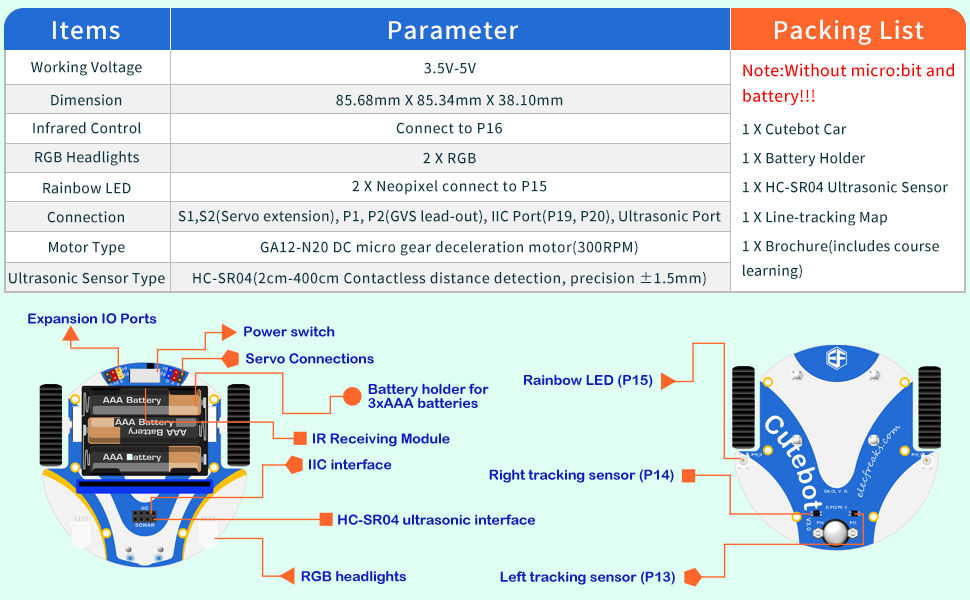
Cutebot parameters reference sheet 1 Cutebot parameters reference sheet 2
ParameterSpecification
Working Voltage3.5 V – 5 V
Dimensions85.68 mm × 85.34 mm × 38.10 mm
Drive SystemRear-drive, dual independent motors
Motor TypeGA12-N20 DC Micro Gear Motor
Motor Speed300 RPM
Ultrasonic SensorHC-SR04
Detection Range2 cm – 400 cm (contactless)
Ultrasonic Precision±1.5 mm
RGB Headlights2 × Full-colour RGB LEDs
Rainbow LEDs2 × NeoPixel (P15 connection)
Line-Tracking Probes2 × Infrared (P13 & P14)
Infrared ReceiverP16 port
IIC PortP19, P20
Servo PortsS1, S2
GVS PortsP1, P2
Power Source3 × AA batteries
CompatibilityBBC micro:bit V1 & V2
ProgrammingMakeCode, MicroPython, JavaScript
CertificationCE / RoHS

15 Progressive Cutebot Cases

From basic motor control to wireless remote operation — each case builds on the last to develop genuine robotics and programming skills step by step.

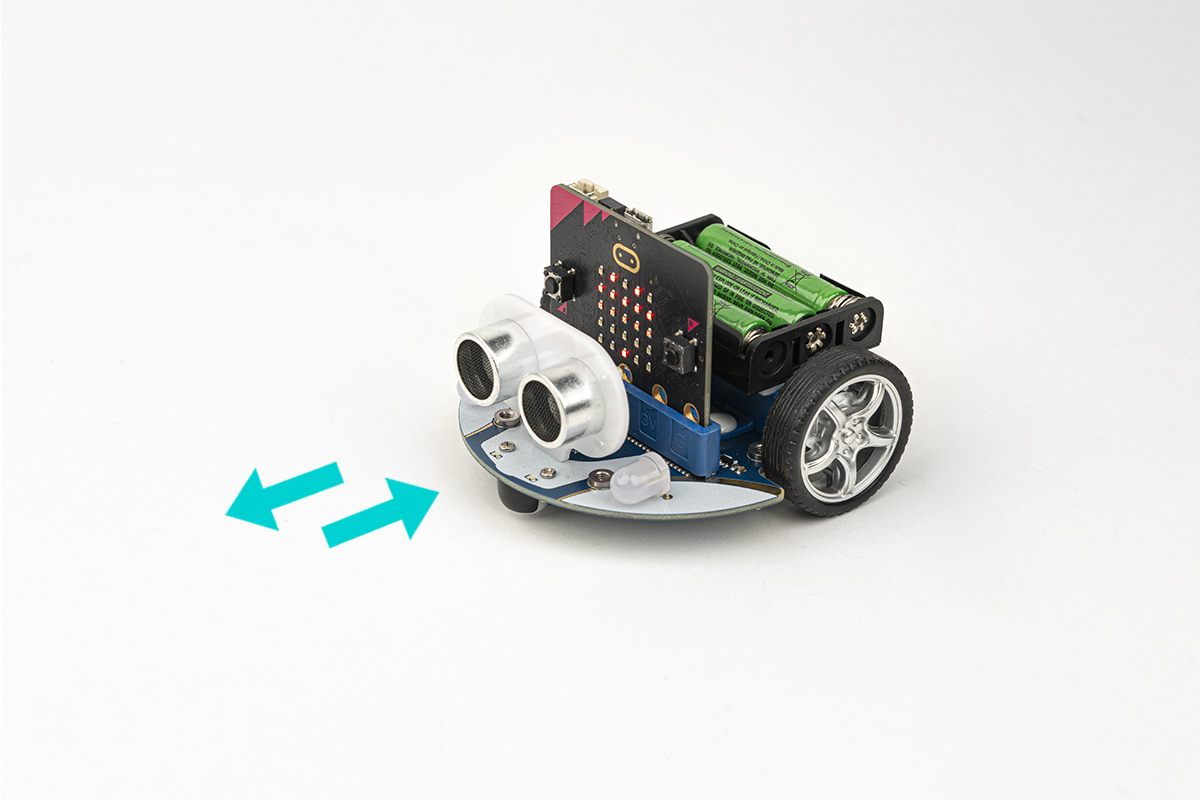
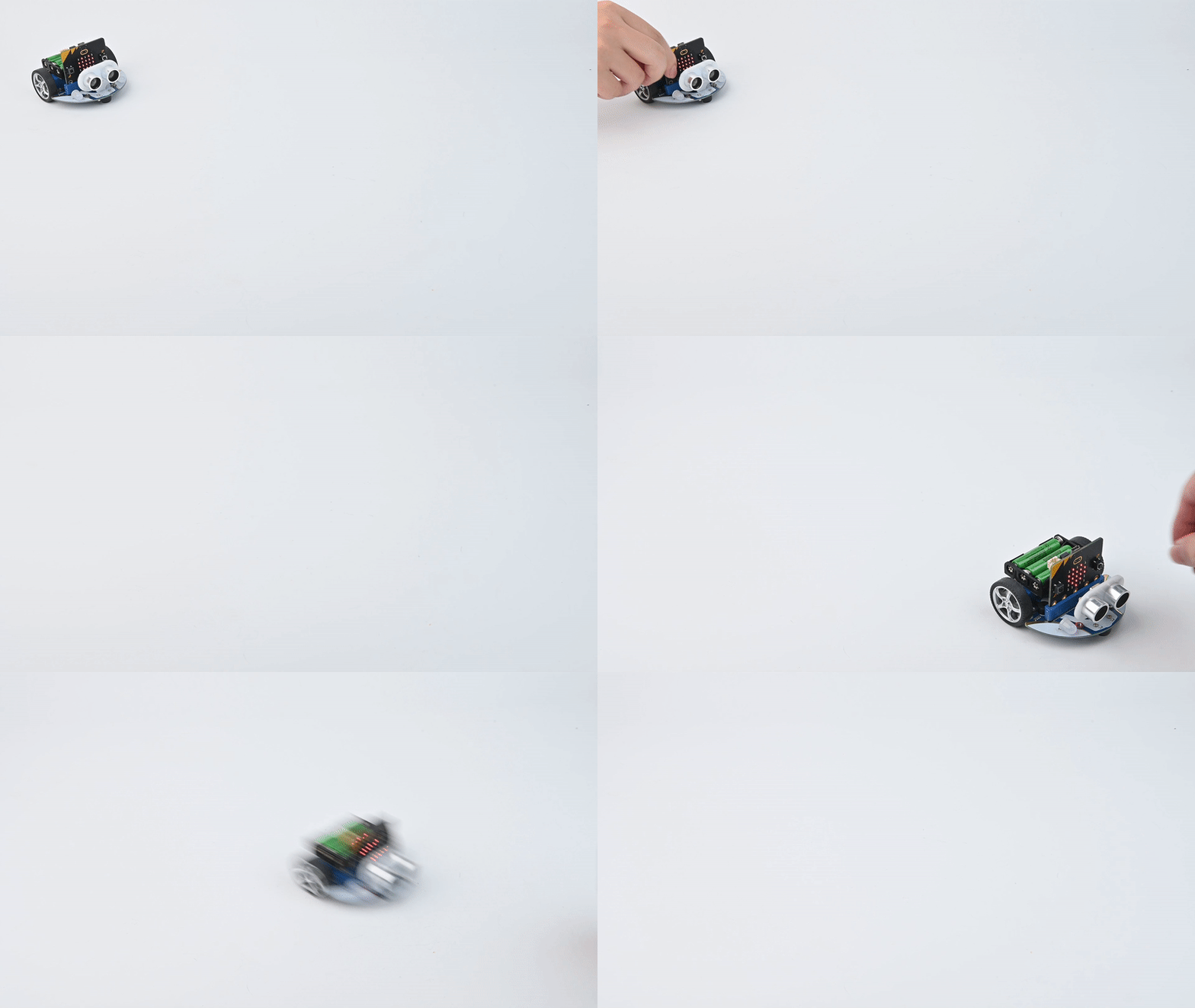
Case 01 — Move Forward or Reverse
▶ Result Demo
Case 01 demo GIF
Case 01
Move Forward or Reverse at the Full Speed
Purpose
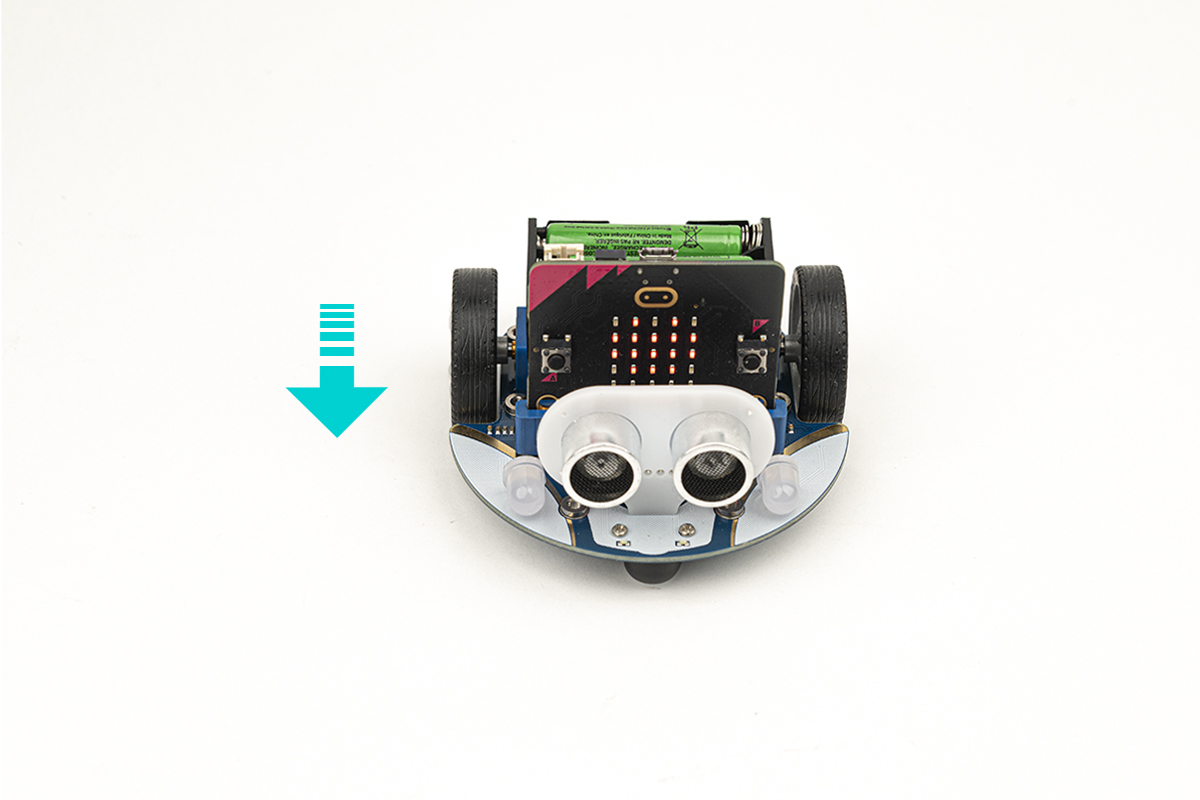
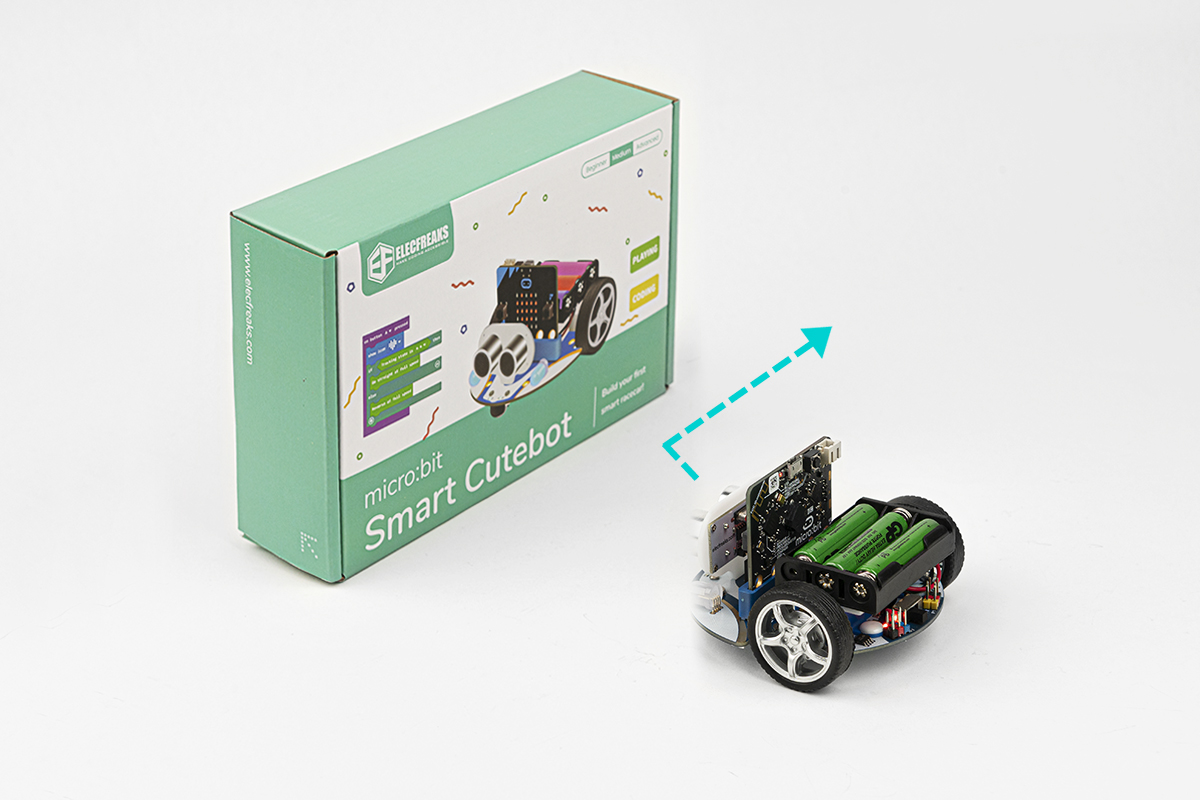
Learn to control the Cutebot's basic movement — pressing button A makes the car move forward at full speed, while button B reverses it at full speed. Introduces fundamental motor control concepts.
Result
Pressing button A causes the car to move forward at its full speed. Pressing button B causes the car to reverse at its full speed.
Case 02 — Speed Up Gradually
▶ Result Demo
Case 02 demo GIF
Case 02
Speed Up Gradually
Purpose
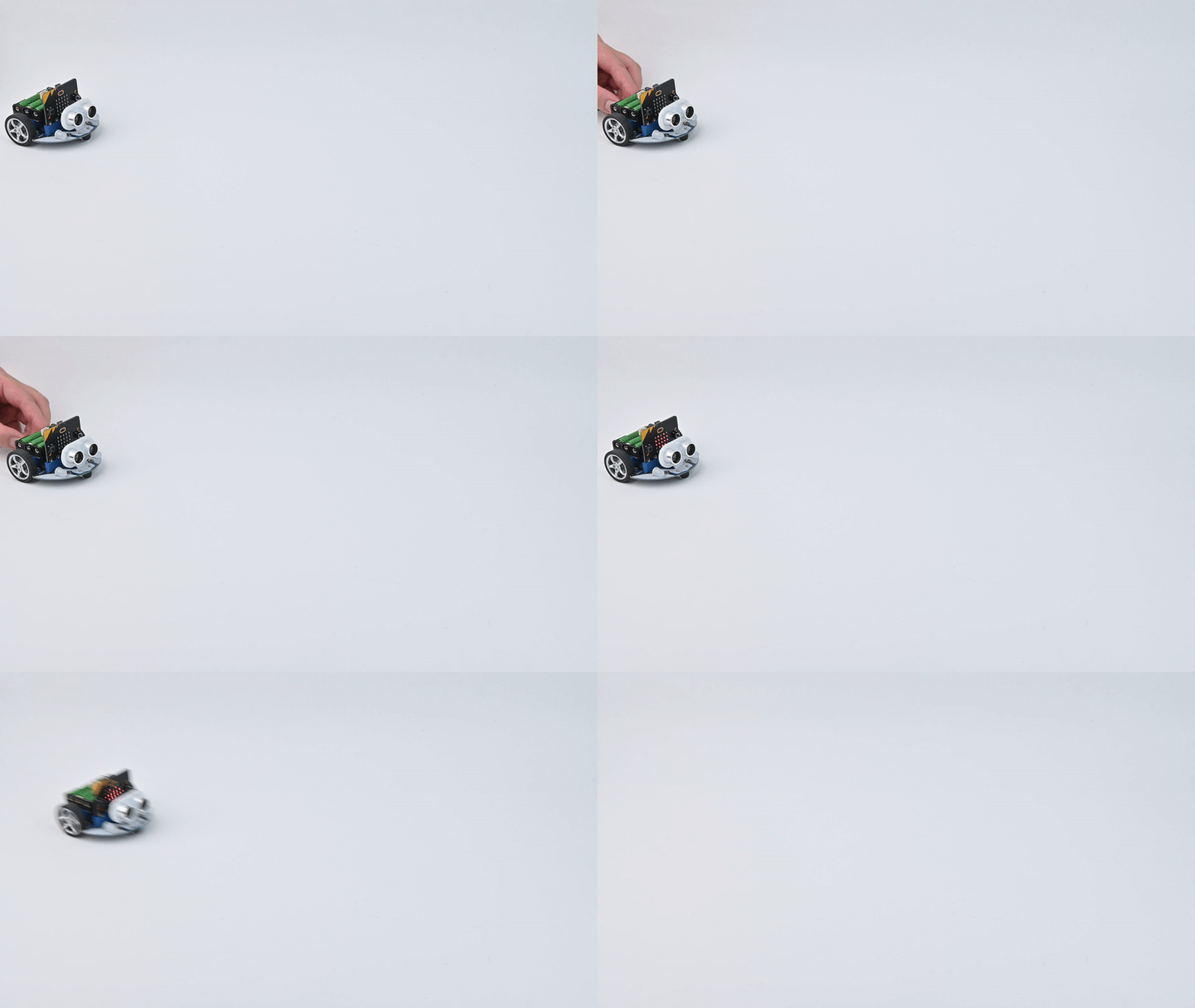
Address the instability caused by instant full-speed launch. Students implement gradual acceleration so the Cutebot reaches full speed smoothly without the front universal wheel lifting off the ground.
Result
The Cutebot speeds up gradually from zero to full speed. The universal wheel stays grounded throughout, providing stable and smooth forward movement.
Case 03 — Dance in Figure-of-eight
▶ Result Demo
Case 03 demo GIF
Case 03
Dance in Figure-of-eight
Purpose
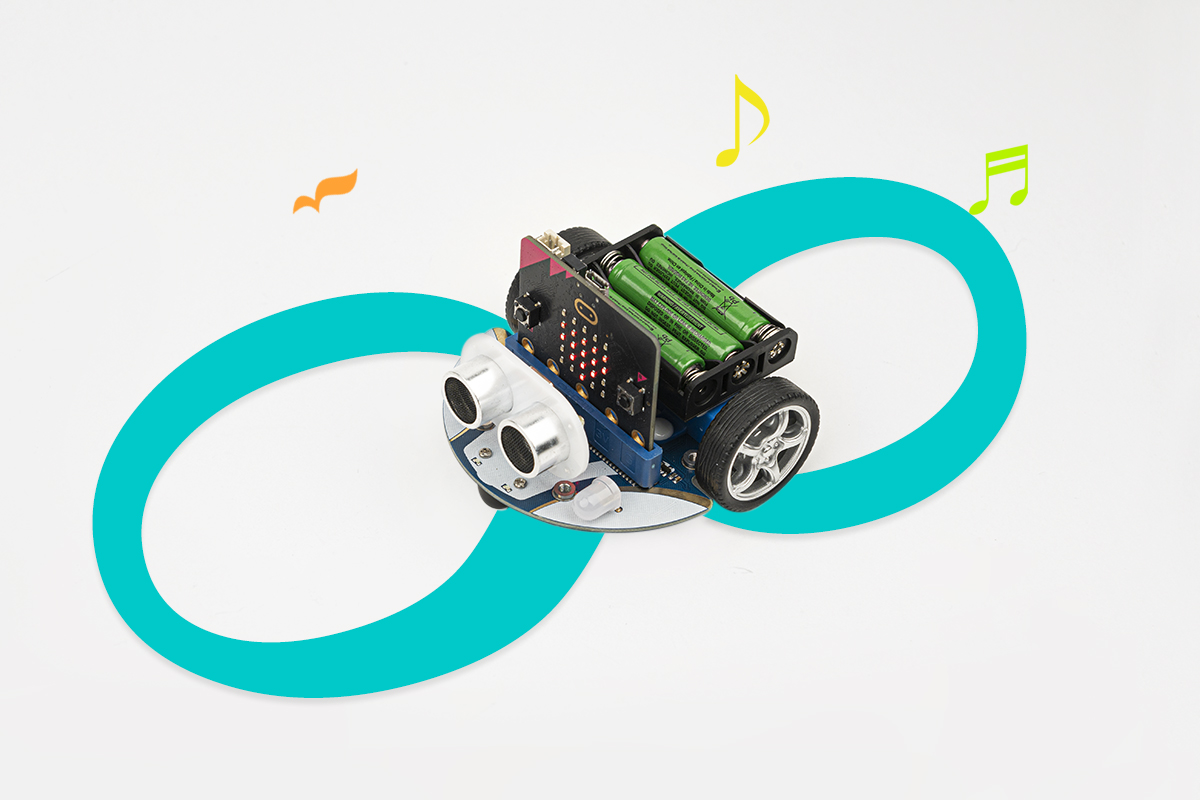
Program the Cutebot to trace a figure-of-eight path by adjusting the differential speeds of the left and right wheels. Students learn how directional steering is achieved through independent wheel speed control.
Result
The Cutebot executes a continuous figure-of-eight movement, looping left and right in a smooth, symmetrical pattern across the floor.
Case 04 — Run at Random
▶ Result Demo
Case 04 demo GIF
Case 04
Run at Random
Purpose
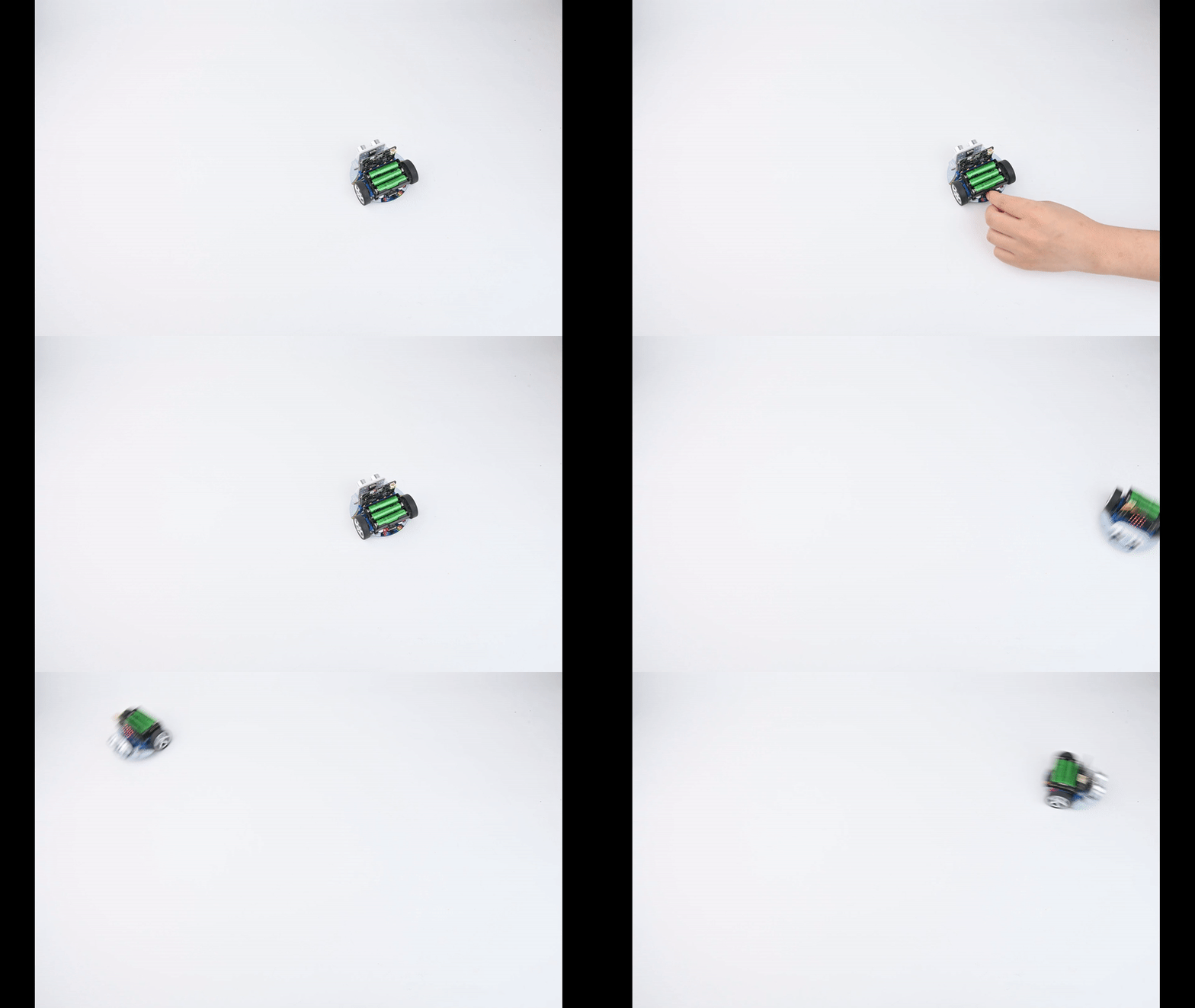
Program the Cutebot to exhibit autonomous, unpredictable movement by randomly varying wheel speeds. The robot moves forward, reverses, or changes direction using randomised values — introducing students to randomness in programming.
Result
The Cutebot moves unpredictably — randomly selecting wheel speeds between -100 and 100 — going forward, reversing, or spinning in unexpected directions without any external input.
Case 05 — Automatic Headlights
▶ Result Demo
Case 05 demo GIF
Case 05
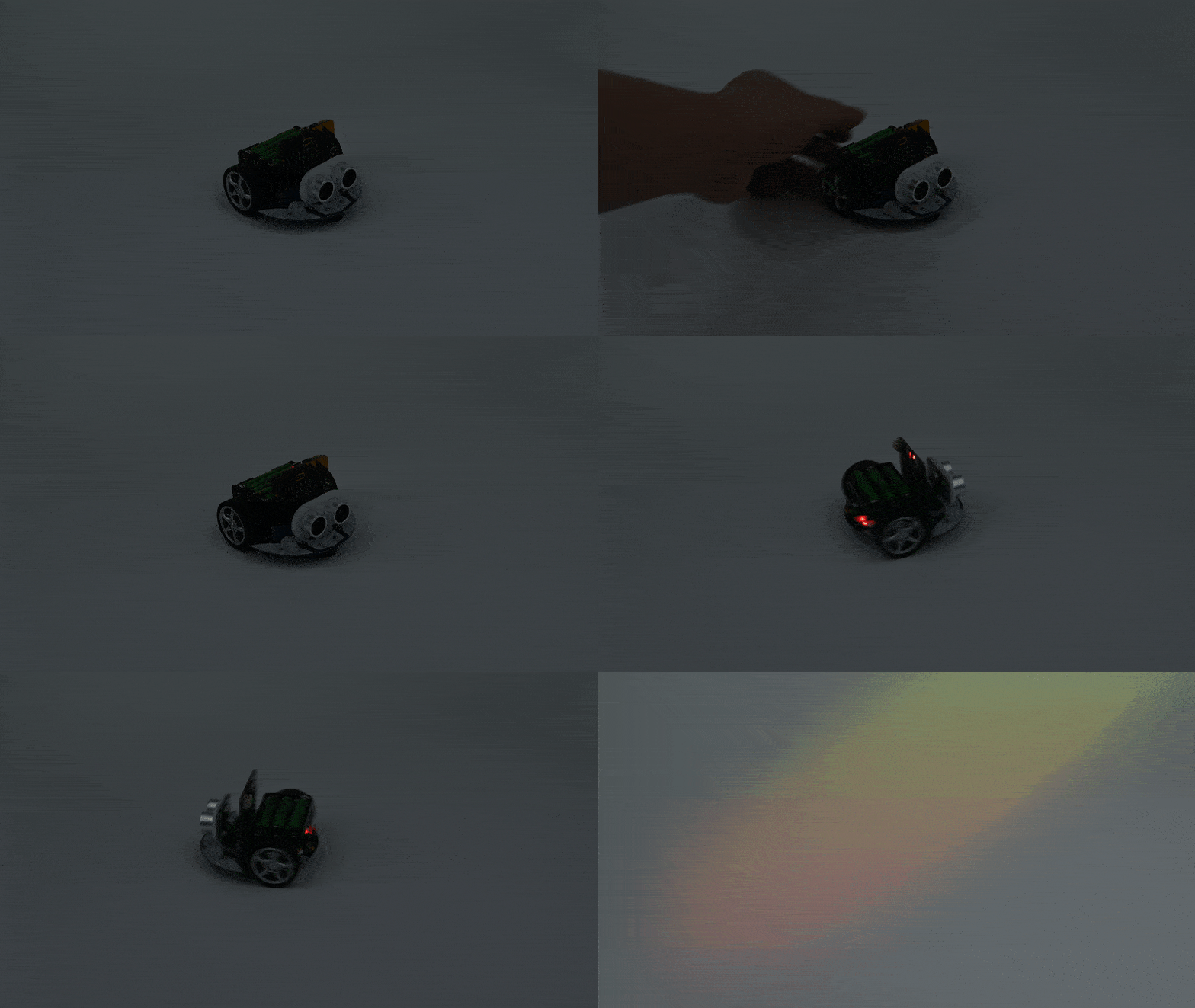
Automatic Headlights
Purpose
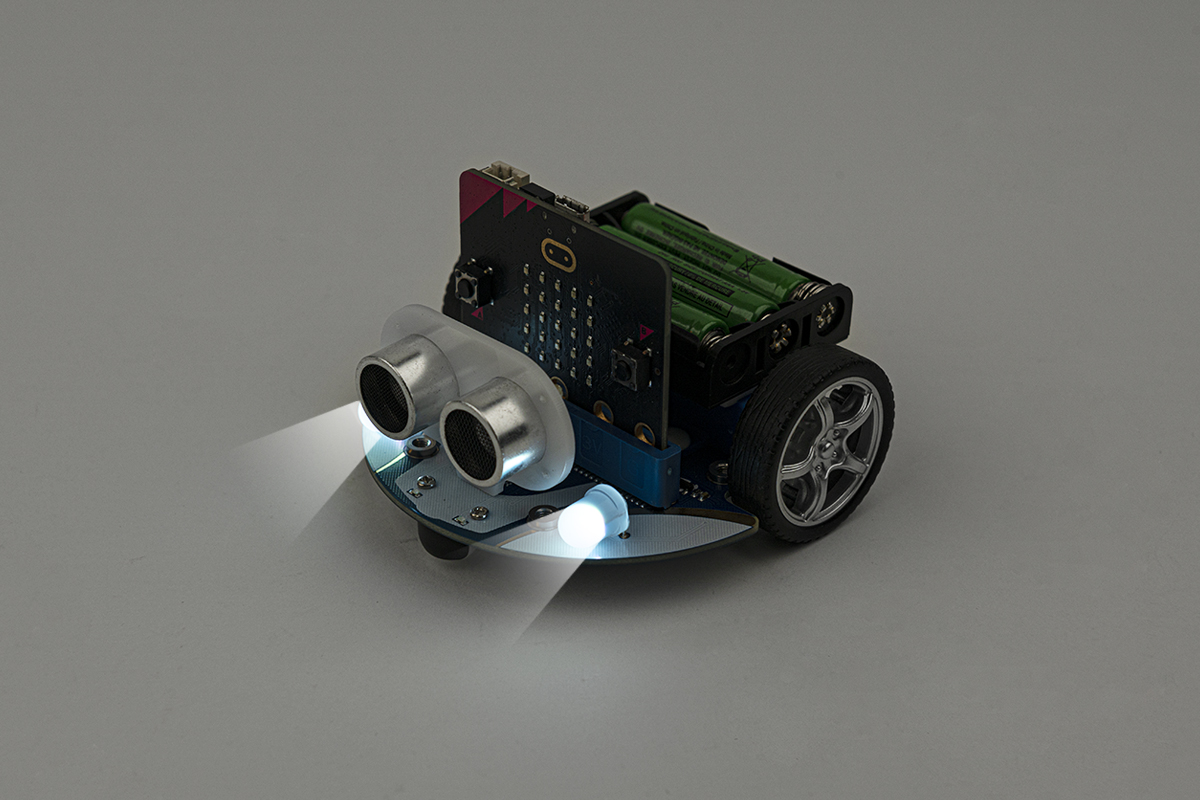
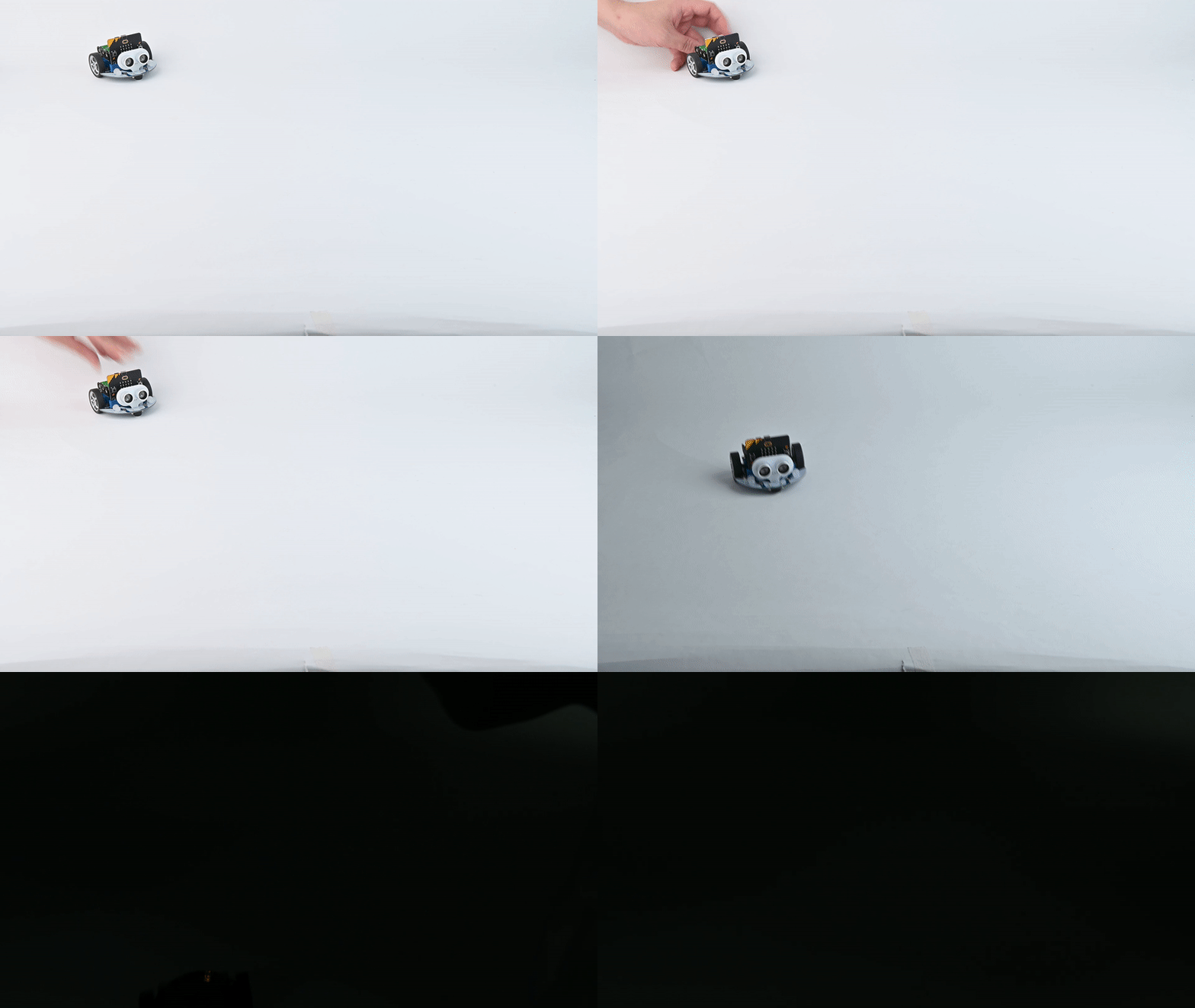
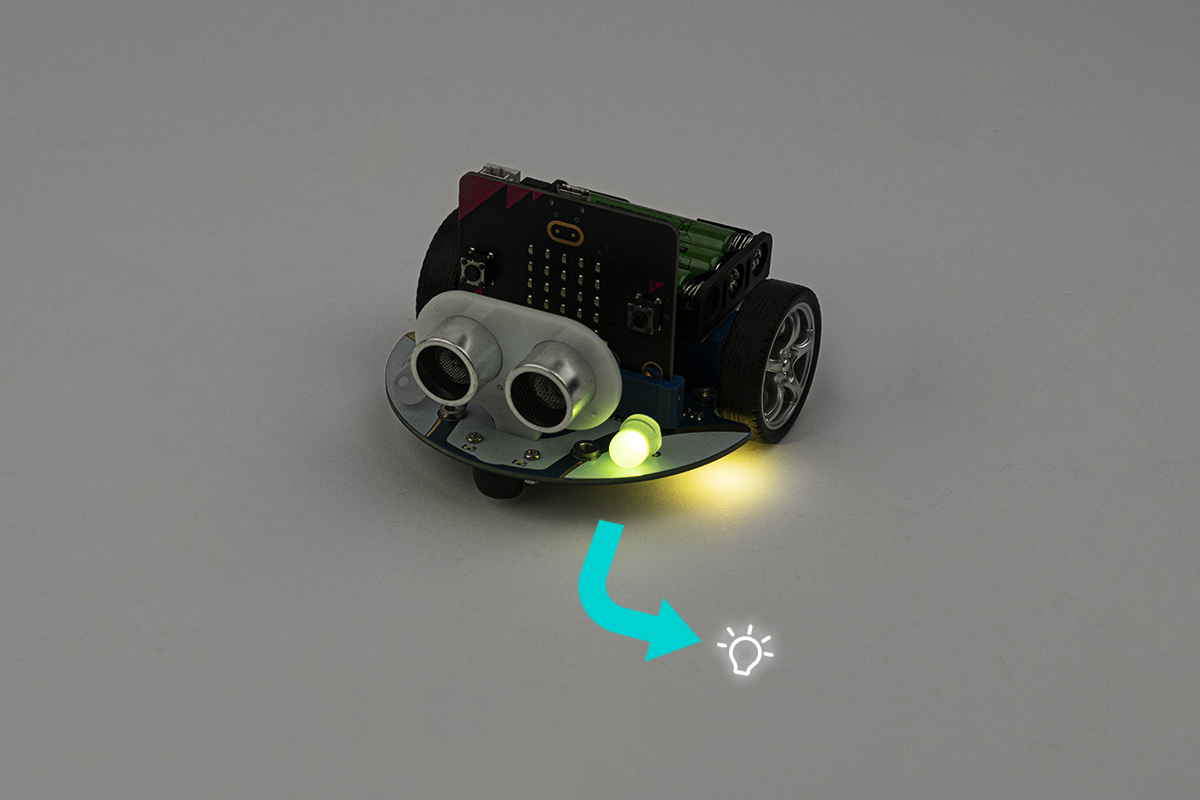
Make the Cutebot turn on its RGB headlights automatically when it detects darkness. Students use the micro:bit's light sensor to read ambient light intensity and trigger the RGB LEDs — simulating real-world automatic headlight systems.
Result
The headlights turn on automatically (displayed as white light) when ambient light drops below a threshold of 10, and turn off again once the light returns — just like a real car's automatic headlights.
Case 06 — Steering and Clearance Lamps
▶ Result Demo
Case 06 demo GIF
Case 06
Steering & Clearance Lamps
Purpose
Program the Cutebot to flash its Rainbow LEDs as turn signals when making a turn. Pressing button A activates the left indicator; button B activates the right — simulating authentic vehicle indicator light behaviour.
Result
Pressing button A flashes the right-side RGB LED and clearance lamp five times. Pressing button B flashes the left-side RGB LED and clearance lamp five times — simulating real vehicle turn signals.
Case 07 — Fall-arrest Cutebot
▶ Result Demo
Case 07 demo GIF
Case 07
Fall-Arrest Cutebot
Purpose
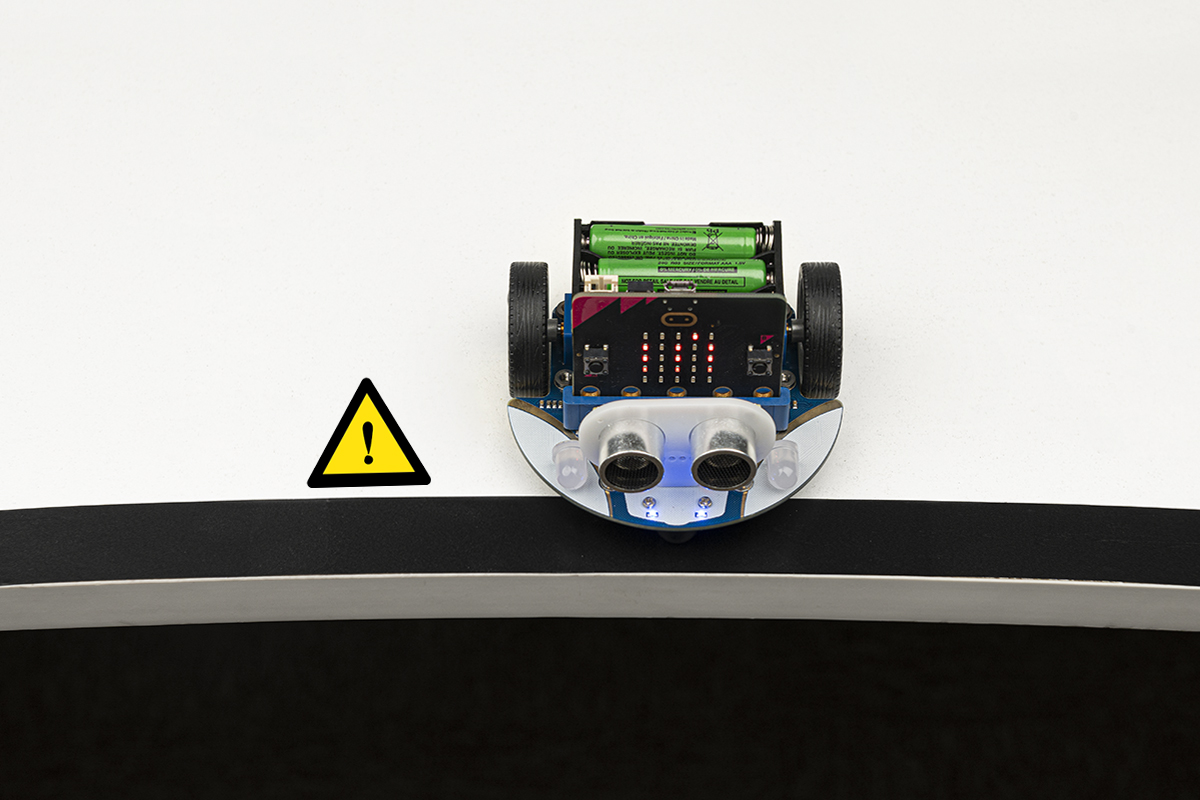
Program the Cutebot to detect table edges using line-tracking sensors and reverse quickly before it falls. After reversing, the car makes a turn and continues — teaching edge detection, conditional logic, and safe autonomous behaviour.
Result
When both line-tracking sensors detect an edge, the Cutebot reverses rapidly, pauses briefly, rotates at a randomised speed, then resumes moving forward — preventing it from falling off the table.
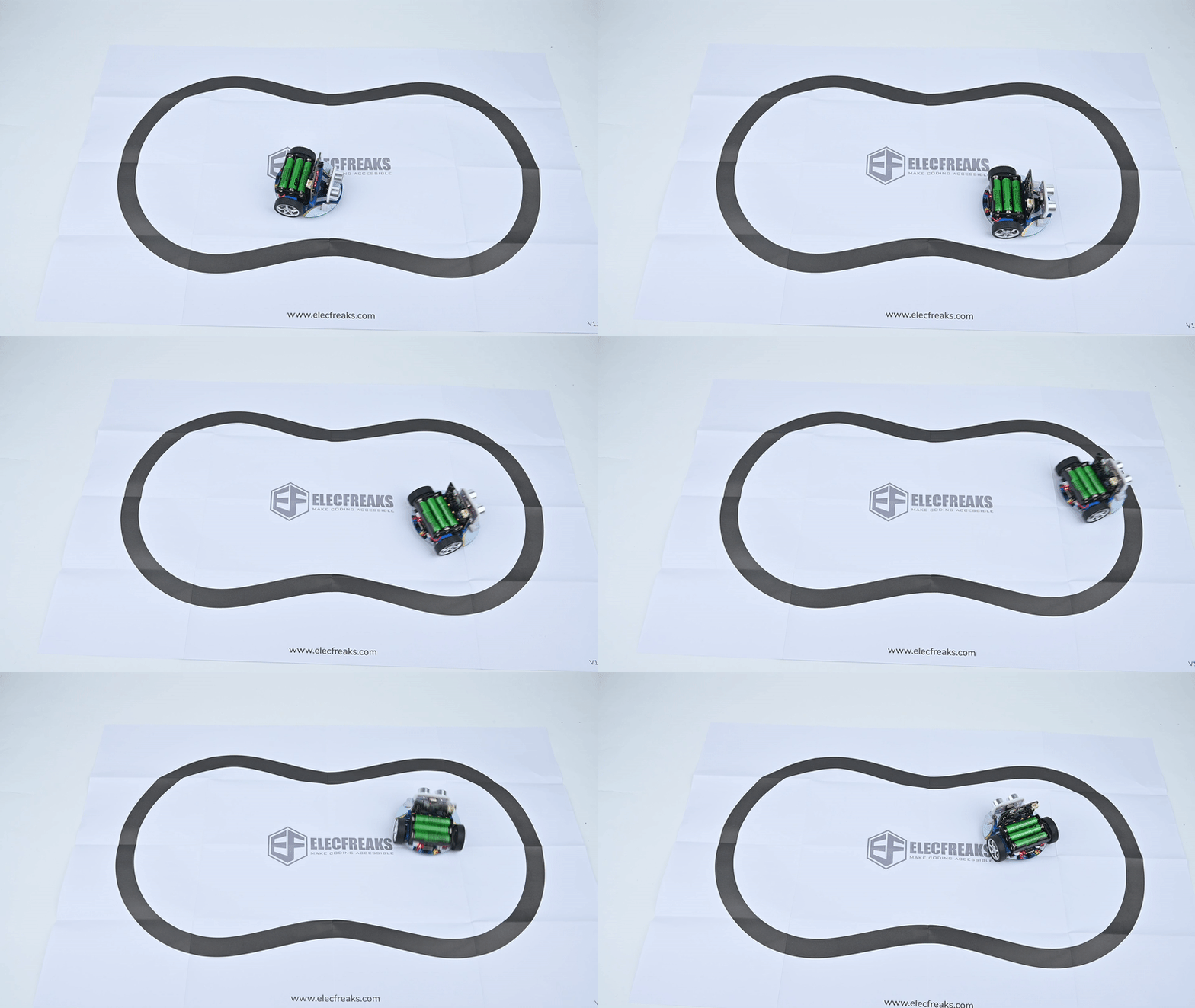
Case 08 — Run Along the Black Line
▶ Result Demo
Case 08 demo GIF
Case 08
Run Along the Black Line
Purpose
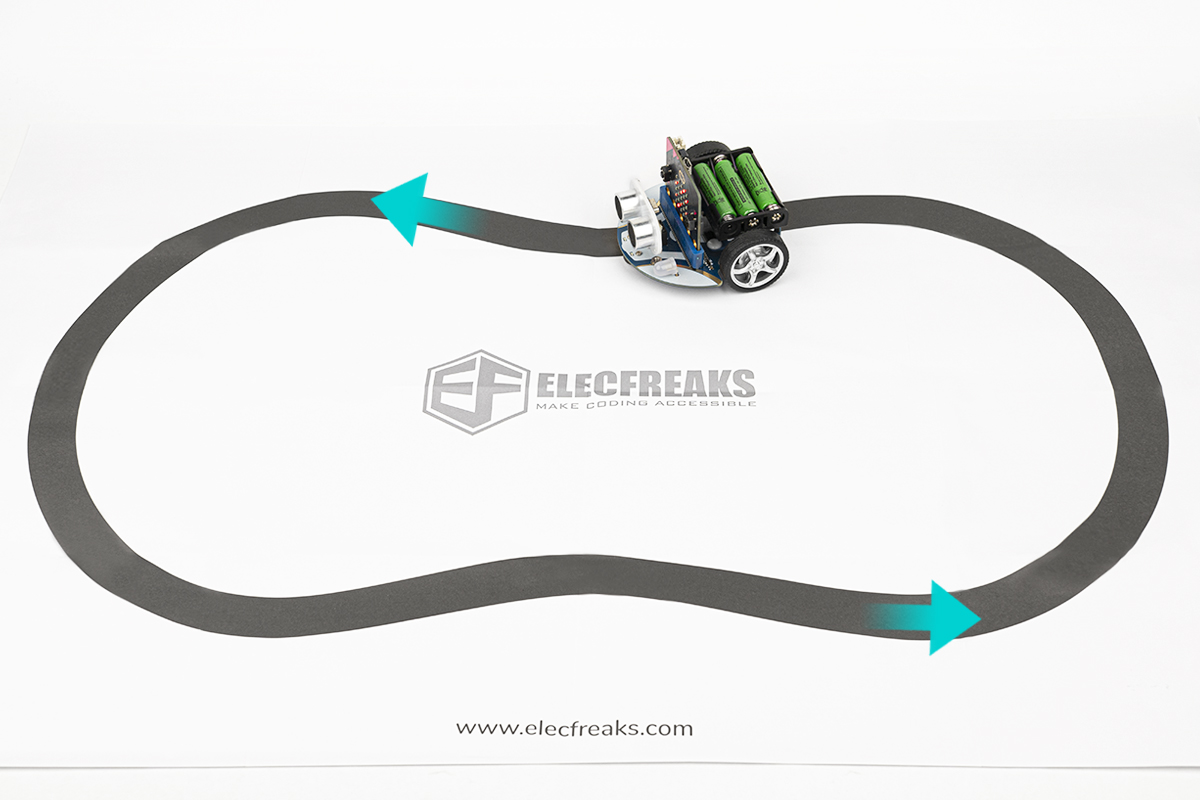
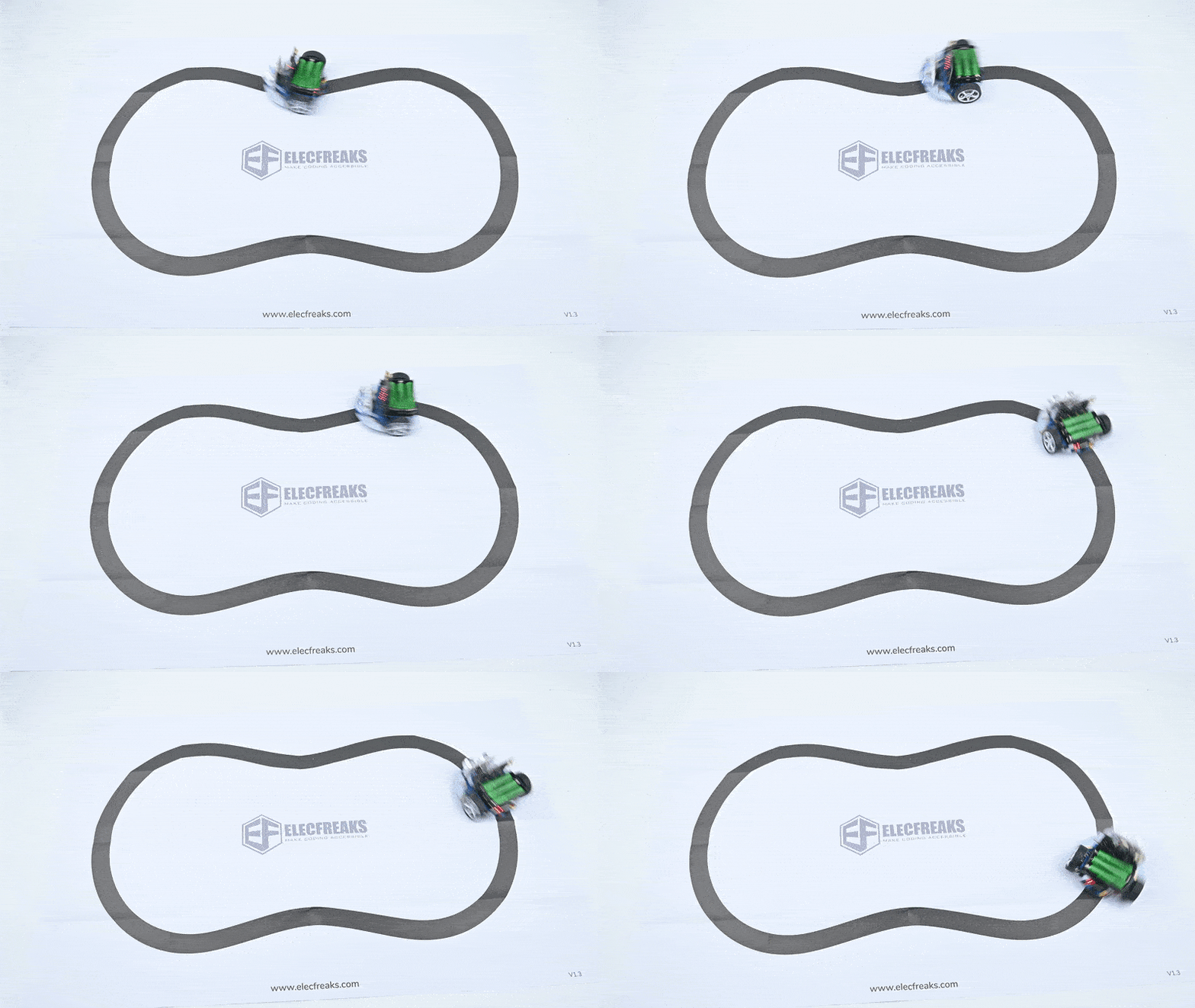
Program the Cutebot to autonomously follow a black line on the included map by reading both line-tracking sensors. Students adjust wheel speeds in real time to keep the car on course — a foundational autonomous vehicle skill.
Result
The Cutebot runs along the black line on the map and automatically self-corrects its direction if it drifts off course, maintaining alignment throughout its path.
Case 09 — Autonomous Obstacle Avoidance
▶ Result Demo
Case 09 demo GIF
Case 09
Autonomous Obstacle Avoidance
Purpose
The Cutebot moves forward at full speed and autonomously turns right when the ultrasonic sensor detects an obstacle in its path. Students learn to integrate distance sensing with real-time motor decision-making for self-navigating robots.
Result
The Cutebot moves forward at full speed and makes a right turn to continue moving whenever an obstacle is detected — successfully navigating around objects without human intervention.
Case 10 — Car Following
▶ Result Demo
Case 10 demo GIF
Case 10
Car Following with a Fixed Distance
Purpose
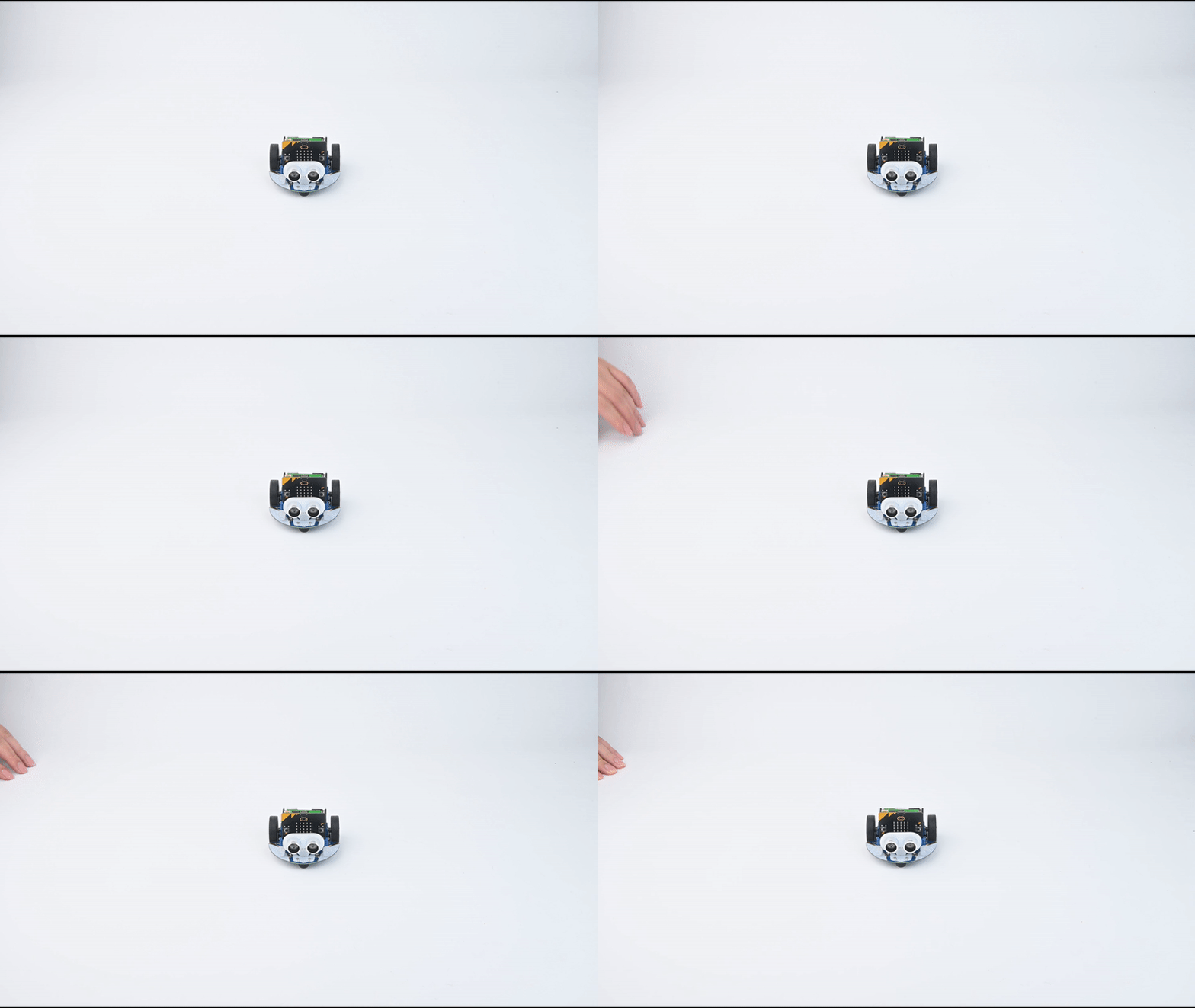
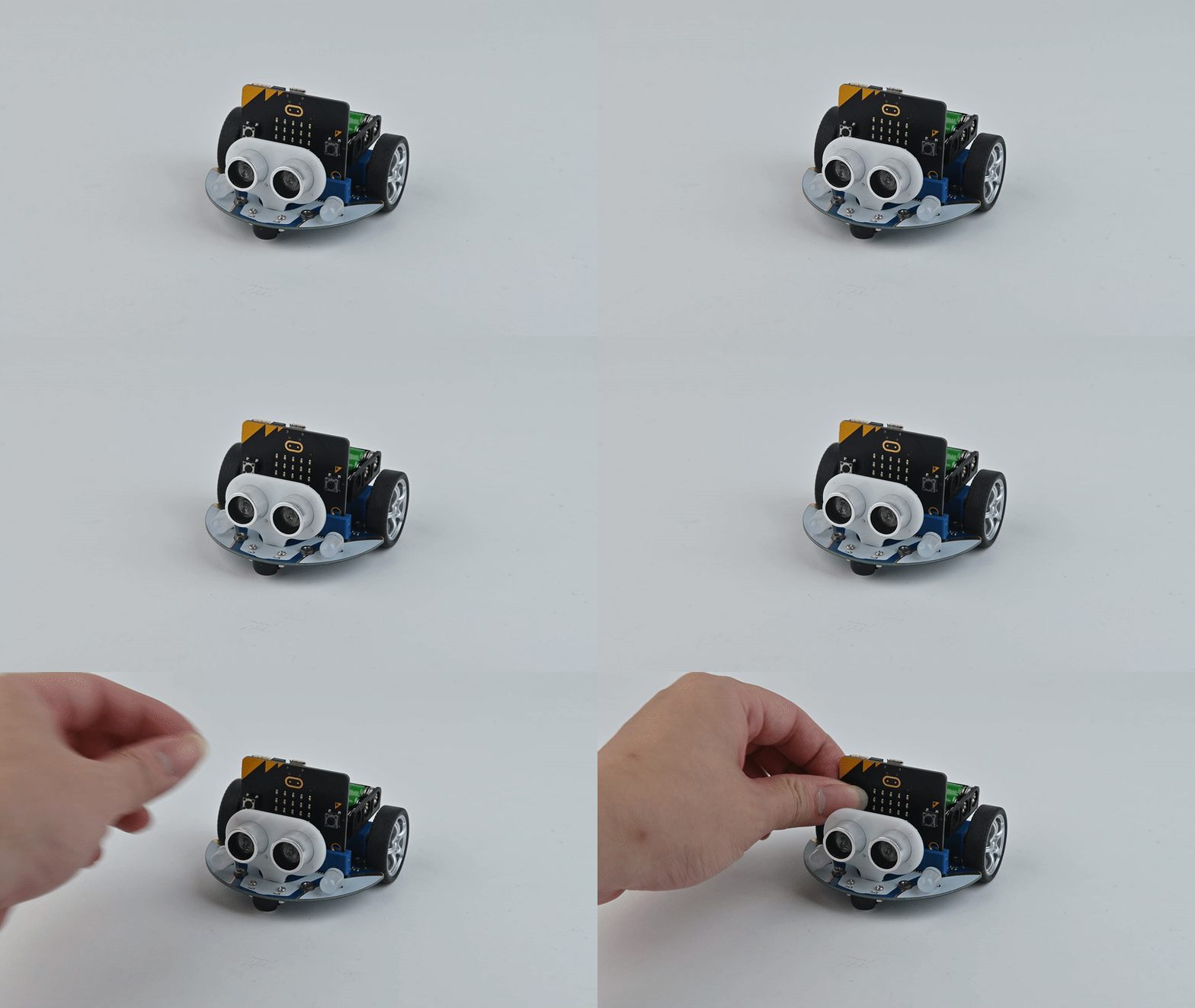
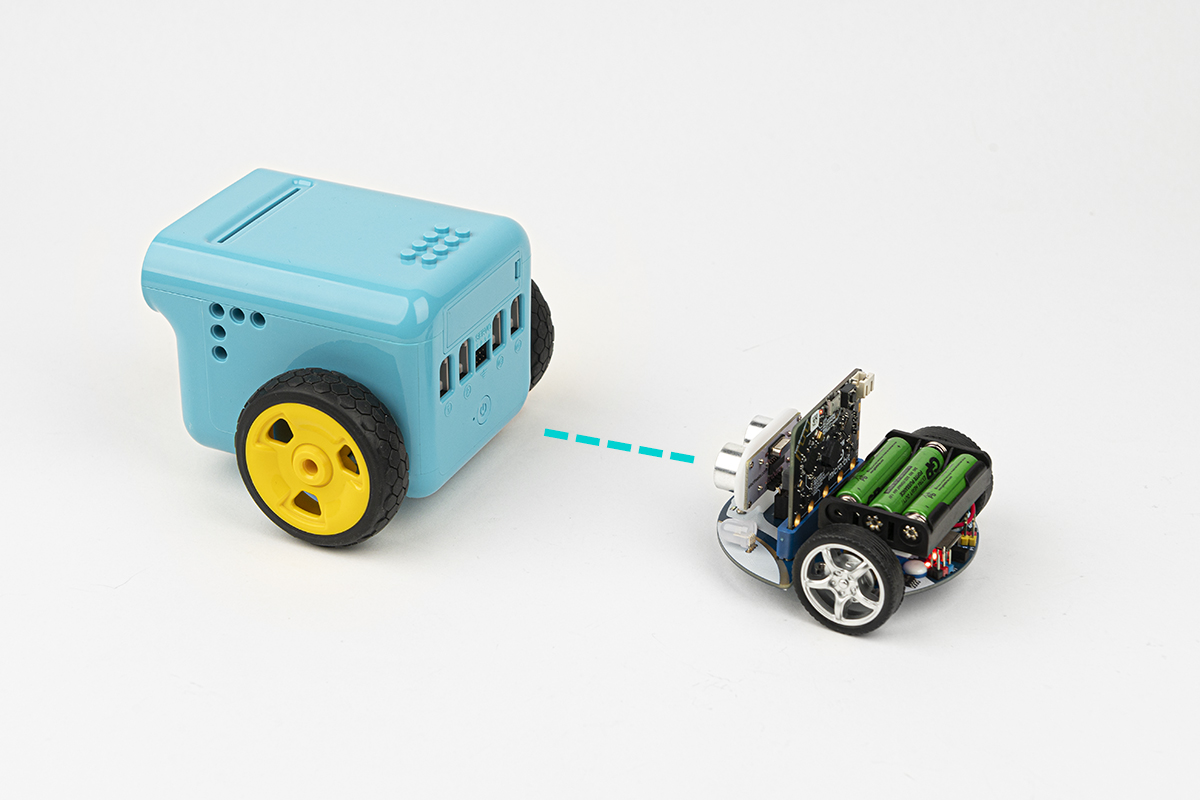
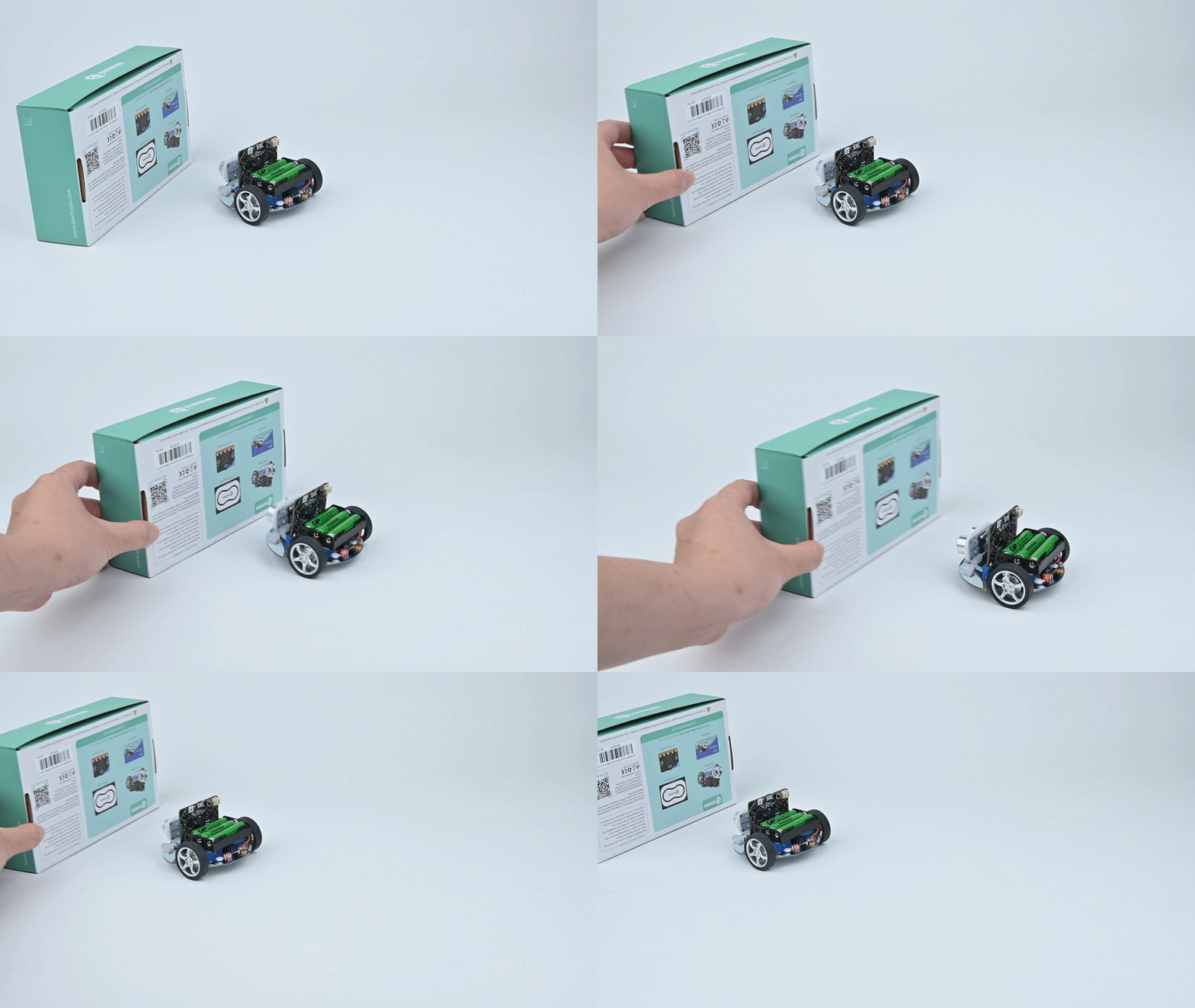
The Cutebot follows an object (such as a hand) while maintaining a fixed distance — stopping when at the ideal range, reversing if too close, and moving forward if too far. A practical introduction to proximity-based autonomous control.
Result
The Cutebot tracks the object and maintains a consistent gap — it stops when the distance is just right, backs away when you come too close, and follows forward when you move away.
Case 11 — micro:bit Remote Control
▶ Result Demo
Case 11 demo GIF
Case 11
micro:bit Remote Control
Purpose
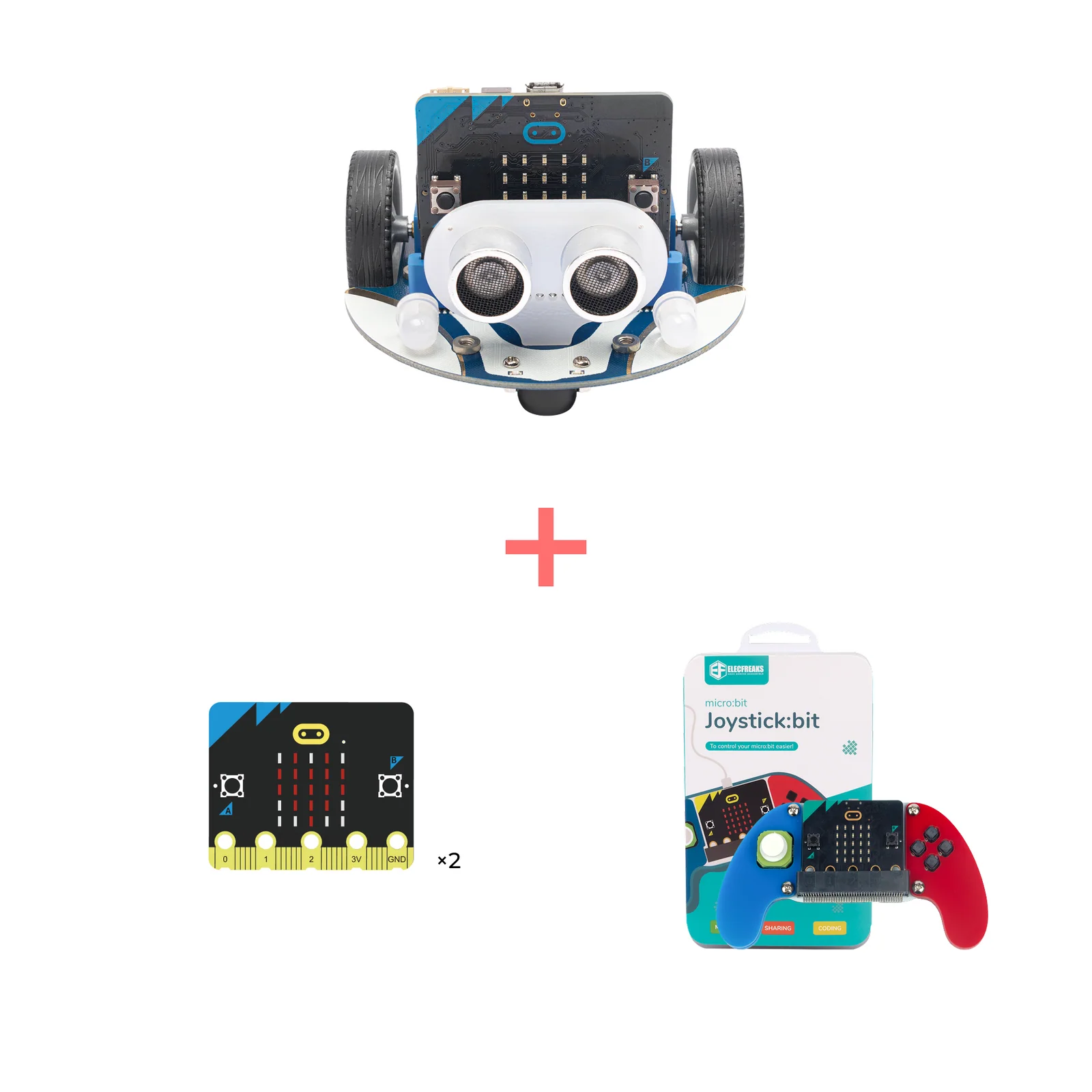
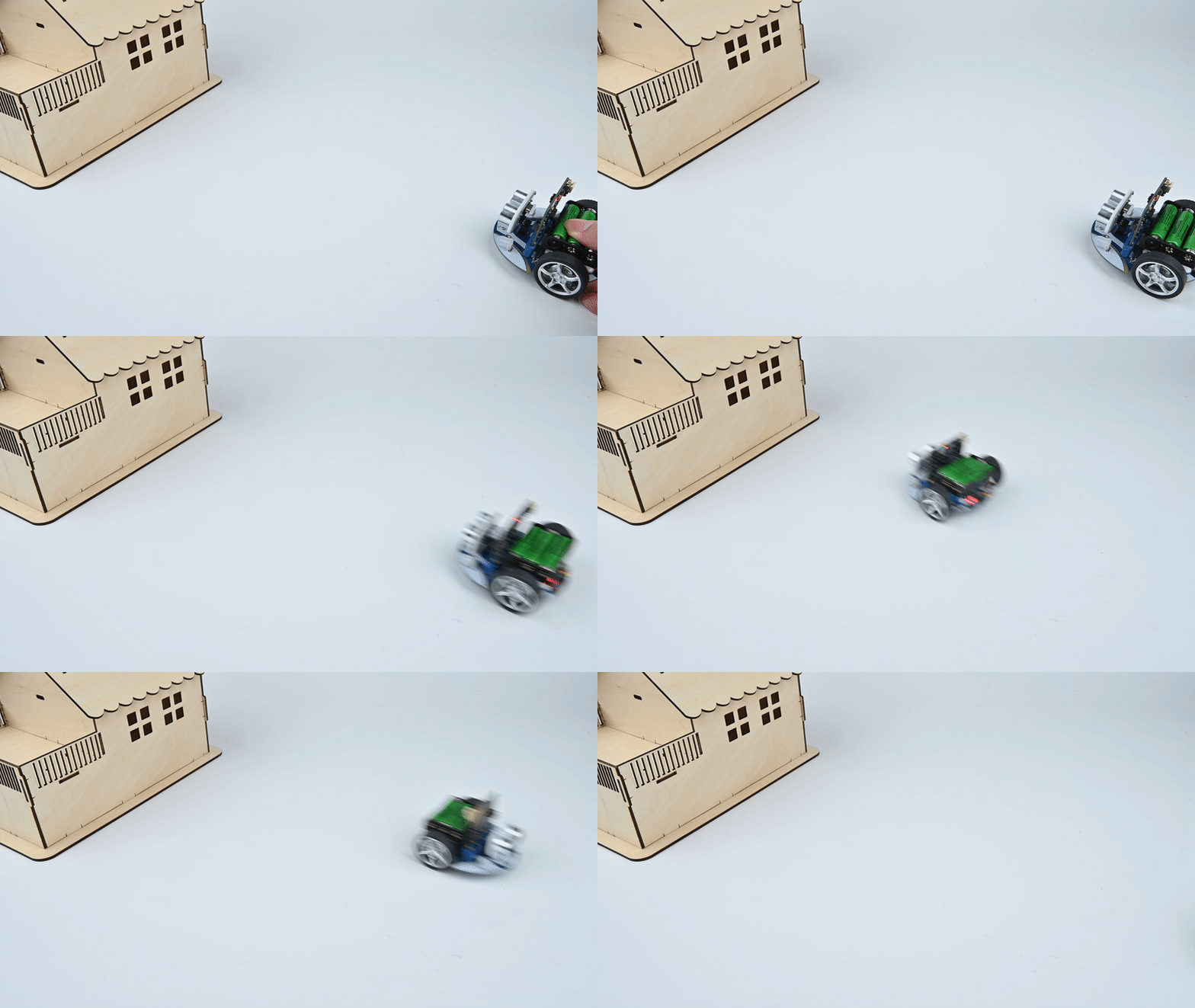
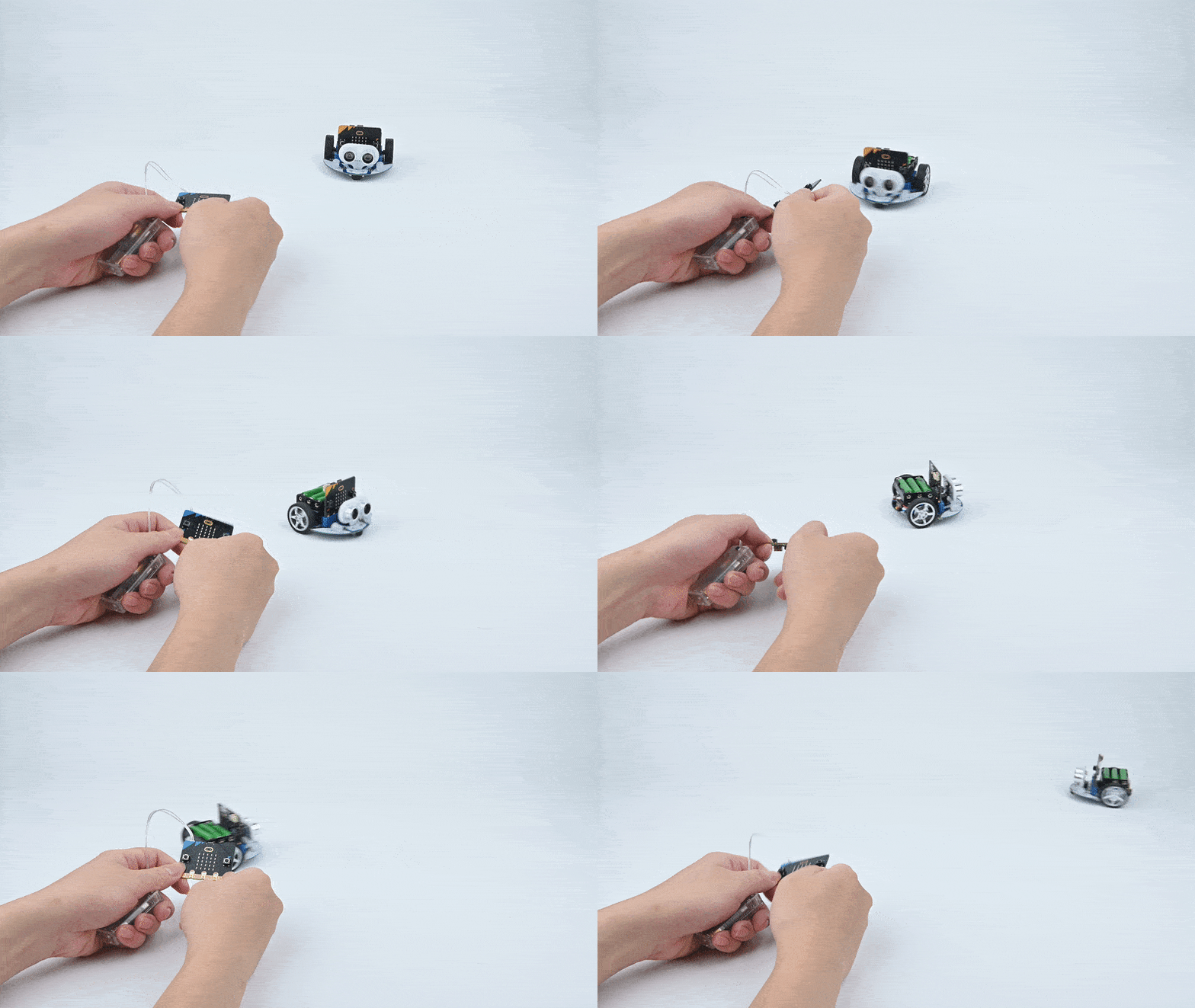
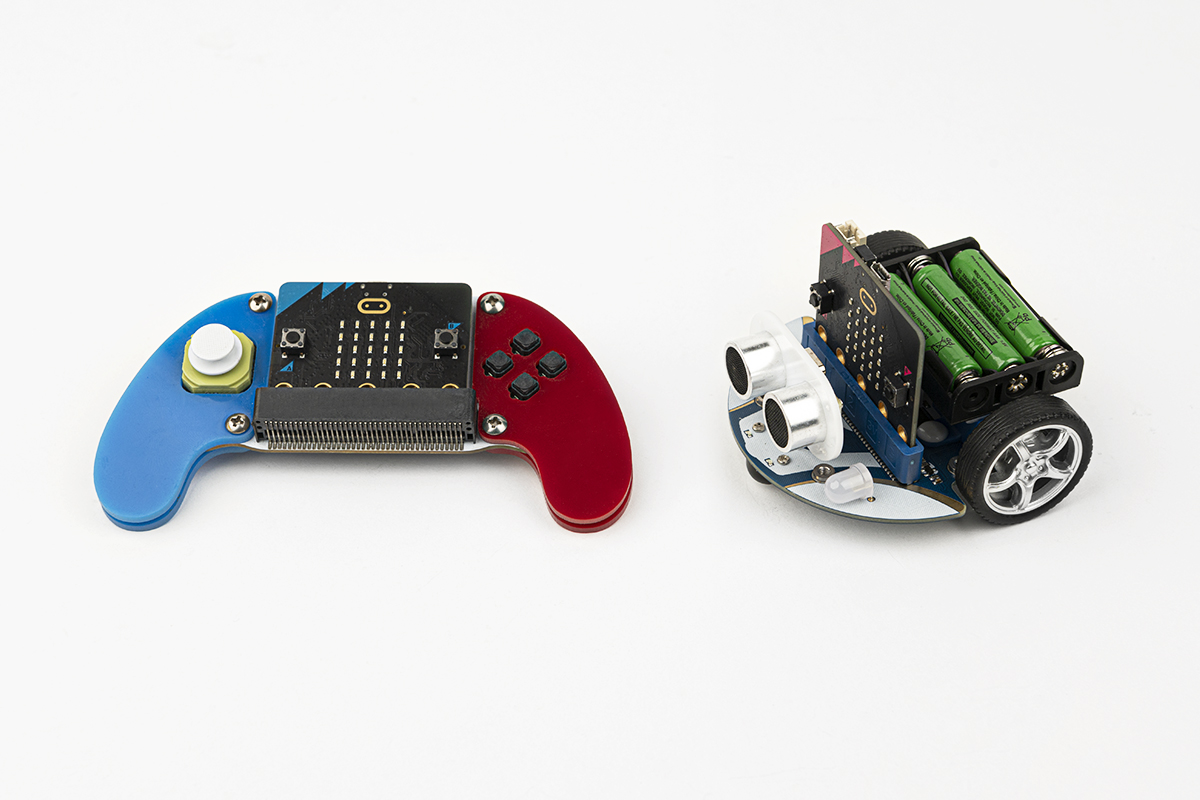
Use a second micro:bit as a wireless remote control for the Cutebot. Two devices are programmed — a transmitter for button inputs and a receiver for movement — introducing students to wireless radio communication between micro:bits.
Result
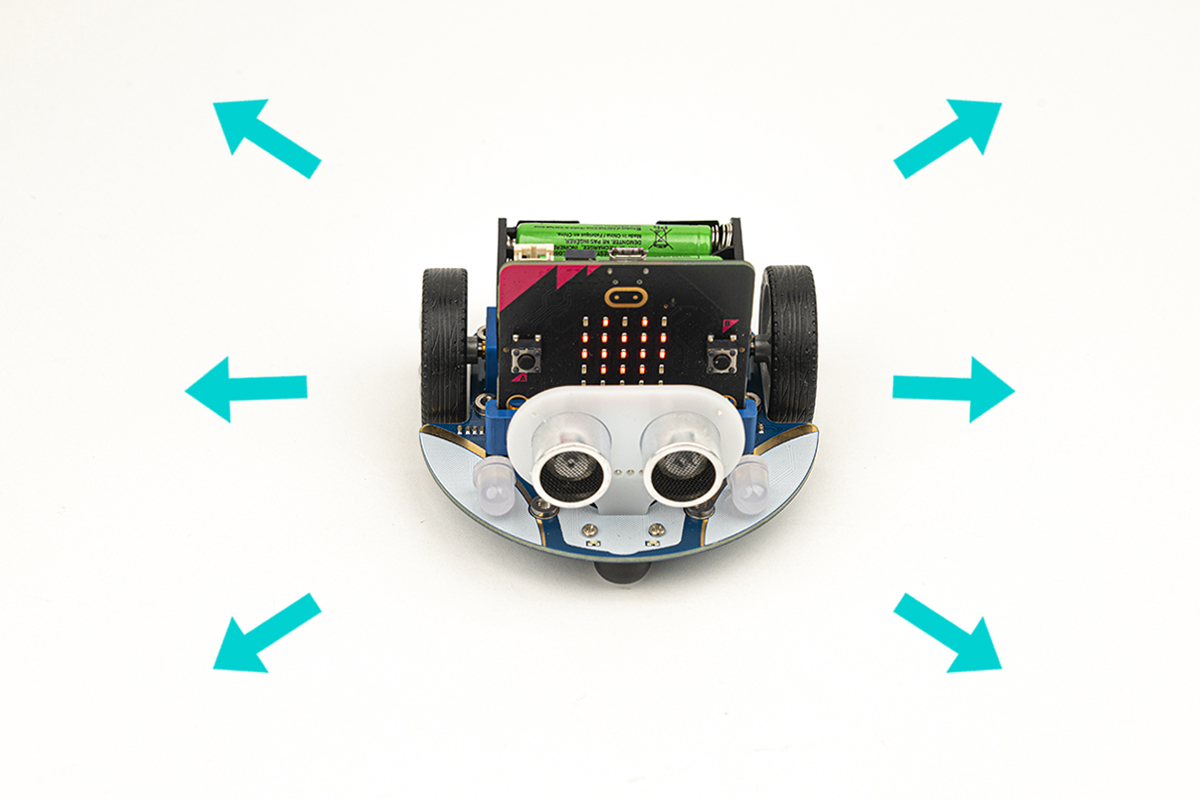
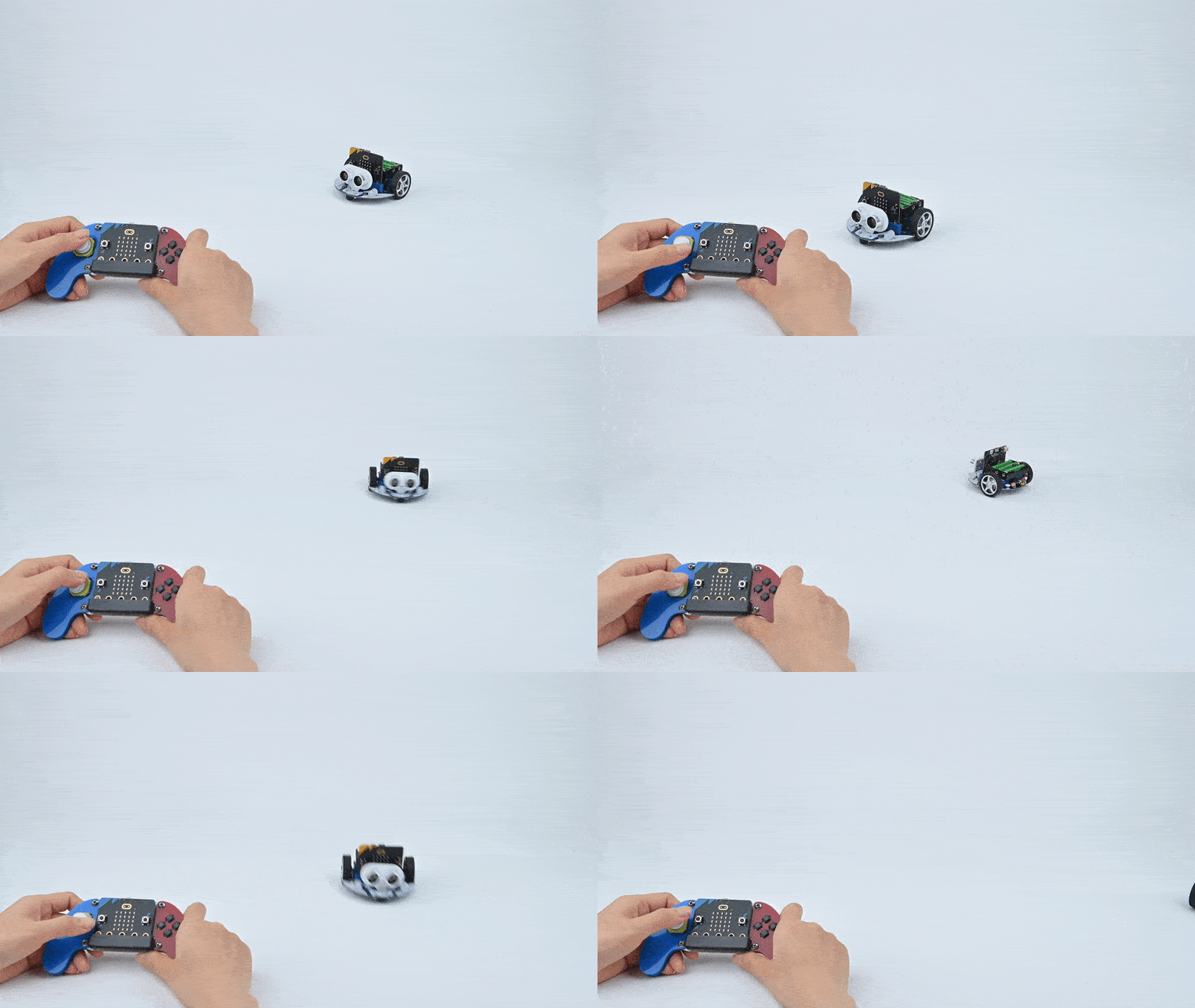
Pressing A+B on the remote micro:bit moves the Cutebot forward. Pressing A turns it left, and pressing B turns it right — full directional wireless control over radio.
Case 12 — Accelerometer Remote Control
▶ Result Demo
Case 12 demo GIF
Case 12
Remote Control via micro:bit Accelerometer
Purpose
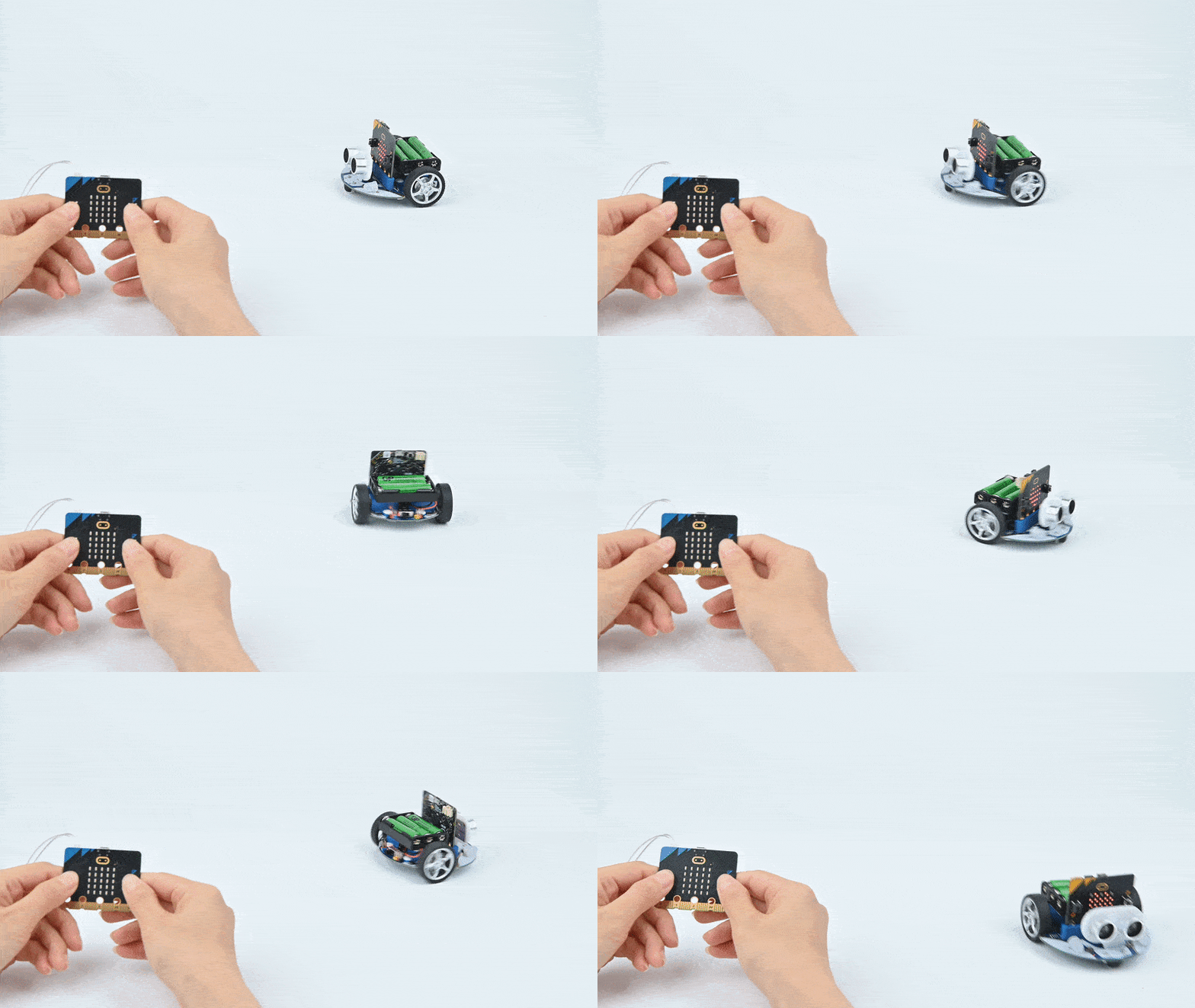
Control the Cutebot's direction and speed by tilting a second micro:bit. The accelerometer data is transmitted wirelessly and converted into motor commands — combining gesture control, radio communication, and motor programming.
Result
Tilting the remote micro:bit forward, backward, left, or right drives the Cutebot in the corresponding direction. The degree of tilt also controls the speed — a natural, intuitive control experience.
Case 13 — Joystick:bit Remote Control
▶ Result Demo
Case 13 demo GIF
Case 13
Remote Control with Joystick:bit
Purpose
Use the ELECFREAKS Joystick:bit controller to drive the Cutebot via radio. Joystick input values are translated into directional movement commands — giving students a game-controller-style experience while learning radio-based robotics control.
Result
The joystick precisely controls the Cutebot's movement in all directions — forward, backward, left, and right — responding in real time to the joystick's position.
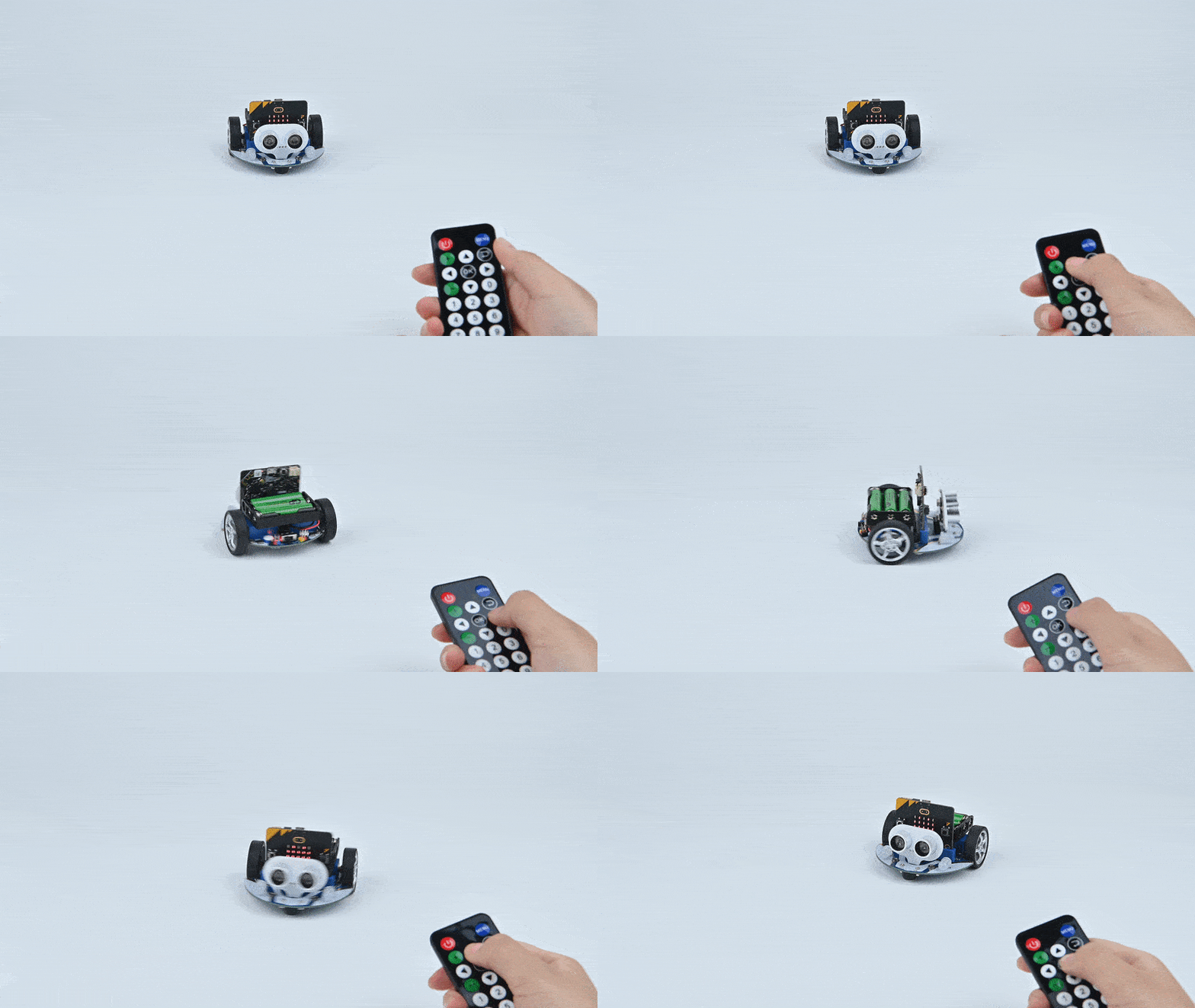
Case 14 — IR Remote Control Car
▶ Result Demo
Case 14 demo GIF
Case 14
IR Remote Control Car
Purpose
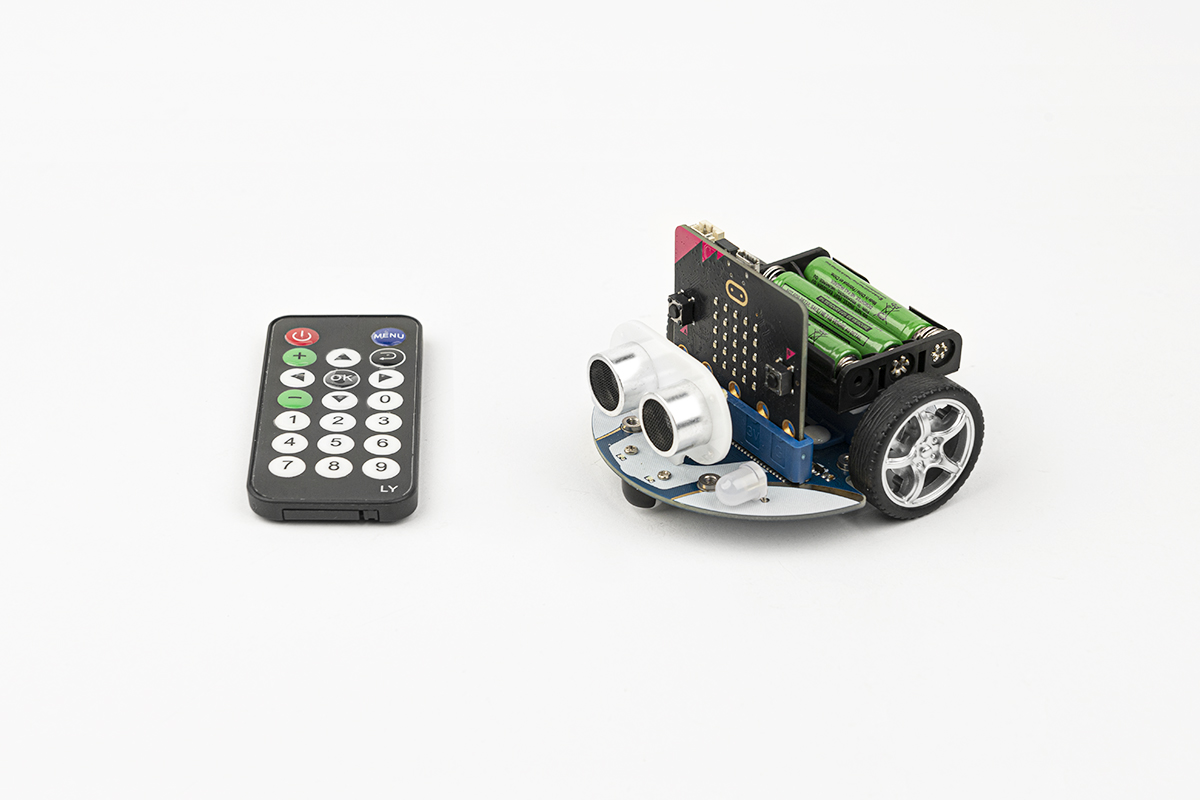
Program the Cutebot to respond to an infrared remote control — using remote buttons to drive forward, reverse, turn left, turn right, and stop. Introduces students to IR communication protocols and signal-based motor control.
Result
Up button → moves forward at full speed; Down button → reverses; Left/Right buttons → turns left or right; OK button → stops. Full wireless IR control of the car in all directions.
Case 15 — Capstone
Seeking the Light
Purpose
The Cutebot autonomously seeks out a light source. It spins in place when ambient light is absent, and moves forward toward the brightest detected source. This capstone project integrates light sensing, motor control, and autonomous decision-making — bringing together skills from all previous cases.
Result
The Cutebot spins in place when no light is detected. As soon as it senses sufficient light, it drives forward at full speed toward the source — autonomously seeking and following any light in its environment.
Case 15 — Seeking the Light
▶ Result Demo
Case 15 demo GIF

Learning Outcomes

By completing the 15 Cutebot cases, students develop a comprehensive set of robotics, coding, and engineering skills.

Motor Control & Kinematics
Students master speed, direction, acceleration, and differential steering — understanding how motor output translates into real-world vehicle motion.
👀
Sensor Integration
Learn to read and act on data from ultrasonic, IR line-tracking, light, and accelerometer sensors — building an understanding of how robots perceive their environment.
🔌
Wireless Communication
Program radio-based micro:bit-to-micro:bit control and decode IR remote signals — gaining experience with two distinct wireless communication protocols.
🤖
Autonomous Robotics
Build robots that react to their environment without human input — obstacle avoidance, line following, fall-arrest, and light-seeking are all real autonomous behaviours.