Coding Arcade Kit
micro:bit Expansion Board

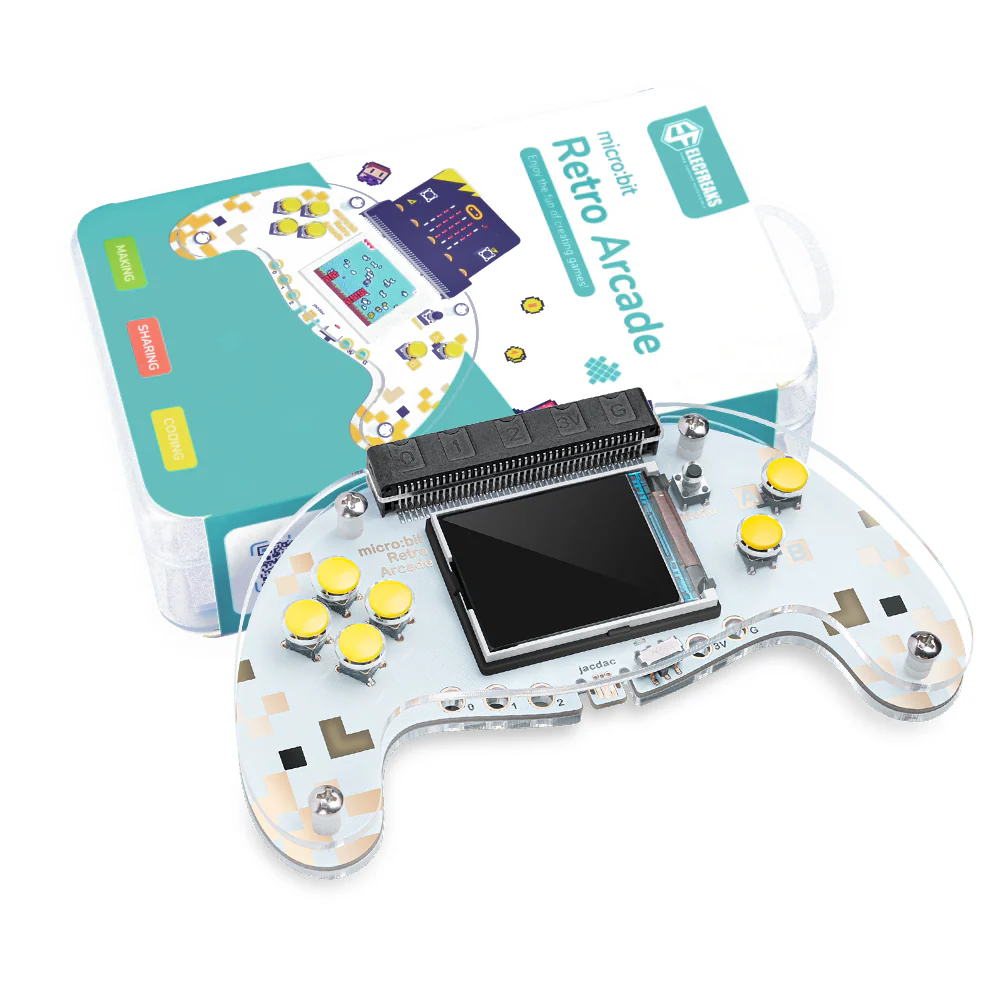
micro:bit Retro Arcade

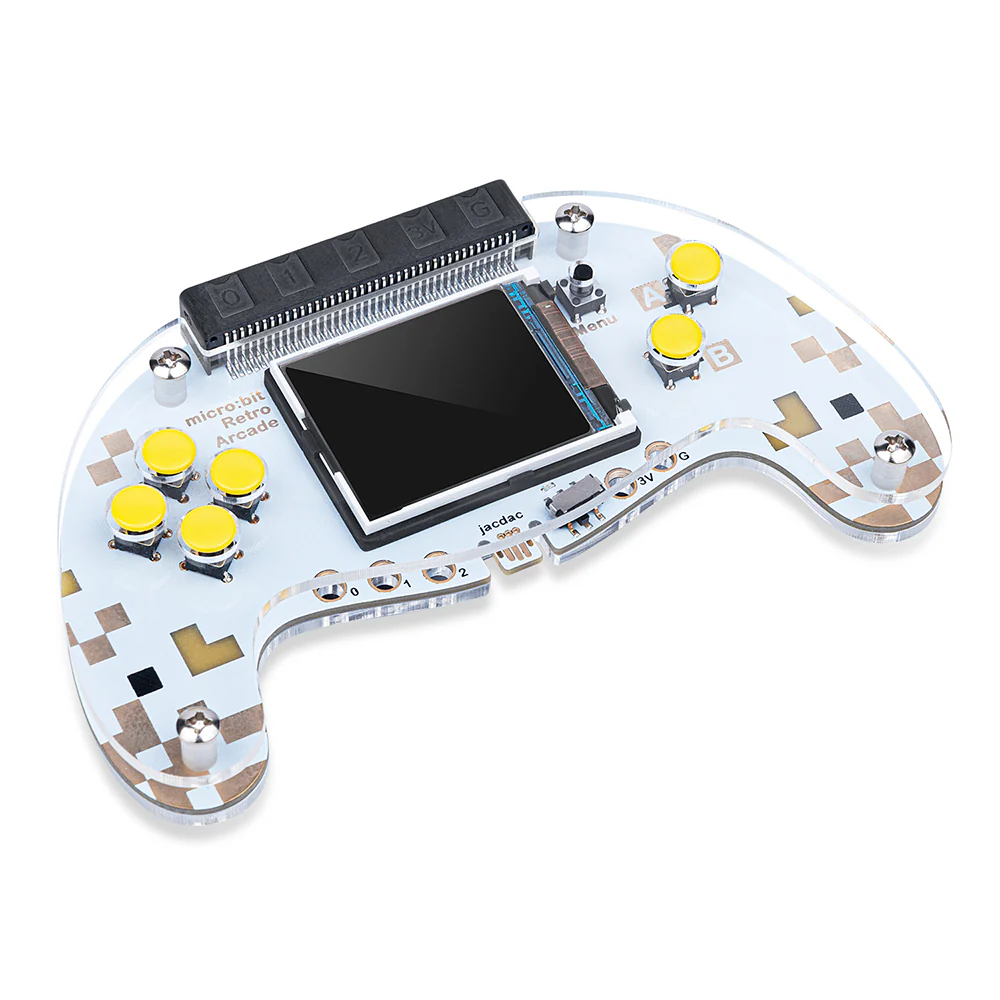
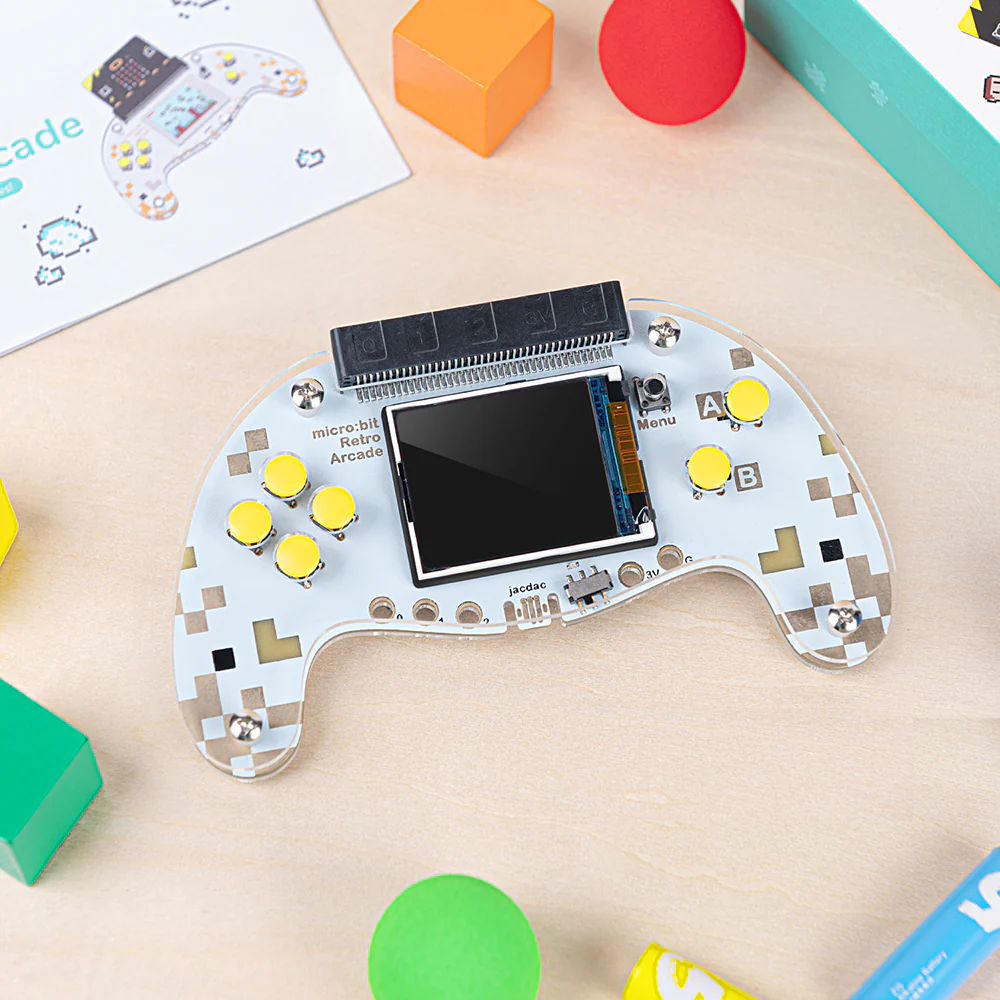
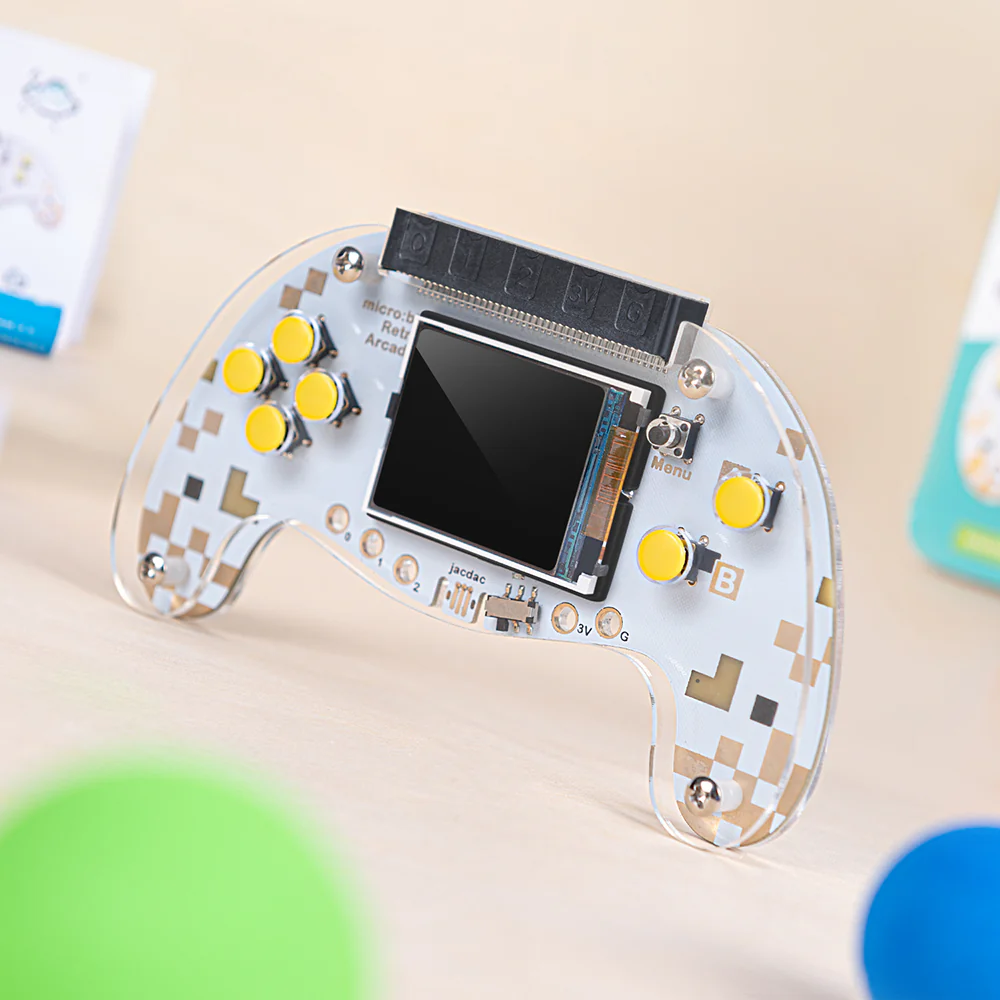
A color screen joystick expansion board for micro:bit V2. Program your own games online or offline through the Microsoft MakeCode Arcade platform — and use it as a remote control handle for robots.

micro:bit V2 160×128 TFT Color Screen MakeCode Arcade Remote Control 52g
Request a Demo
micro:bit Retro Arcade
160×128
TFT Color Screen
7
Input Buttons
52g
Net Weight
micro:bit Retro Arcade

Game Programming Meets micro:bit

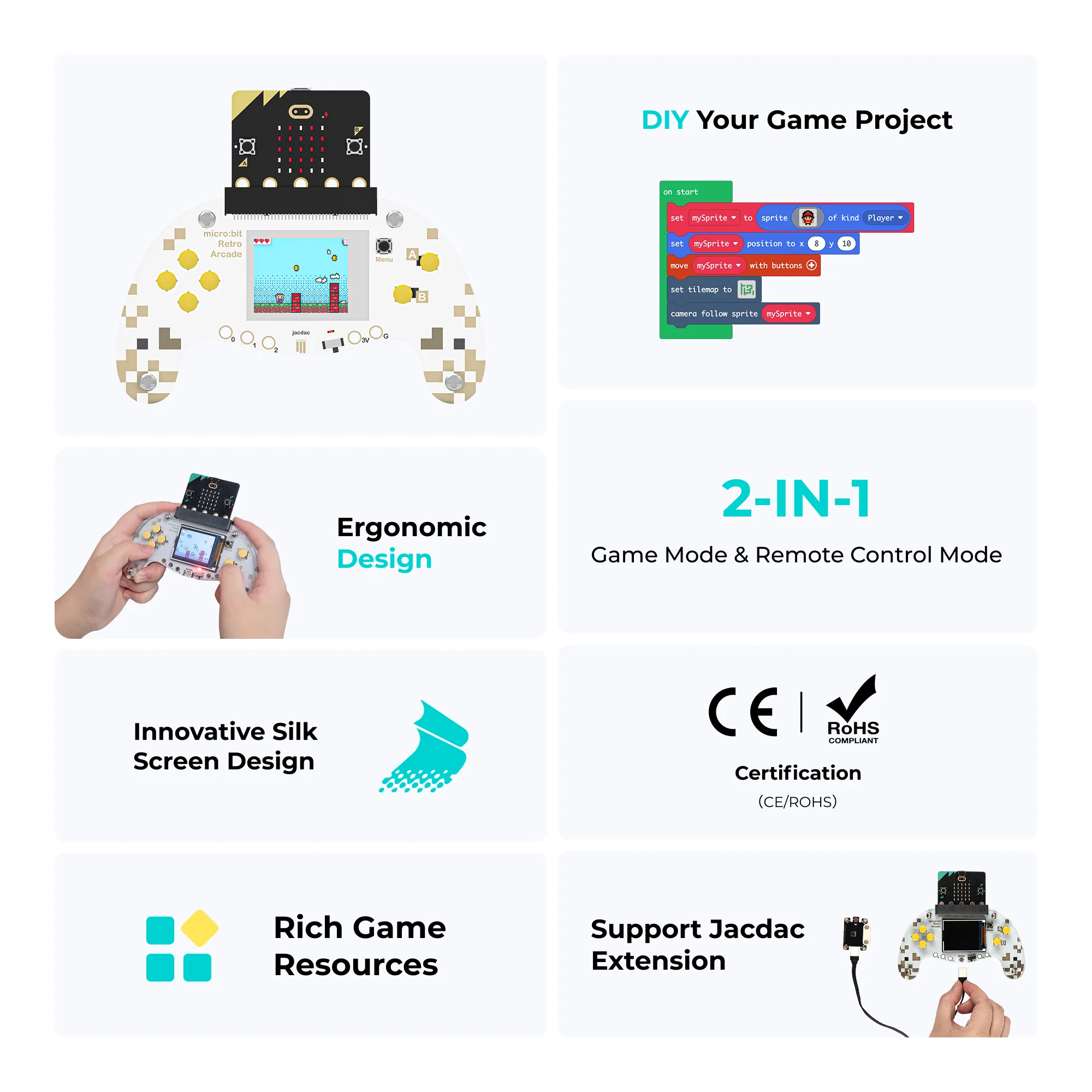
The micro:bit Retro Arcade is a color screen joystick expansion board designed for micro:bit V2. It lets students create their own games with custom characters, diverse scenarios, and plot design — all through graphical block-based programming on Microsoft MakeCode Arcade.

🖥️
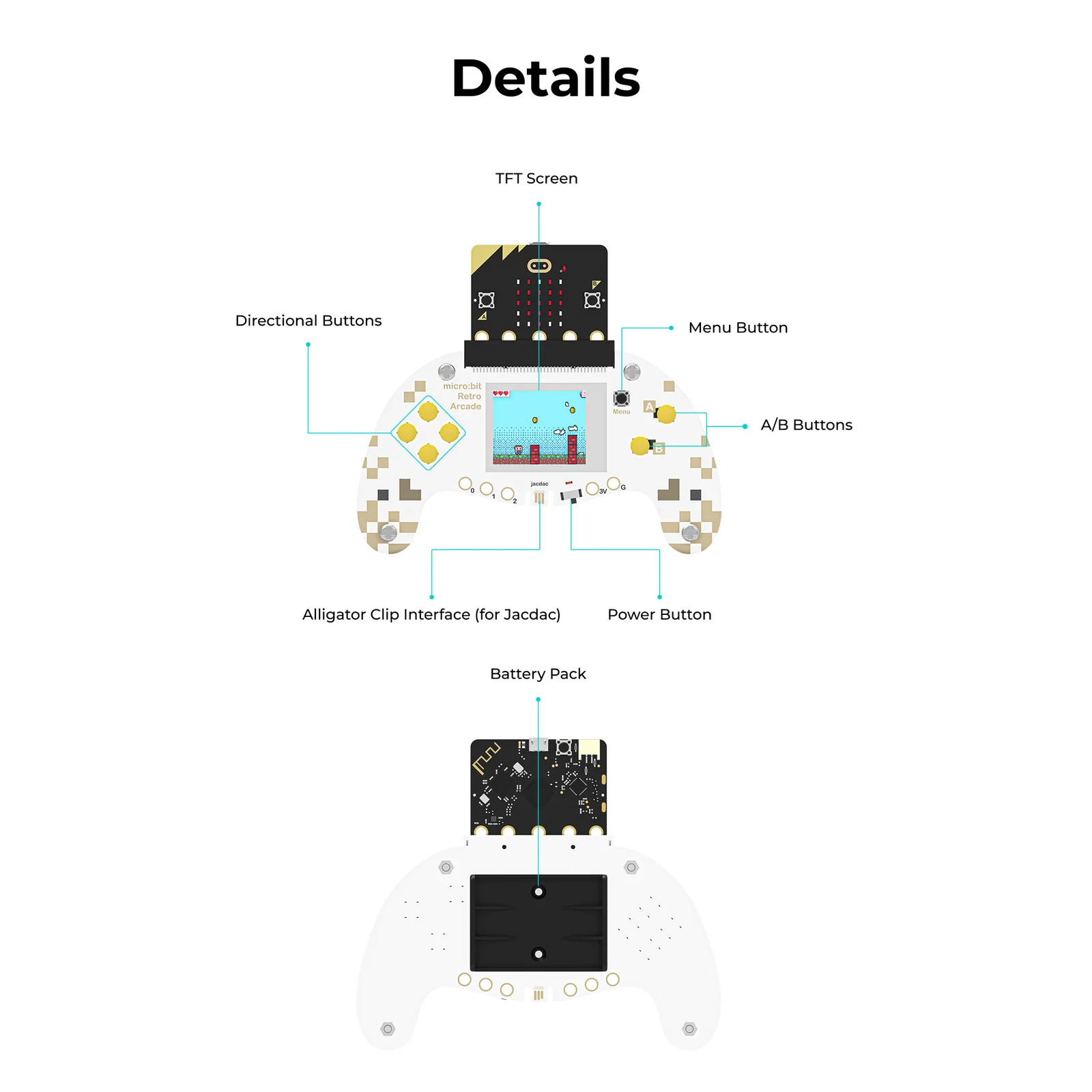
TFT Color Screen
160×128 pixel TFT color display brings student-created games to life in vivid, full-color detail.
🎮
Complete Control Layout
4 directional buttons, 2 A/B action buttons, and a reset button — everything needed for full game control.
📡
Remote Control Handle
Doubles as a wireless remote control handle for robot trolleys — expanding its use beyond game programming.

Everything You Need to Program and Play

Purpose-built for educational game programming with micro:bit — all the hardware and software integration ready out of the box.

🖥️
160×128 TFT Color Screen
Full-color TFT display renders student-created game graphics with clarity. Much sharper and more vibrant than standard monochrome micro:bit outputs.
🕹️
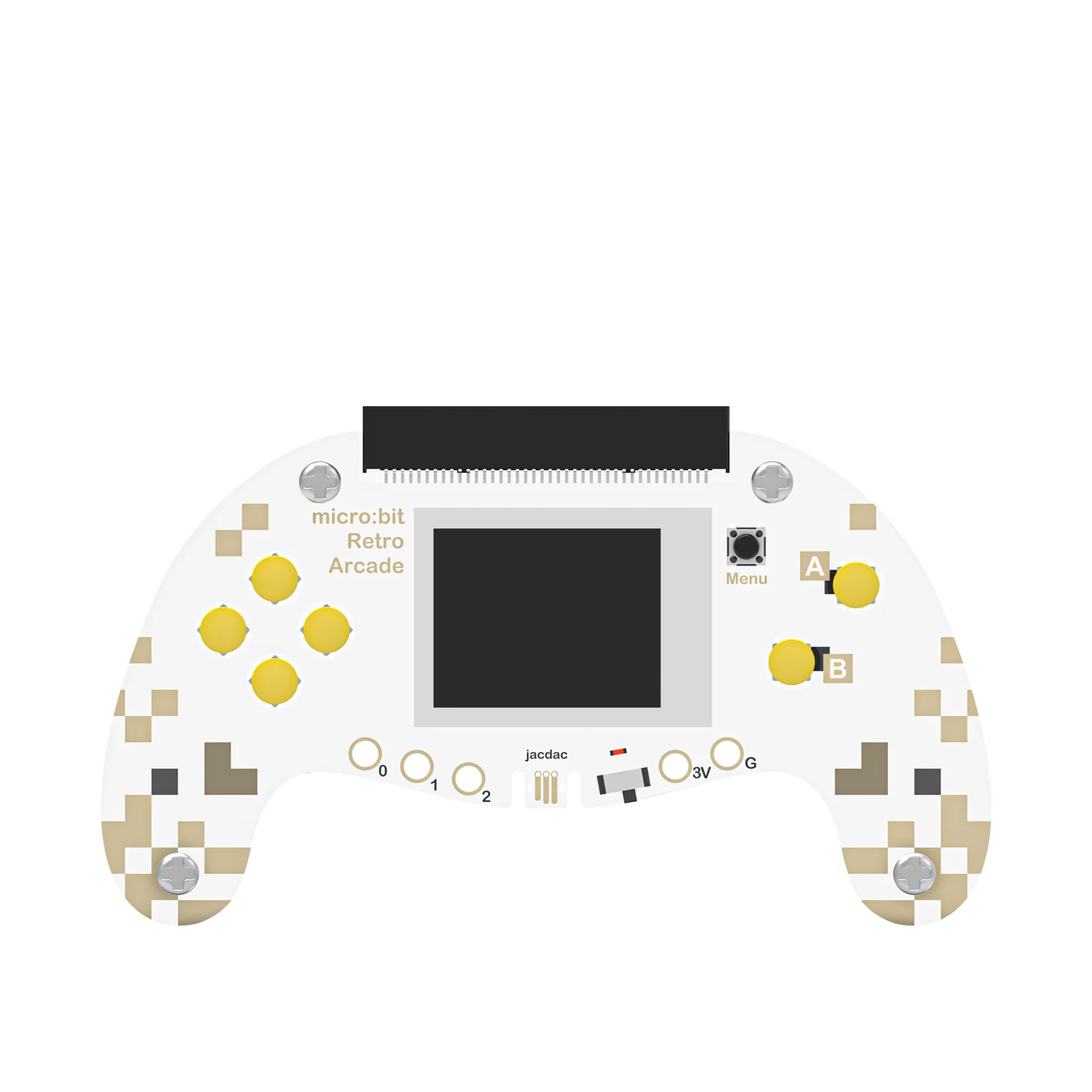
7-Button Control Layout
4-way directional D-pad, 2 A/B action buttons, and a reset button — a complete input system for any game or remote control scenario.
🧩
MakeCode Arcade Compatible
Fully compatible with Microsoft MakeCode Arcade (arcade.makecode.com). Students program online or offline with drag-and-drop block coding.
🎨
Custom Game Design
Students design custom sprites, build diverse game scenarios, and write game plots — turning abstract code into fully playable creations.
📡
Robot Remote Control
Pairs with robot trolleys (e.g. Cutebot) via micro:bit radio communication — extending the board's use into robotics and physical computing.
🔌
micro:bit V2 Compatible
Designed specifically for micro:bit V2. Simple assembly — connect the board, install batteries, power on, and start programming immediately.

Technical Specifications

Hardware Specifications
Screen TypeTFT Color Screen
Screen Resolution160 × 128 pixels
Dimensions13.79 cm × 8.13 cm
Net Weight52g
Power SupplyDry Battery
Directional Buttons4-way D-pad
Action ButtonsA / B
Reset ButtonYes
Compatible Withmicro:bit V2
Programming PlatformMicrosoft MakeCode Arcade
micro:bit Retro Arcade diagram

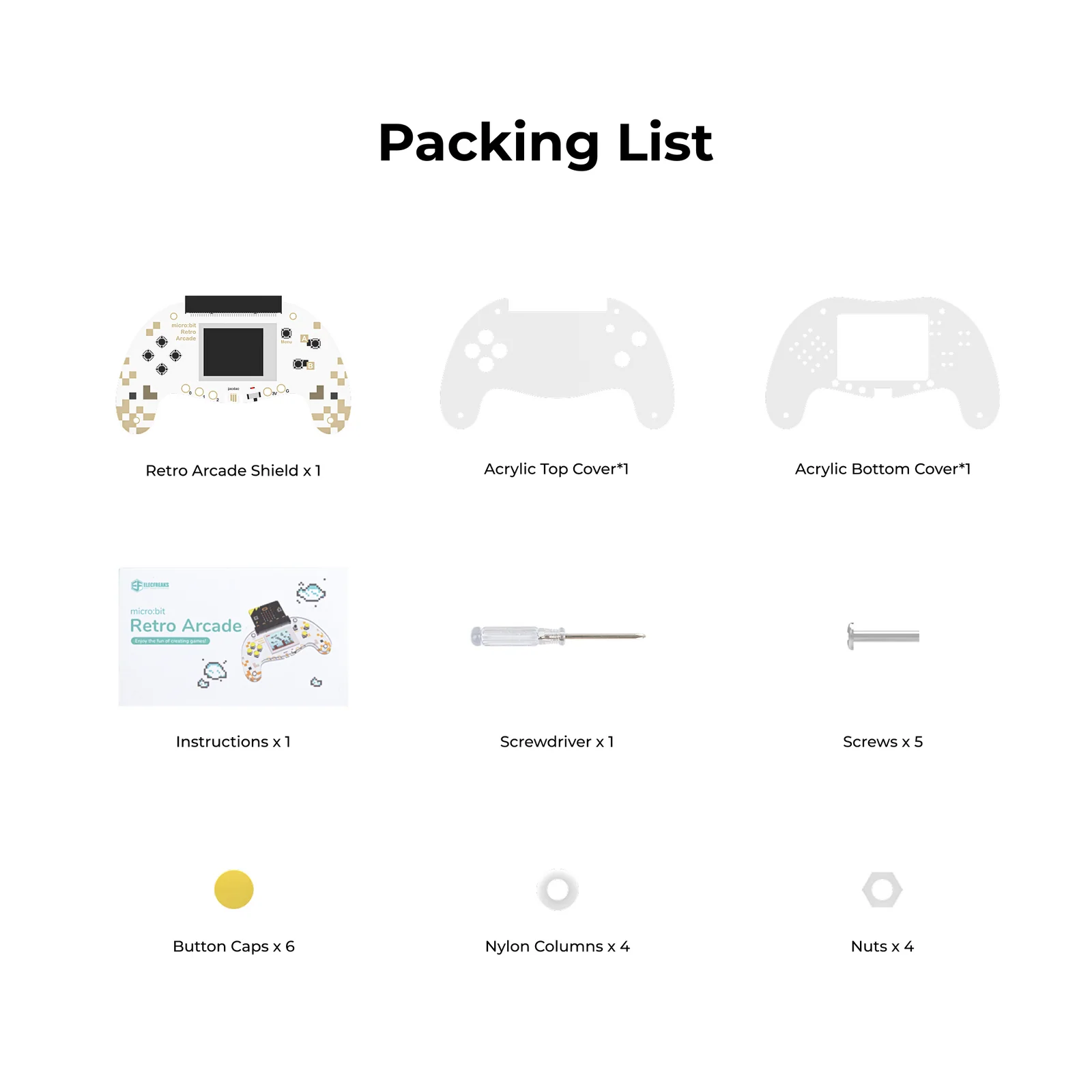
Packing List

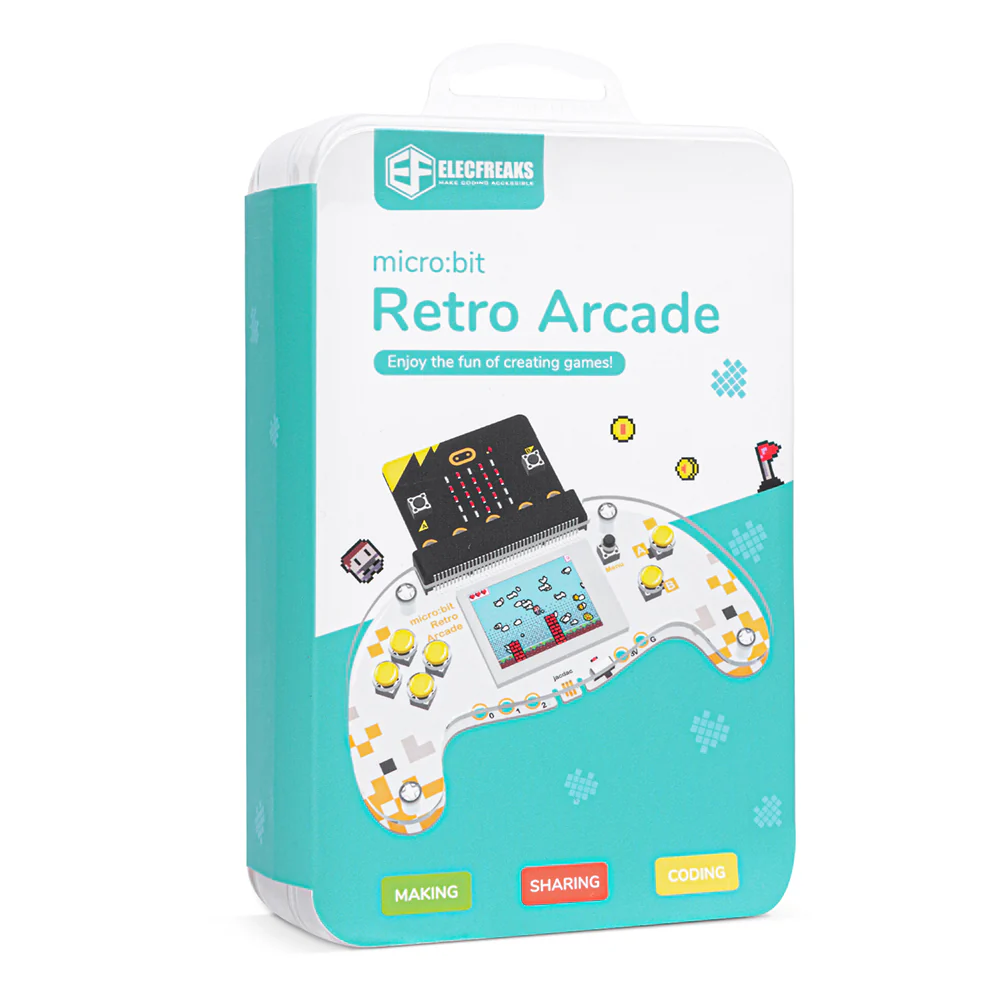
Packing List — micro:bit Retro Arcade

Two Ways to Use It

The micro:bit Retro Arcade works as a standalone game programming device and as a remote control handle — each with its own simple setup workflow.

🎮
Game Programming Mode
1
Assemble — combine micro:bit V2 with the Retro Arcade expansion board.
2
Connect — plug microUSB into the micro:bit V2.
3
Install battery — insert dry batteries into the expansion board.
4
Open MakeCode Arcade — go to arcade.makecode.com and create a new project.
5
Enable Experimental Hardware in platform settings, then download the .hex file to the MICROBIT drive.
📡
Remote Control Mode
1
Prepare materials — 2× micro:bit V2, 1× Retro Arcade, 1× robot (e.g. Cutebot).
2
Add extension libraries to MakeCode for both the robot end and the remote control end.
3
Program both ends — create a controller program for the Retro Arcade and a receiver program for the robot.
4
Download and pair — flash both micro:bits, then power on to establish radio communication.
5
Control — use the D-pad and A/B buttons on the Retro Arcade to drive and command the robot wirelessly.

What Students Can Build

The micro:bit Retro Arcade opens up a wide range of creative and technical projects suitable for middle and high school learners.

🕹️
Custom Video Games
Design and program original games from scratch — custom sprites, scrolling levels, scoring systems, enemy AI, and win/loss conditions.
🤖
Robot Remote Control
Use the Retro Arcade as a wireless joystick controller for robot trolleys, combining physical computing with game controller design.
💻
Block-Based Coding Projects
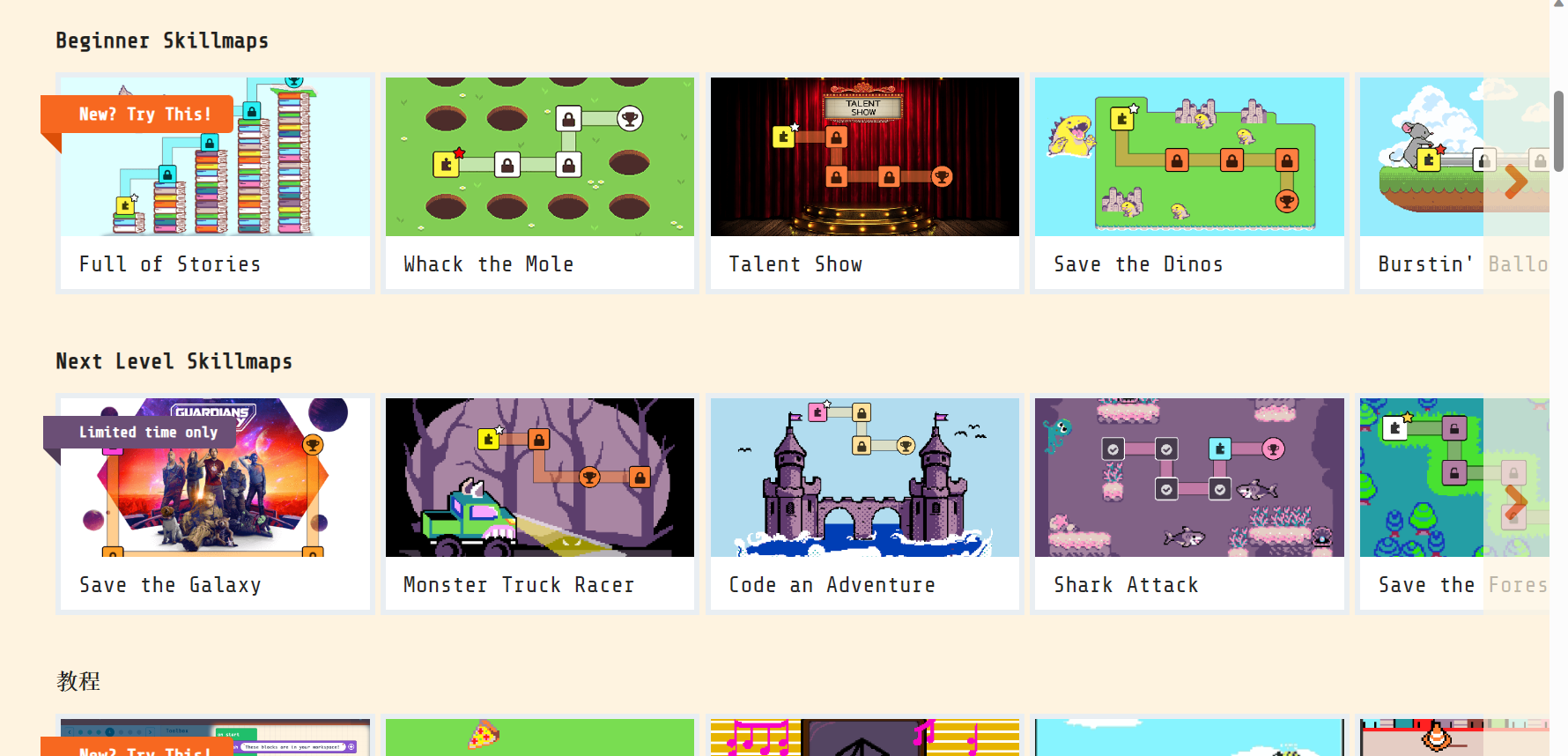
Step through progressive MakeCode Arcade coding projects — building computational thinking, sprite logic, timer events, and sensor-driven mechanics.

Bring Game Programming to Your micro:bit Classroom

The micro:bit Retro Arcade turns every student into a game developer — and a robotics engineer.

Request a Demo View All Products