Coding Arcade Kit
micro:bit Expansion Board

micro:bit Arcade Pro

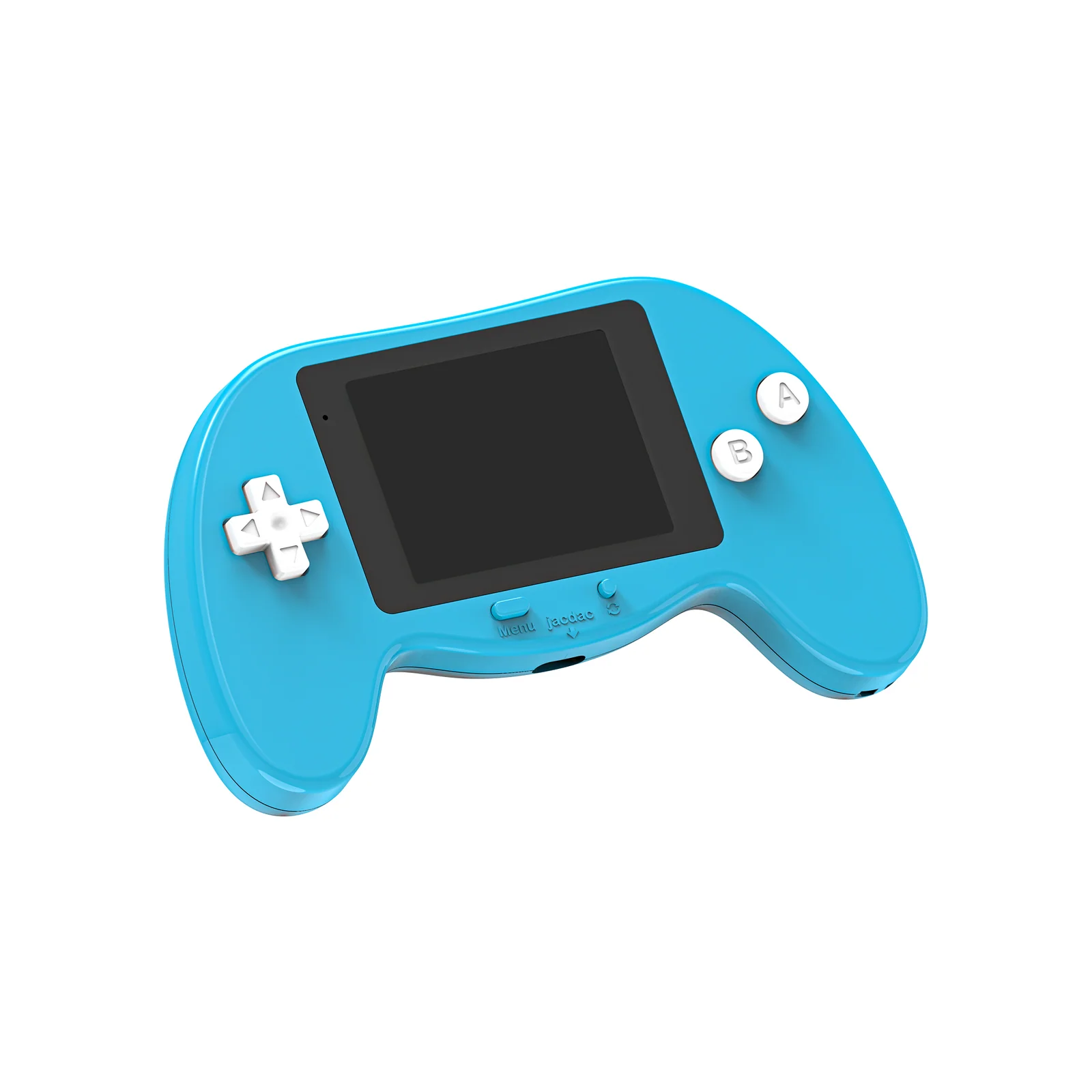
A color display gamepad-style expansion board for micro:bit V2. Program custom games, control robots wirelessly, and connect jacdac sensors — all in one premium handheld device with a built-in rechargeable battery.

micro:bit V2 240×320 TFT Display MakeCode Arcade jacdac Built-in Battery Type-C Charging
Request a Demo
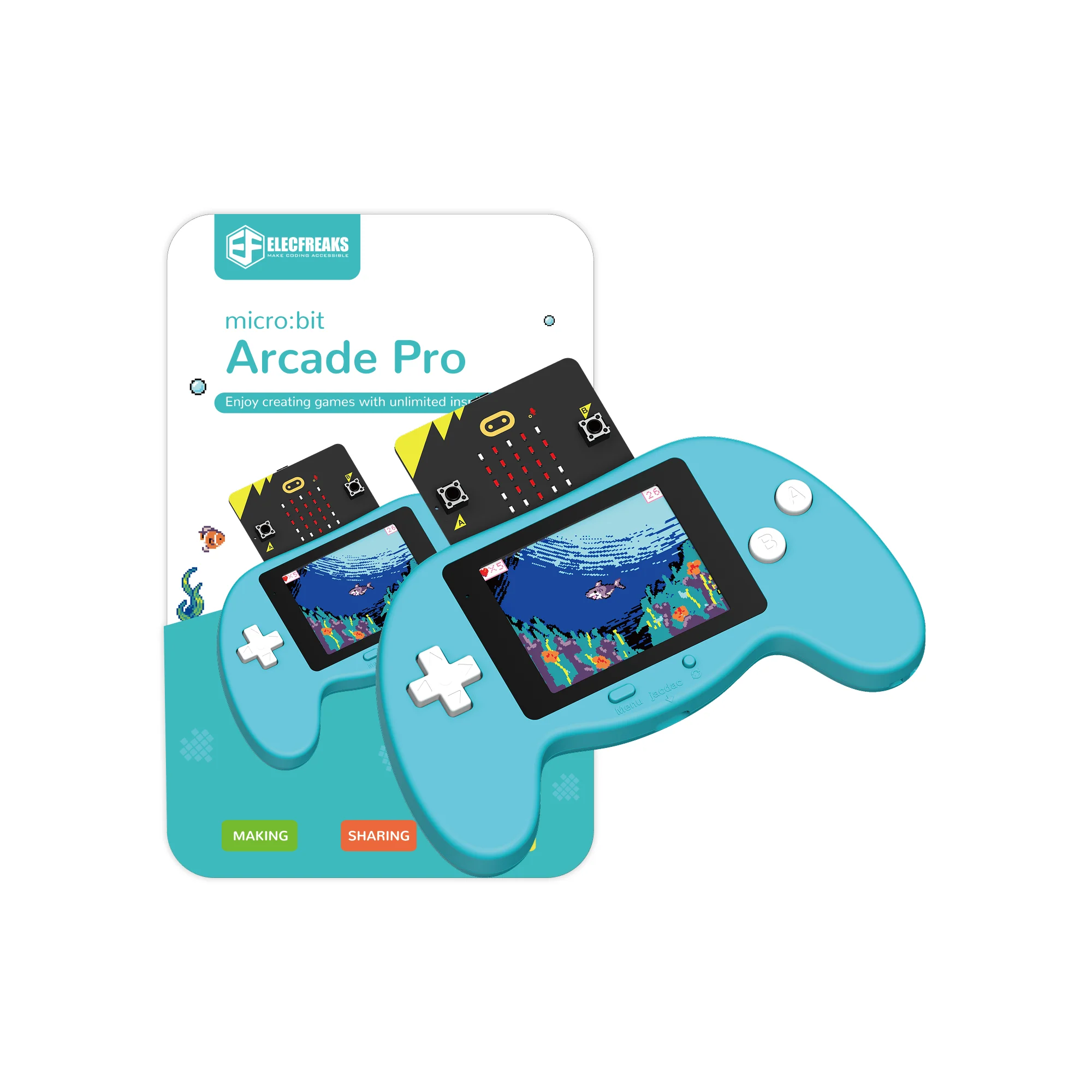
micro:bit Arcade Pro
240×320
TFT Display
2.4"
Screen Size
102g
Net Weight
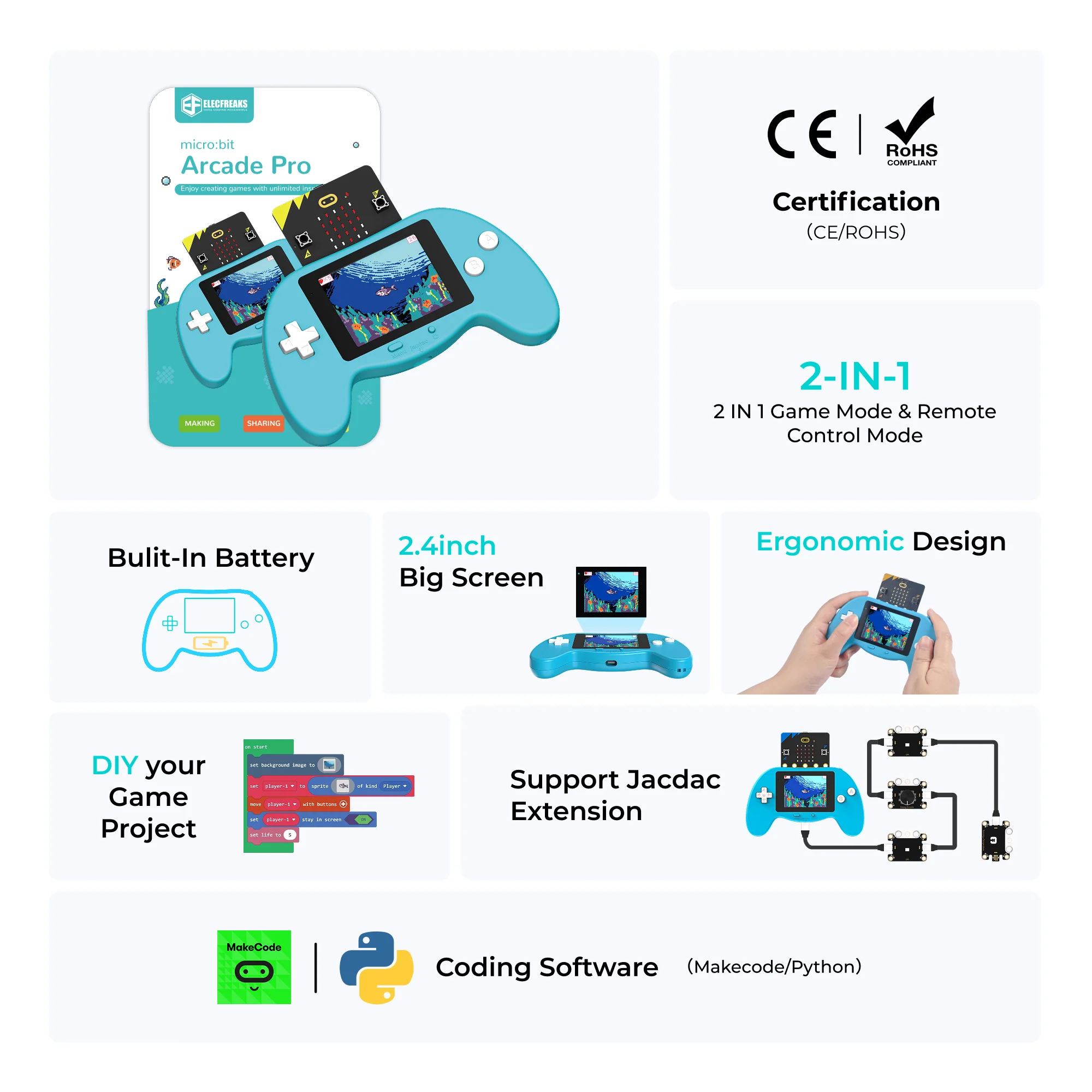
micro:bit Arcade Pro overview

Three Devices in One

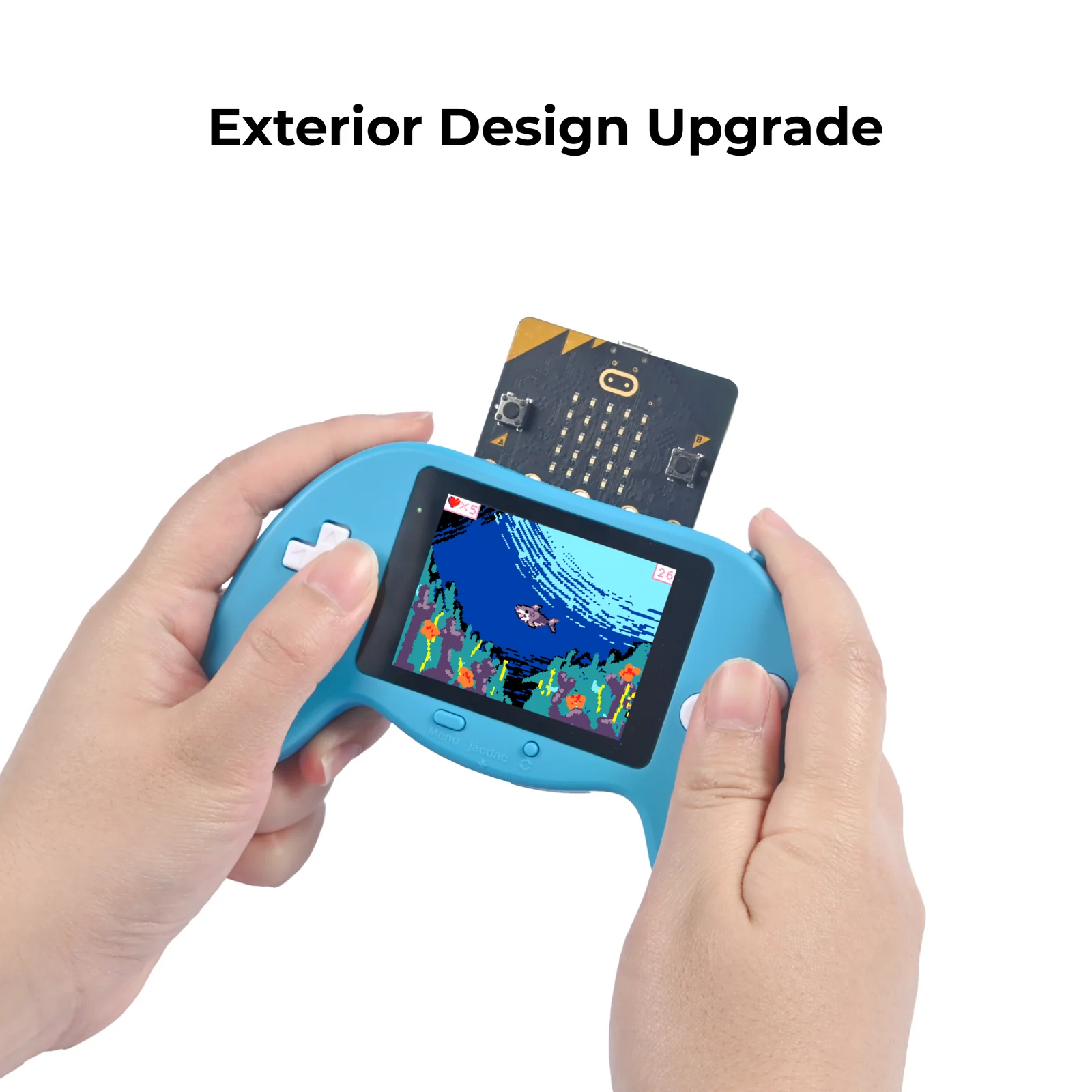
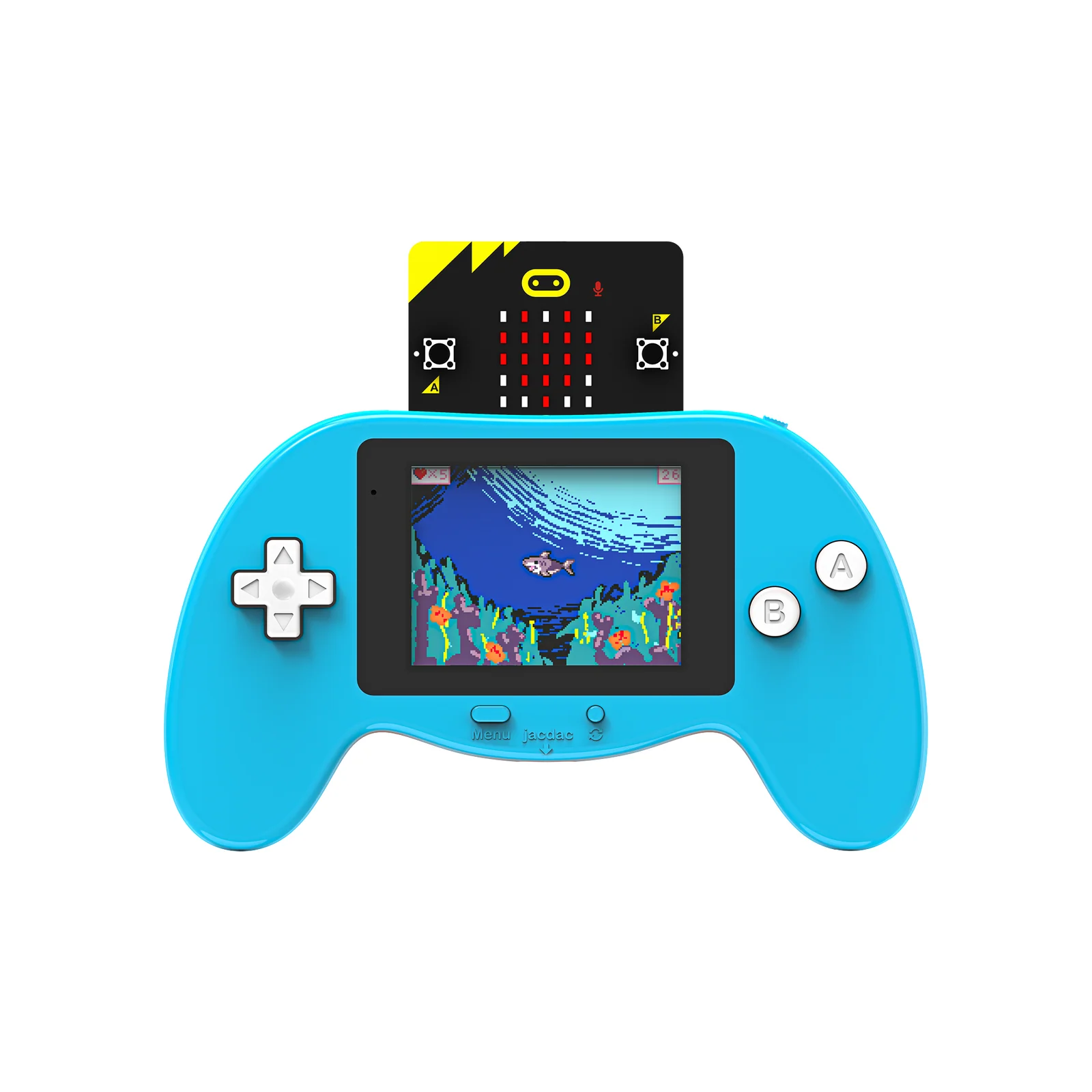
The micro:bit Arcade Pro is a premium gamepad-style expansion board for micro:bit V2, combining a high-resolution TFT display, full button controls, jacdac connectivity, and a built-in rechargeable battery — built for coding, gaming, and robotics in the classroom.

🖥️
High-Resolution TFT Display
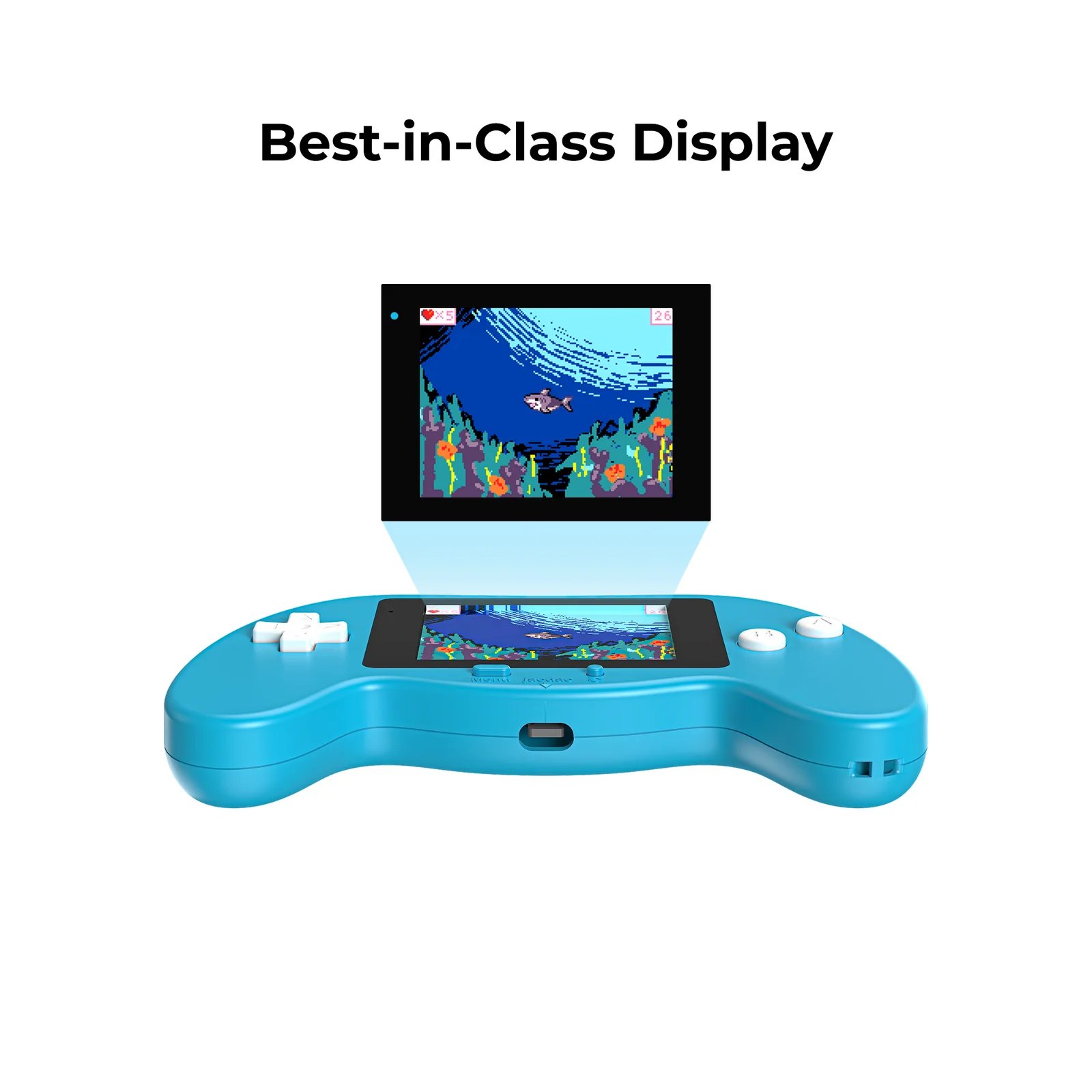
2.4-inch 240×320 pixel TFT LCD brings student-made games to life in crisp, full-color detail — sharper than any standard micro:bit output.
🔋
Built-in Rechargeable Battery
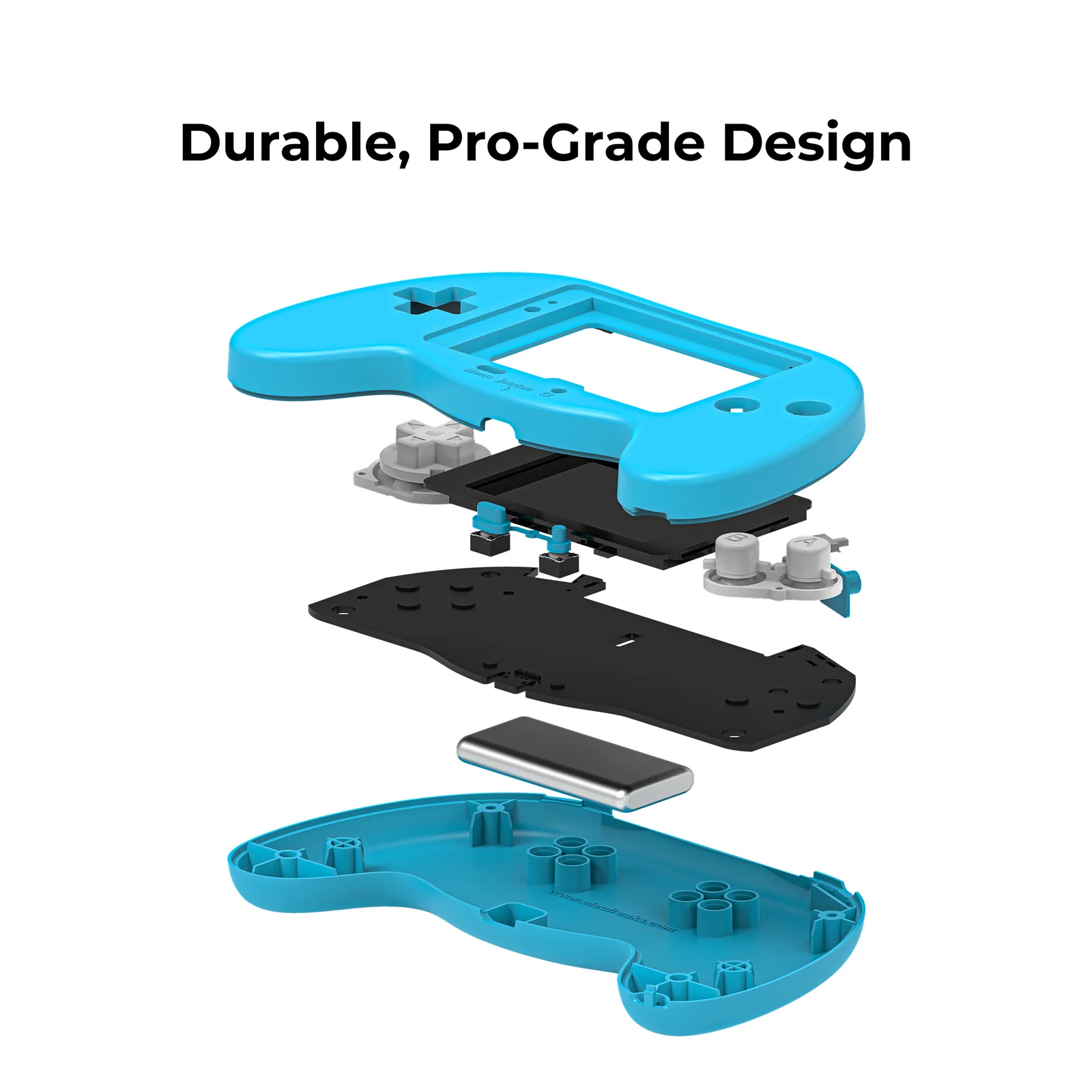
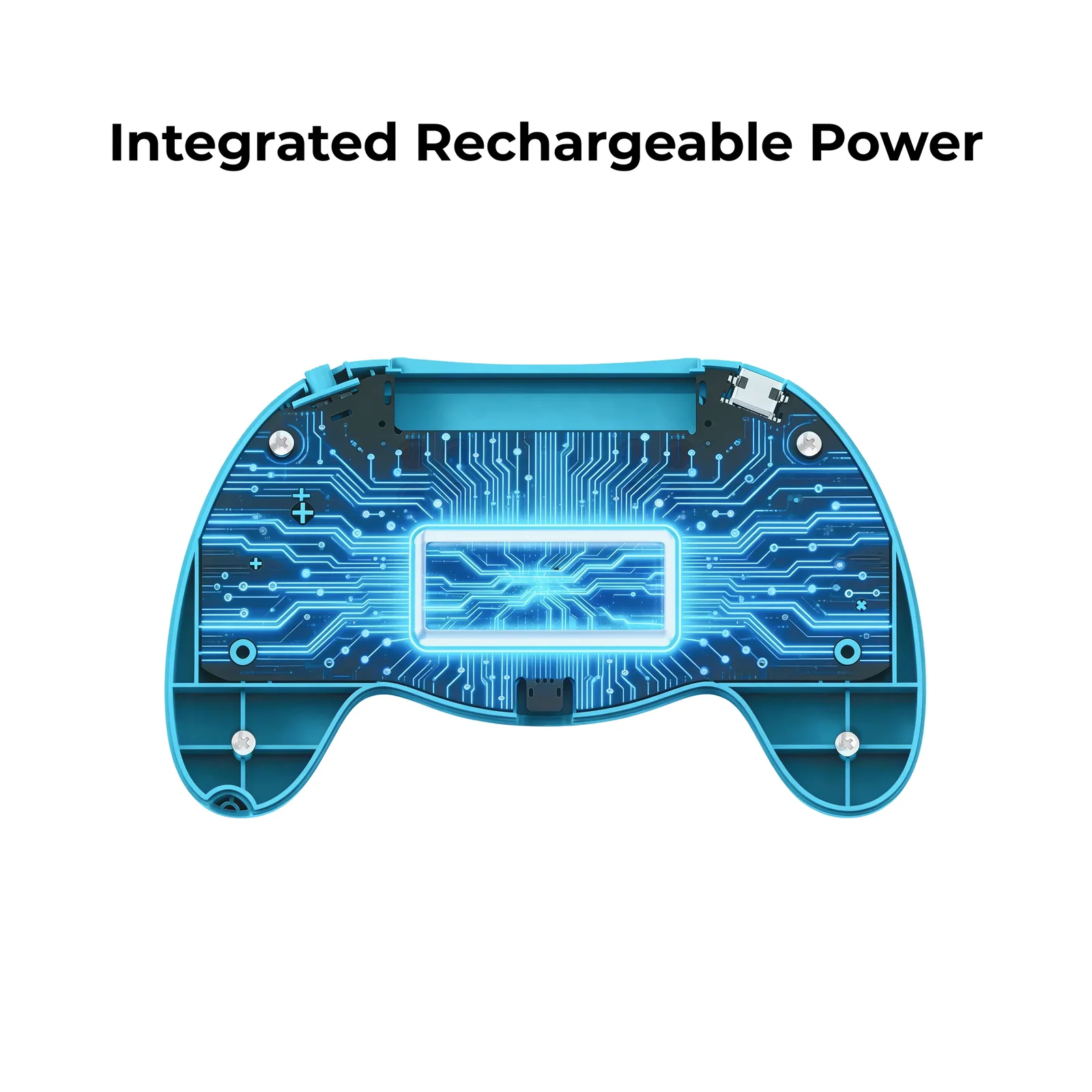
Integrated 3.7V lithium battery charges via Type-C in approximately 65 minutes — no AA batteries required, ready for extended classroom sessions.
🔌
jacdac Sensor Expansion
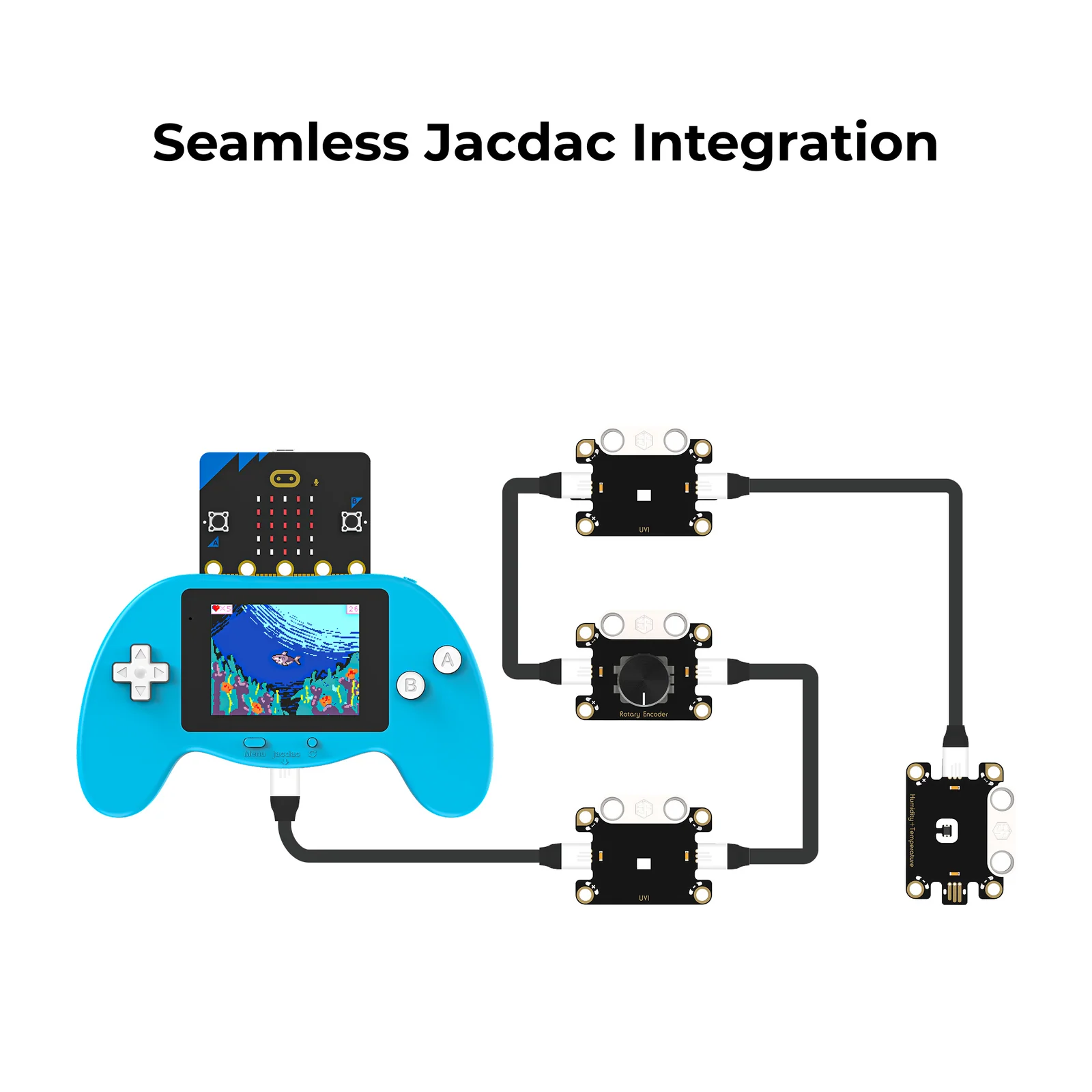
Onboard jacdac interface lets students plug in external sensors for interactive experiments and intelligent control — expanding far beyond game programming.

Everything You Need to Program, Play & Explore

Purpose-built for the next level of educational game programming — with better hardware, smarter connectivity, and deeper learning potential.

🖥️
240×320 TFT Color Display
A sharp 2.4-inch full-color TFT LCD renders student-created game graphics with vivid clarity — a major upgrade over standard micro:bit outputs.
🕹️
Full Gamepad Controls
4-way directional keys, A/B action buttons, plus reset, menu, and power buttons — a complete handheld gaming input layout for any project.
🧩
MakeCode Arcade Compatible
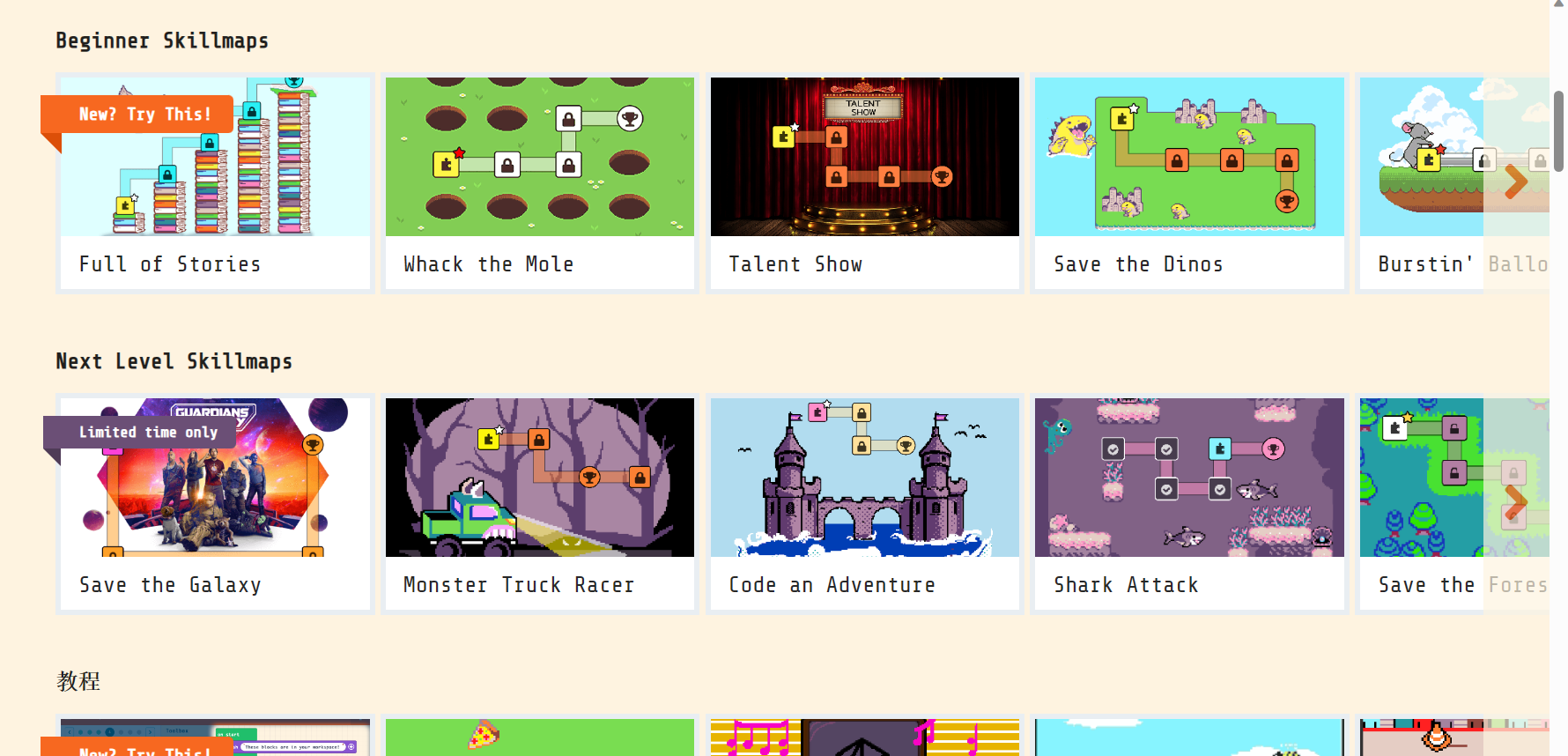
Fully compatible with Microsoft MakeCode Arcade. Students program games online or offline using drag-and-drop block coding — no prior experience needed.
🔋
Built-in Rechargeable Battery
3.7V lithium battery charges via Type-C (5V/1A) in just 65 minutes. No AA batteries — cleaner setup and ready for full classroom days.
📡
Robot Remote Control
Use as a wireless gamepad controller for micro:bit robot cars — combining physical computing, game design, and robotics in one device.
🔌
jacdac Expansion Port
Built-in jacdac interface supports plug-and-play sensor modules for electronic experiments and intelligent interactions beyond game programming.

Technical Specifications

Hardware Specifications
Product Namemicro:bit Arcade Pro
SKUEF08438
Dimensions140mm × 82mm × 21mm
Weight102g (with battery & case)
Display TypeTFT LCD Color Screen
Screen Resolution240 × 320 pixels
Screen Size2.4 inches
Battery3.7V Lithium (min. 3.5V)
ChargingType-C, 5V/1A, ~65 min
InterfacesType-C, micro:bit, jacdac
jacdac Power4.2V supply, 1A max
Compatible Withmicro:bit V2
Programming PlatformMicrosoft MakeCode Arcade
micro:bit Arcade Pro diagram

Package Contents

🎮
Arcade Pro Kit
×1
🔌
Type-C Cable
×1
🪢
Lanyard
×1
📖
User Manual
×1

Three Ways to Use It

The micro:bit Arcade Pro works as a handheld game console, a wireless robot controller, and a jacdac sensor hub — each with its own simple setup flow.

🎮
Game Programming Mode
1
Charge — plug in via Type-C until the indicator shows full (approx. 65 min).
2
Insert micro:bit V2 — slide it into the onboard connector.
3
Open MakeCode Arcade — go to arcade.makecode.com and create a new project.
4
Enable Experimental Hardware in platform settings, then download the .hex file to the MICROBIT drive.
5
Power on — press the power button and start playing your game on the color display.
📡
Robot Remote Control Mode
1
Prepare materials — 2× micro:bit V2, 1× Arcade Pro, 1× robot car (e.g. Cutebot).
2
Add extension libraries in MakeCode for both the controller and the robot receiver.
3
Program both ends — create a controller program for the Arcade Pro and a receiver program for the robot.
4
Flash and pair — download to both micro:bits, power on to establish radio communication.
5
Control — use the D-pad and A/B buttons on the Arcade Pro to drive the robot wirelessly.
🔌
jacdac Sensor Mode
1
Connect a jacdac module — plug any compatible sensor into the jacdac port on the Arcade Pro.
2
Open MakeCode — the jacdac device is auto-detected and its extension is added automatically.
3
Program interactions — use sensor readings to trigger in-game events, display data, or control outputs.
4
Download and run — flash the program and experience sensor-driven gameplay or intelligent interactions live.

What Students Can Build

The micro:bit Arcade Pro opens up a broad range of creative and technical projects — from game design to robotics to physical computing.

🕹️
Custom Video Games
Design and program original games from scratch — custom sprites, scrolling levels, scoring systems, enemy AI, and win/loss conditions displayed in vivid color.
🤖
Robot Remote Control
Use the Arcade Pro as a premium wireless joystick controller for robot cars, combining physical computing, game controller design, and real-time wireless communication.
🔬
Sensor-Driven Experiments
Connect jacdac sensors to build interactive experiments — temperature-controlled games, motion-triggered events, and intelligent sensor feedback loops.

Bring the Next Level of Game Programming to Your Classroom

The micro:bit Arcade Pro is the ultimate handheld for coding, robotics, and sensor exploration.

Request a Demo View All Products